Progress tracking, simplified for daily decision-making
Propeller is your real-time command center for earthwork projects

Bid and plan with confidence
Reduce project risk and estimate smarter every day. Make accurate bids fast with verified, high-precision data.

Verify your earthwork quantities, daily
Know today’s production. See every site change and verify work in real time with clear, reliable insights.

Connect everyone with a shared source of truth
One map, total control. Bring surveys, designs, and machine telematics together on a shared live map for seamless collaboration.
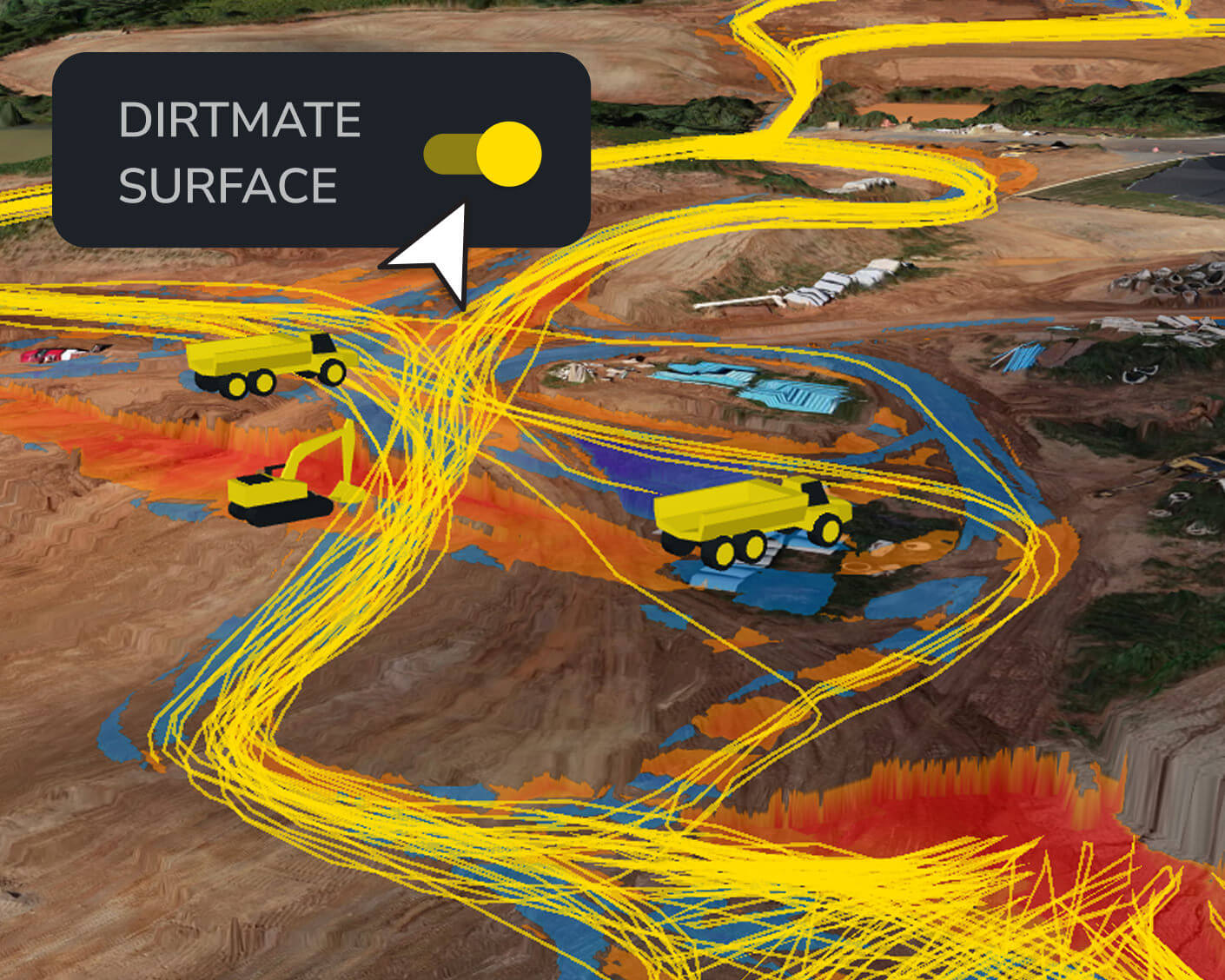
Get surface updates daily with DirtMate machine telematics
- Track elevation changes and update the site surface every 30 minutes with DirtMate
- Monitor the real-time location of earthmoving equipment (scrapers, dozers, excavators, graders, compactors)
- Track idle/run time to optimize operator efficiency
- Confidently adjust staffing, machine allocation, and site strategy with accurate, real-time visibility
- Load/dump counts
- Machine location and trails
- DirtMate surfaces
- Utilization view
Bid with speed and accuracy
- Use high-precision measurements to generate fast, defensible bids
- Compare existing site conditions to design intent
- Calculate volumes and identify risks early so you can price work with confidence
- Area take-offs
- Cut-fill calculation
- Comparison to designs
- Accurate volume reporting
Plan smarter before you break ground
- Verify site conditions before pricing work
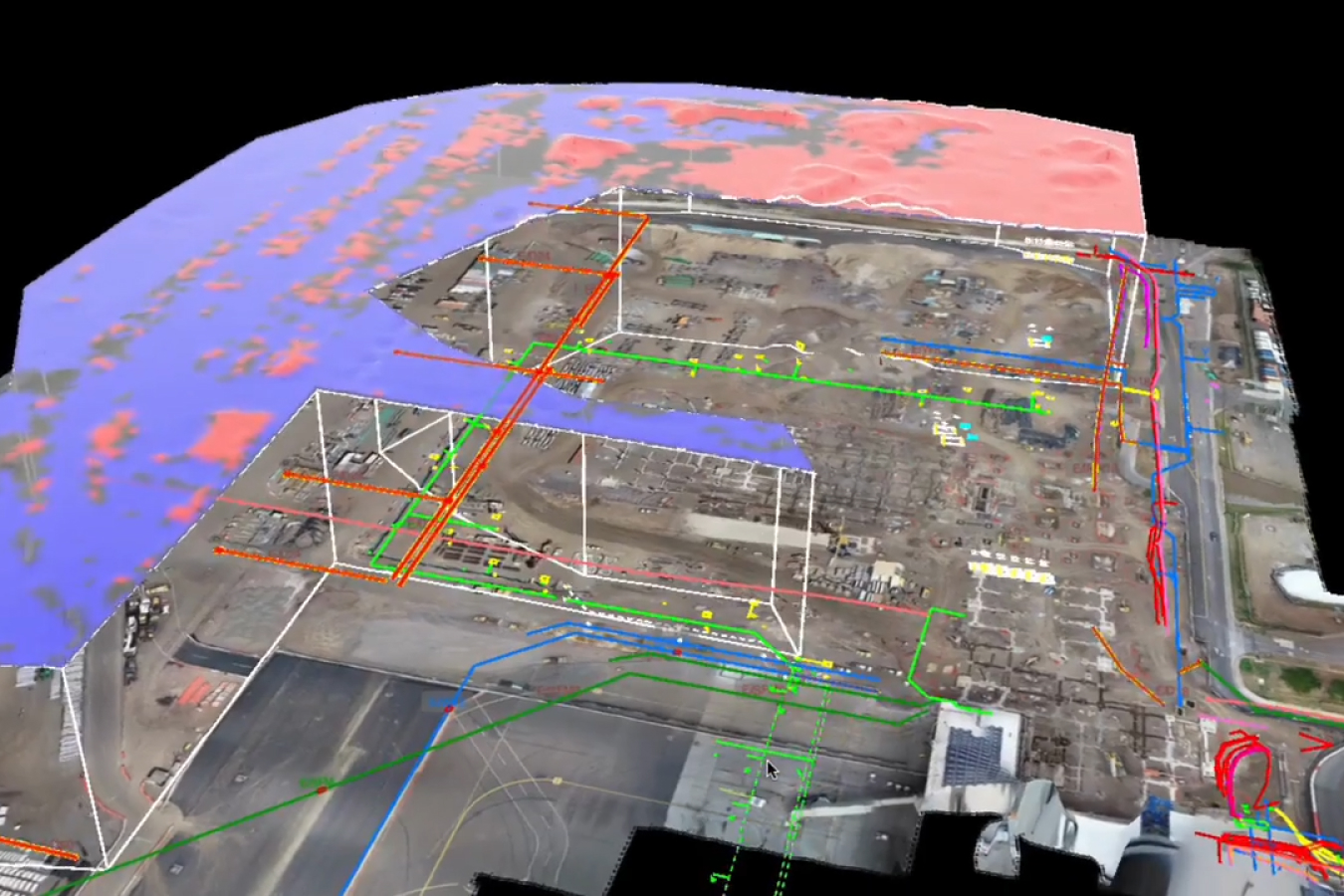
- Compare design intent to existing terrain
- Flag discrepancies and surface areas where plans and reality diverge
- TIN comparison
- Reference level checks
- Design surfacing
Get field verification and quality control anytime, anywhere
- Conduct quick grade checks from your phone to reduce mistakes and verify work in real time
- Visualize your real-time location relative to designs and your machines in the field
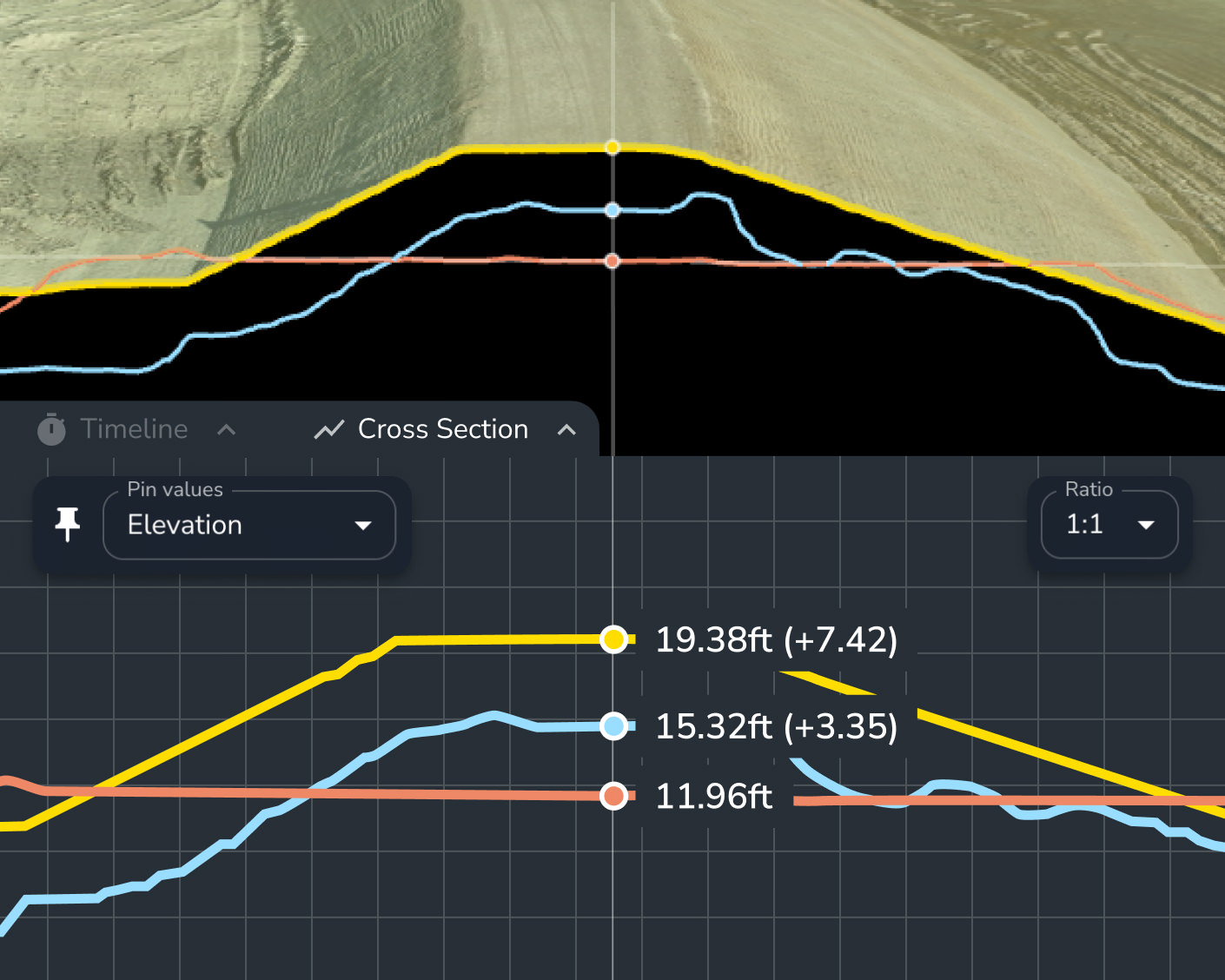
- Use recorded elevation history and easily create cross-sections to compare current progress against design
- Grade check
- Cross-section
- Surface comparison
From periodic capture to live feeds, get surface data on your schedule
Choose a reporting frequency that works for you. Propeller is hardware-agnostic, supporting drones and rovers, or add in DirtMate to stream surface data back to Propeller daily.

Survey your site with any tool
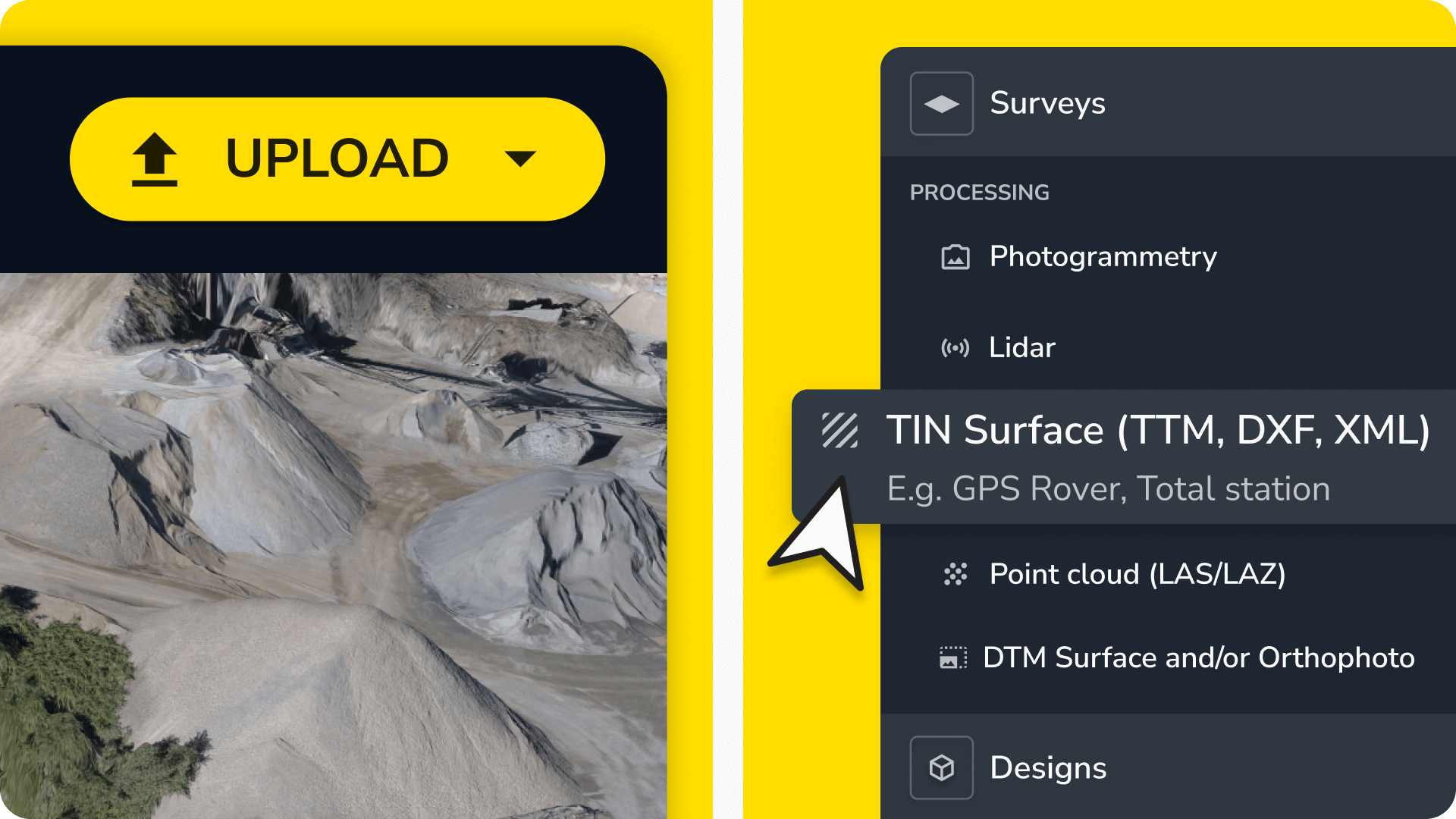
Capture data with any tool. Process your drone data in Propeller or upload pre-processed data from other sources, including GPS rovers, handheld scanners, and total stations.
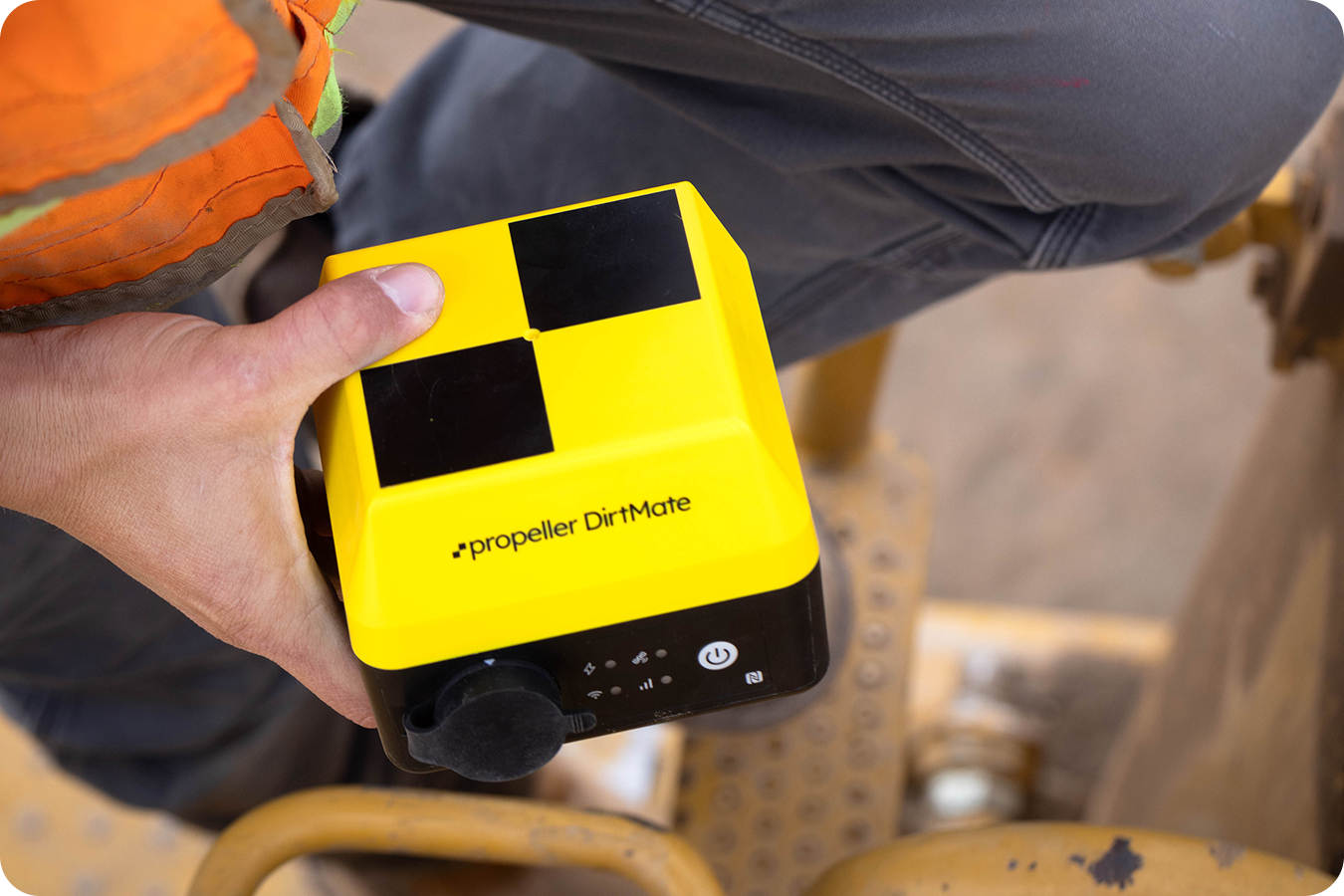
Stream surface data daily with DirtMate
Record daily progress using DirtMate machine telematics, a continuous feed of high-precision PPK surfaces and real-time productivity metrics.
Plan for the future and track the present with Propeller
FAQs
As often as needed! Many teams use weekly drone flights to check progress and identify hazards. With DirtMate, new surface data updates every 30 minutes, so you can check midday progress, get yesterday’s productivity first thing in the morning, or review multi-day trends to plan ahead.
Yes. Comparing surveys helps you spot safety risks, weather damage, or incomplete work. With DirtMate’s frequent updates, you’ll catch issues early. Whether it’s midday, end-of-day, or during regular check-ins—so you can act quickly and stay on track.
Measuring progress against your schedule helps you catch delays early. DirtMate’s real-time updates give you a clear view of what’s done and what’s next, so you can adjust resources, fix bottlenecks, and keep your project moving.
You can upload design files, early ground surveys, or past project data to understand expected volumes, verify planned vs actual conditions, and build accurate bids based on high-precision measurements.
By comparing early data against design plans, you can identify discrepancies, estimate volumes more accurately, and prevent unexpected scope changes.
Yes. You can use surface comparisons and measurement tools to validate quantities submitted by subcontractors before finalizing contracts.
Propeller supports a variety of inputs, including CSVs, design surfaces, ground surveys, historical data, and past project benchmarks.
We support companies in aggregates, waste management, mining, and civil construction worldwide.
Propeller integrates seamlessly with other tools, letting you import and export data in various file formats, including:
Import
- Processing
- Lidar
- Photogrammetry
- Pre-processed data
- TIN surface (TTM, DXF, XML)
- Point cloud (LAS/LAZ)
- DTM Surface and/or Orthophoto (GeoTIFF)
- Designs (GeoTIFF, TTM, DXF, KML, KMZ, LandXML, CZML, PDF, IFC)
- Media (JPEGs, 360° images)
Export
- 3D model (different resolutions, DXF)
- Orthophoto (GeoTIFF, BigTIFF, JFIF, JPEG, PDF)
- Point cloud (LAZ)
- Shapefile (CZML, GeoJSON)
- Survey boundary (GeoJSON)
- Terrain (DXF, TTM, KML, GCP.CSV, CSV)
- Contours (DXF)
- Measurement outlines (DXF, KML)
- Flythrough
Yes, your data is safe with us. Propeller hosts most of its platform on Amazon Web Services (AWS), which meets industry standards like SOC, PCI DSS, and ISO 27001. We also use a private cloud for processing your data securely. Learn more about how we protect your data here.
Our dedicated support team is here for you. Visit our Customer Success page to learn more.
Yes, you can start a 14-day free trial to upload your data and explore our platform. Sign up here.
Upload your data quickly with our drag-and-drop uploader. For a step-by-step guide, check out our help center.
Propeller works with a variety of hardware including high-accuracy drones, GNSS recievers, and handheld scanners.
Currently, Propeller processes photogrammetric and lidar survey data. However, you can also import pre-processed datasets.
Survey accuracy depends on the equipment and setup used. With Propeller PPK, you can achieve accuracy down to 1/10ft (3cm) using just one AeroPoint. For traditional setups, expect accuracy of about 3/10ft (9cm) with 10 AeroPoints. Learn more about how we calculate expected accuracy here.
Getting Part 107 certified to operate commercially is easy. Check out this blog post for all the details.
Getting your ARN from CASA is a simple online process. See how it works here.
Once you’ve uploaded your drone imagery and ground control data to the platform, data processing takes 24 hours at most. We’ll notify you via email when your 3D survey is ready to view.
As often as needed! Many teams use weekly drone flights to check progress and identify hazards. With DirtMate, new surface data updates every 30 minutes, so you can check midday progress, get yesterday’s productivity first thing in the morning, or review multi-day trends to plan ahead.
Yes. Comparing surveys helps you spot safety risks, weather damage, or incomplete work. With DirtMate’s frequent updates, you’ll catch issues early. Whether it’s midday, end-of-day, or during regular check-ins—so you can act quickly and stay on track.
Measuring progress against your schedule helps you catch delays early. DirtMate’s real-time updates give you a clear view of what’s done and what’s next, so you can adjust resources, fix bottlenecks, and keep your project moving.