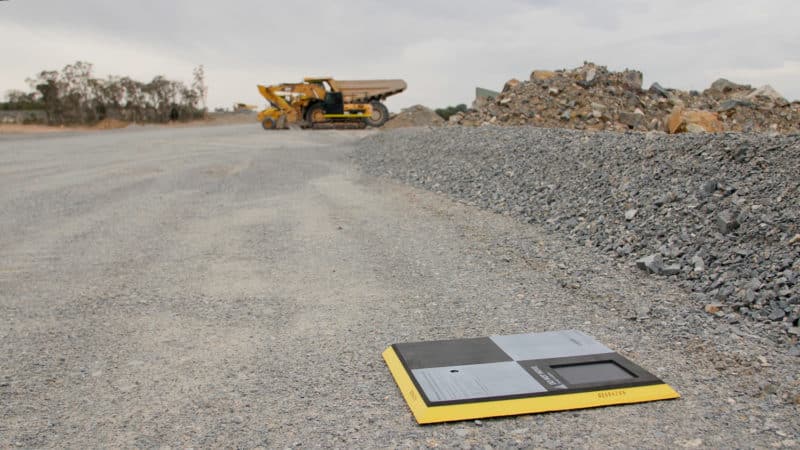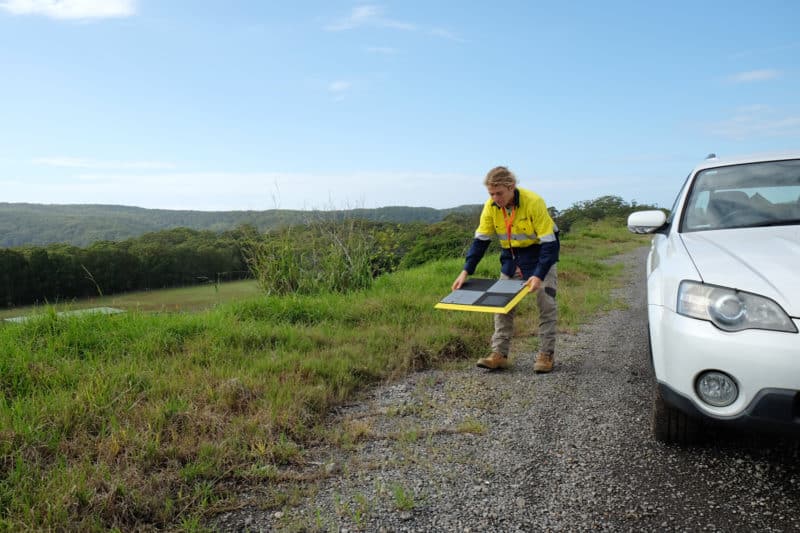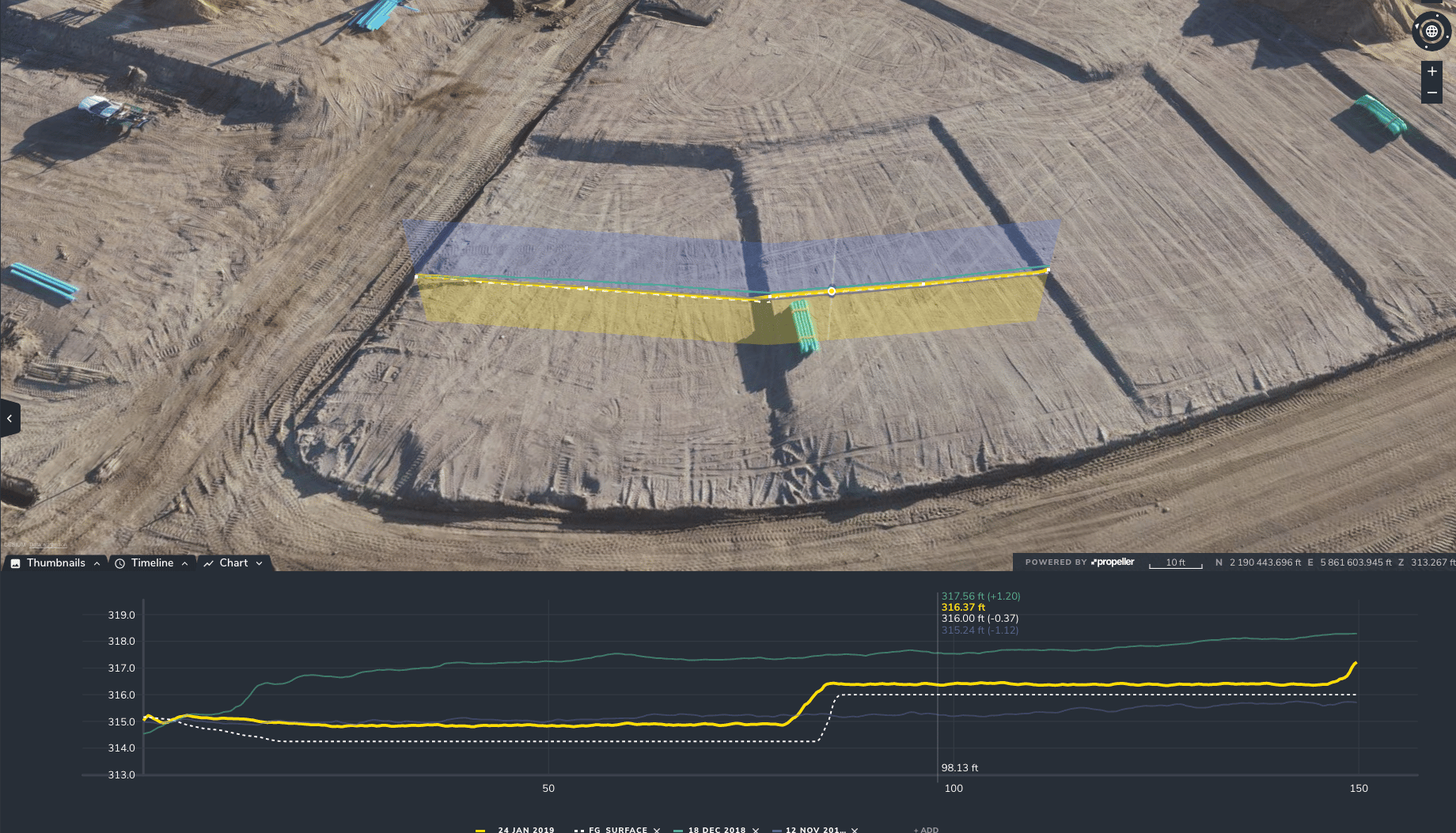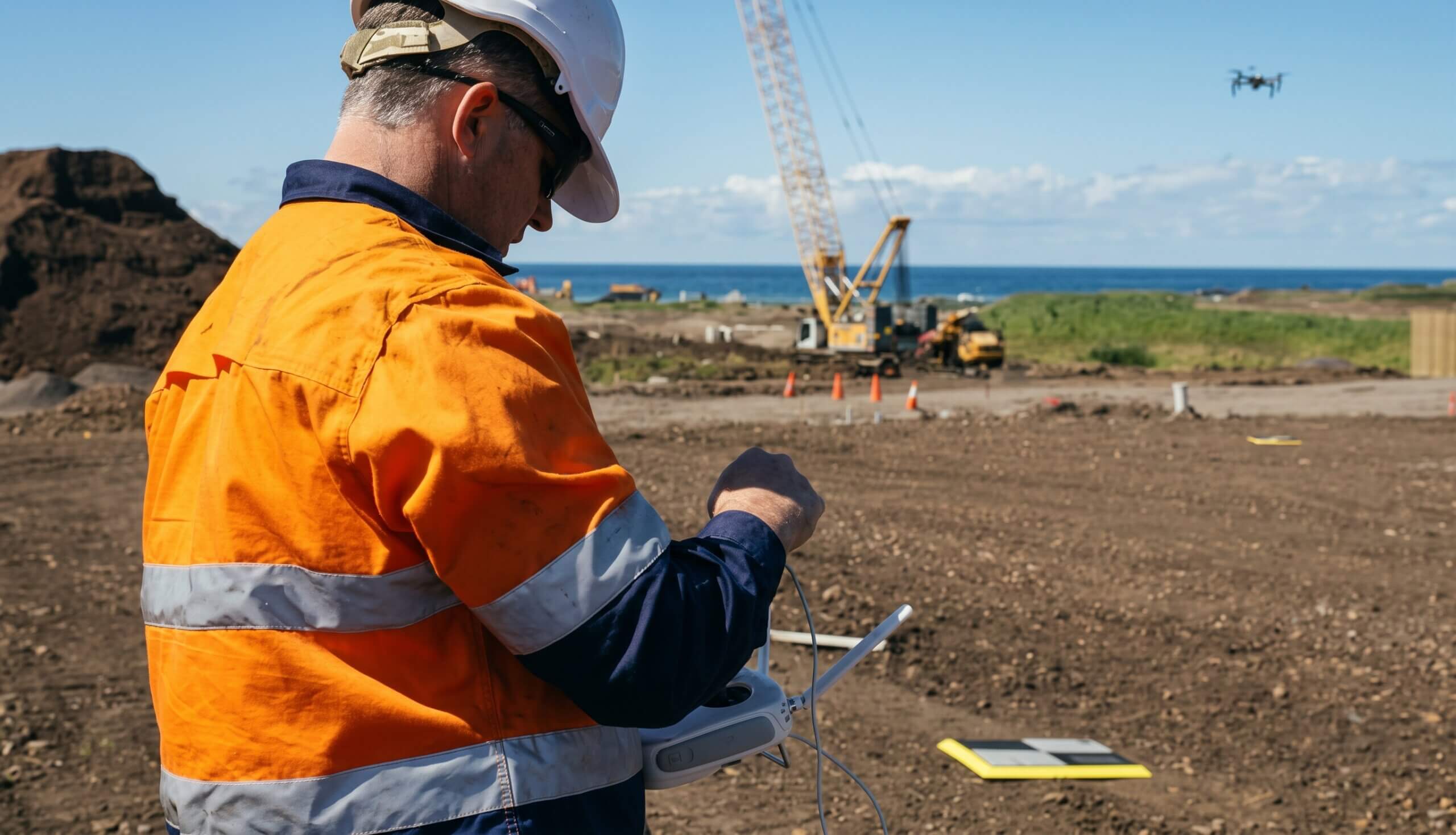
Did you know: AeroPoints™ don’t use RTK to process and correct positioning data. So what is RTK GPS, and why don’t AeroPoints use it?
It all starts with how the Global Navigation Satellite System (GNSS) is used to get an accurate position.
What is RTK?
Real-time kinematic processing (RTK) is a precision GNSS technique used to capture survey-grade position data. A GNSS receiver known as the “base” is placed over a point with known coordinates.
That base continuously observes signals from positioning satellite constellations and sends these over a radio, cellular, or satellite network link to a second receiver known as the “rover.”
The rover compares its own observations to those from the base, allowing it to cancel out the atmospheric, satellite orbit, and timing errors that can affect GNSS accuracy. The result is an accurate relative measurement between the two receivers in real time.
By adding this relative distance to the base station’s coordinates, the rover’s position can be determined within a few centimeters.
What makes AeroPoints different?
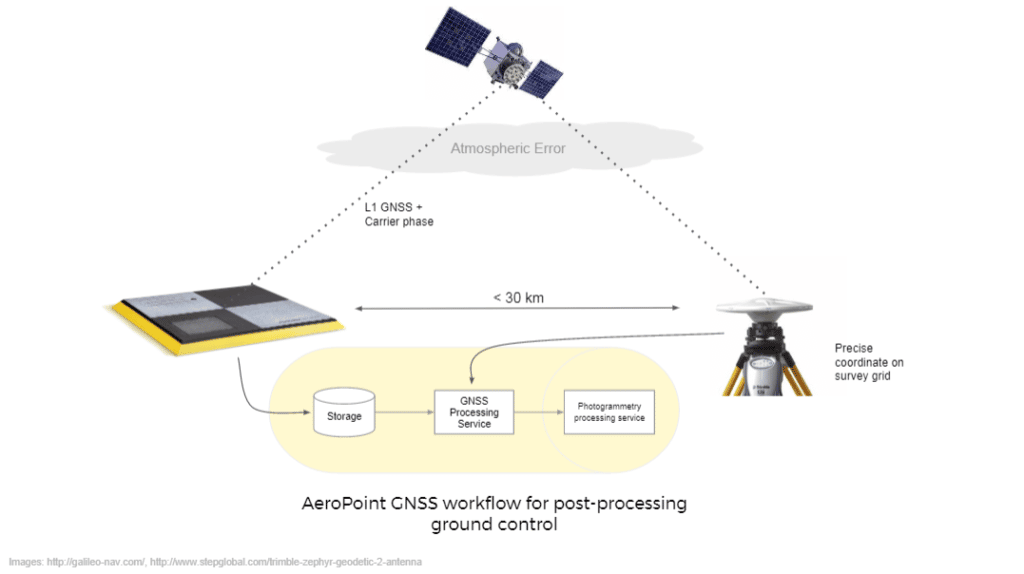
AeroPoints use a similar technique known as static post-processing. This is still a differential technique, but the base and rover send their raw GNSS observations to our cloud platform for processing only after they have completed observations. This is similar to what is known as PPK (post-processing kinematic) when talking about onboard drone GNSS systems.
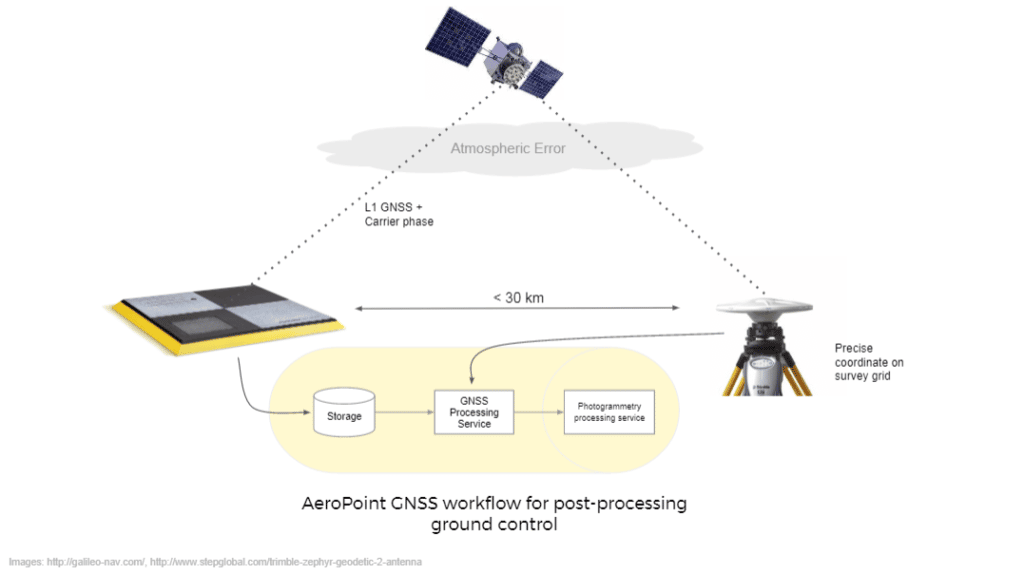
This post-processing approach has several advantages over RTK for drone mapping:
No radio link required when collecting data
With RTK systems, the accuracy of your data is dependent on a constantly available connection between the base and rover. This can be especially tricky in remote areas, or when the RTK system is mounted on a moving drone.
AeroPoints don’t rely on any external communication networks during your flight—they simply need a WiFi connection after they have completed their observations to upload captured data back to the Propeller cloud platform.
Greater simplicity in the field
Moving GNSS processing to our cloud servers makes AeroPoints much simpler and easier to use than RTK systems. This approach minimizes the chance of field errors affecting accuracy, and reduces power consumption so that AeroPoints can run comfortably from an inbuilt solar panel. AeroPoints 2 have a long battery life (100 hours) and can be easily charged either from in-built solar panels or a plug-in charging port.
Longer observations for fewer errors
Processing after the fact means that AeroPoints can be left onsite to record data for longer periods, and more subsequent observations can be used in the processing algorithm. This isn’t possible in RTK because each data point is collected in real time without the context of future observations.
Using AeroPoints with an RTK-enabled drone
While it is possible to obtain accurate survey data using an onboard RTK or PPK GNSS unit, some form of ground control data (like that from AeroPoints) is essential to validate the data and correct for optical distortion between your drone and the ground.
AeroPoints add ground validation to your model and function as checkpoints to further verify accuracy.