Centralizing project documentation: What data can you store and share in Propeller?

Read Time: 4 mins
Quick links

    Learn what a point cloud actually is and then how drone data is integrated with a point cloud to build a 3D worksite model. 

    Centralizing project documentation: What data can you store and share in Propeller? 

    In the already fast-paced world of construction, the buzz around centralizing data and streamlining workflows is getting louder than ever. You’ve probably already heard that using a single source of truth can keep all of your stakeholders connected and on track. 

    But when you dig into the details, what does a centralized source of truth actually look like? 

    As a comprehensive solution for storing and sharing survey data, we’re uniquely positioned to answer this question. In this post, we’ll explore the types of data you can store, manage, and share using Propeller—and how centralizing your survey data can transform your business.

    The heart of Propeller: 3D mapping data

    Creating accurate and measurable 3D maps based on drone-collected data is at the core of the Propeller Platform. These maps are comprised of:

    • Orthophotos: High-resolution aerial images stitched together to provide a detailed view of your worksite.
    • Digital Elevation Model (DEM): Topographical information that represents the surface of the earth.

    While orthophotos provide the high-resolution images that make your 3D maps look just like your actual worksite, the Digital Elevation Model is built from another layer of data in Propeller: point clouds.

    When a drone captures hundreds or thousands of overlapping aerial photos, those images are processed and analyzed using the science of photogrammetry to measure the geography and landscape features of the site. By matching features that appear in multiple images, we can relate images to each other and reconstruct the objects captured in them.

    To learn more about the science of photogrammetry, check out this post.

    We then use the data from millions of these visual features to create a point cloud—a three-dimensional set of points where each point represents a matched feature. By themselves, point clouds look like just that—3D cloud-like shapes made of millions of tiny points in space.
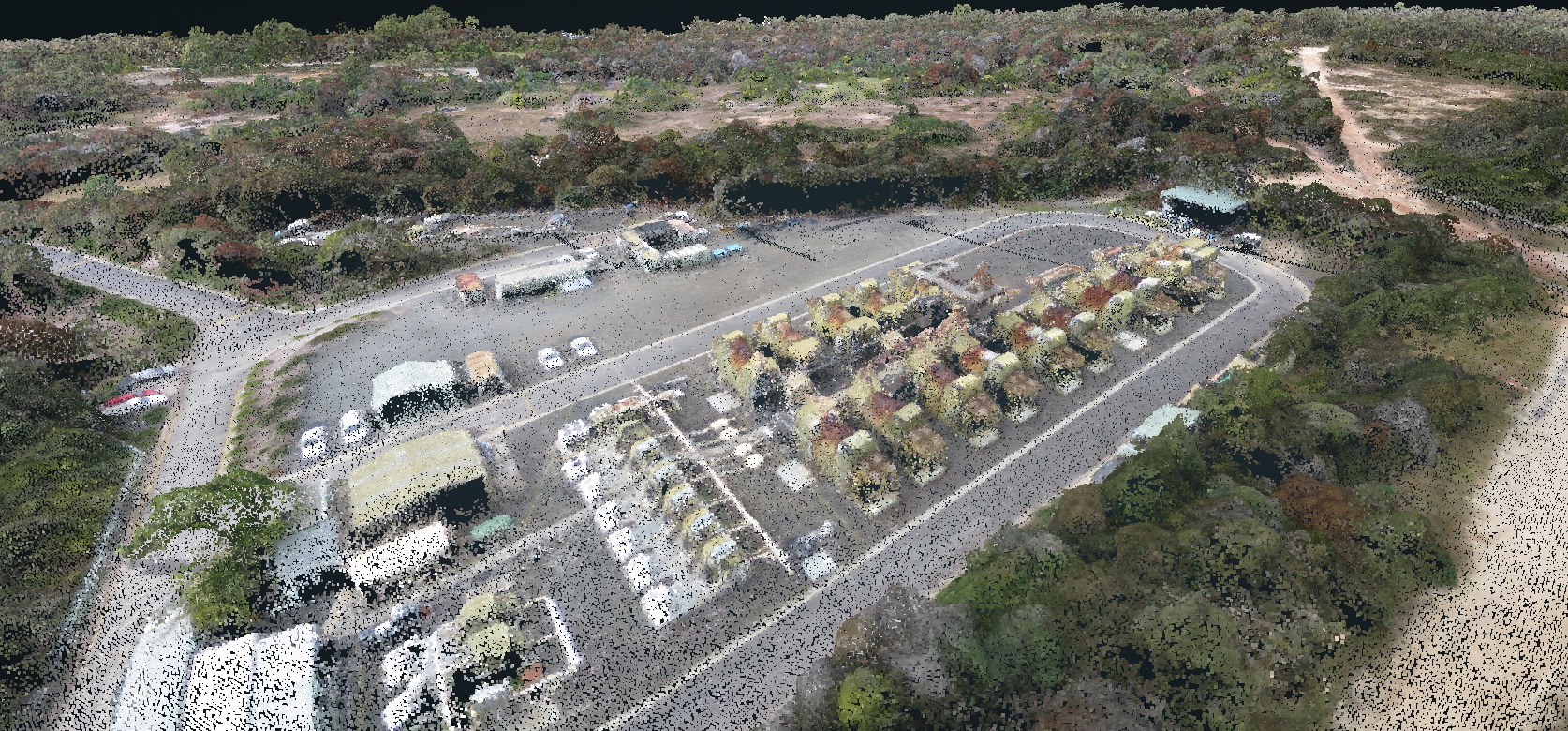
    Point cloud of a job siteCombined with an orthophoto, point clouds form the infrastructure that turns photorealistic images into a digital recreation of your worksite. 

    TL;DR: Orthophotos, point clouds, and terrain models combine to generate survey-grade 3D models. With the right platform, they make highly accurate volume, distance, and location measurements possible, giving you the tools to measure and manage your site’s progress over time.

    What are the benefits of 3D mapping?

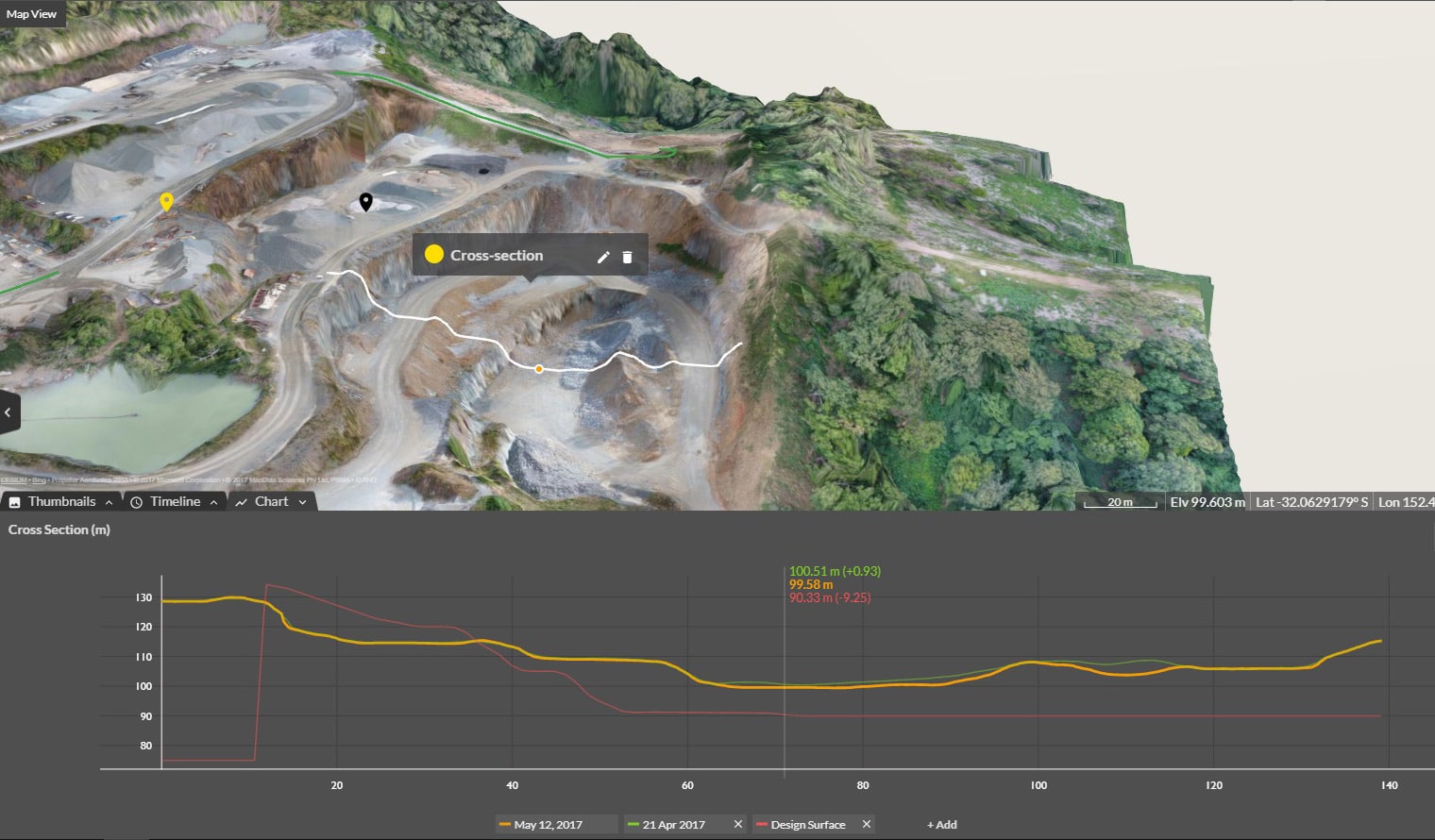
    Worksites worldwide now use three-dimensional, geospatially accurate models as a single source of truth. An up-to-date 3D model is a point of reference the entire team can understand, with measurable detail on material movement, volume calculations, and overall project progress.

    By looking at the same set of facts presented consistently, teams are better aligned and able to make informed decisions about what to do next. With less room for interpretation, teams can also speak the same language about what’s happening on-site.
    Storing and sharing data with Propeller

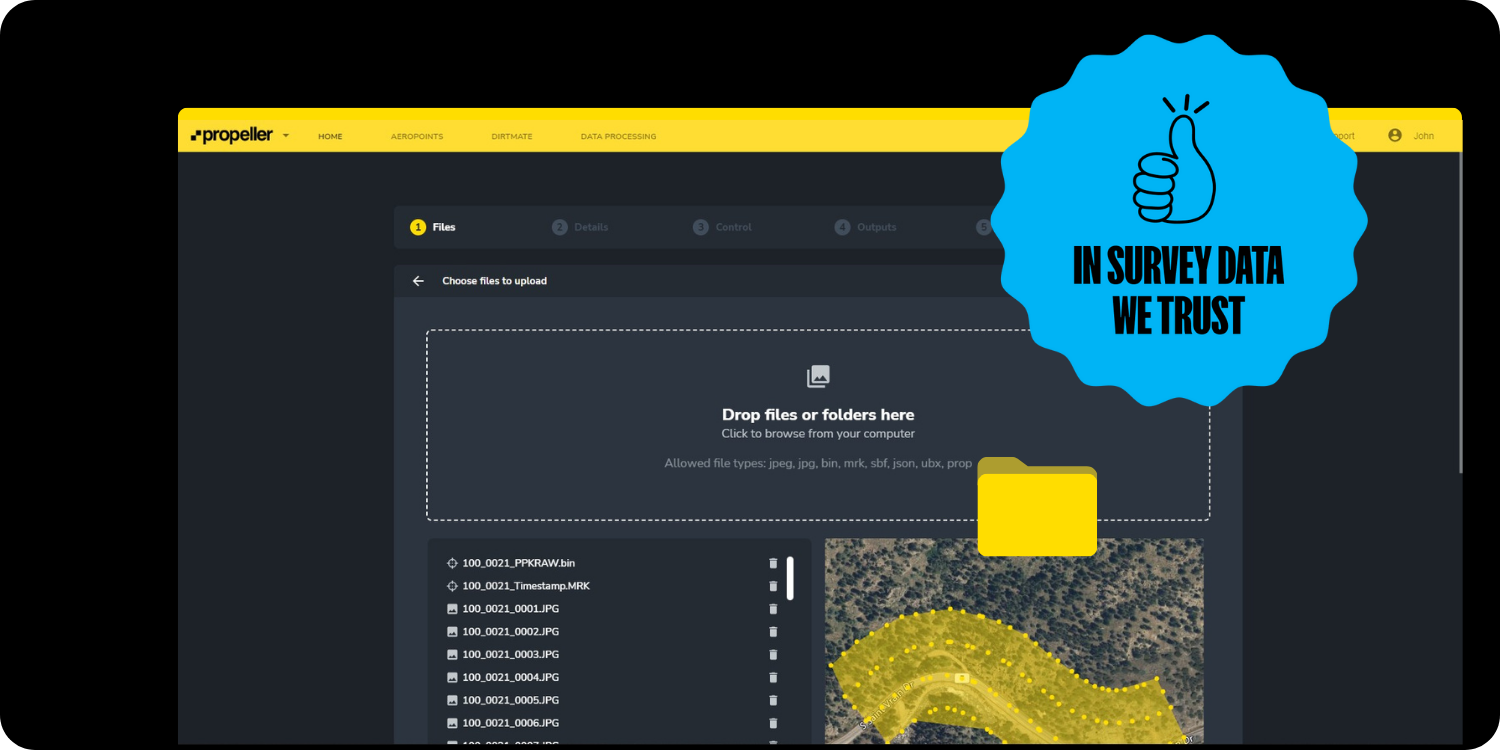
    After your drone flight, Propeller accepts several different data types for upload:

    • Photogrammetry surveys: Aerial images captured by survey-grade drones and processed into 3D models. (We covered this type of survey in our 3D mapping section above.)
    • LiDAR surveys: Light Detection and Ranging (LiDAR) survey data, which can be captured by drone or a terrestrial scanner.
    • Point clouds: Point clouds collected from 3D scanners or other photogrammetry software.
    • Pre-processed data: GeoTIFFs (image and terrain files with geolocation data) from third-party sources, including industry-specific software.
    • Design surfaces: Upload data formats like DXF (linework and surfaces), XML, KML, or TTM to represent a future state or as-built site conditions.

    Once you’ve captured and uploaded the data, our cloud-based platform allows you to store each survey, preserving historical project data without wasting space on your hard drive. We can process and store both photogrammetry and LiDAR data, saving your team valuable time and energy.

    Upload photos and 360-degree media

    So far, we’ve covered data types involved in the science of photogrammetry. But what about photos that aren’t captured by a drone?

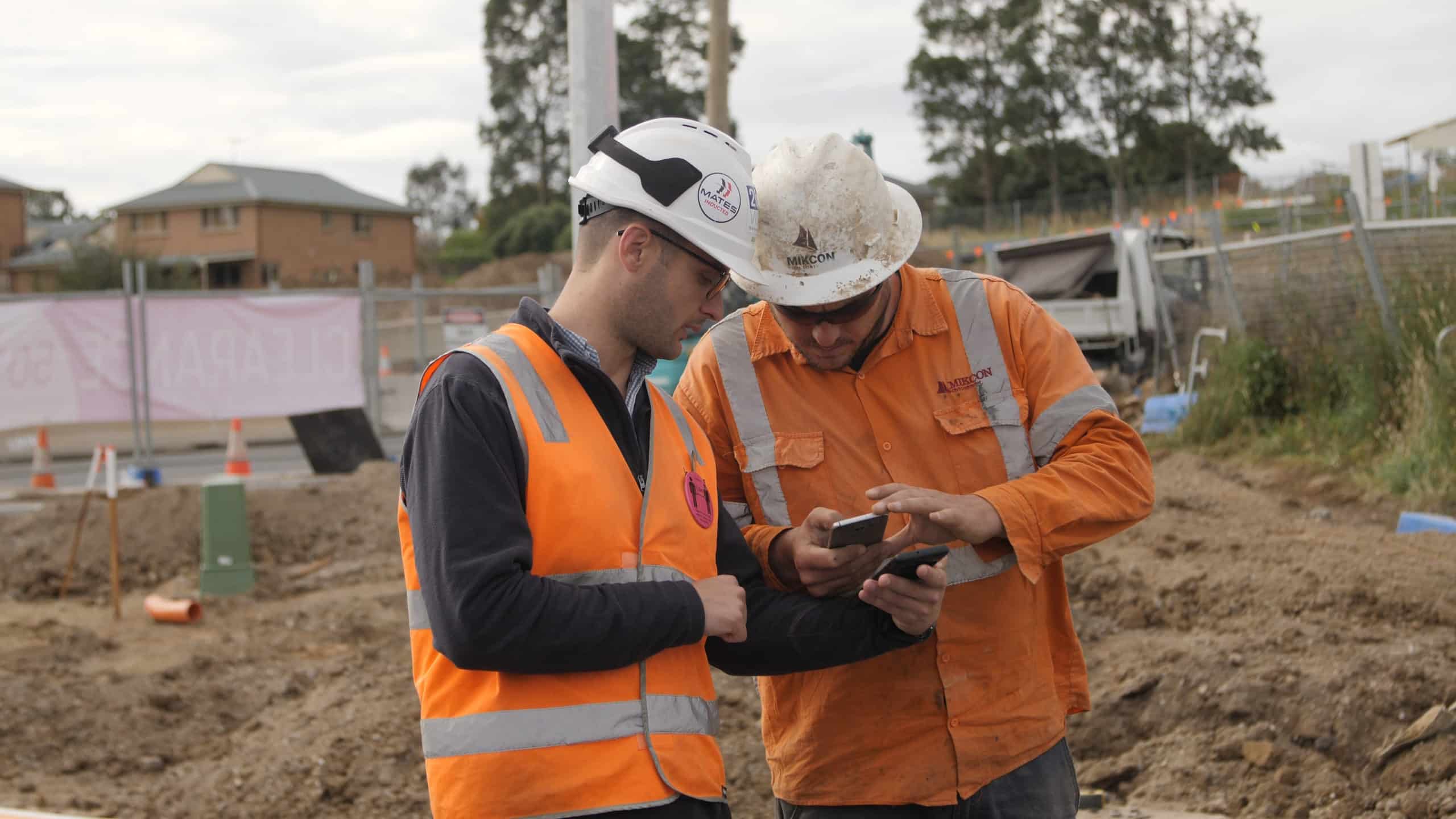
    Today’s worksites collect thousands of photos on smartphones, tablets, and other devices to help clarify meaning, record progress, and keep field and office teams on the same page. But without location data, it can be difficult—or even impossible—to tell where these photos were taken, and teams can’t easily react or respond to them in real time.

    Two people looking at Propeller mobile app on job site

    That’s why Propeller supports uploading images captured on-site. Each is geotagged to a precise location on the map, allowing you to tag other users for real-time communication.

    Exports: taking data out of Propeller

    Now that we know what you can put into Propeller, what can you take back out again? Simple: everything you’ve uploaded, plus the processed versions of those files.

    File types available for download and export include:

    • Surfaces (DXF, TTM, GeoTIFF): Essential for in-depth surface analysis.
    • Contours (DXF): Lines connecting points of equal elevation to help better understand the terrain.
    • Orthophotos (GeoTIFF, JPEG, JP2, PNG, KML): Available in different formats for detailed aerial views.
    • Point clouds (LAZ, LAS, CSV): For advanced classification and editing using specialized tools.

    One map, one team

    Propeller provides a centralized platform for storing and sharing a wide range of project data all in one place. From 3D mapping to media and exportable outputs, we empower construction professionals to map, measure, and manage their projects more efficiently and effectively.

    Learn how Propeller can power your worksite and boost productivity. Request a demo.

    Quick links

      Related articles

      Propeller automated haul road analysis for mining and aggregates

      Propeller and Spacesium: Automating the future of mining safety and operational intelligence

      At Propeller, our mission has always been to provide the most accurate, reliable, and actionable…

      Inside Propeller #1: The tools that power earthwork in the Propeller platform

      Welcome to the Inside Propeller series (1/6) There’s no shortage of construction site management software…

      Product Updates: What Has Propeller Been Up to Lately?

      Since our inception, Propeller has taken a customer-first approach to product development. No one knows…

      Ready to learn how Propeller can power up your worksite?

      We’re happy to show you how Propeller can power your worksite, and boost productivity.

      Related articles

      Cross section survey in a matter of minutes using drone data

      With the power of drone-captured data and the Propeller Platform, surveying cross sections becomes as…

      How to Use Drone Data to Improve Landfill Performance

      If you manage a landfill, you may have been wondering how you can use drones…

      How to Collaborate Better Using Drone Data and the Propeller Platform

      Keeping everyone on your worksites up to date with the best and most recent information…