Your 3D drone mapping software now does CAD
Create concept designs on your site map with Propeller CAD, stake out points with DirtMate RTK, and bring field data back into Propeller. Your plans, hardware, and team, connected through one shared map.












It’s more than just drone mapping. It’s your command center.
Propeller simplifies daily oversight using a map-based command center with analytics tools and reporting capabilities. Connecting all your site docs in one hub, you’ll reduce operating costs, align your team, and keep proof of work on hand.
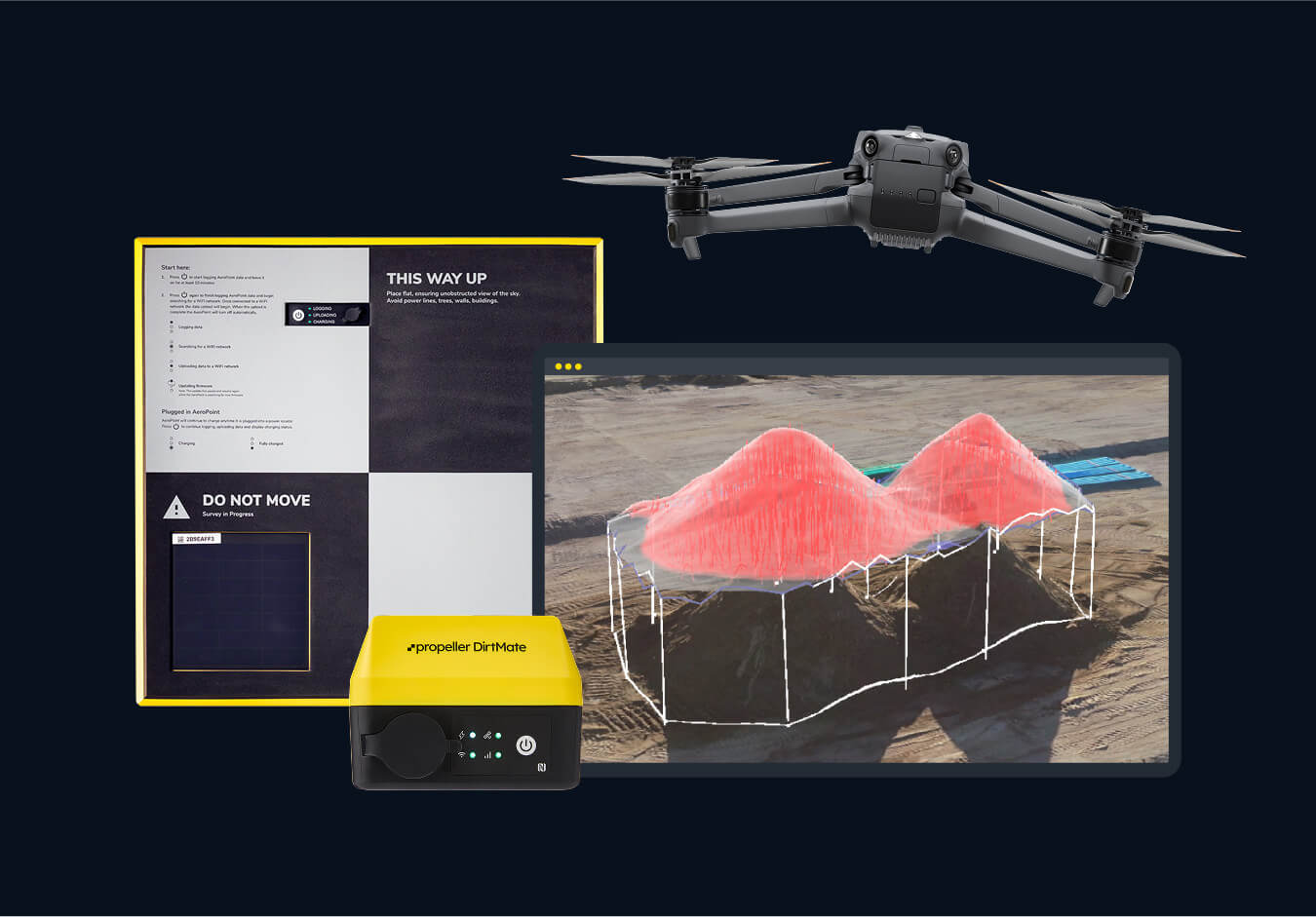
Hardware agnostic, accuracy obsessed
Upload surface data from the capture or survey tool that best matches your accuracy needs. This could be drone mapping, GNSS rover, total station, or other conventional methods. Propeller brings it all together into one unified map. Our high-precision processing ensures that every data point aligns reliably, no matter how it was captured. With everything in one place, your team can trust the map and make confident, accurate decisions across the site.
“We were within 2/100ths of a foot of our lidar scan—Propeller just works. The AeroPoints are like gold when you’re flying a drone.”
– John Triska, Owner at 3D Data Prep Inc
Your entire site, in your hands
Keep your site in your pocket, on your desk, or even in the cab of your machines. With a simple, cloud-based map you easily keep tabs on what’s complete and what’s left to do from wherever you are – no matter your technical background.
“Now, we can see the sites we’re considering building and pull them up in Propeller, and look at them and analyze them all together. That’s been really exciting.”
– Lonny Reed, Owner at Legend Engineering
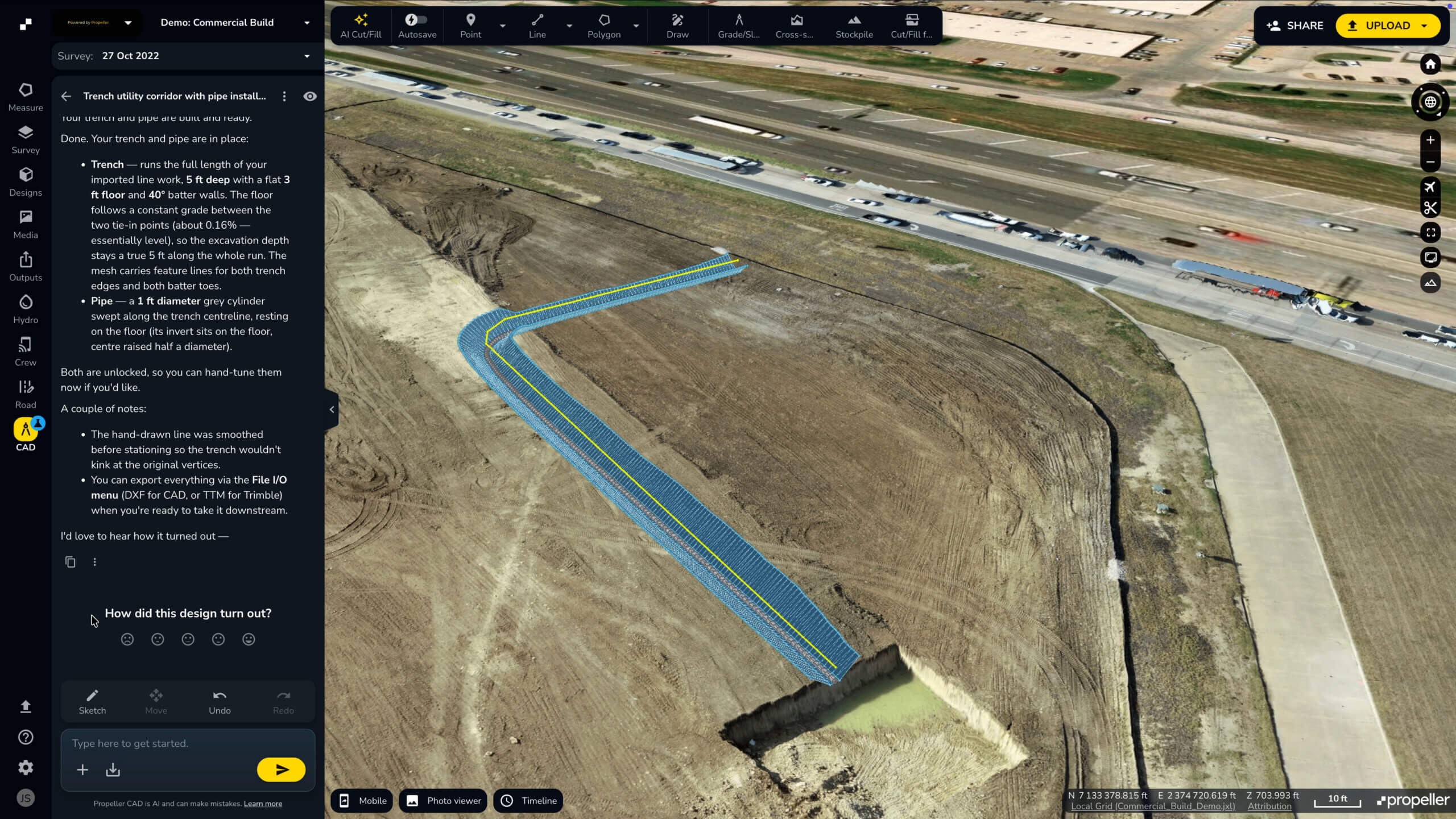
Turn your site ideas into earthwork designs
Describe what you need—a haul road, ramp, or pad—and Propeller CAD helps turn it into a preliminary 3D design on your real survey terrain. Explore options, refine your concept, and share it for review—all without leaving Propeller.
“Propeller gives my clients who don’t speak CAD a far better understanding of the site. They can finally visualize what’s going on.”
– Bryce Morehart, Vice President and Chief Drone Pilot at Morehart Field Services
Your map-based SharePoint
Rather than storing site docs across many systems, you’ll manage everything in Propeller. Bring all your geospatial data–from PDF design plans to TIN surfaces–together in a shared workspace. With one truth, the whole project team stays aligned and works smarter.
“We use Propeller as a communication platform. Sharing updates, raising issues, and walking projects like we’re right there on site together.”
– Hayden Taylor, Quarry Manager at Lehigh Hanson
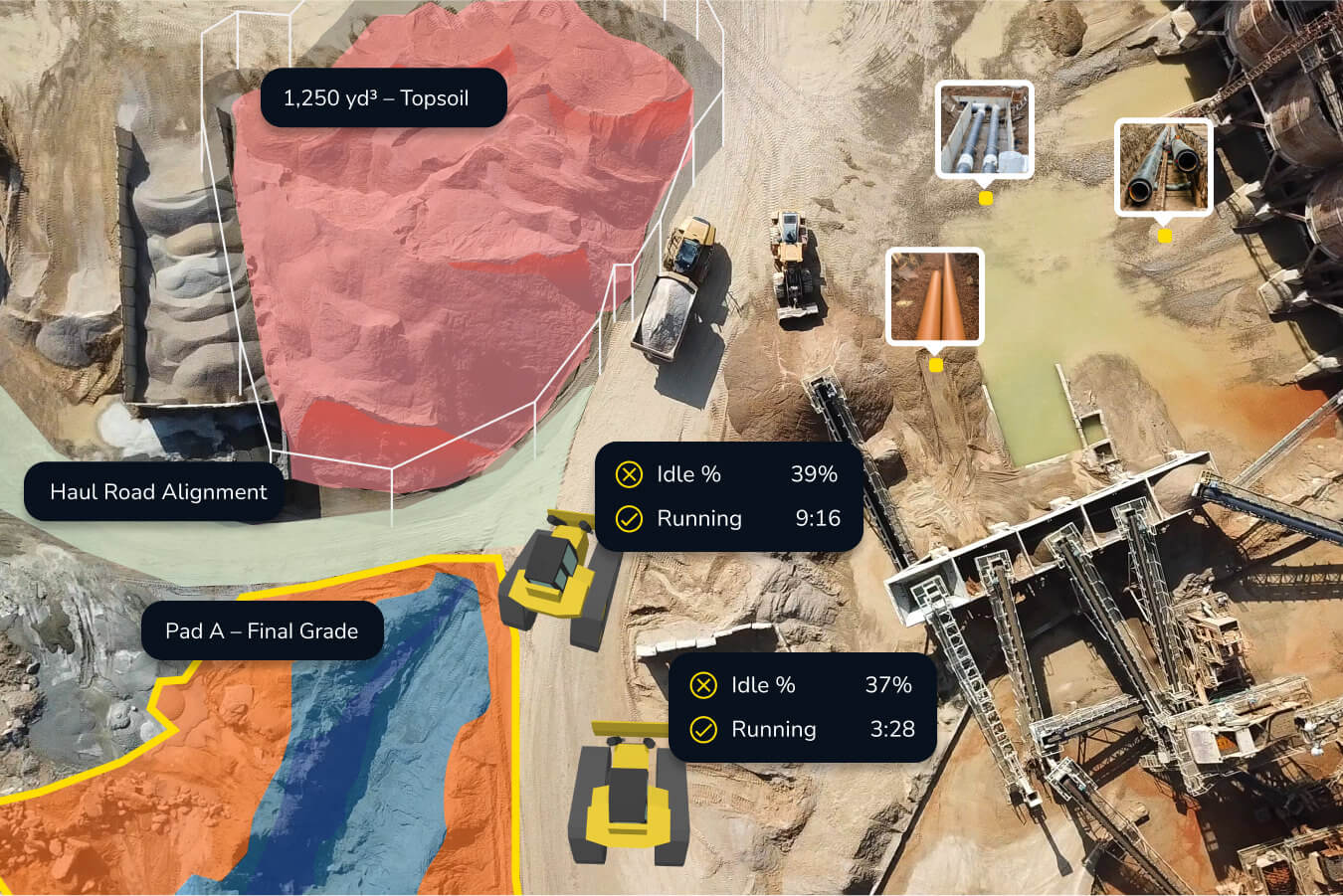
How you can boost productivity with Propeller

Capture your reality
Bring surveys from different sources onto one map. Process raw survey data or upload existing surfaces to start measuring and understanding your site.

Turn ideas into designs
Describe a road, ramp, or pad and use Propeller CAD to create a preliminary design on your real survey terrain. Explore options, refine your concept, and share it for qualified review.

Compare design to reality
See how site conditions compare with your plans. Check cut and fill, spot differences, and understand what’s left to reach design.

Measure progress and quantities
Track completed work, remaining quantities, and stockpile volumes. Compare surveys over time to see what’s changed and plan what comes next.

Keep teams connected
Give field and office teams a shared view of the site. Bring maps, photos, and updates together, with access to the information each team needs.

Report with confidence
Turn site measurements and visuals into clear reports. Keep stakeholders informed and build a record of completed work through closeout.
Meet Propeller’s products

Propeller
A cloud-based hub to map, measure, and manage projects with your team.
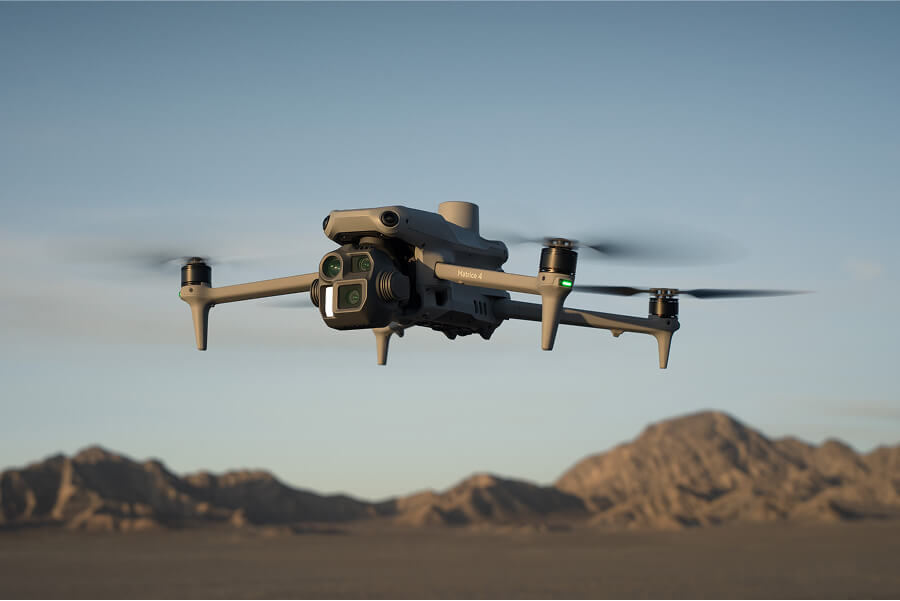
Survey processing
A drone photogrammetry and lidar processing pipeline for fast, hassle-free results.
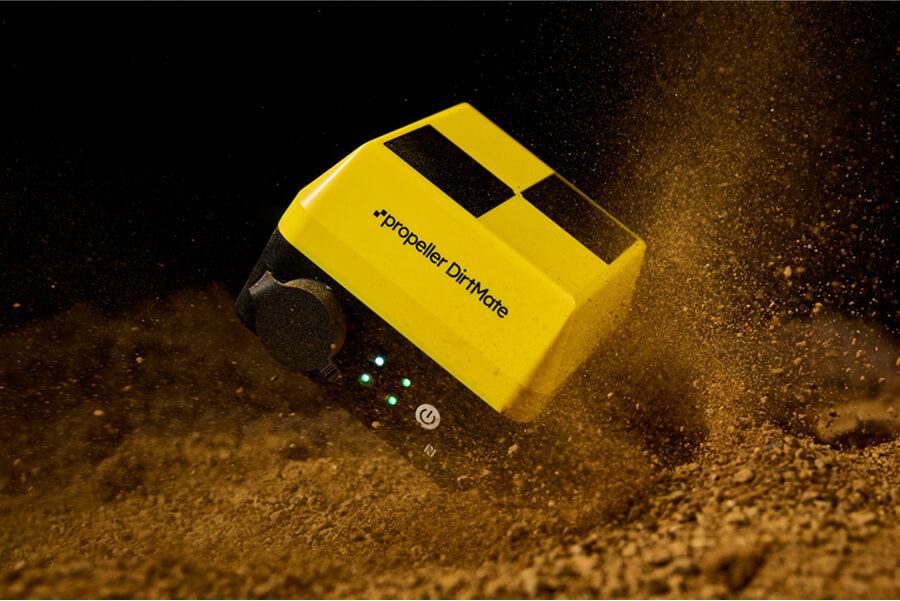
DirtMate
A high-accuracy GNSS receiver that connects your fieldwork to Propeller. Capture points, check grade, and stake out designs.
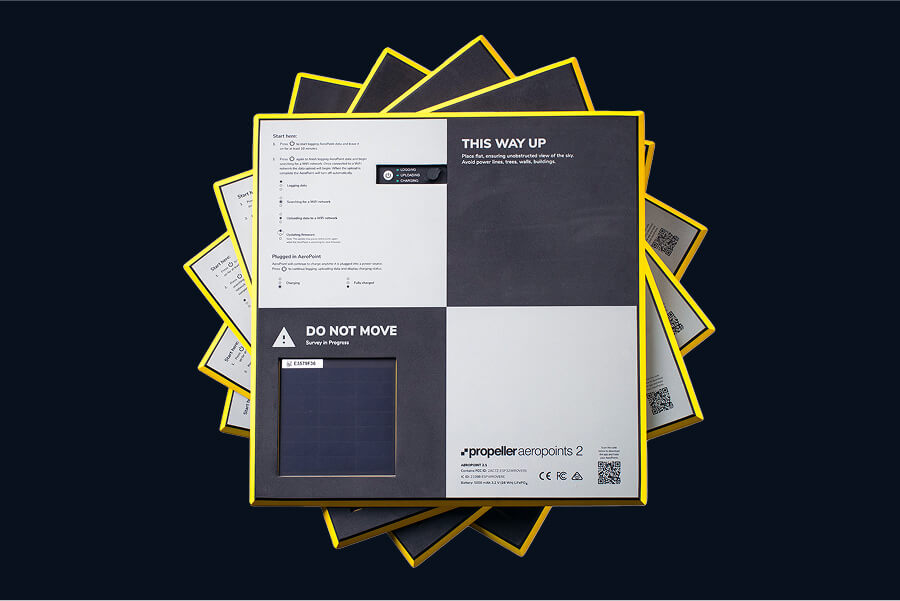
AeroPoints
The only smart ground control points, making survey-grade data simple.







Industries we serve



Take Propeller for a spin
Get to know the map and turn your project into insights with our 14-day free trial.