Many worksites use local coordinate systems for their surveys as opposed to published coordinate systems.
Reasons range from a preference for ground over grid coordinates to a site’s physical size. But what actually are local grid coordinates and how do you use them in surveying platforms like Propeller?
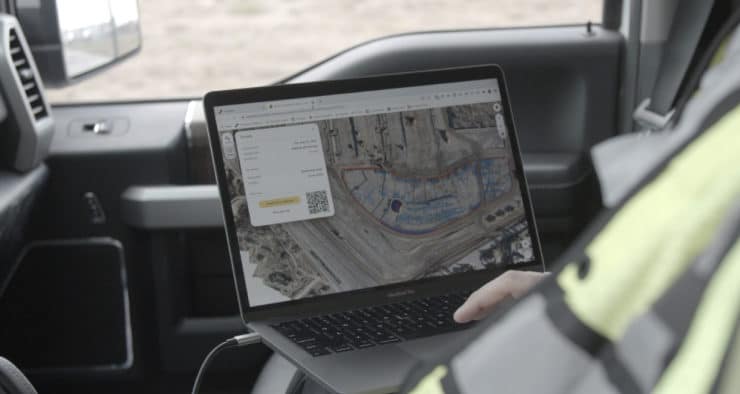
In this post, we’ll cover what local grids are, how you can get all your site data in local coordinates with Propeller, and use AeroPoints as ground control for a survey in local grid.
If you want to know more about coordinate reference systems, check out our post or download our free ebook, The Definitive Guide to Coordinate Reference Systems.
What local grid coordinates are
Worksites in the construction, mining, and aggregates industries often use local grid coordinates instead of published coordinate systems. It all depends on their needs.
Local grids measure positions on a site relative to a point placed on site, as a surveyor chooses. Everything is then measured in reference to an non-moving point on the site instead of a national or global datum.
Why you might be using local coordinates
You can choose to use local coordinates for a number of reasons:
- It’s beneficial for your site to operate in ground coordinates rather than grid coordinates.
- You want your site’s coordinate system separate from dynamic global geodetic systems, like WGS84, NAD83, GDA94, which get revised regularly.
- The region and/or size of your site means that using a standard ellipsoid would subject your survey measurements to high distortion.
- You want a smaller magnitude for your site coordinates than state plane or a national grid system offers. Those can extend into the millions of meters or feet, making them harder to work with.
Single versus multipoint calibration matters for your worksite
GPS site calibration procedure—a.k.a setting up a local grid—isn’t too hard to follow, but getting all your 3D site surveys in those proper coordinates can be a pain depending on what processing software you use.
There are two ways a processing platform can support local coordinates: single or multipoint calibration.
Some providers might ask you to pick an arbitrary coordinate reference system or use only one point on the site and no calibration file whatsoever. In the latter system, your data is calibrated off a single point on the site, rather than multiple points. As such, the further you get from that single point of calibration, the less accurate your data can be.
Propeller takes the calibration file (produced when you calibrate your site with a GPS rover) and reads the parameters to accurately project the grid data when building site models.
How Propeller supports local coordinates automatically
We want to make it as simple as possible to do your work and that means ensuring your surveys are in local grid without hassle.
Let’s go over the different ways Propeller supports 3D site surveys in local coordinates.
1. Full .JXL support makes setting up local grid sites easy
Before you start doing any uploading or processing, you need your calibration file to set up your site in Propeller.
Often that file is a Trimble .JXL (JobXML) or a Topcon GC3 file, which you can easily drag and drop into Propeller’s site setup workflow. You only have to think about it this once, when you’re setting up your site for the first time.
Calibration files, like .JXLs, define all the points and parameters needed to transform between local grids and a published coordinate system like WGS84, which is required for operating on drone image data. They provide that multipoint calibration, mentioned above, that’s necessary for site-wide accuracy.
2. Download your photos in local coordinates with Propeller PPK
Using your locally calibrated site in Propeller from the get-go means you can fly your Phantom 4 RTK as part of our Propeller PPK solution and have all your photos’ geotags available for download in the site’s local coordinates automatically.
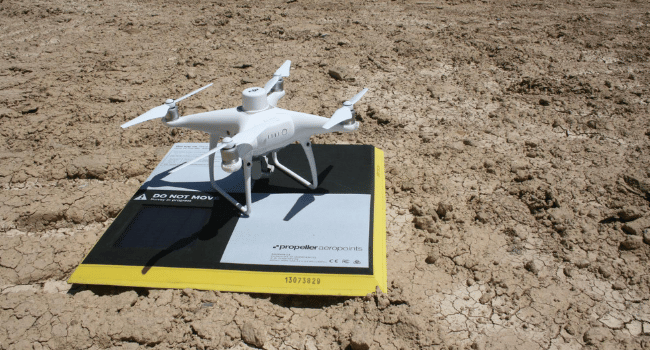
This is a big deal. It saves a lot of time post-flight, where you’d have to do the conversions after the fact. It is also unique to Propeller PPK.
3. Use AeroPoints as your ground control for a survey in local grid
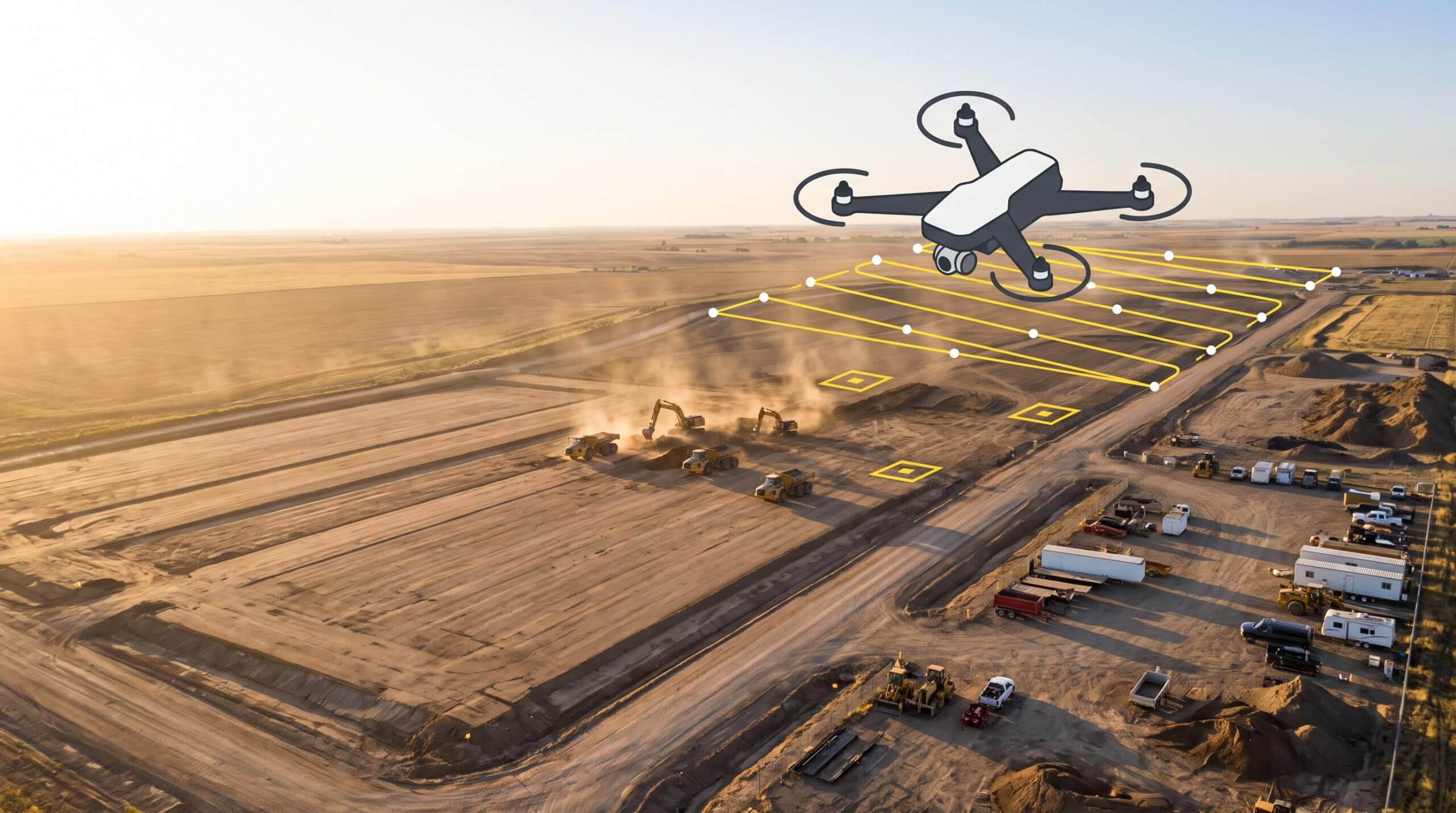
If your site uses a local coordinate system and you want to survey with AeroPoints or the Propeller PPK solution, the process is simple:
- Set up your site in Propeller with a local grid calibration.
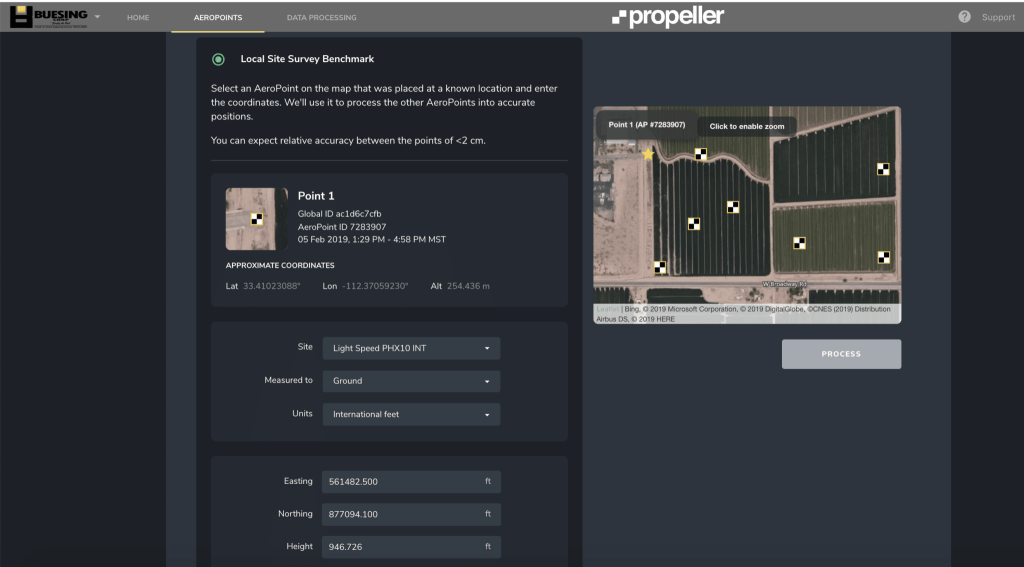
- Then process your AeroPoints with the local site survey benchmark correction method, which calculates ground control coordinates in your site’s local system.
- Upload your flight images and select the relevant AeroPoint flight
Your survey data and photo geotags will then be available in the site’s local coordinate system.
From surveying in locals from the start to working with local data, having the right tools and support matters. Whether or not you use local grid coordinates on one or all of your projects, Propeller can help.
Please note that Local Coordinate Systems and Local Site Survey Benchmark processing options are only supported when processing data sets using AeroPoints with the Propeller or Stratus platforms. If you would like more information, please contact us.