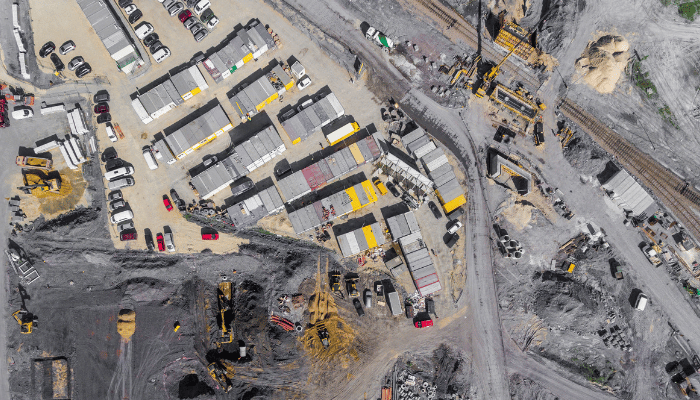
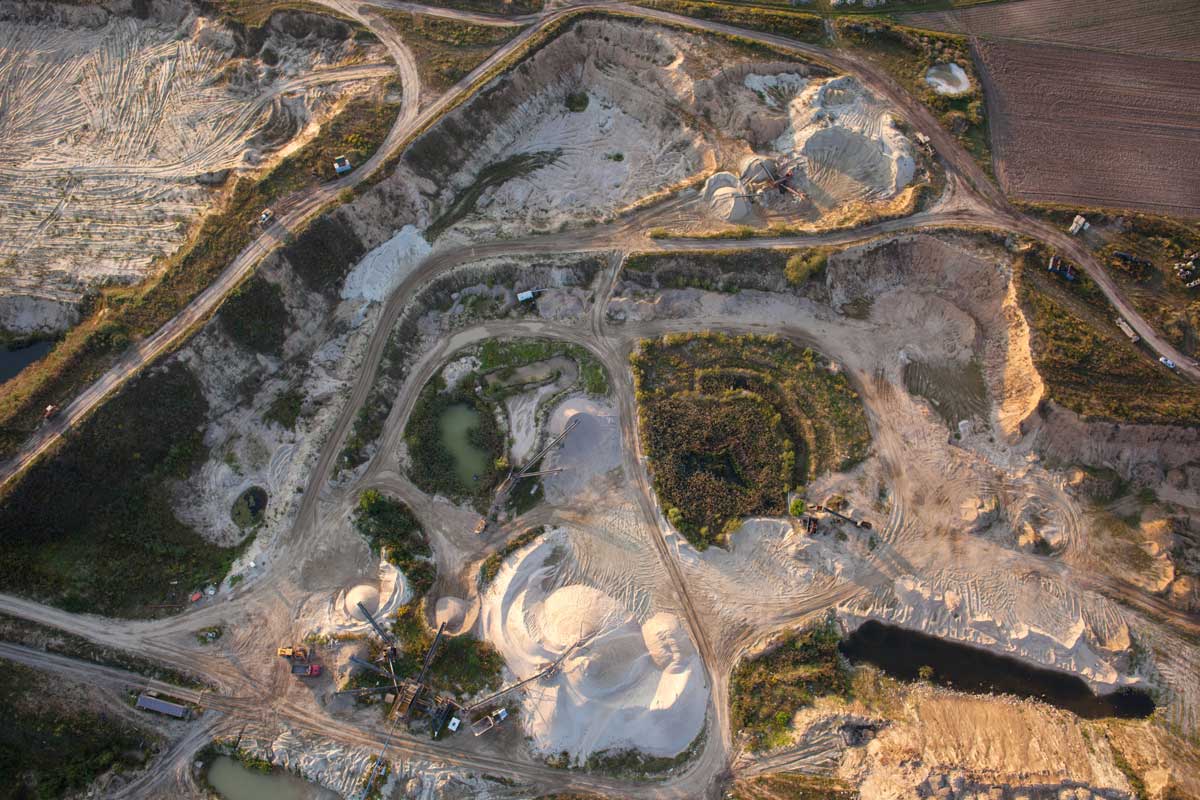
The aggregates and mining industries are all about quantities—how much is sitting in your stockyard to how much is going in your crusher or mill to how much you need to extract. Cut and fill volumes are used in almost every stage of the quarrying and mining processes, and while any calculation errors are a problem, these have the potential to carry over and affect your business in myriad ways.
Since these two industries have similar workflows, we’re tackling how drone surveying can streamline cut/fill calculations for both here because no matter what material you’re getting out of the ground, you need know know how much you’ve got in stock, how much is going into the mill or crusher, and how much you need to blast.
To see where cut and fill software can improve mine and quarry management and efficiency, let’s follow the material from extraction to the stockyard.
Visualize your blasts with 3D blast planning
Before you can build up your stock, you need to extract it. Making decisions with the most up-to-date and reliable information is critical for any site manager, especially when planning and executing blasting work on a mine or quarry site. Keeping your site survey and bench level plans updated and accurate can dramatically improve blast results and significantly reduce drilling and blasting costs.
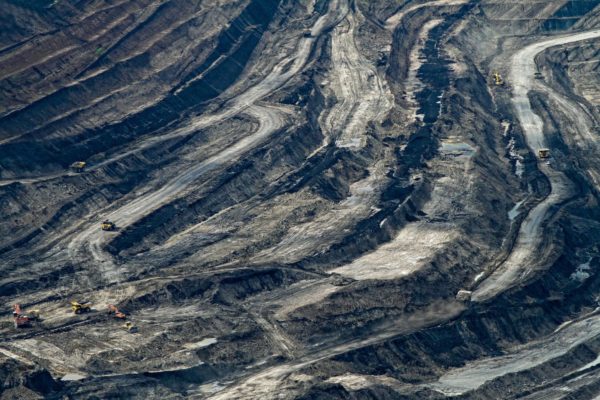
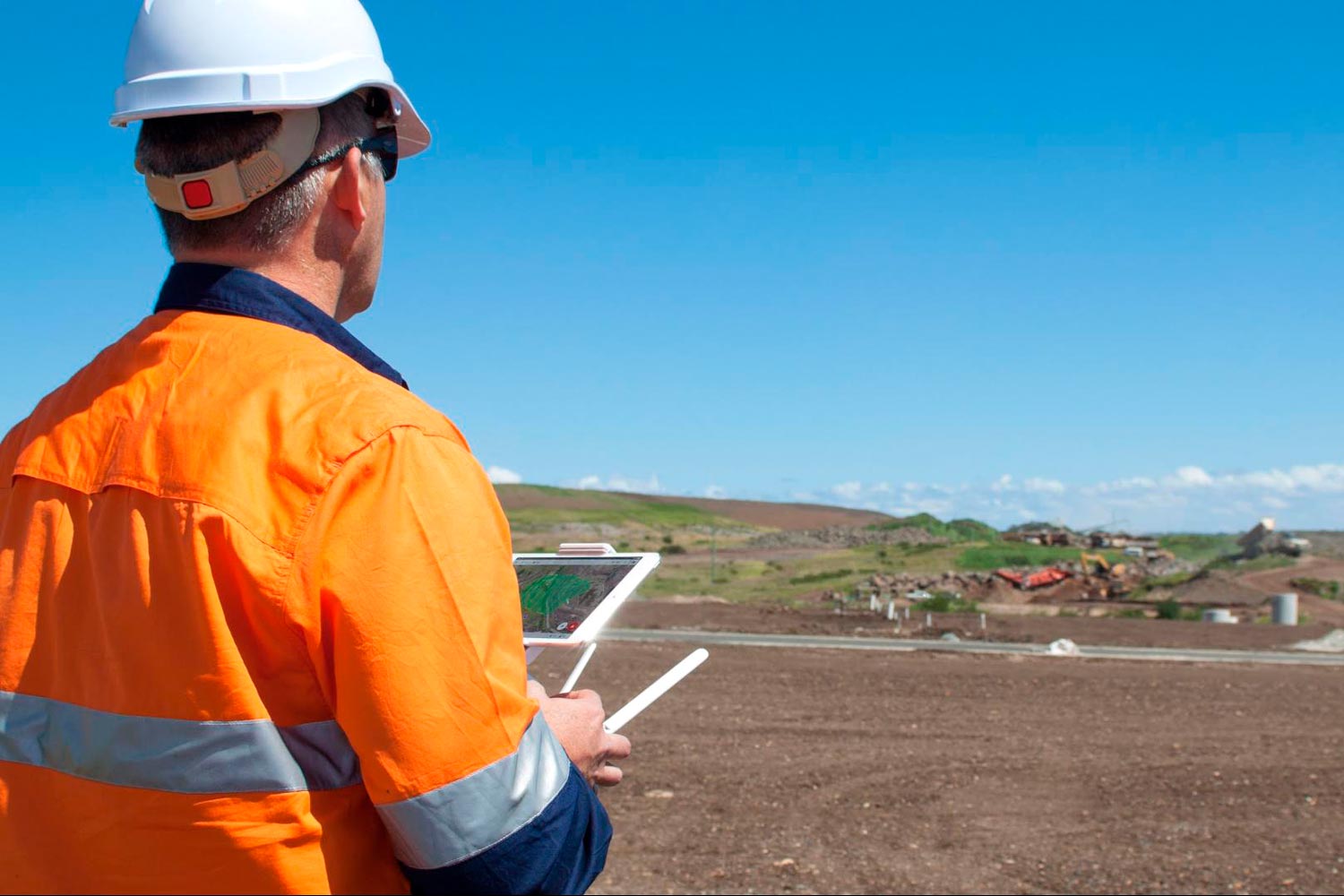
Any area of interest on your mine or quarry can be easily and inexpensively surveyed with drones.
Once your drone-captured photos are uploaded to a platform like Propeller, you can generate centimeter-accurate 3D models and georeferenced orthophotos of the blast area for further measurement and analysis.
When planning blast works to fill a specific customer’s order, a volume can be easily identified on the 3D model using the Volume to Reference Level measurement tool. You simply draw a shape around the blast area, set the bench level to “blast to,” and the computer crunches the numbers.
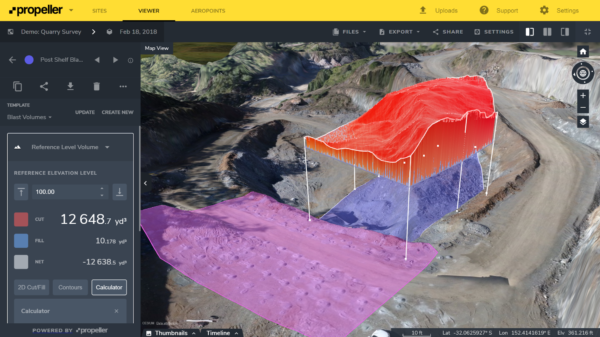
These images also provide good source of data for visual assessments of blast results like muckpile shape, back damage, distribution and fragmentation. Plan your postblast logistics better using the fragments size and location data.
You can also measure pile volume, fragments size, add annotations, and share blast reports with the stakeholders directly from the Platform.
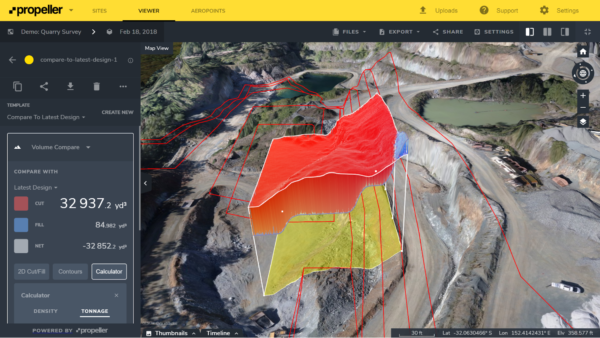
With the Volume Compare feature, the blasted volume can be compared against the plan to ensure the right amount of material was extracted. If you have any design or linework, you can overlay that into the model to help with accuracy and quality—and make sure you’re not leaving resources in the ground, a.k.a money on the table.
Quick pit and stockyard volumes
Similarly, pit volumes are quick and simple to complete. With additional calculators, you can take the guesswork out of tonnage measurements, and thus the value of your stockyard. (If you want to learn more about stockpile measurement and reporting, check out our ebook on the topic.)
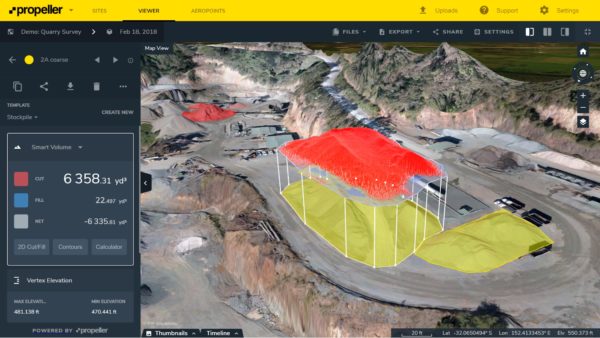
Ensuring you have the correct grade blends going through your mill or crusher is essential to success.
Too often, insufficient input grades are only discovered after the fact, when the final material doesn’t add up to what went in to your processing plant.
Instead of backtracking to see what went wrong where, you can use cut/fill maps to monitor your stockpiles before something goes wrong, and see what’s been taken from where.
We know waste dump surveys, too, can be difficult. It’s nearly impossible to send someone out to walk those piles, but with drone surveying you can capture the data you need in hours not days without sending someone to walk over dangerous piles.
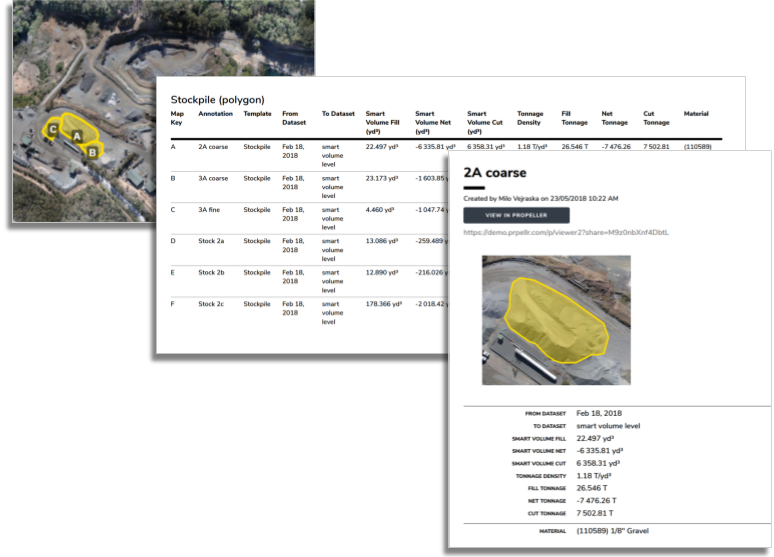
No matter what area of site you’re surveying, once you send your data to Propeller for processing it only takes 24 hours for your survey to be rendered and ready for use—reports and all.