Capture existing ground through vegetation with drone LiDAR
Propeller makes LiDAR practical for capturing true ground conditions before clearing or earthwork begins. Fly with DJI Zenmuse L1 or L2 sensors on M300, M350, or M400 drones, then offload processing, classification, and QA/QC to Propeller. You get ready-to-use terrain models, point clouds, and orthophotos that let you plan, bid, and make decisions with confidence.
Why choose drone LiDAR for your worksite

Offload LiDAR processing
LiDAR processing is complex and time-consuming. Propeller handles PPK corrections, strip alignment, point classification, and QA/QC for you. Your outputs (DTM, TIN surfaces, orthophotos, contours, and point clouds) are immediately available alongside photogrammetry data, saving hours of manual work and improving accuracy.

Capture existing ground through vegetation
Whether you’re assessing cut/fill, overburden, or pre-clearing conditions, LiDAR penetrates vegetation to provide a true view of the ground. Propeller fully supports DJI Zenmuse L1 and L2 sensors on M300, M350, and M400 drones, giving you reliable, accurate terrain data ready for your work site.

Integrated and scalable
Work at any site size, as often as needed, and in any local coordinate reference system. Keep office, field, and subcontractor teams aligned with a single source of truth. LiDAR outputs integrate seamlessly with photogrammetry datasets for complete terrain visibility.
How Propeller processes your drone LiDAR data
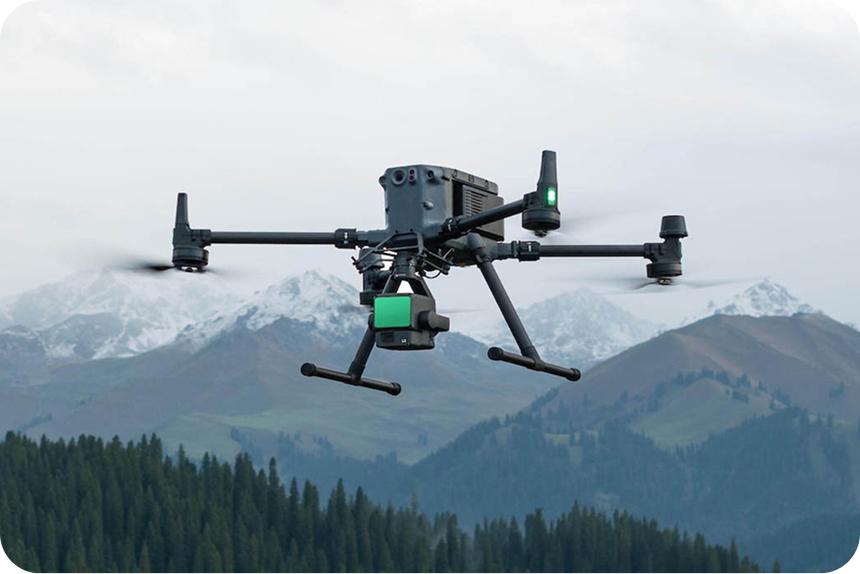
Fly the drone
Survey your site with DJI M300, M350, or M400 drones equipped with Zenmuse L1 or L2 sensors. Follow Propeller’s LiDAR flight guidance for optimal data capture.

Upload your data
Drop your raw LiDAR files into Propeller. Our processing pipeline handles denoising, strip alignment, classification, and QA/QC. You can also upload preprocessed LiDAR data from any other sensor, as long as it is registered and classified.
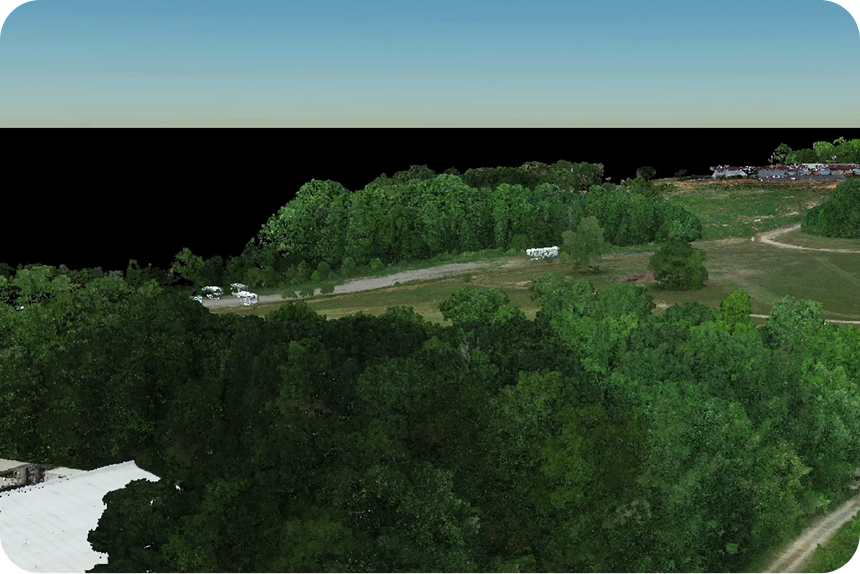
Visualize and act
Work directly with point clouds, DTMs, and orthophotos in Propeller. See it all in true color or by class, and combine with photogrammetry datasets for full-site context. Plan, measure, and manage your site efficiently.
Core benefits

Offloaded processing
Reduce manual work and get ready-to-use deliverables

Reduce manual work and get ready-to-use deliverables
Validate project scope using accurate existing ground models before clearing

High-fidelity terrain models
Avoid costly assumptions and rework with accurate LiDAR outputs

Integrated mapping
Combine LiDAR and photogrammetry for a complete picture from pre-clearing to as-built
Benefits across industries
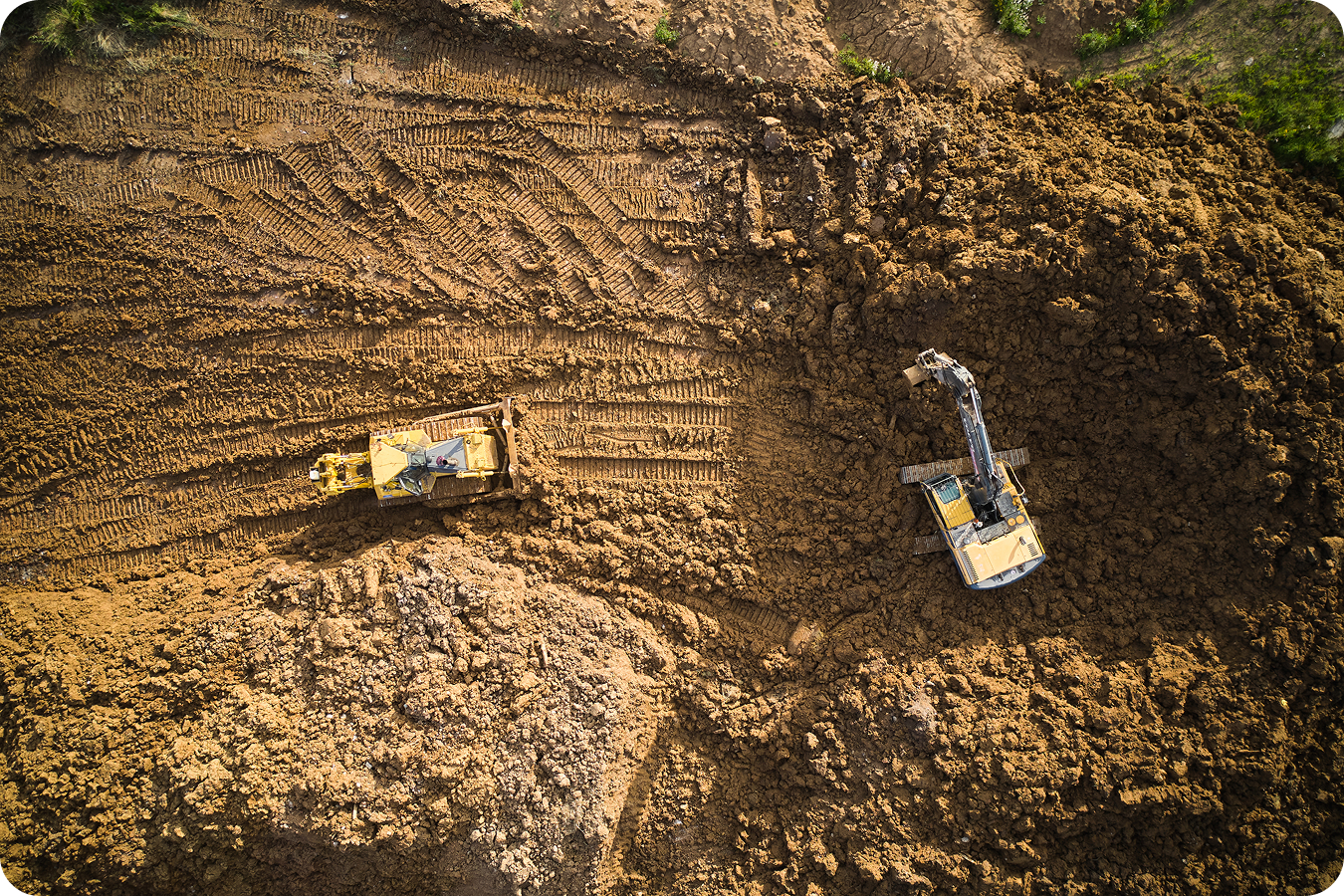
Construction
Propeller accepts raw LiDAR files from DJI Zenmuse L1 and L2 sensors, creating an additional dataset that works just like other survey data.
- Verify true existing ground through brush and rough terrain for accurate pre-construction surfaces
- Check earthworks progress by comparing stripped vs. designed grades
- Validate final grade and slopes for pads, roads, and embankments before handover
- Improve cut/fill balance with precise volumes for borrow pits, fill areas, and stockpiles
- Support drainage and stormwater design by seeing the true ground
Mining
Accurate baselines through vegetation and rough terrain make pre-stripping, drilling, and pit planning reliable.
- See true ground before stripping or overburden removal
- Plan stripping and overburden volumes precisely
- Monitor pit expansion by verifying bench heights, pit walls, and haul roads
- Improve stockpile accuracy for high, irregular piles
- Boost safety and compliance by spotting hidden voids, erosion, or bench slips

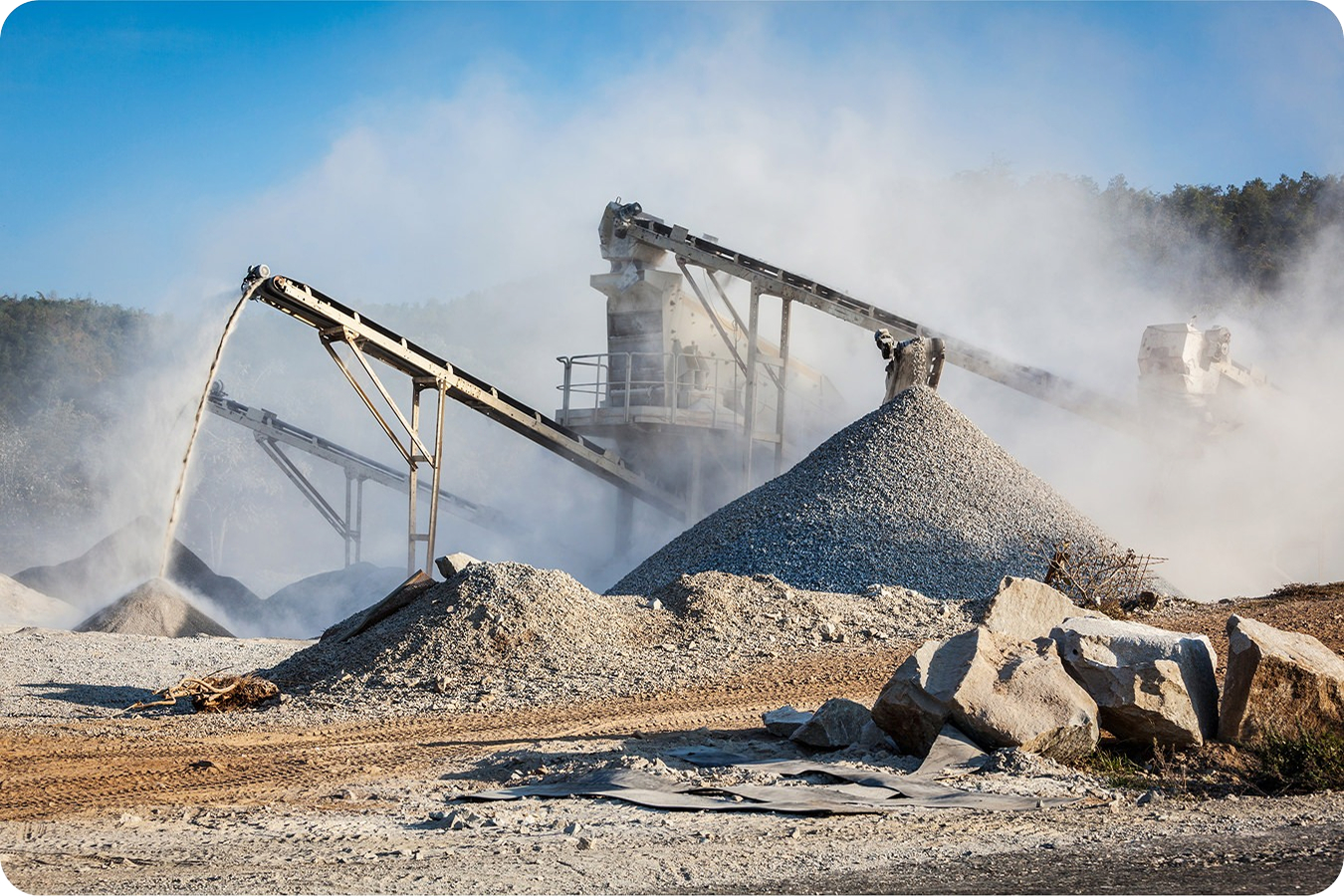
Aggregates and quarries
Track volumes, cut/fill, and site changes with high-fidelity terrain data through vegetation.
- Measure true ground under trees and brush for accurate extraction planning
- Verify material volumes in steep or irregular stockpiles
- Monitor site changes and ensure grading meets design
- Combine LiDAR with photogrammetry for complete terrain visibility
Waste Management
LiDAR captures ground under vegetated caps, closed cells, or heavy brush to support safe and compliant operations.
- Detect settlement and ponding hidden by cover
- Verify stormwater flow paths and erosion gullies
- Track slope stability over time to confirm side slopes remain within permitted design
- Protect airspace accuracy and measure remaining capacity or cap thickness more reliably than photos alone
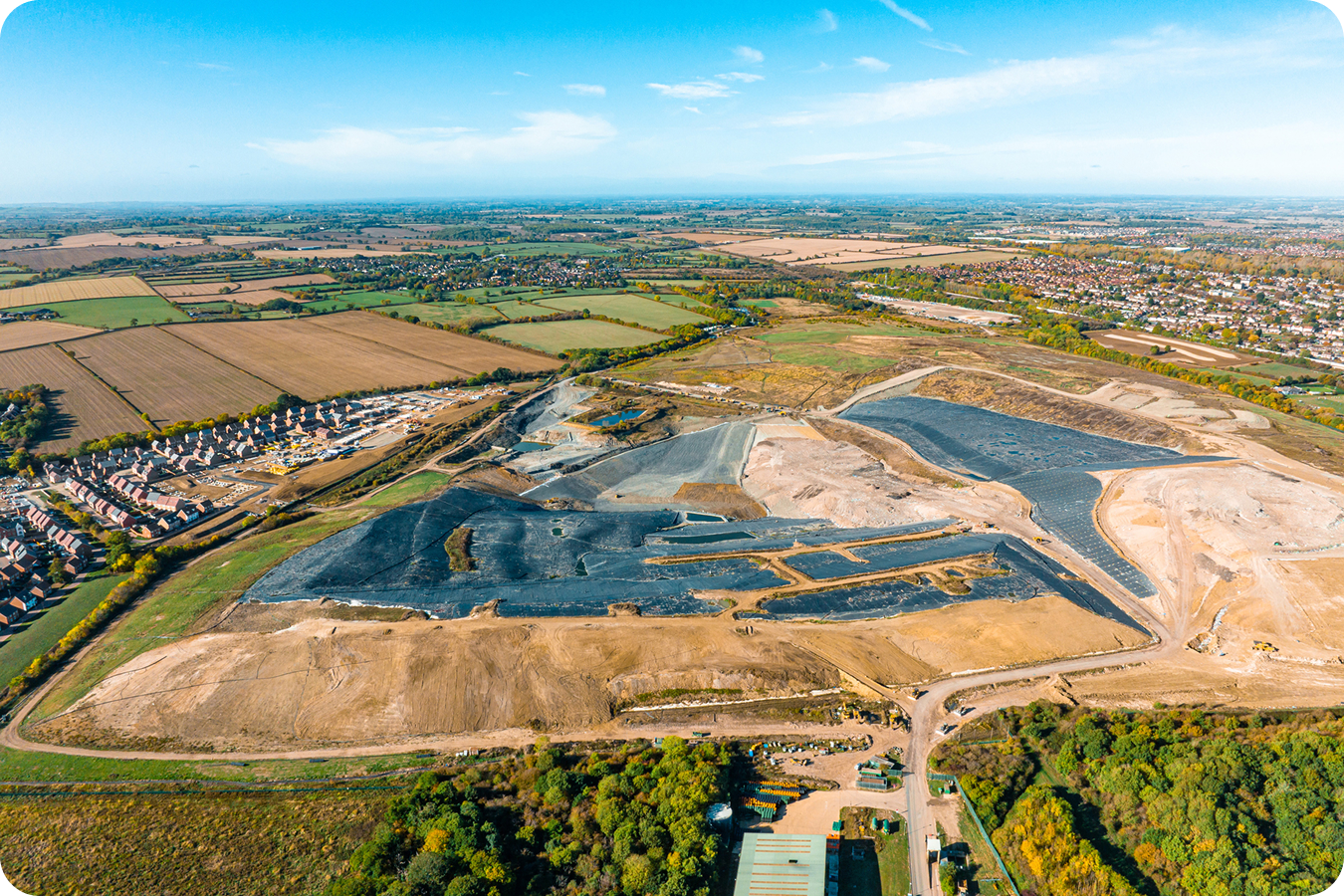
LiDAR vs photogrammetry site surveys
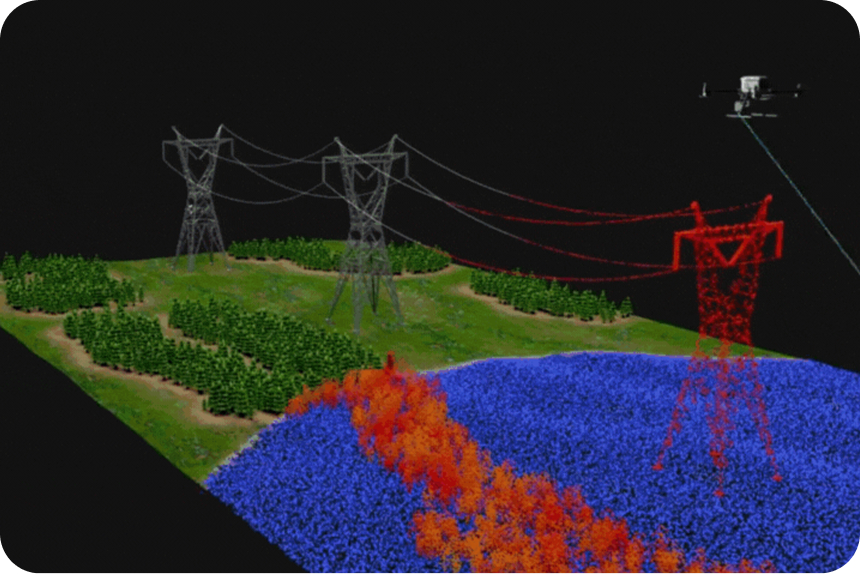
Use LiDAR
When you need accurate existing ground modeling through vegetation or complex terrain
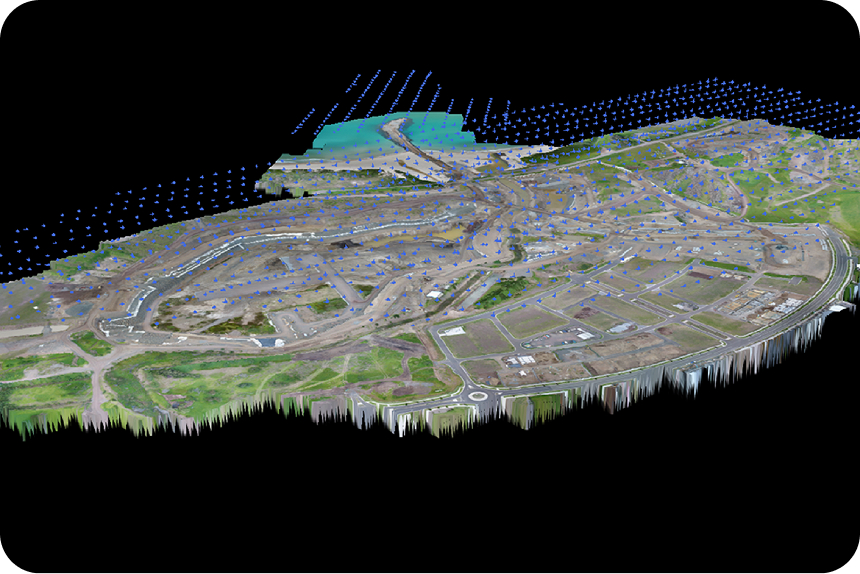
Use photogrammetry
For cleared sites, exposed surfaces, or large-area surface mapping
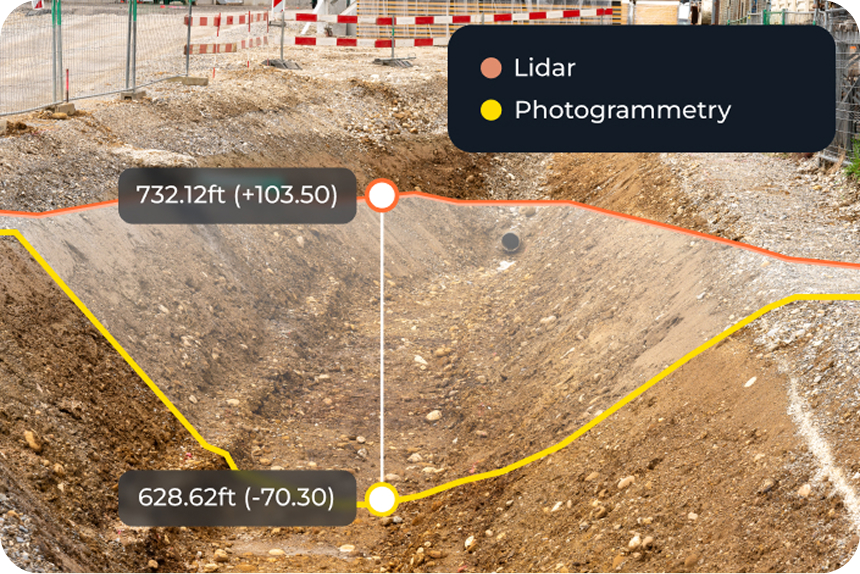
Combine both
Propeller allows LiDAR and photogrammetry datasets to create integrated terrain models, while point clouds remain separate
Use any LiDAR sensor with Propeller
Propeller supports preprocessed LiDAR data from any sensor, as long as it is registered and classified. You can visualize the point cloud in true color or by classification, and combine it with photogrammetry datasets for full-site context.

Streamlined LiDAR workflow
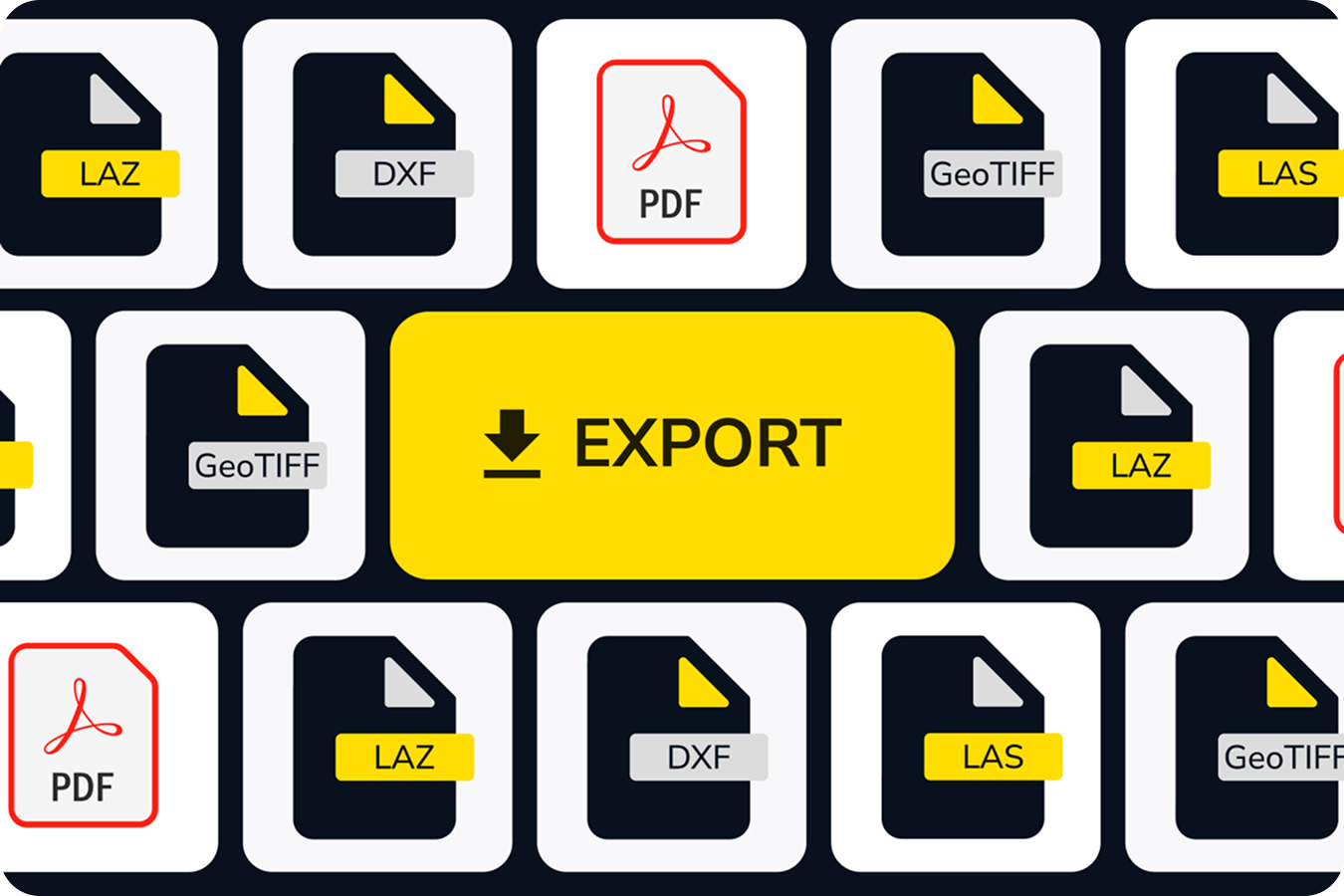
Propeller’s cloud-based workflow offloads all processing and QA/QC so your LiDAR survey outputs are fast, accurate, and actionable. Data is export-ready in LAS, LAZ, DXF, GeoTIFF, and PDF formats.
Want to calculate your processing needs for LiDAR?
Frequently asked questions
LiDAR survey processing converts raw drone LiDAR data into usable terrain models, point clouds, DTMs, and orthophotos you can immediately use for planning, bids, or verification.
Propeller LiDAR captures existing ground through vegetation with ~5–6 cm horizontal accuracy. Vertical accuracy is often 3 cm or better in most vegetated sites, providing reliable survey-grade results. For cleared surfaces, photogrammetry provides higher precision.
Propeller classifies LiDAR point clouds into two categories: Ground and Unclassified. The ground-classified points are used to generate TIN surfaces and DTMs, which can be visualized alongside point clouds, orthophotos, and other terrain outputs. For any preprocessed point clouds, Propeller will maintain customer-assigned classifications.
LiDAR penetrates vegetation to capture true terrain, helping you assess pre-clearing volumes, grade, and terrain features that photogrammetry cannot see.
Use LiDAR for pre-clearing, vegetated, or complex terrain. Use photogrammetry for cleared sites or exposed surfaces. Both datasets can be combined in Propeller for integrated mapping.
Choose from our library of 5,000+ coordinate reference systems or upload a local calibration file from Trimble or TopCon.
LAS, LAZ, DXF, GeoTIFF, and PDF processing reports.
Yes, you can create composite terrain models or orthophotos. Point clouds remain separate but can be visualized side-by-side.