
Cross Section Survey in a Matter of Minutes Using Drone Data
With the power of drone-captured data and the Propeller Platform, surveying cross sections becomes as…
Simplify site communication between the office and the field with real-time updates and shared insights.
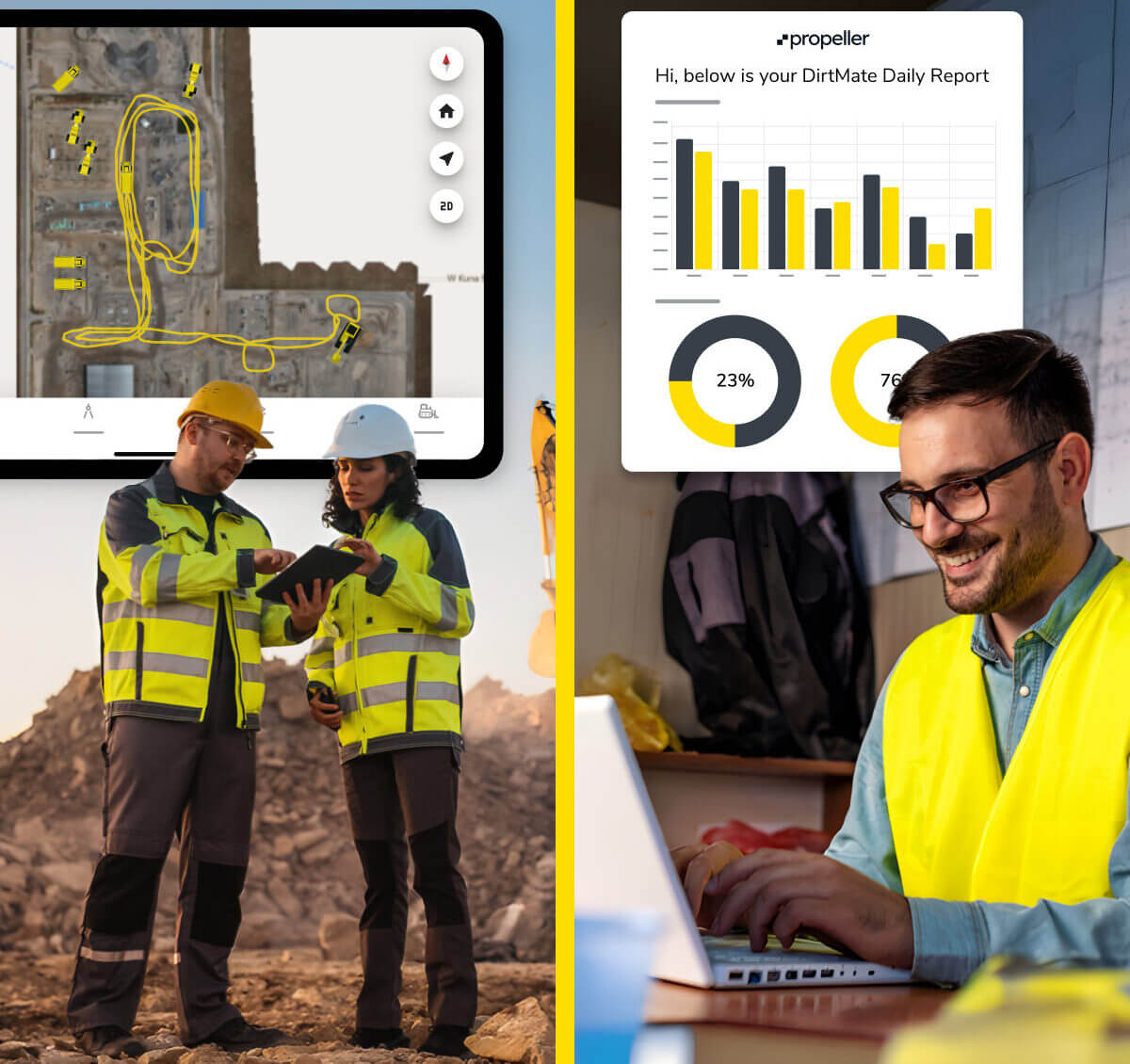
Propeller’s field-to-office communication tools enable fast, clear communication across teams. From sharing design updates to tracking progress in real time, keep your projects moving with ease—whether you’re in the office, on-site, or using Propeller Mobile in the field for smarter jobsite collaboration.
Empower your field and office teams with construction field communication tools that keep you aligned, ensure accuracy, and help you get the job done right the first time.

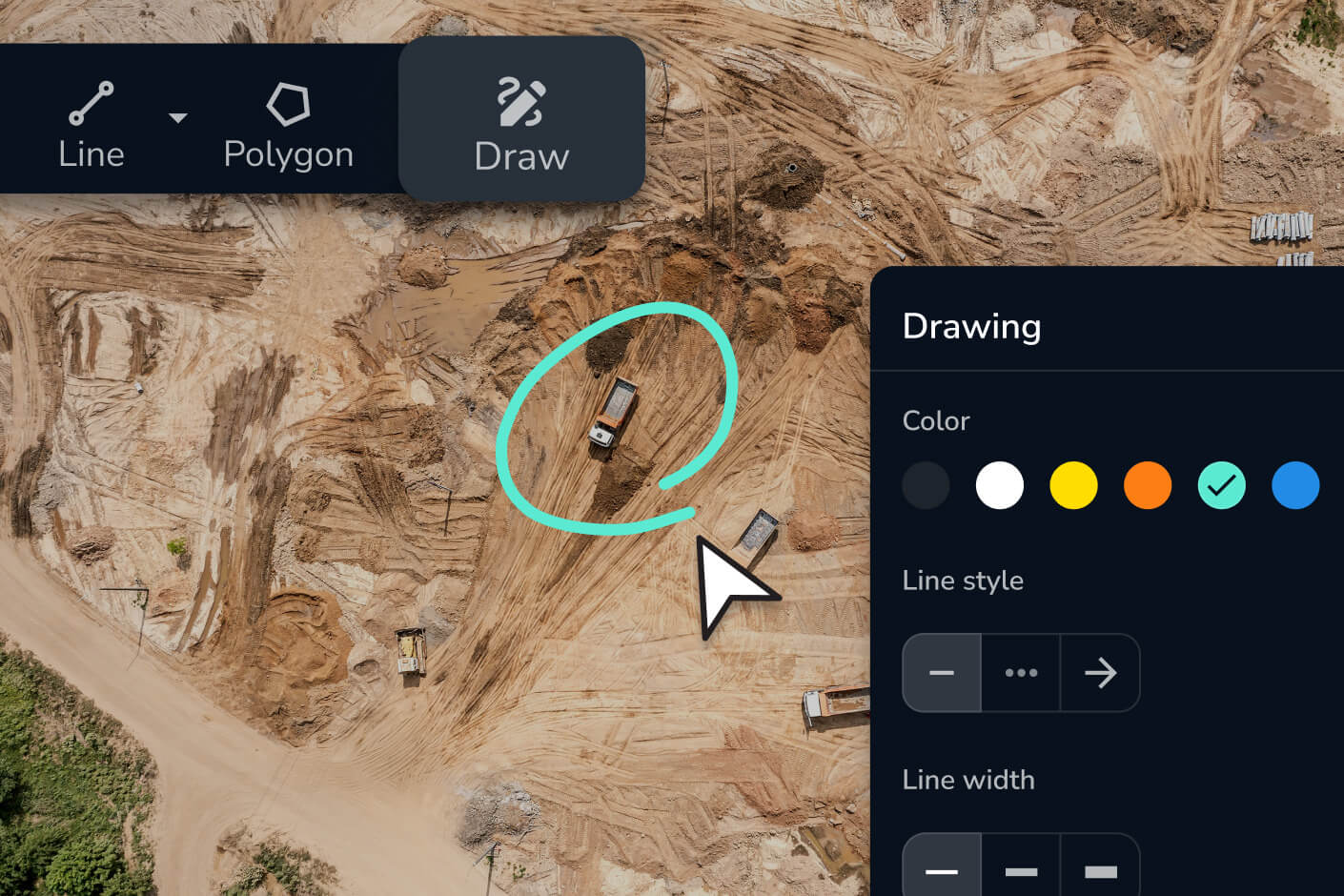
Share critical information like designs, progress reports, and updates instantly between field crews and the office to avoid costly delays. With the Propeller Mobile App, teams in the field can access and annotate field data on the go.

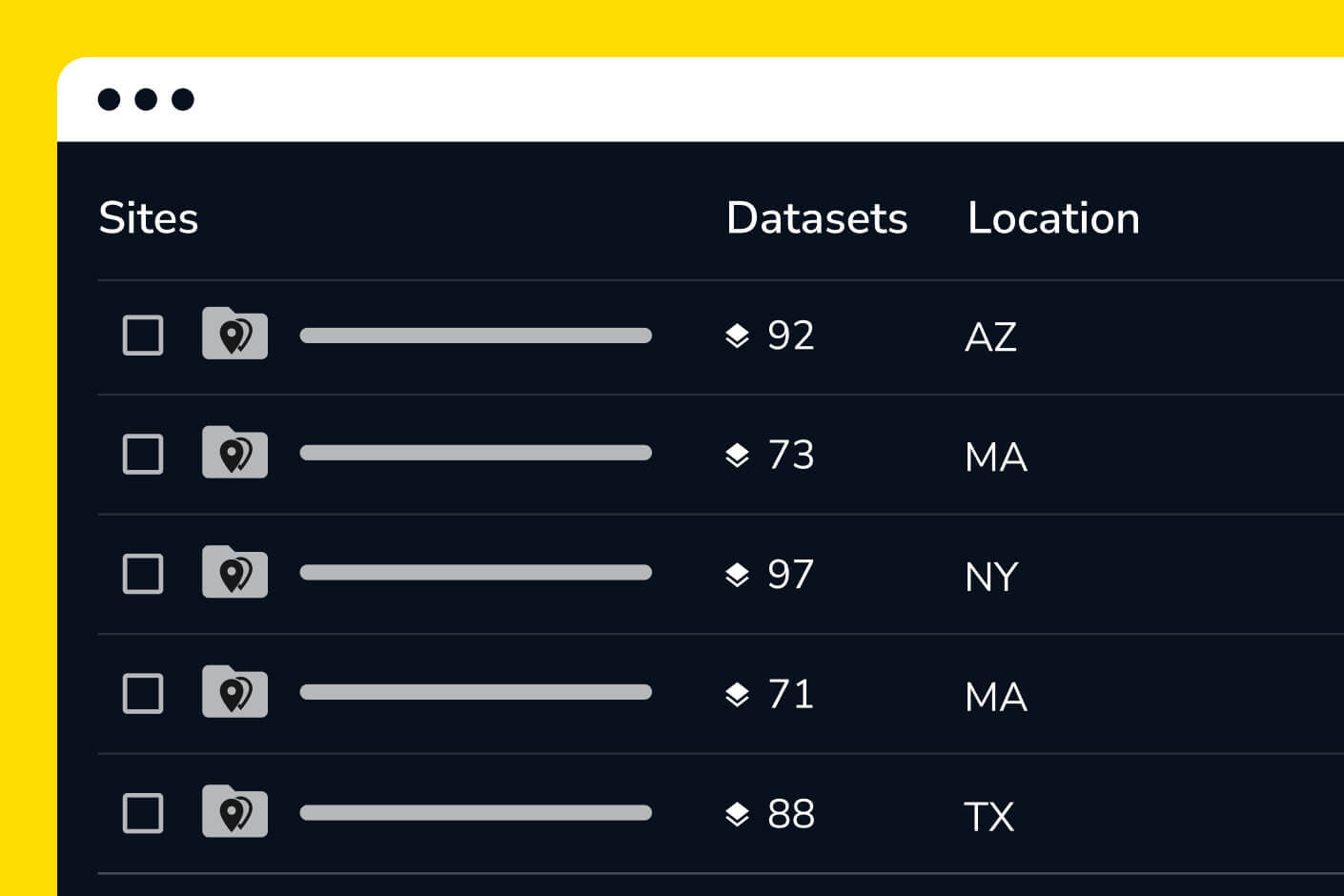
Access up-to-date site information through Propeller’s integrated mapping platform. Improve project coordination and decision-making by ensuring everyone, from office teams to field crews, has the same data.

Streamline workflows with tools like Propeller Mobile and PDF maps to improve communication and make every project more efficient through reliable jobsite collaboration.
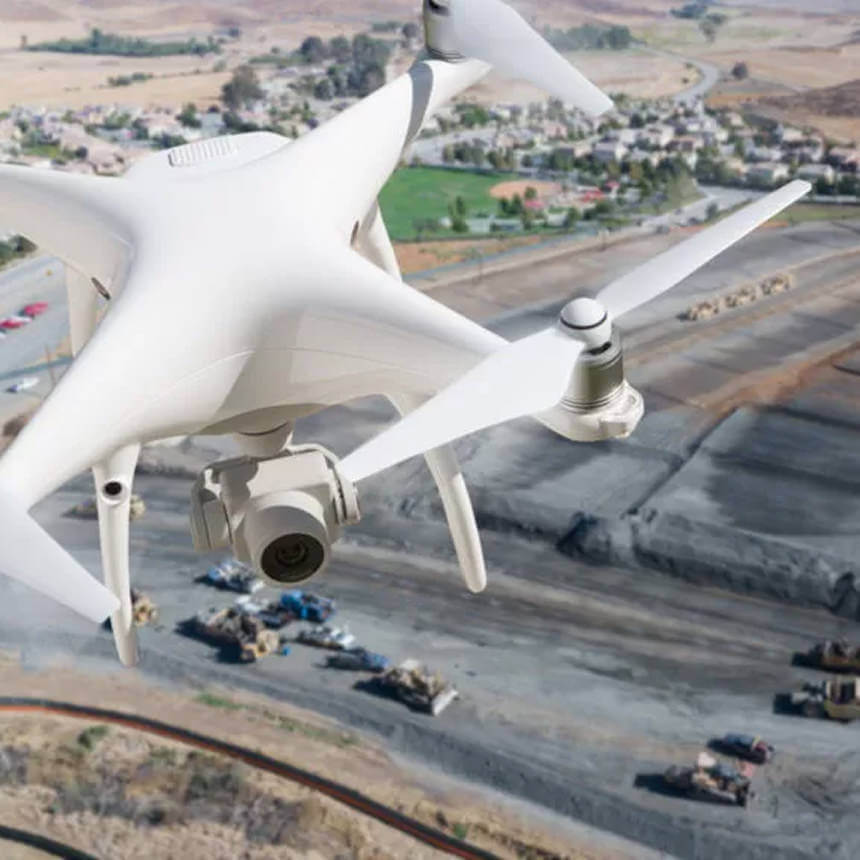

“I can share Propeller with anybody onsite and people can start using it straight away. This means I’m not hassled to do calculations in CAD or TBC because they can do it themselves. This gives me time to do other things.”
– Pawel Szumski, Engineering Survey Manager at Wills Bros
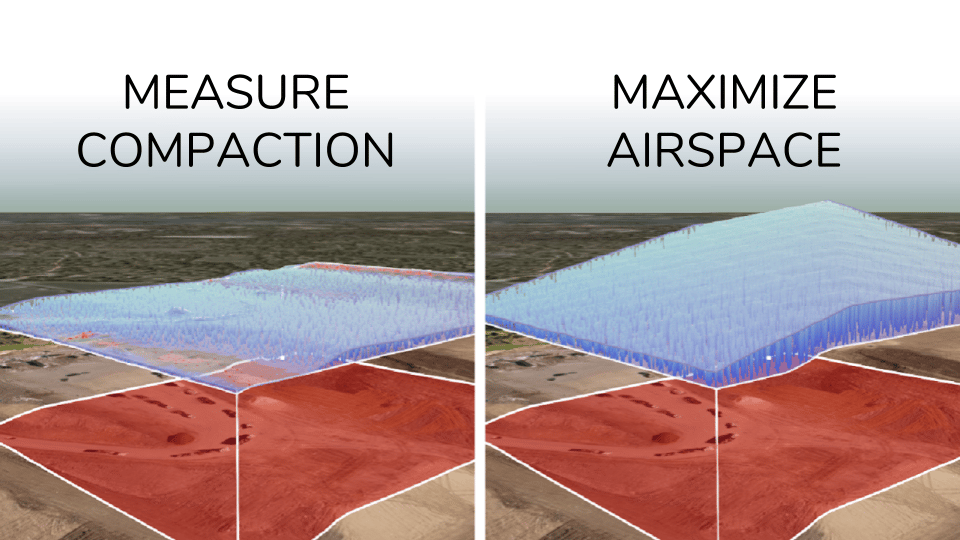

Keep your team aligned with a shared source of truth. Access and annotate site data from anywhere, reducing miscommunication and rework.
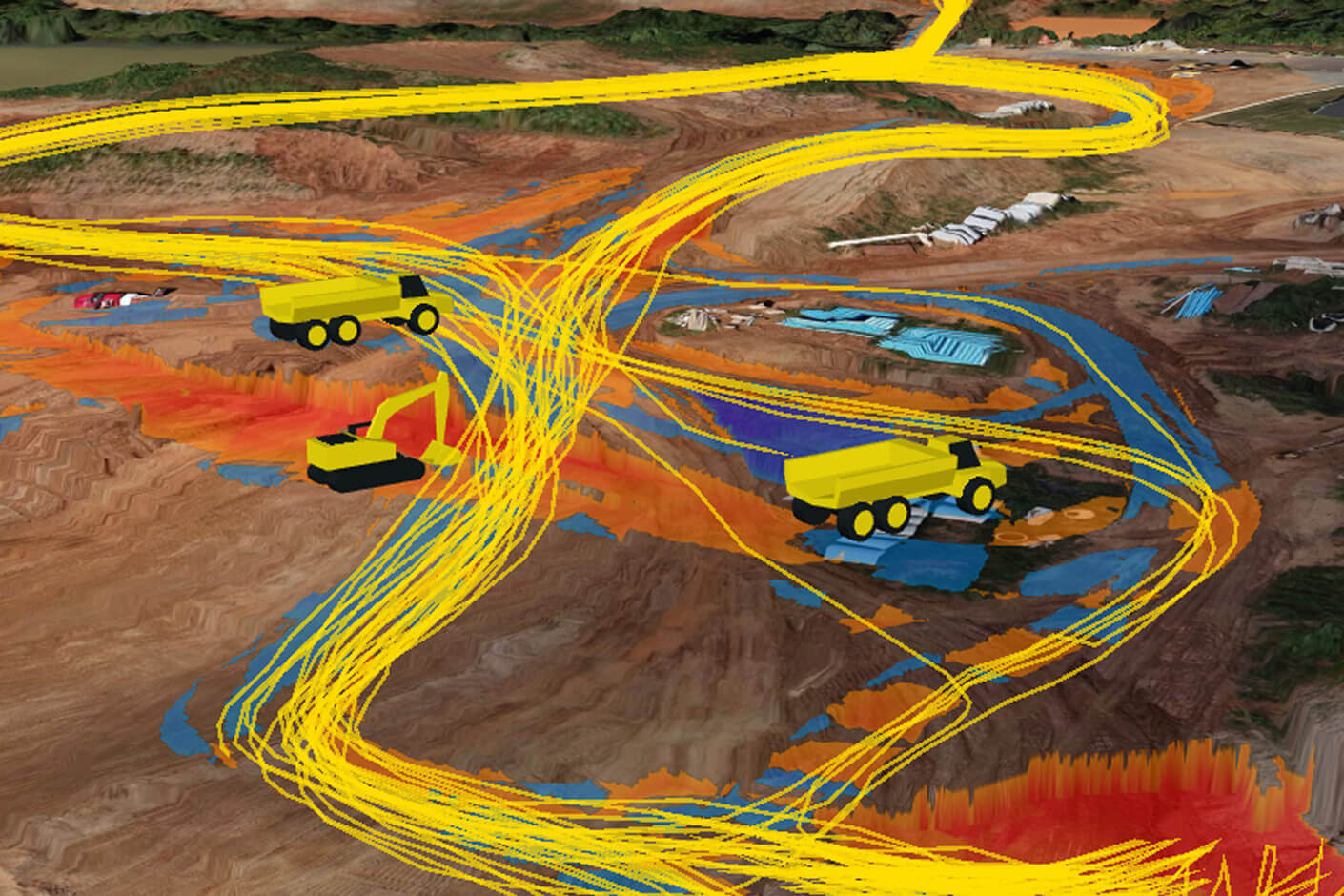
Field teams access Propeller through the Propeller Mobile App, which lets them view the latest surveys, designs, and measurements directly from a phone or tablet on site. They can annotate maps, pin photos and notes to specific locations, and see real-time machine data from DirtMate — all without needing to return to the office or wait for someone to send a file.
All site data in Propeller is cloud-based and updates in real time, so there’s no risk of field crews working from outdated surveys or the office using stale designs. When a new survey is processed or a design is uploaded, it’s immediately available to everyone with the appropriate workspace access — no manual file sharing required.
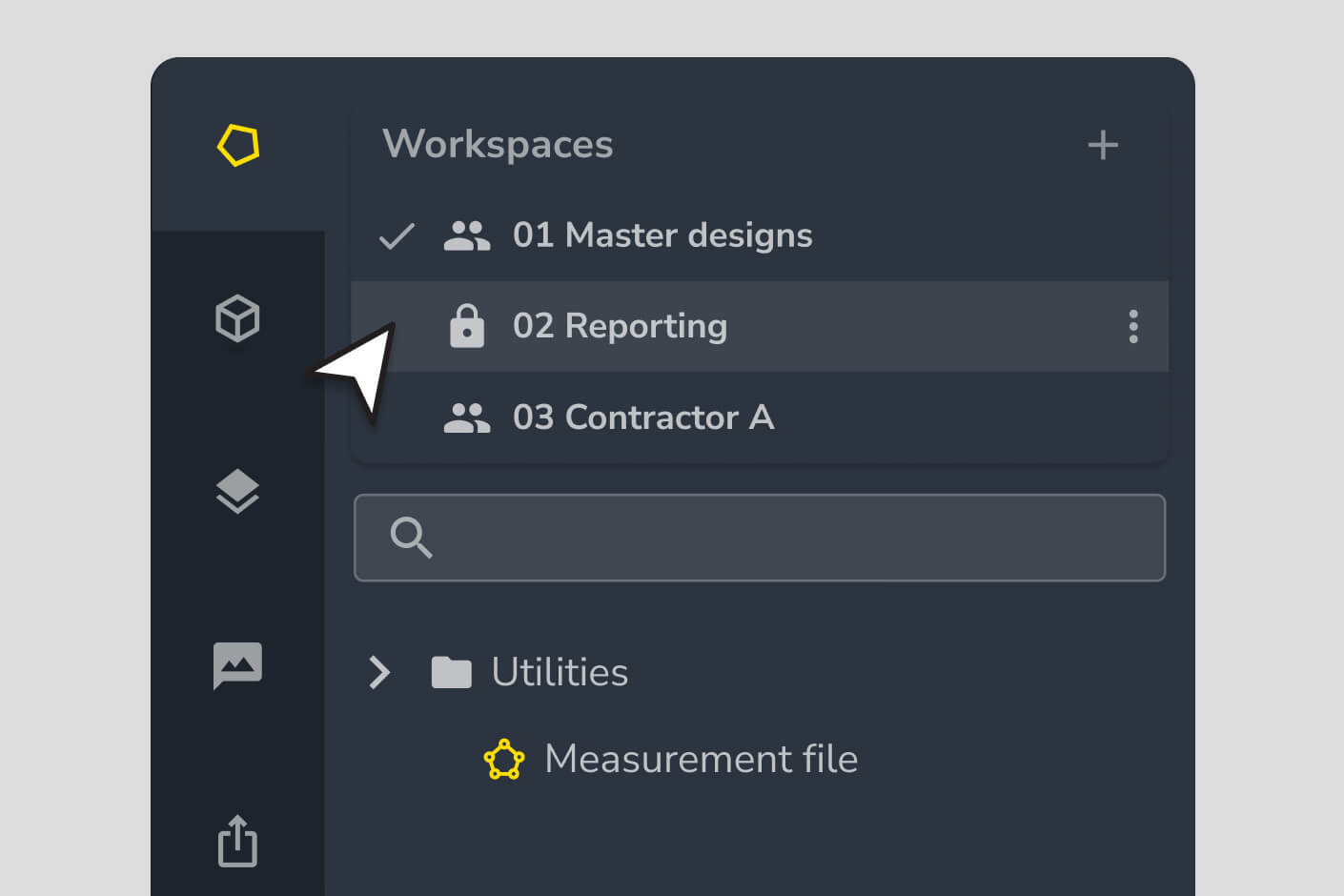
Yes. Propeller’s workspace and user permissions system lets you create separate workspaces for different teams — subcontractors, office staff, clients — and assign read or edit access by role. You can lock critical calculations to prevent accidental changes and use shared links to give external stakeholders view-only access without giving them full platform access.
You can generate PDF maps and scheduled reports that export automatically and can be shared by email. For stakeholders who need ongoing access, Propeller supports shared links that open an interactive view of the site in a browser — no login or software required. This makes it straightforward to keep clients, subcontractors, or executives informed without managing additional user accounts.