Build and maintain transportation infrastructure with accurate site data
Propeller gives DOTs, contractors, and survey teams one accurate site record for every phase of the project, from planning and earthwork through verification and long-term maintenance.Propeller gives DOTs, contractors, and survey teams one accurate site record for every phase of the project, from planning and earthwork through verification and long-term maintenance.
Built for roads, rail, airports, and DOT construction programs.











Where Propeller fits in transportation & infrastructure
Roads & highways
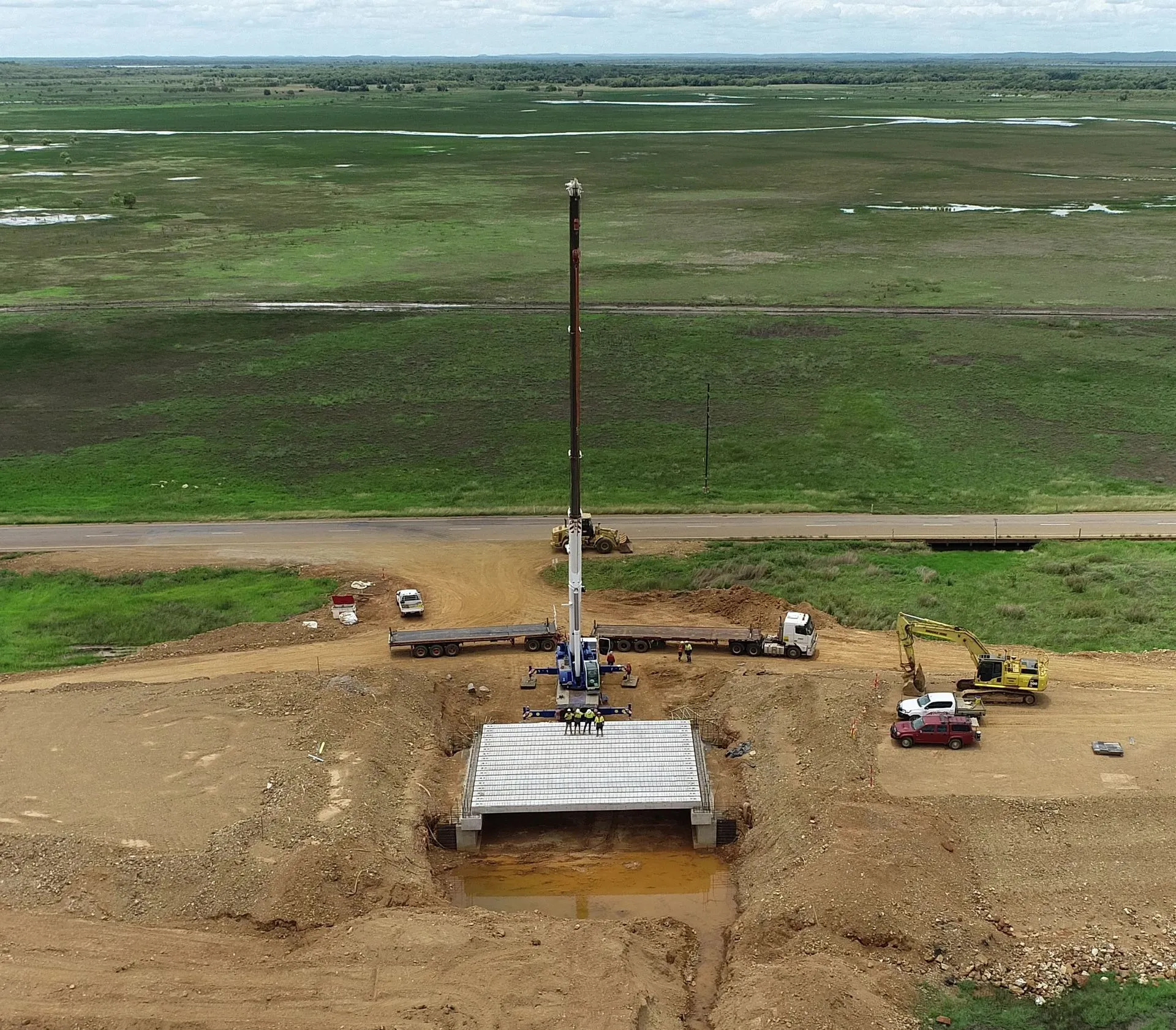
Track earthwork quantities, verify grades, and document conditions across road and highway projects.
Rail & linear corridors
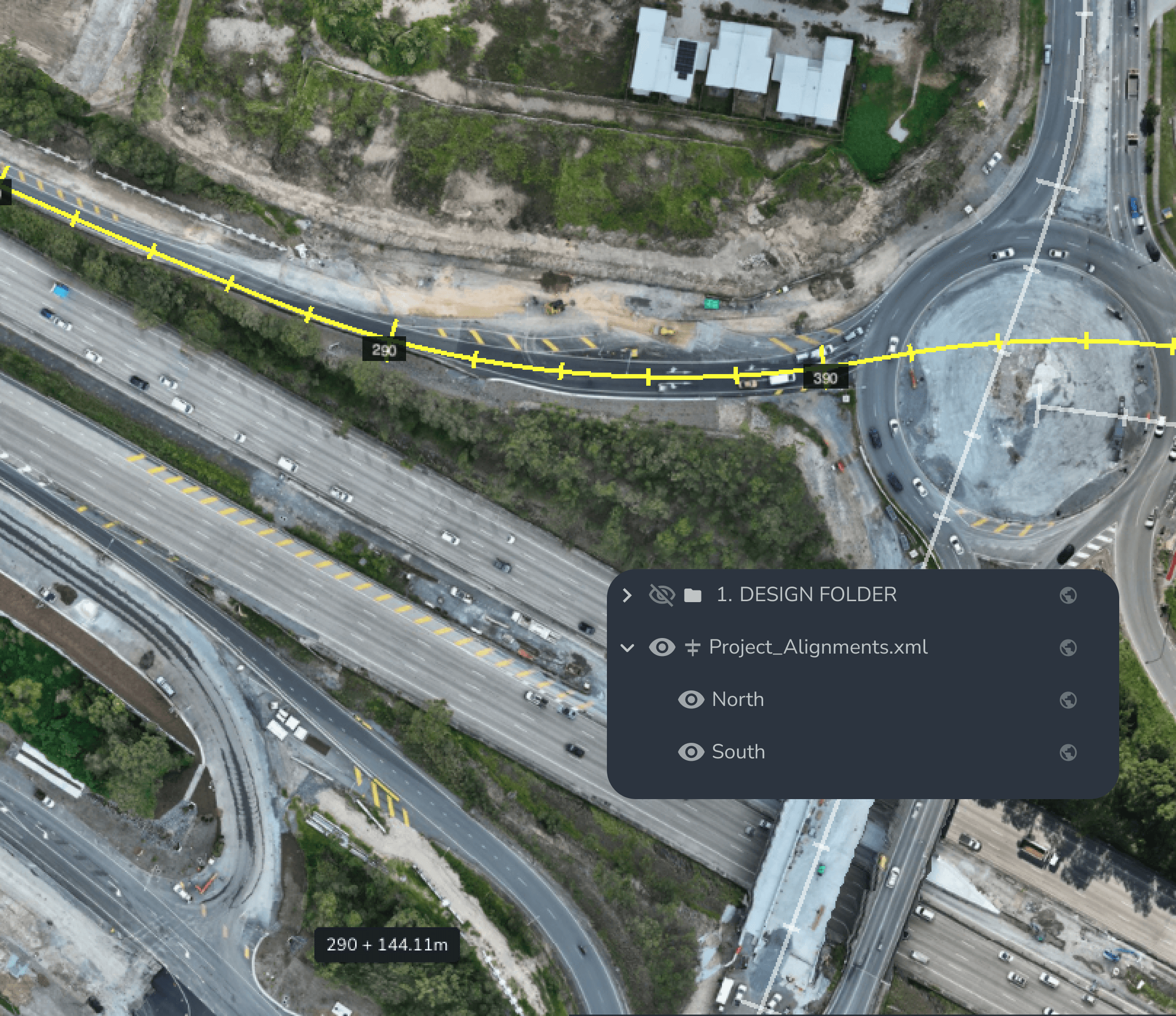
Bring a shared site record to long, distributed rail projects, with alignments and stationing available to field and office teams.
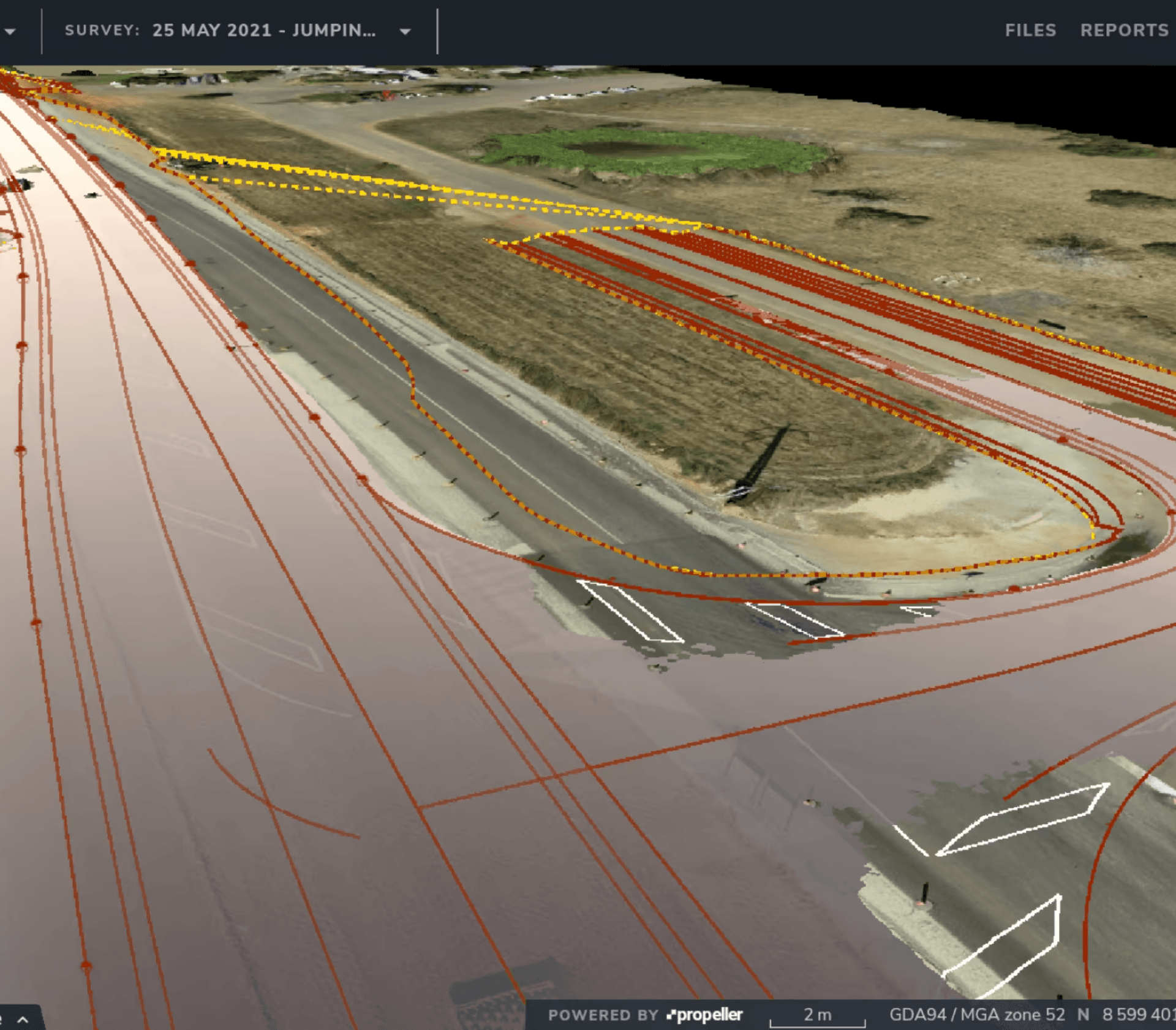
DOT & public agency programs
Deliver auditable, compliant survey records for pay quantity validation, submittals, and long-term maintenance.
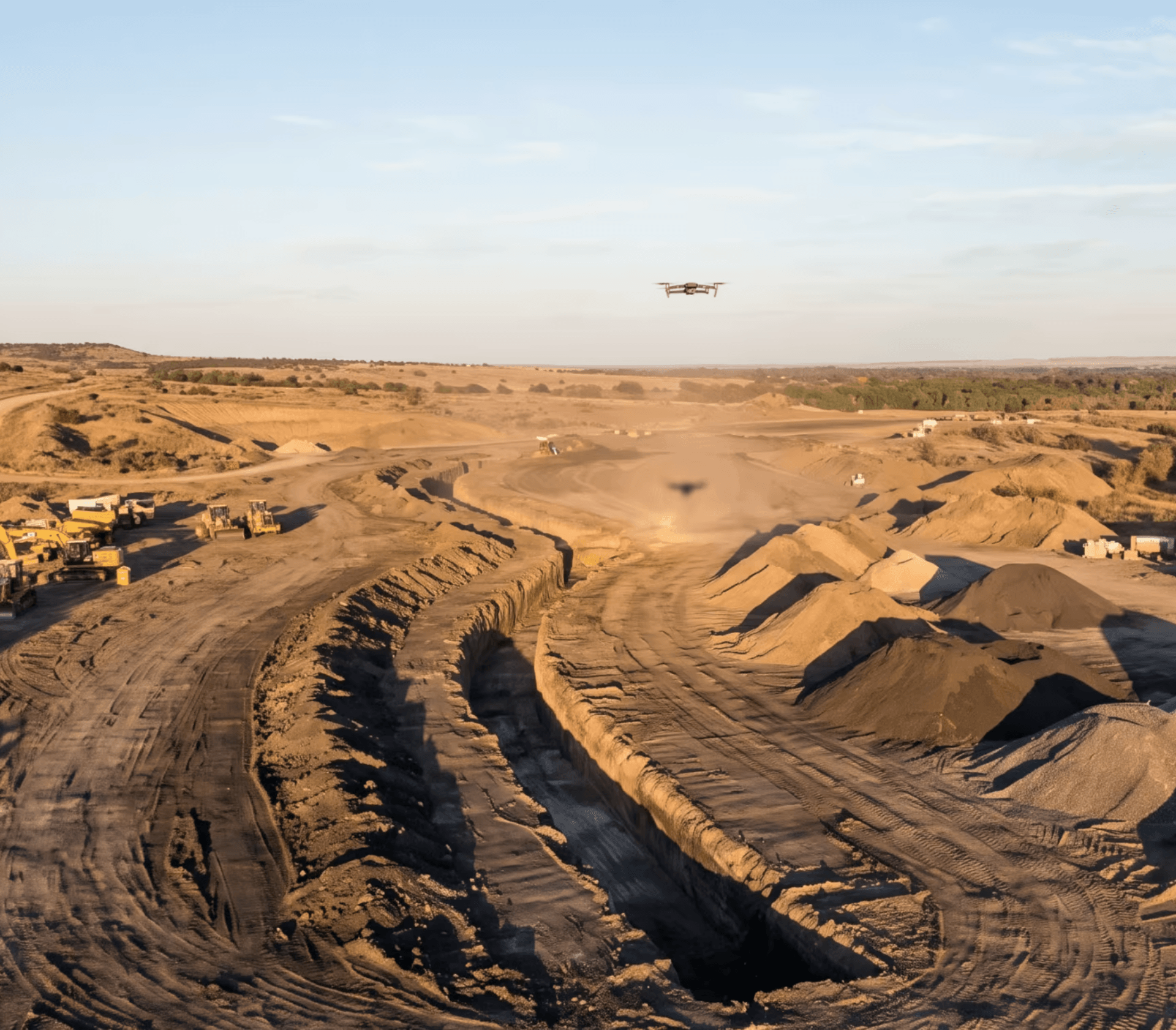
Access roads & civil infrastructure
Capture field conditions for utilities, drainage, trenching, and site access across remote or distributed work.
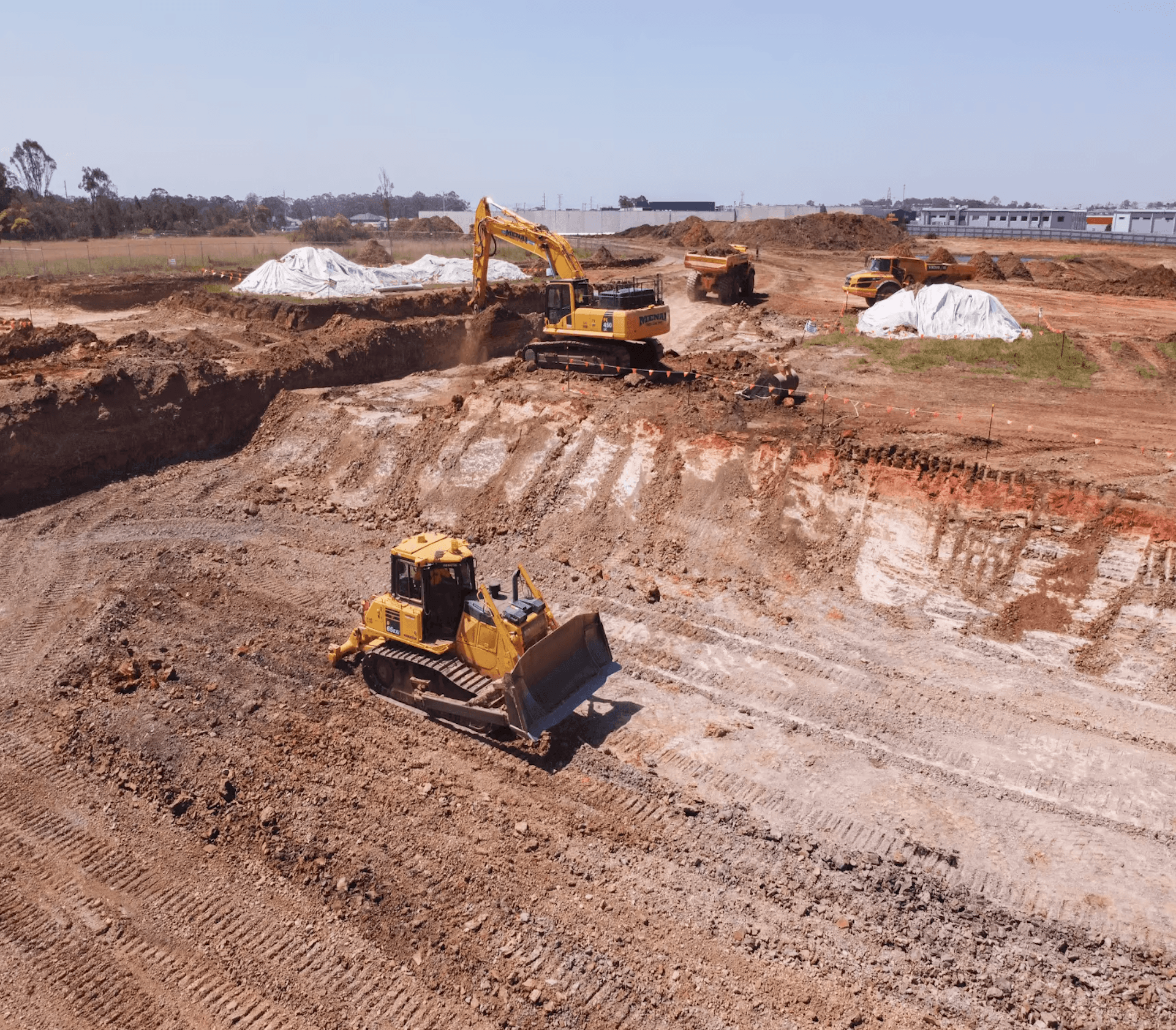
Heavy civil contractors
Track progress, compare as-designed to as-built, and support payment applications with high-precision site data.
The problem with linear infrastructure projects
Long, distributed projects are hard to manage because the job keeps moving and the proof disappears behind it.
By the time a crew reaches the next station, the grade has been set, the utility has been buried, and the quantities have been approved. If the right record does not exist when a pay application, inspection, handoff, or dispute conversation happens, teams are left recreating proof after the fact.
The friction is not the work itself. It is the gap between what happened in the field and what can be shown to the office, the owner, or the DOT.
Propeller gives teams the proof before they need it.
One platform, every phase of the project
Plan: Know what’s there before you build
Capture accurate existing conditions along the corridor before work starts. Analyze alignments, measure right-of-way constraints, identify drainage issues, and assess hydrology early so your survey and estimates start from real data.
- Capture existing ground and corridor terrain from drones, GNSS, total stations, or LiDAR
- Upload LandXML files to reference alignments and stationing before a shovel moves
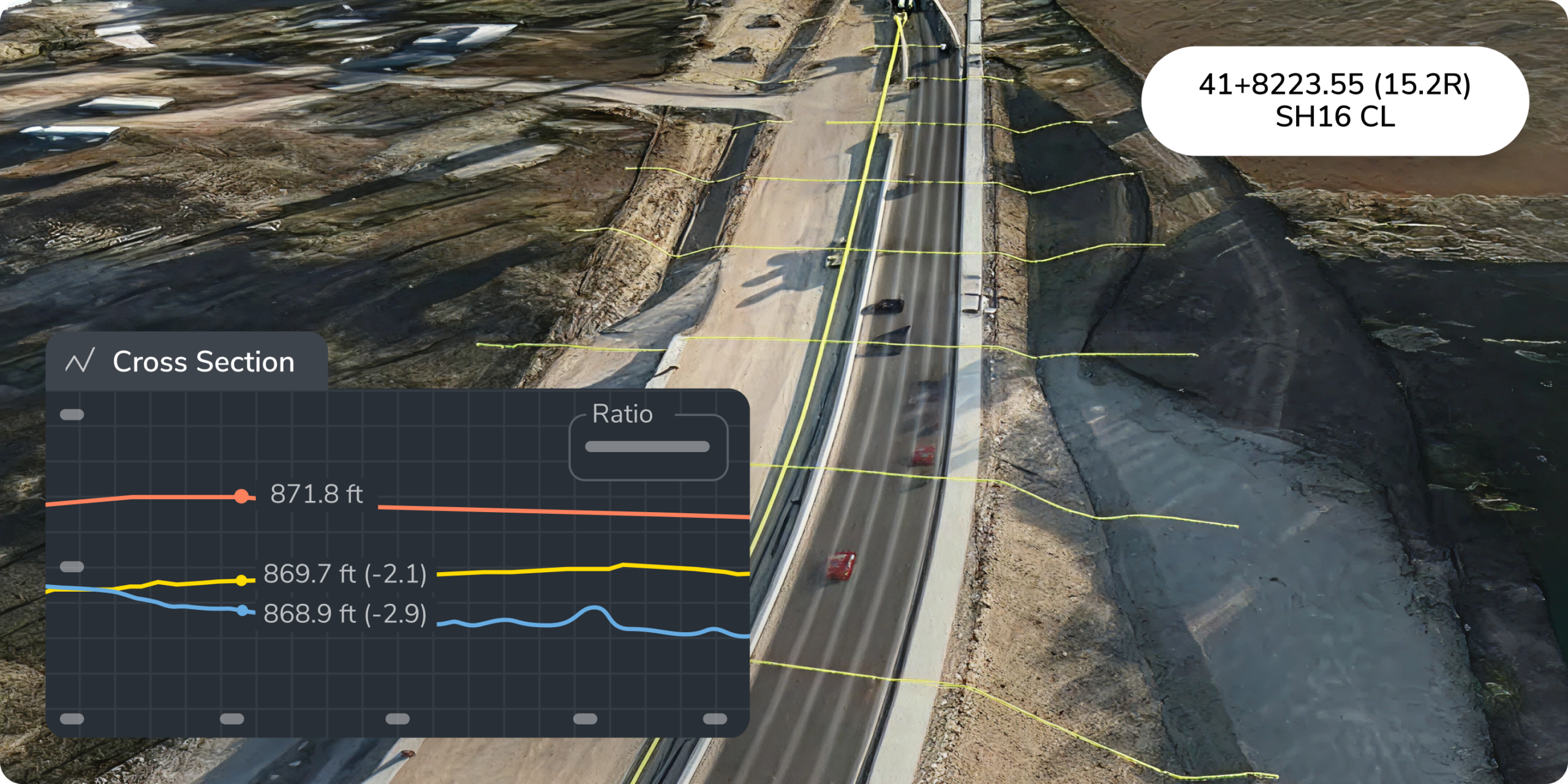
- Analyze cross sections, offsets, and right-of-way boundaries across the corridor
- Identify drainage and surface runoff risks before construction begins
Explore: Survey Explorer, Composite Builder, and Workspaces · Hydrology and surface runoff tools
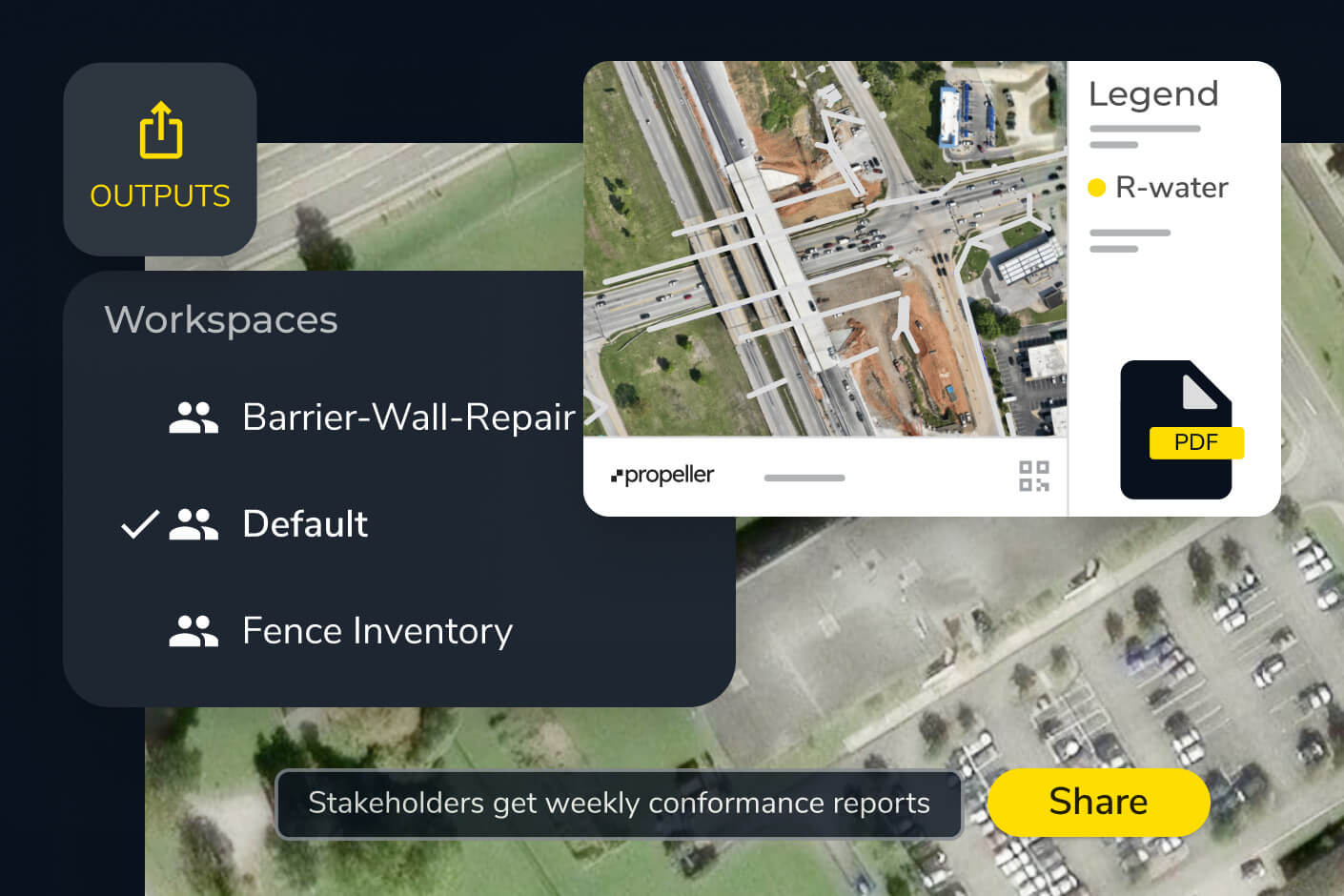

Build: Track progress and verify work as the project moves
Keep field and office teams connected with real-time progress tracking, digital stationing tools, and design conformance checks that flag deviations before they become costly rework.
- Reference alignments in the field using digital stationing tools, without repeated staking
- Compare as-designed to as-built surfaces across the full corridor
- Measure earthwork quantities and track cut-fill balance in real time
- Capture field conditions with Propeller Mobile and share updates instantly
Explore: Digital stationing and alignment · Compare to design, cut-fill, grade checks, and area progress · Propeller Mobile
Verify: Confirm every layer and support payment applications
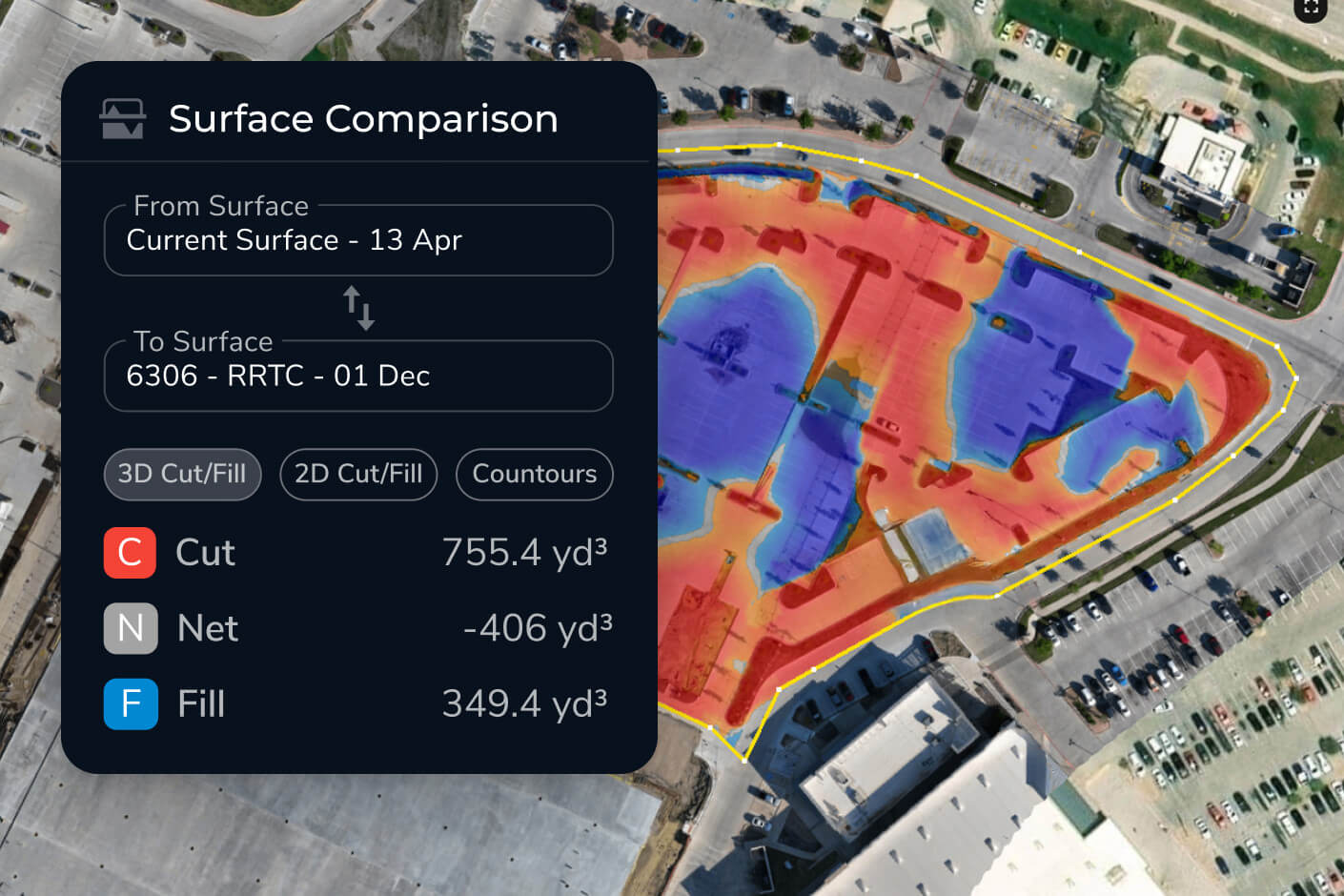
Verify subgrade and finished surfaces against design so acceptance moves quickly and is backed by high-precision data. Support pay quantity claims with dated, auditable site evidence.
- Compare finished surfaces against design to confirm each layer meets grade
- Measure earthwork quantities for pay application support
- Use AeroPoints and high-precision drone processing for centimeter-level accuracy across long corridors
- Generate Measurement Reports for DOT submittals and audits
Explore: Grade checks, cut-fill, and design comparison · AeroPoints · Measurement reports and volume calculations
Maintain: Keep a reliable record for the life of the asset
Maintain transportation assets with historical survey data that gives DOT teams and owners a complete, auditable digital record for inspections, long-term upkeep, and compliance.
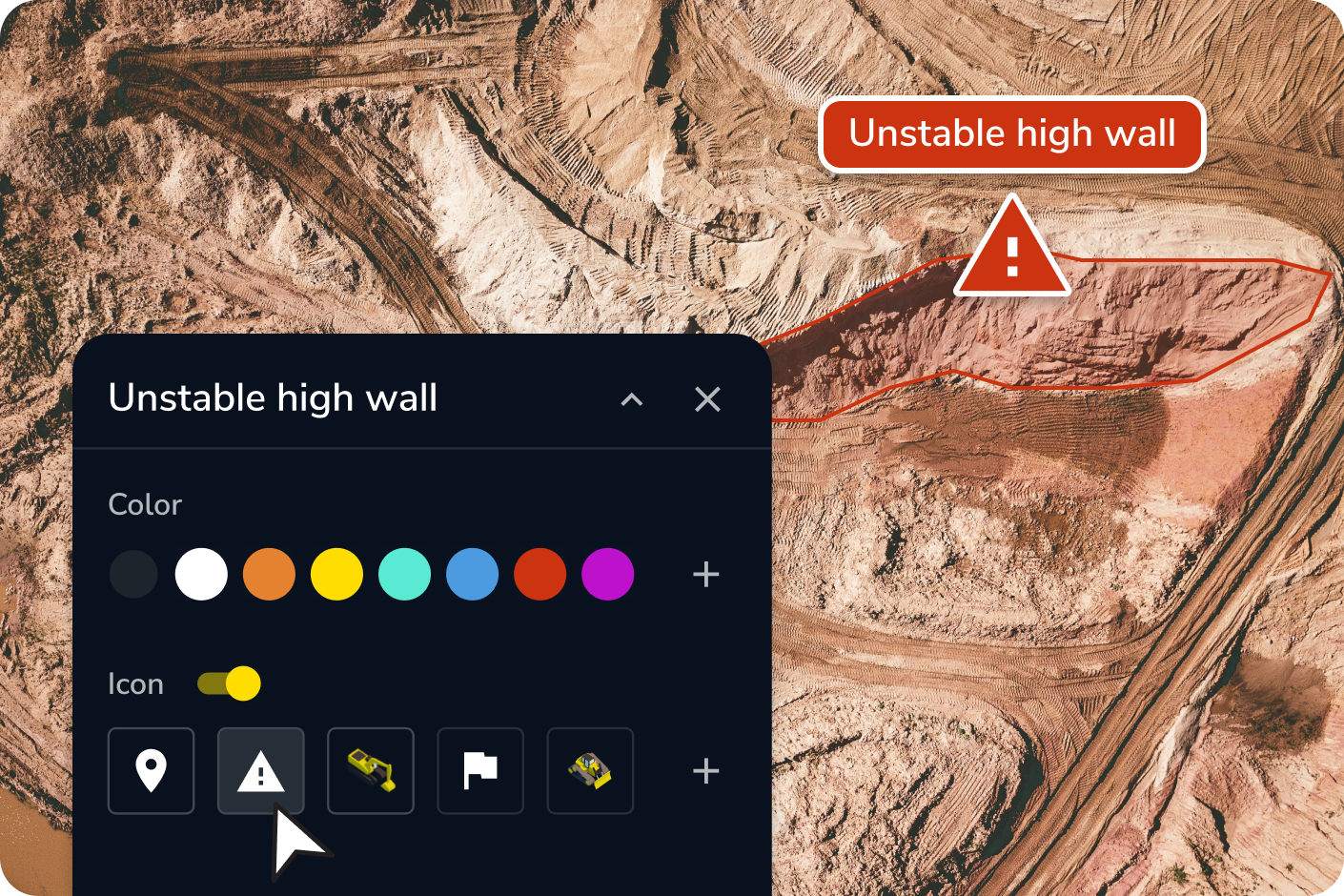
- Track surface change over time along roads and corridors
- Build a complete, inspection-ready record for DOT compliance and long-term upkeep
- Use slope and hydrology analysis to manage stormwater and drainage risk
- Identify and measure areas needing repair using current survey data
Explore: Timeline, media, flythroughs, and markup · Hydrology and surface runoff tools
Road construction surveying, digital stationing, and corridor mapping
Corridor mapping and AeroPoints
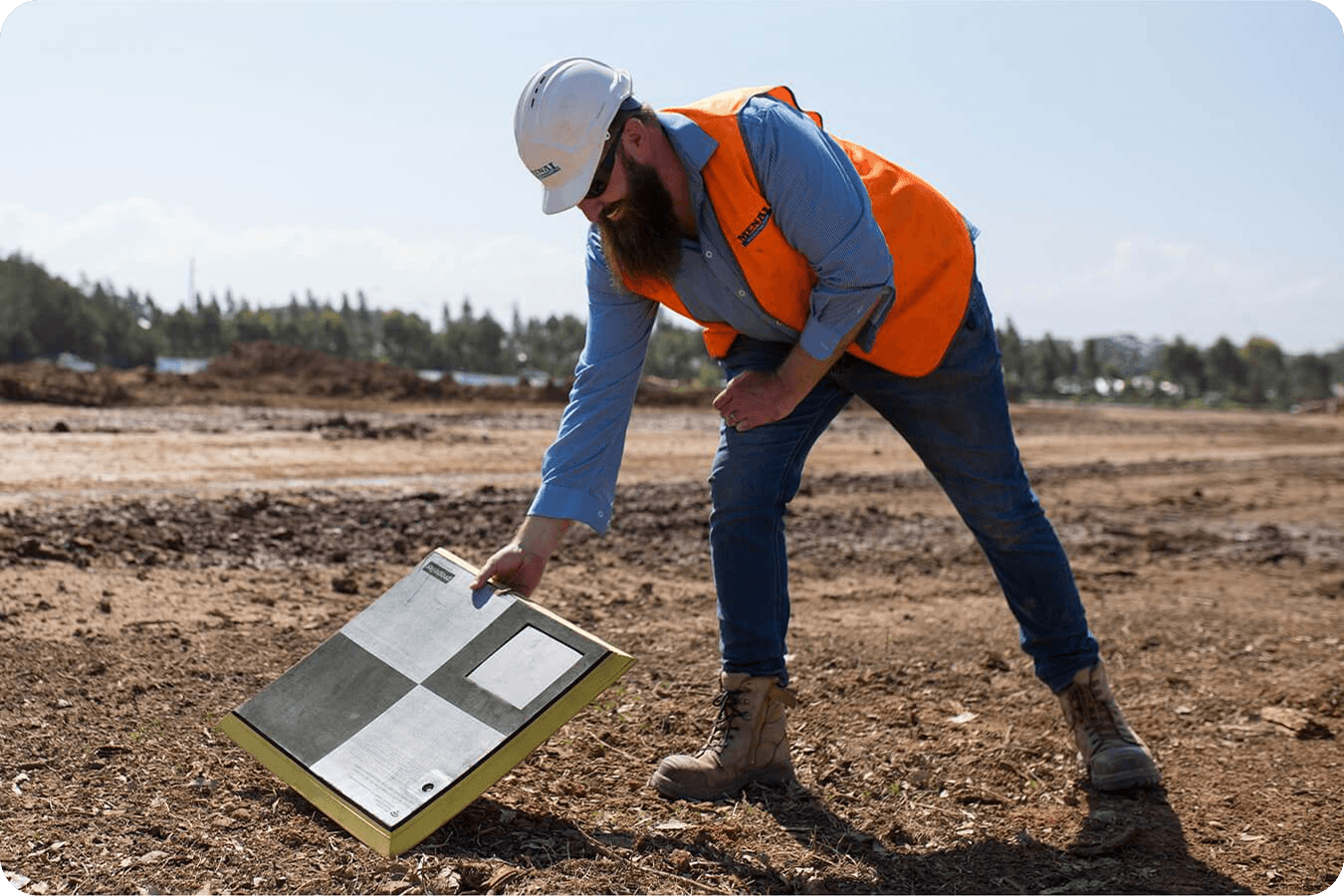
AeroPoints are Propeller’s portable ground control points built to scale road construction surveying across long corridors. Easy to deploy and highly portable, AeroPoints deliver centimeter-level accuracy for corridor mapping, alignments, and stationing tasks.
Combined with PPK drone workflows, DOTs and contractors can verify pay quantities, validate as-builts, and measure earthwork quantities across miles of roadway.
Digital stationing and alignments
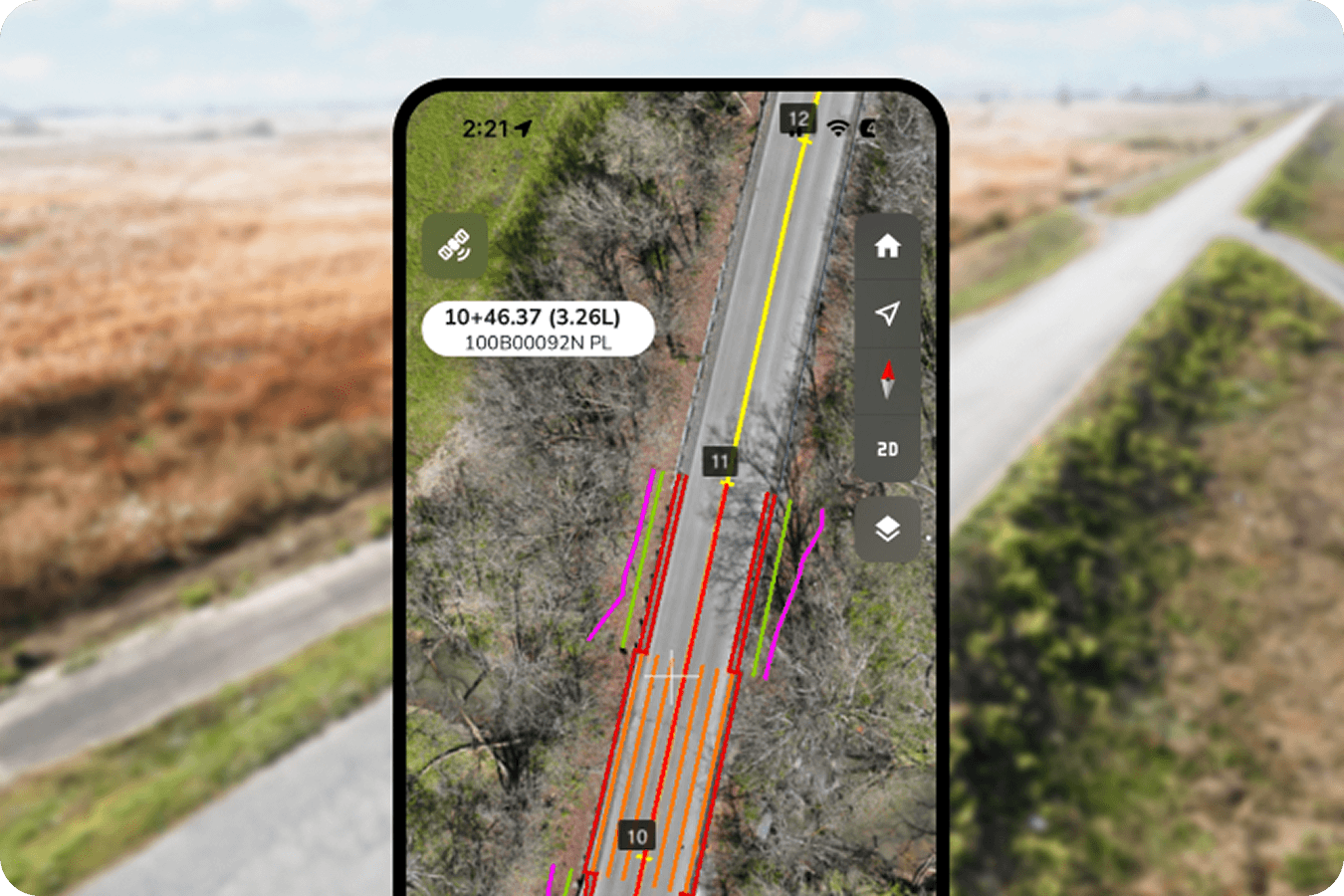
Propeller replaces manual stationing with digital tools that connect design alignments directly to real-time GPS data. Upload LandXML files from Civil 3D or OpenRoads and reference stationing, chainage, cross sections, and right-of-way boundaries on a 3D map or mobile device.
Field and office teams work from the same alignment, even on complex linear projects spanning many miles. Alignment updates stay consistent across the full corridor without repeated staking or rework.
Compatible with the tools you already use
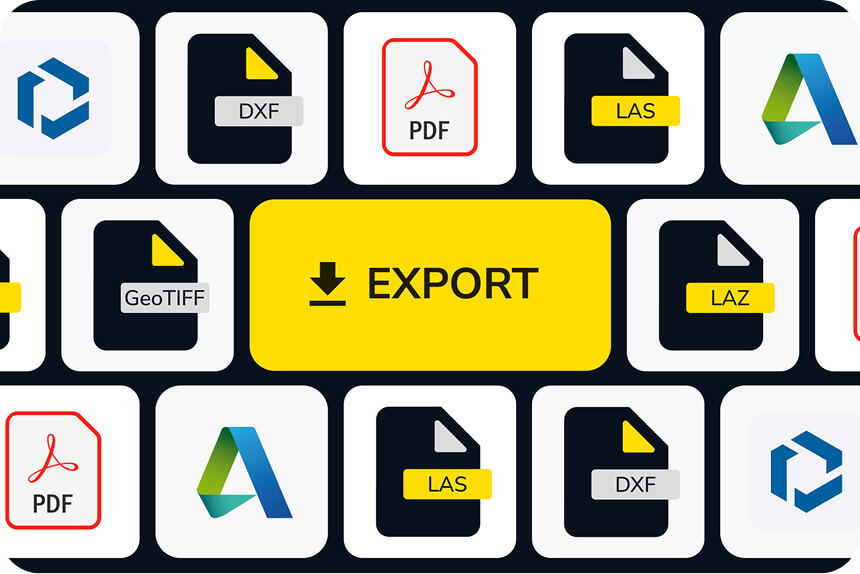
Propeller works with Civil 3D, OpenRoads, Trimble Business Center, and other industry-standard CAD and GIS tools. Import design files to compare against real site conditions, and export data in formats your team already uses.

How Nova Rota do Oeste keeps a 150 km highway project moving
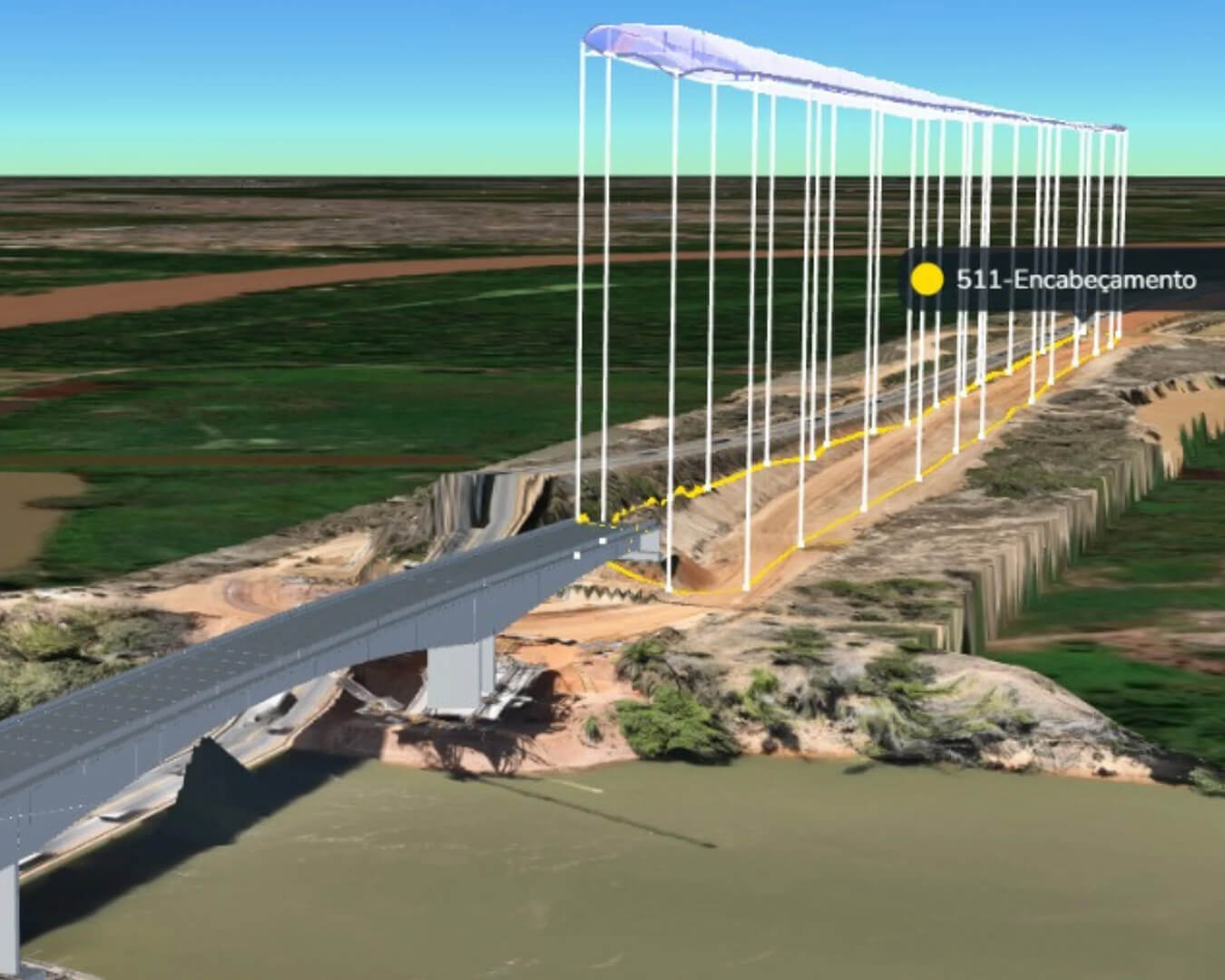
On the BR-163/MT highway duplication project in Brazil, Nova Rota do Oeste uses Propeller to centralize survey data across multiple construction fronts and subcontractors. The team reduced data turnaround from 7–14 days to 48 hours and used Propeller data to identify and resolve a 175% volume discrepancy.
“The average turnaround time for results ranges from 7 to 14 days [before Propeller]. With Propeller, we have data back in 48 hours.”
— Paulo Eduardo Palma Baptista, Construction Coordinator, Nova Rota do Oeste
Build and maintain transportation infrastructure with confidence
From planning through maintenance, Propeller gives DOTs and contractors a modern approach to road construction surveying, combining drone mapping, alignments, and digital stationing tools in one secure system.
Frequently asked questions
Stationing is a linear referencing system used to describe positions along an alignment, such as a road or rail corridor. It is often expressed as station values, chainage, or milepoint. Digital stationing connects these references directly to design alignments and survey data.
Yes. With Propeller Mobile, field teams can view alignments, stationing, and offsets directly on their device using real-time GPS.
Propeller compares drone and ground survey data against design surfaces to measure earthwork quantities and confirm as-built conditions with high accuracy.
Propeller supports DOT workflows with AeroPoints and PPK processing for centimeter-level accuracy. Teams can upload LandXML alignments to verify as-builts, track mass haul, and maintain compliant, auditable records.
Yes. Design files such as LandXML can be uploaded and overlaid on drone-captured 3D maps to track progress relative to design stationing.
Digital stationing uses cloud software and GPS data to reference locations against a design alignment, replacing manual staking with faster and safer workflows.
Drones capture high-resolution data remotely, reducing the need for surveyors to work in active traffic zones or on unstable terrain.
Yes. Propeller data can be exported in formats compatible with Autodesk Civil 3D, Trimble Business Center, and other industry-standard CAD and BIM tools.
High-precision accuracy on road construction projects requires three connected tools: PPK-enabled drones for high-resolution capture, ground control points like AeroPoints for centimeter-level positioning, and digital stationing software that connects drone-captured surfaces to design alignments. Together, these tools replace manual chainage surveys and deliver auditable accuracy across corridors.