Daily Production Tracking Software for Construction
Run a tighter site without waiting on a survey. Propeller is daily production tracking software for construction, giving foremen and superintendents a real-time view of production, grade conformance, and site conditions from one shared map. Know what moved today, catch deviations before they turn into rework, and keep the office in sync without ever leaving the field.
Use Propeller’s progress tracking tools to compare production between surveys, monitor what is left to design, and keep daily earthwork decisions tied to current site data.
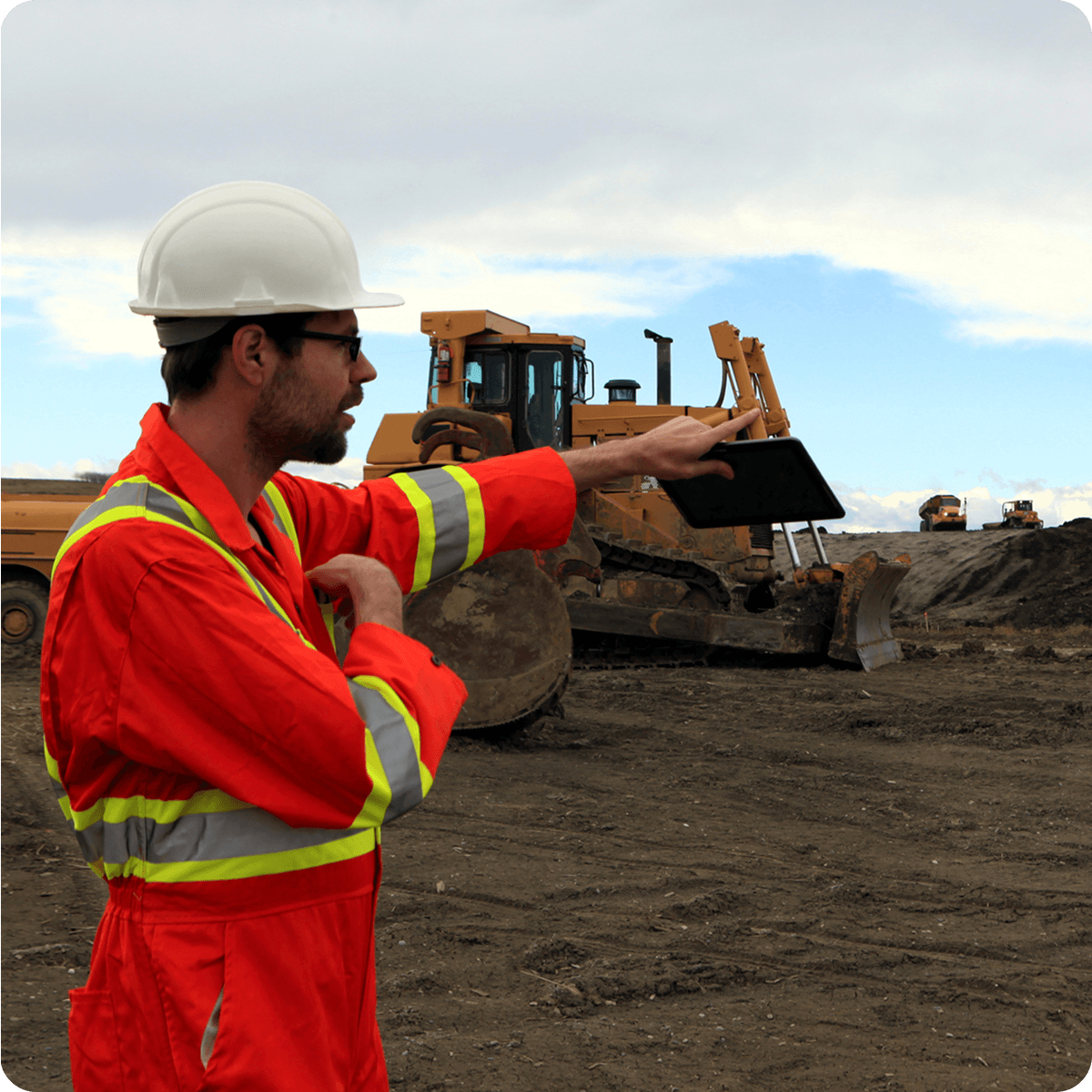
The data your day runs on

Know today’s numbers
Track daily and weekly production rates against your schedule in real time. See exactly how much has been moved, what’s remaining to design, and where your crew stands without waiting on a survey.
Pair survey-based volume calculations with DirtMate machine data to understand material movement between formal captures.

Grade conformance software for construction
Compare your current surface to design and catch deviations before they cost you. Know what’s already been graded so crews work the right ground, move phases with confidence, and avoid the rework that kills a schedule.
Use site checks and design comparisons to review grades, elevations, and current conditions before crews move into the next phase.

Close the field-to-office loop
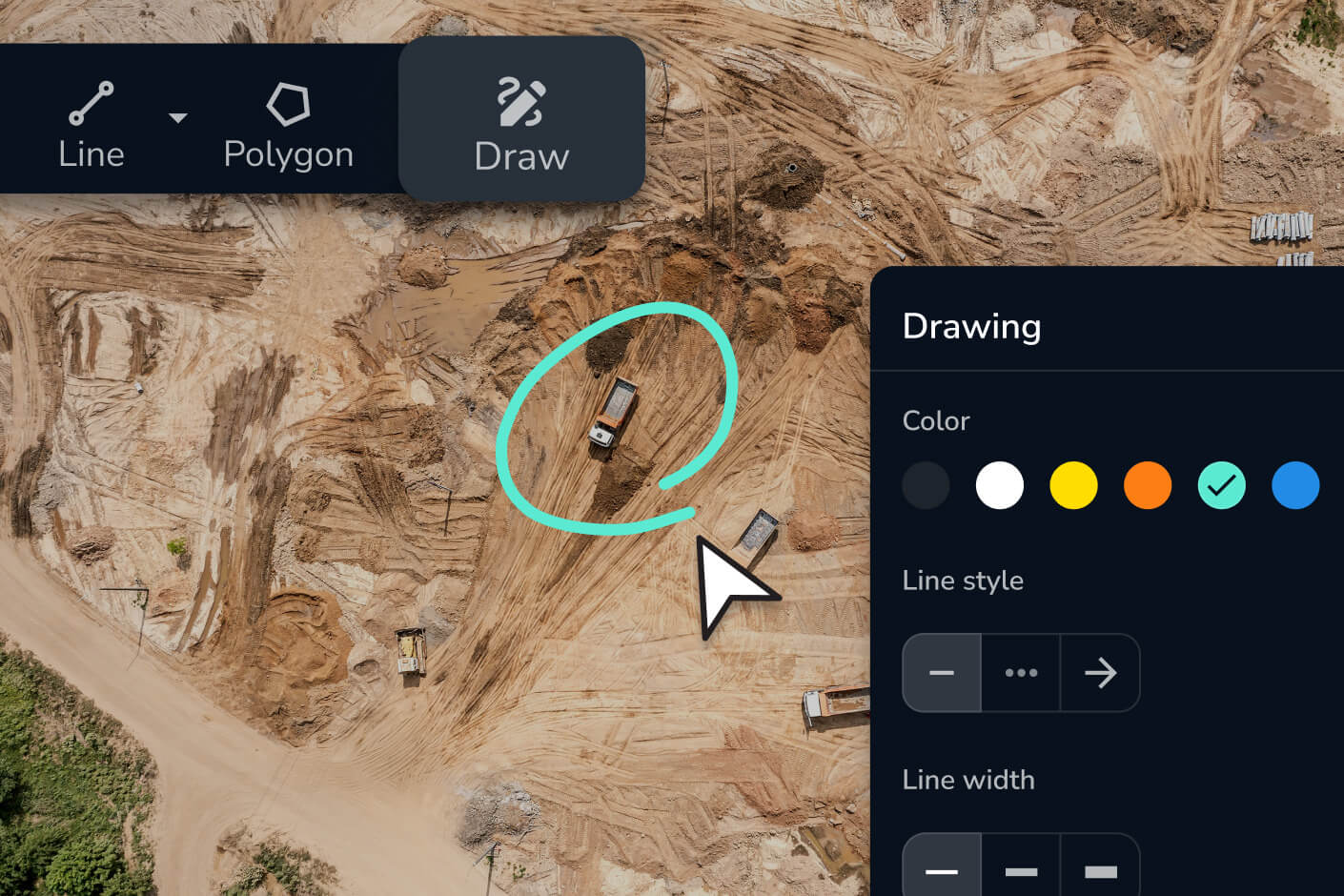
Mark up issues, drop hazard pins, and document site conditions from any device. Everything captured in the field syncs instantly to the office. No clipboard, no back-and-forth.
Use Propeller’s field communication and collaboration tools to keep measurements, media, markups, and project context connected between field and office.
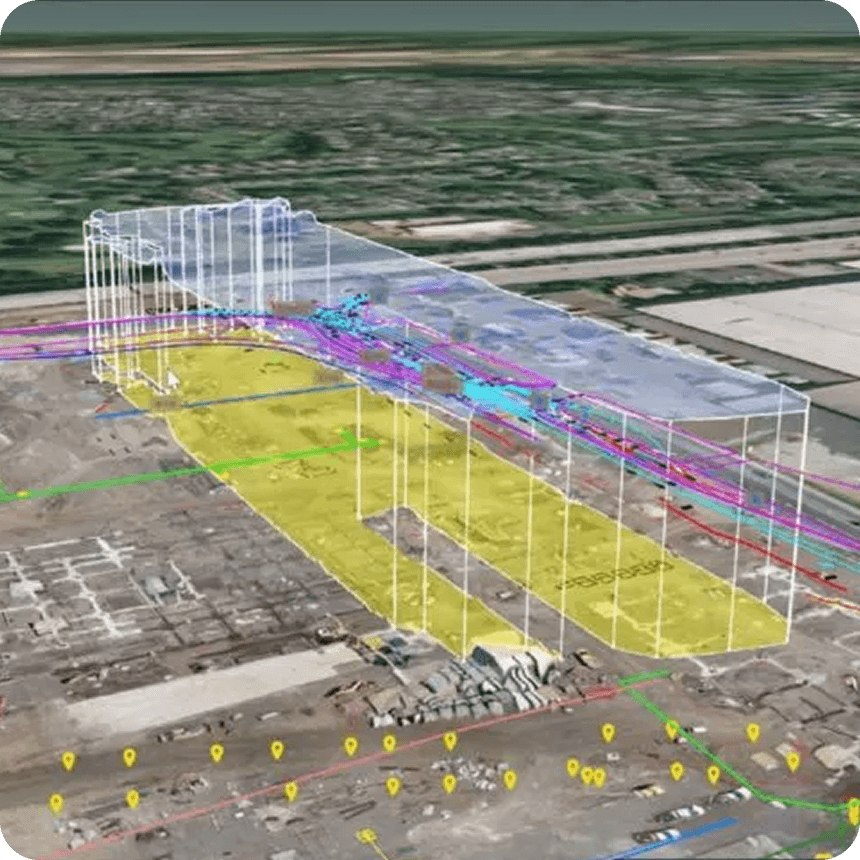
“We had three or four very large utility conflicts. We had a 16-inch water main cutting through the site that was in the wrong location [and] the main power feeds for the airport cutting through the site that were in the wrong location.”
– Brian Holm, Project Superintendent at Hensel Phelps
Built for how you actually work
From morning standup to end-of-day reporting, Propeller fits into the workflows you already rely on, making every one of them faster and more accurate.
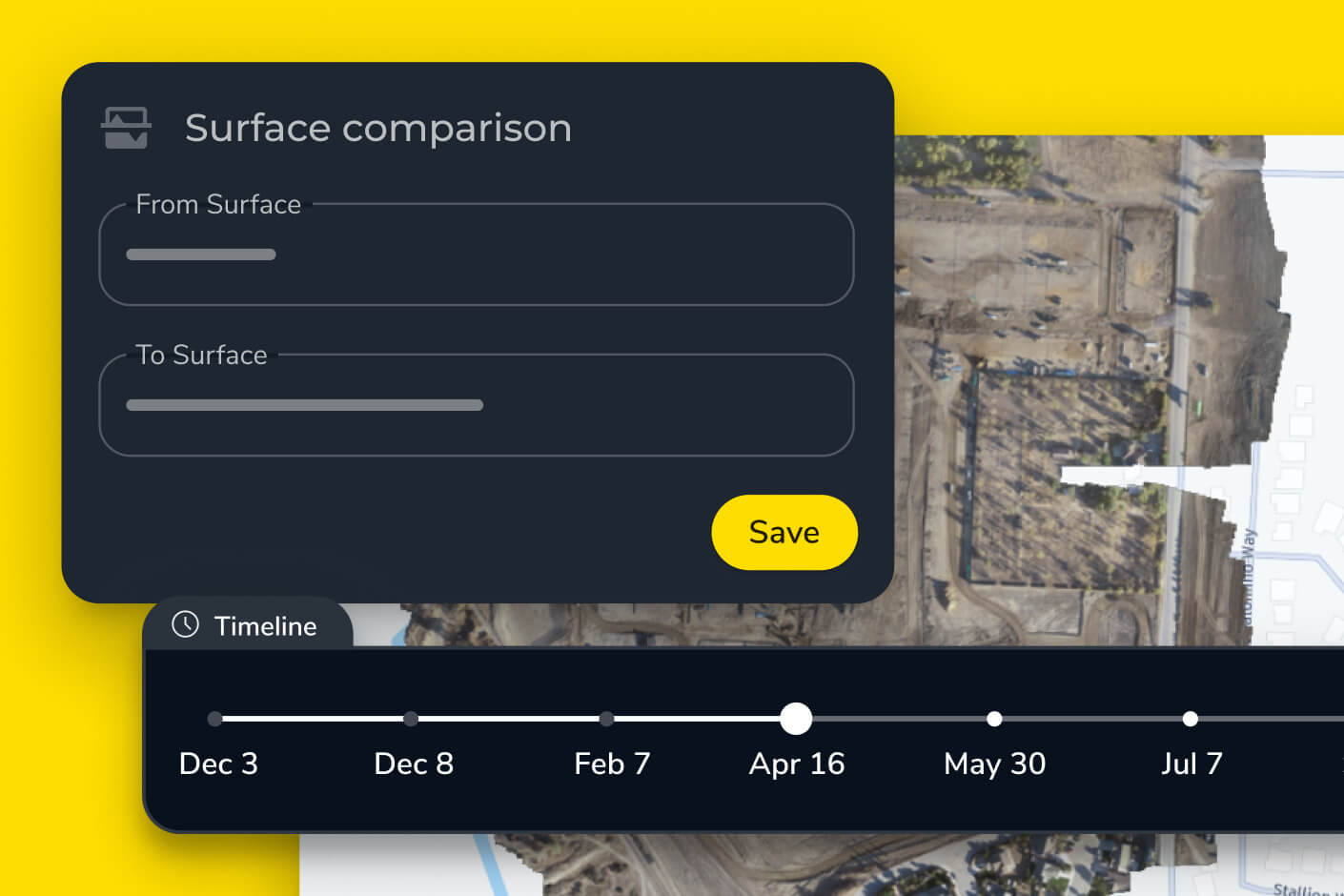
Daily production tracking for construction crews
Start every shift knowing exactly where you stand. Track volumes moved and production rates against your schedule in one view. Surface comparisons show daily progress so your tailgate talks are backed by numbers, not estimates, and your site record is always up to date.
Propeller’s daily reporting tools can also deliver production, machine, and site metrics without requiring teams to manually compile the same information every morning.
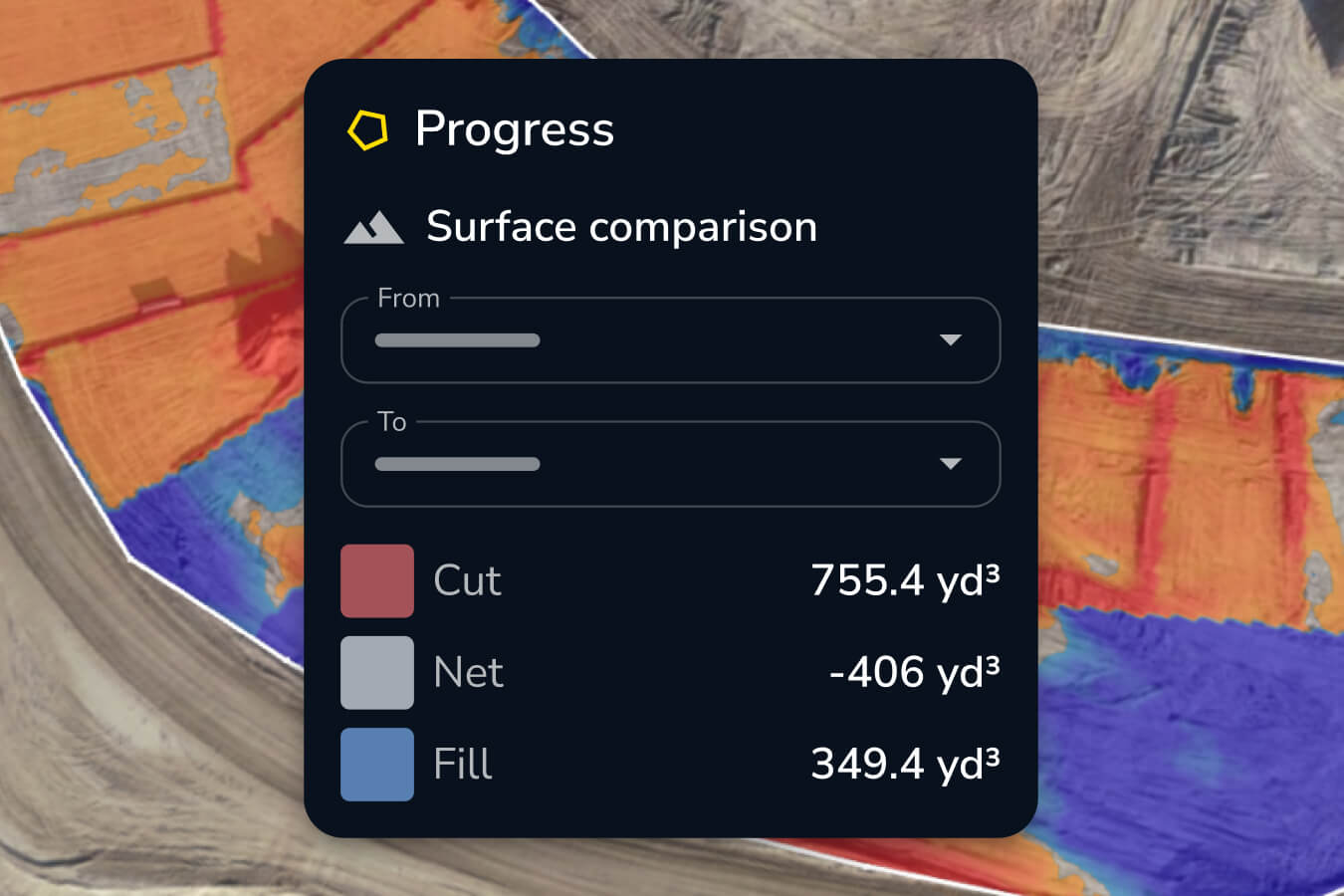
Cut/fill to design software
Use cut and fill comparisons to quantify over-excavation, under-excavation, and remaining earthwork before calling a phase complete.
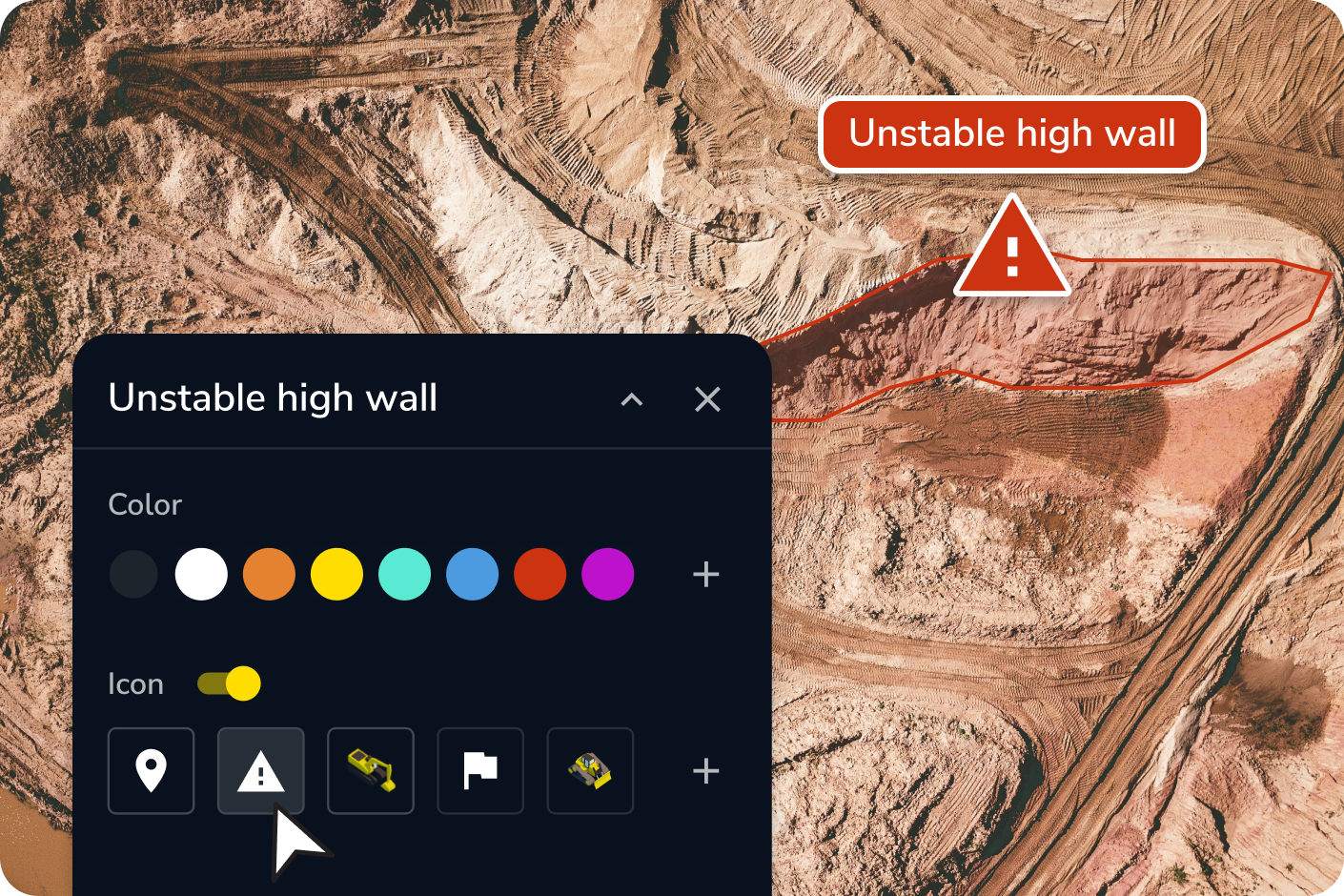
Construction site documentation app
Run site checks from your device without walking every corner. Drop hazard pins with severity levels, document silt runoff risks, flag trench conditions, and mark up issues directly on the live map. Every check stays in the record, timestamped and shareable.
Documentation without the clipboard
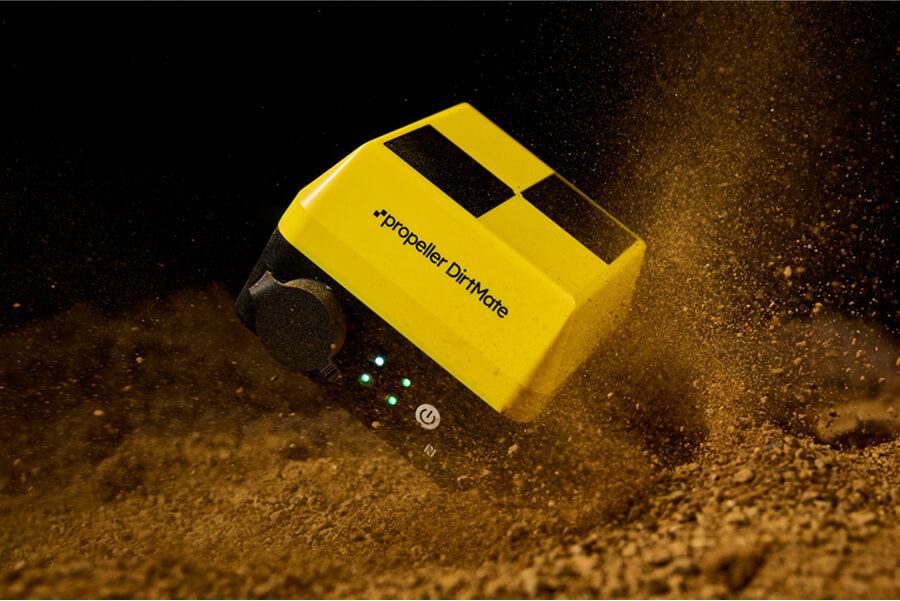
Real-time machine data from the moment the day starts
DirtMate keeps you across every machine on site, including load counts, cycle times, utilization, and real-time position. Know which machines are moving and which aren’t, and have what you need to make fast resource calls without leaving your truck.
Frequently asked questions
Propeller gives you high-precision 3D maps from drone captures that show exactly how much material has moved, where you stand against your design, and what’s remaining to hit schedule. You get daily volume data and surface comparisons without relying on traditional ground surveys for routine production checks.
Yes. Propeller lets you compare your current survey surface directly against your design on the map, so you can spot deviations, confirm conformance, and move phases with confidence — before the wrong call becomes an expensive correction.
Propeller mobile lets you view your real-time location against designs, mark up site conditions, drop hazard pins, and share updates — all from your phone or tablet. You don’t need to be at a desk to stay across what’s happening on site.
It doesn’t have to. Propeller works alongside your existing tools and integrates with the software your office already uses. Many crews use it to reduce how often they need a survey crew for day-to-day production checks, freeing that resource for the work that genuinely requires it.
DirtMate provides real-time tracking of machine position, load counts, cycle times, and utilization across your fleet. Superintendents get a live view of which machines are productive and which aren’t — all without physically tracking down each operator.
Daily production tracking software gives foremen and superintendents a running record of how much material has moved against the design and schedule, without waiting on a survey crew. Propeller builds this from drone captures and DirtMate machine data, so you can see today’s volumes, compare your surface to design, and flag rework before it happens — all from one map.
Daily earthwork tracking can combine machine activity with repeat survey data. DirtMate provides machine location, utilization, cycle information, and machine-derived surfaces, while drone surveys provide high-accuracy snapshots for volume and design comparisons. Propeller’s daily reporting software brings those data sources together for ongoing production visibility.
Grade conformance software compares current site elevations with an approved design surface to show where work is above, below, or aligned with plan. Foremen and superintendents can use grade checks and surface comparisons to identify deviations before moving into the next construction phase.