
Cross section survey in a matter of minutes using drone data
With the power of drone-captured data and the Propeller Platform, surveying cross sections becomes as…
DirtMate Centimeter-level machine guidance and fleet telematics for earthmoving
AeroPoints High-accuracy ground points for faster, reliable surveys
Propeller CAD AI-powered earthworks design built directly on your real survey terrain
Drone & hardware integrations Connect Propeller with your existing tools seamlessly
From point clouds to orthophotos, bring your data together and prepare to make informed and impactful decisions.
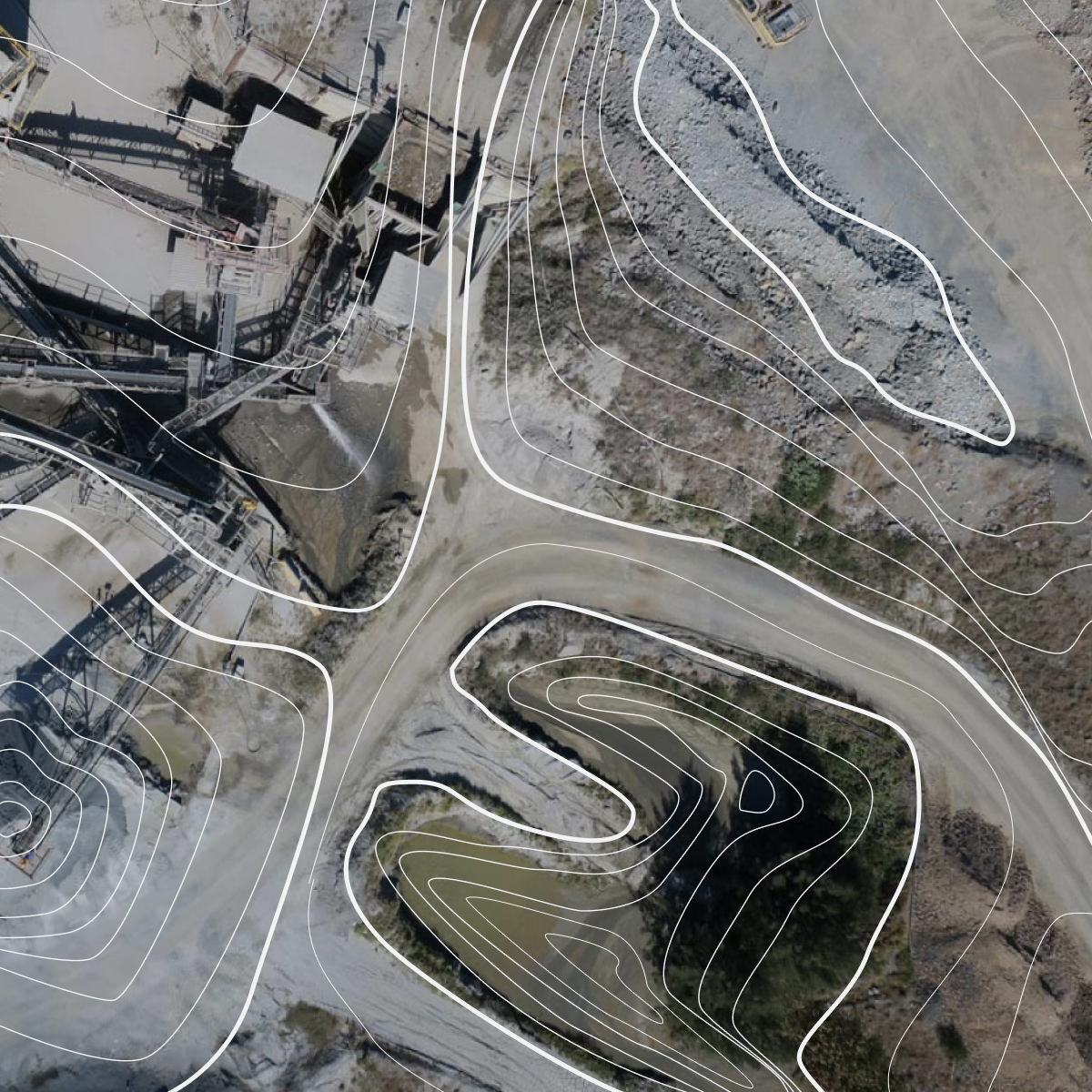
Propeller turns raw survey data into clear, actionable insights. Whether you’re using drone-captured data, machine maps, or precise measurements, transform it into deliverables like 3D models, topographic maps, and orthophotos.
Your team can visualize data in real time, run map comparisons, and make decisions faster through more effective site analysis.
Our survey deliverables are designed to improve workflow, enhance accuracy, and deliver insights faster – letting you take a step back to look at the bigger picture.

Eliminate manual processes and reduce errors with standardized data processing and survey deliverables in one platform.

Simplify collaboration across teams, empowering everyone to work with the most up-to-date data visualizations.

Speed up timelines with real-time data processing, helping you stay on track and enhance site analysis.

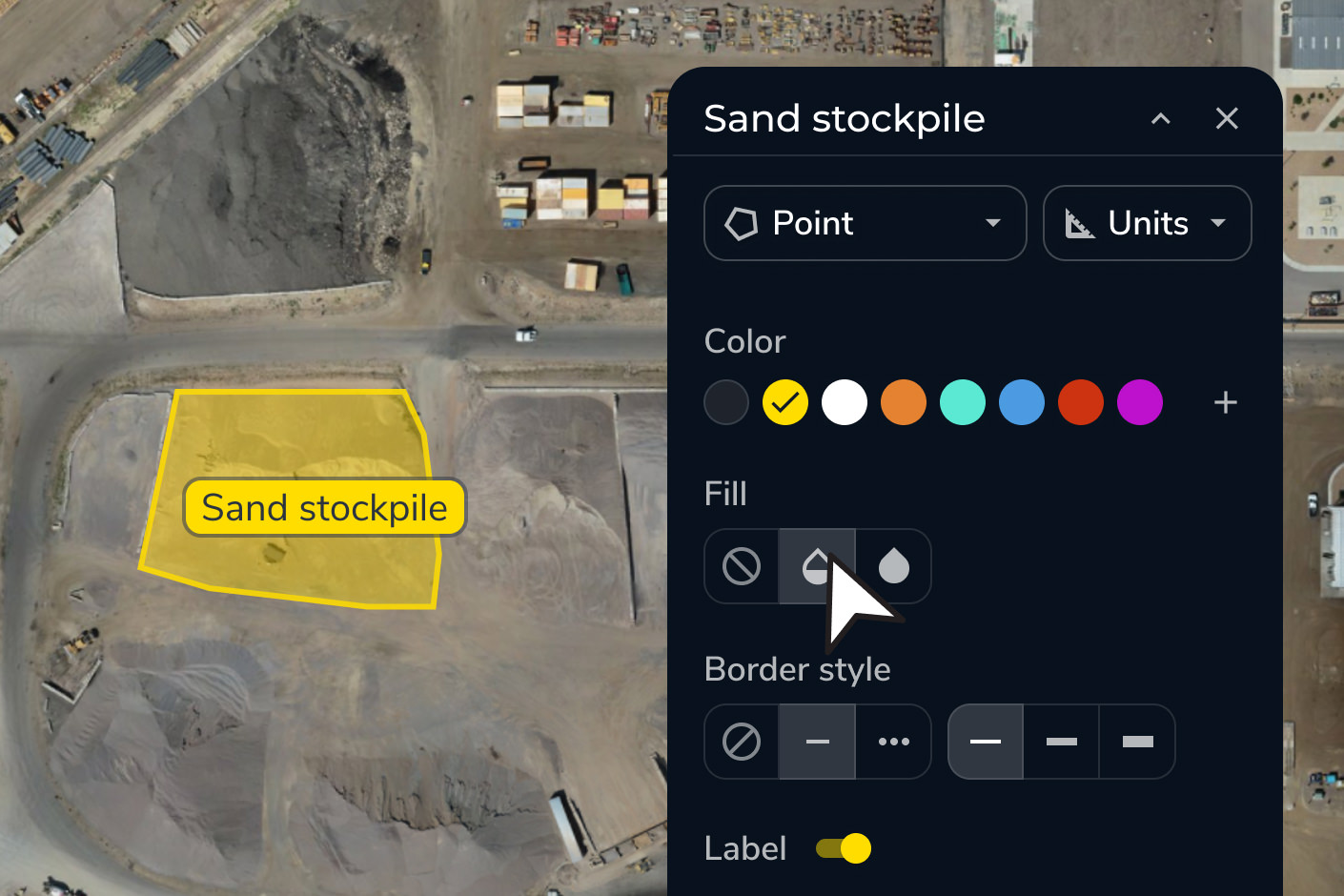
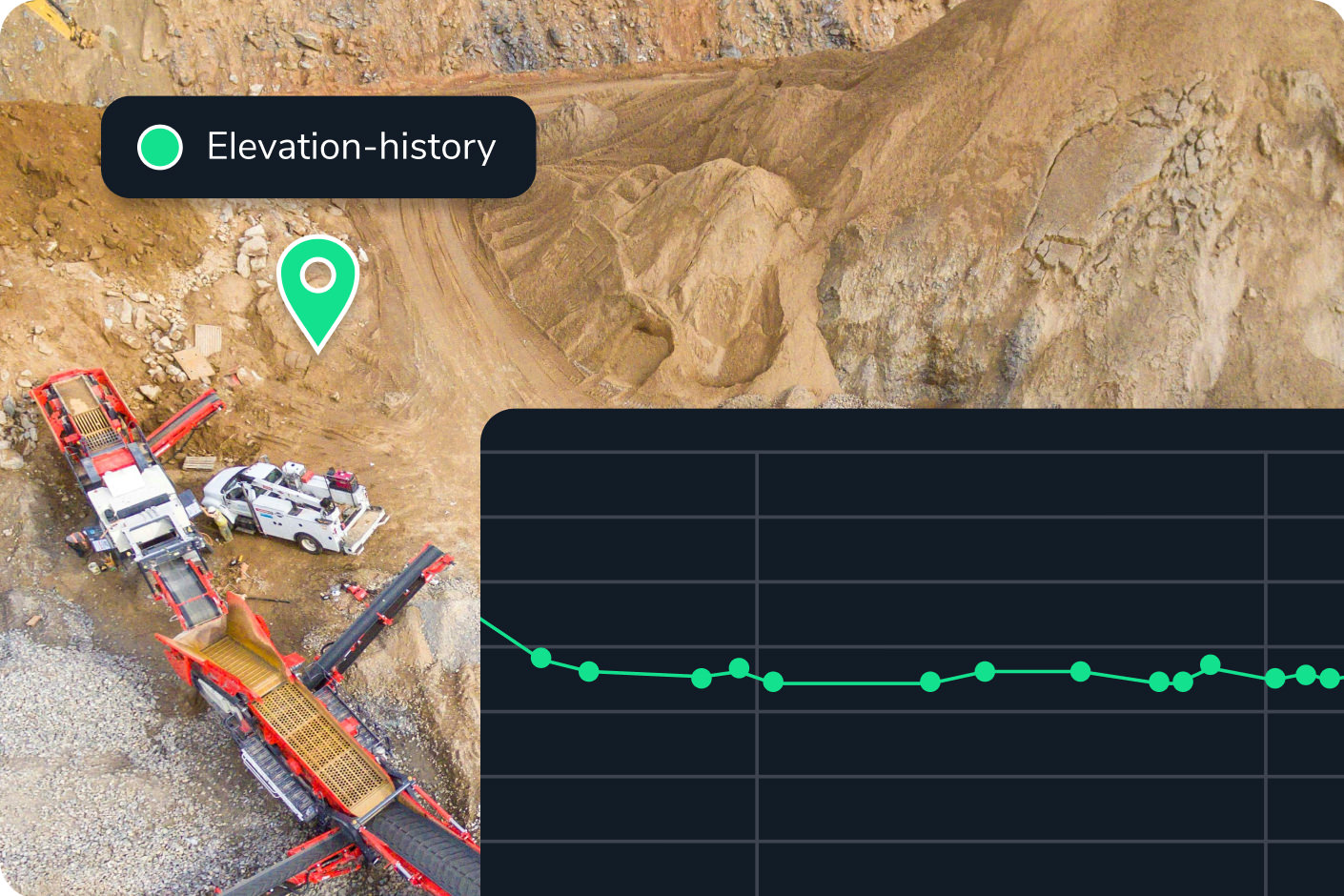

“What I’m most happy about with Propeller is the ease of use with custom coordinate systems because I’ve spent so many hours of my life trying to figure out how to put custom coordinate systems into our other mining software.”
– Hayden Taylor, Quarry Manager at Lehigh Hanson
Deliver precise survey deliverables with streamlined workflows. Work in your preferred coordinate system with ease, and enable confident site analysis at every step.
Propeller transforms raw drone survey data and machine inputs into topographic maps, orthophotos, point clouds, 3D surface models, and elevation difference maps. These outputs are available in your preferred coordinate system — you can choose from a library of 5,000+ coordinate reference systems or upload a local calibration file — and are export-ready as PDF, CSV, and other standard formats.
Yes. You can upload CAD files and design surfaces directly into Propeller, then overlay them on your latest survey data using surface comparison and cross section tools. Discrepancies between as-built conditions and design intent are visualized in real time, color-coded so your team can identify problem areas without manual analysis.
A topographic map shows the shape and elevation of the ground surface through contour lines and elevation data. Propeller generates topo maps automatically from drone-captured survey data, giving you an accurate, up-to-date picture of site conditions — useful for cut/fill planning, drainage design, and verifying grade against design intent.
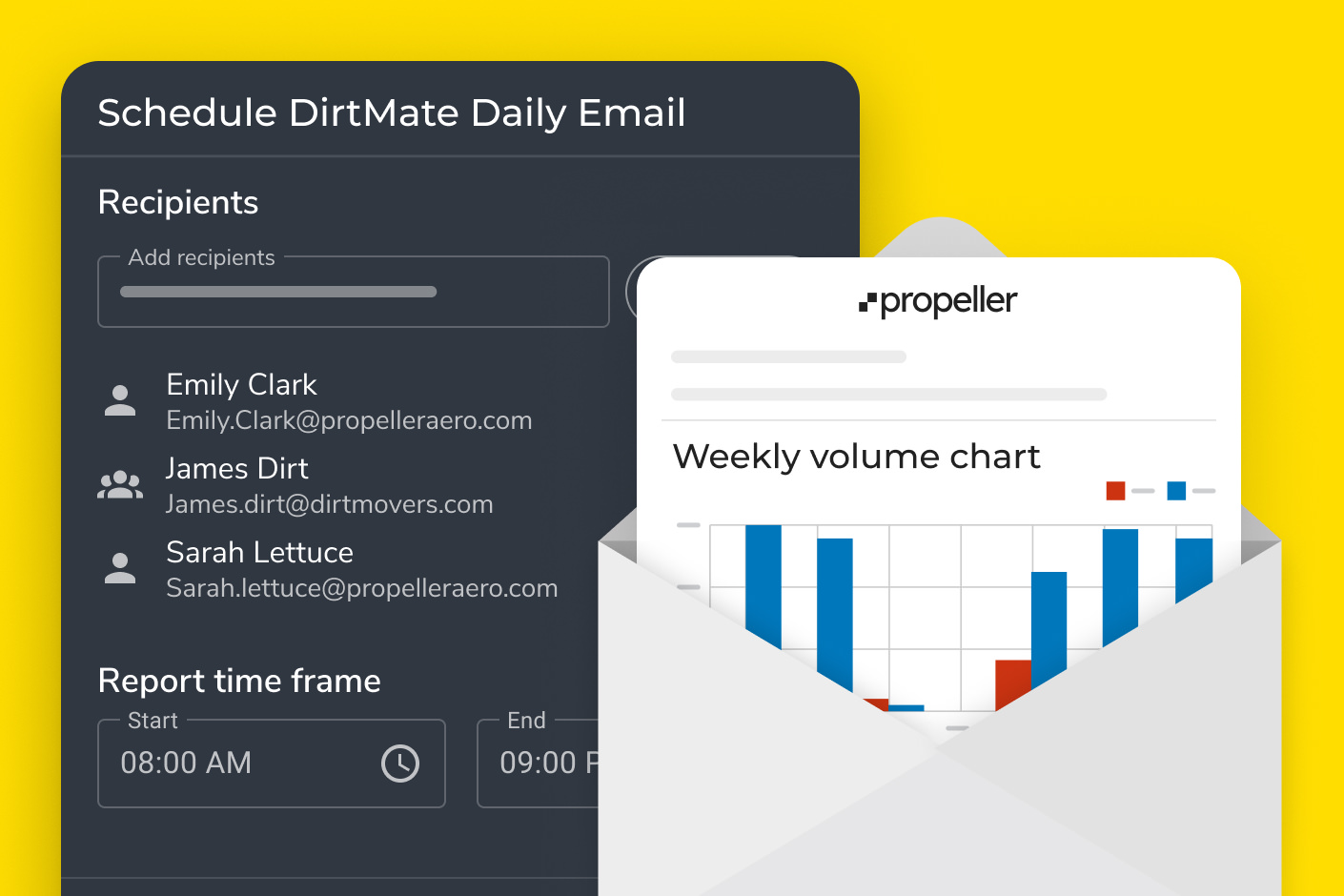
Propeller lets you generate scheduled PDF map reports, export data as CSVs, and share interactive site views via browser link — no software install required for the recipient. You can control user permissions and workspace access to ensure subcontractors or clients see only what’s relevant to them.
Yes. Propeller supports 5,000+ coordinate reference systems and accepts local calibration files from Trimble and Topcon, making it straightforward to work in your project’s local coordinate system without manual conversion steps.