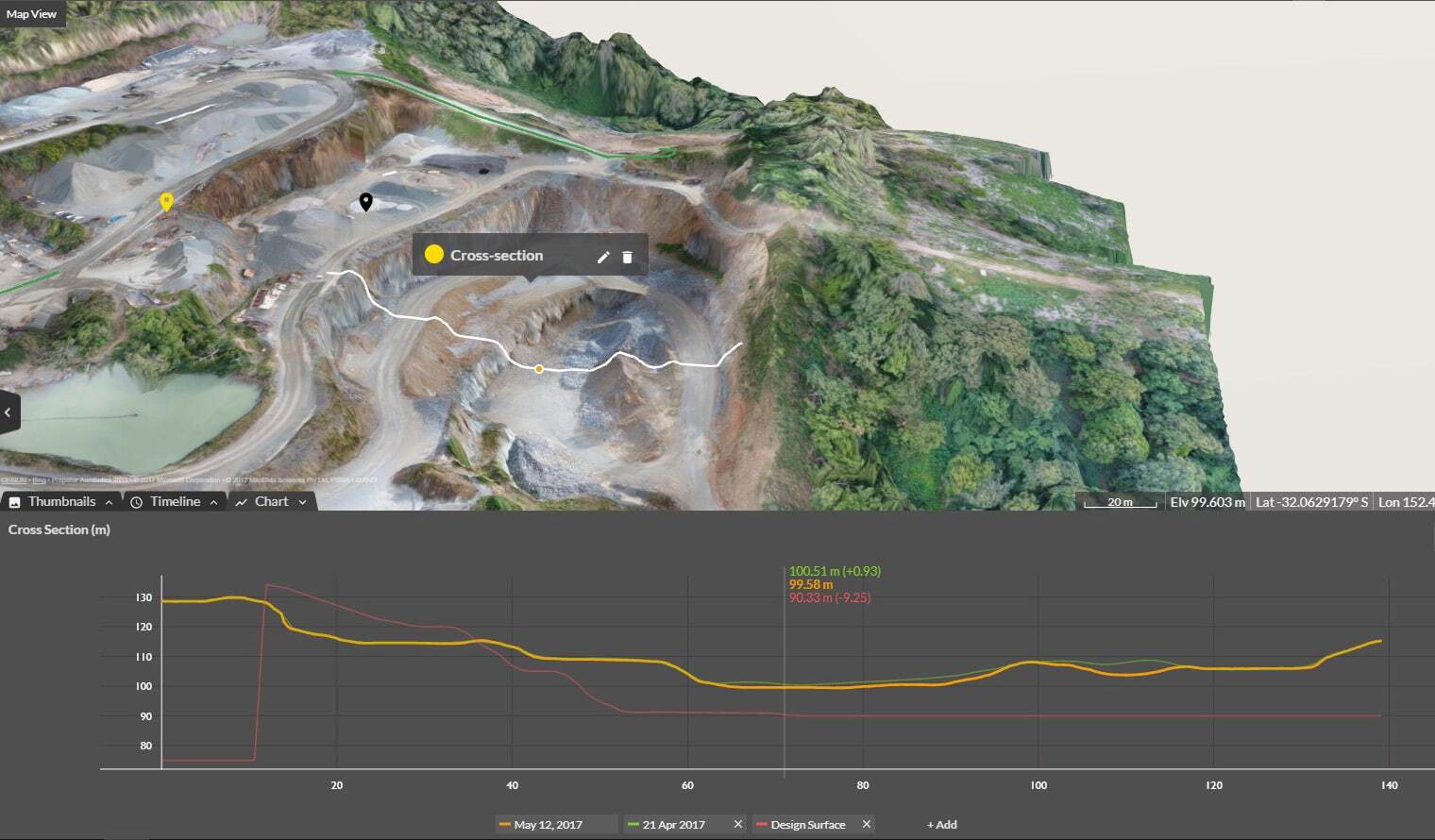
Cross Section Survey in a Matter of Minutes Using Drone Data
With the power of drone-captured data and the Propeller Platform, surveying cross sections becomes as…
Quickly perform material volume calculation and cut-fill volume calculation on any device, anywhere with speed and confidence.
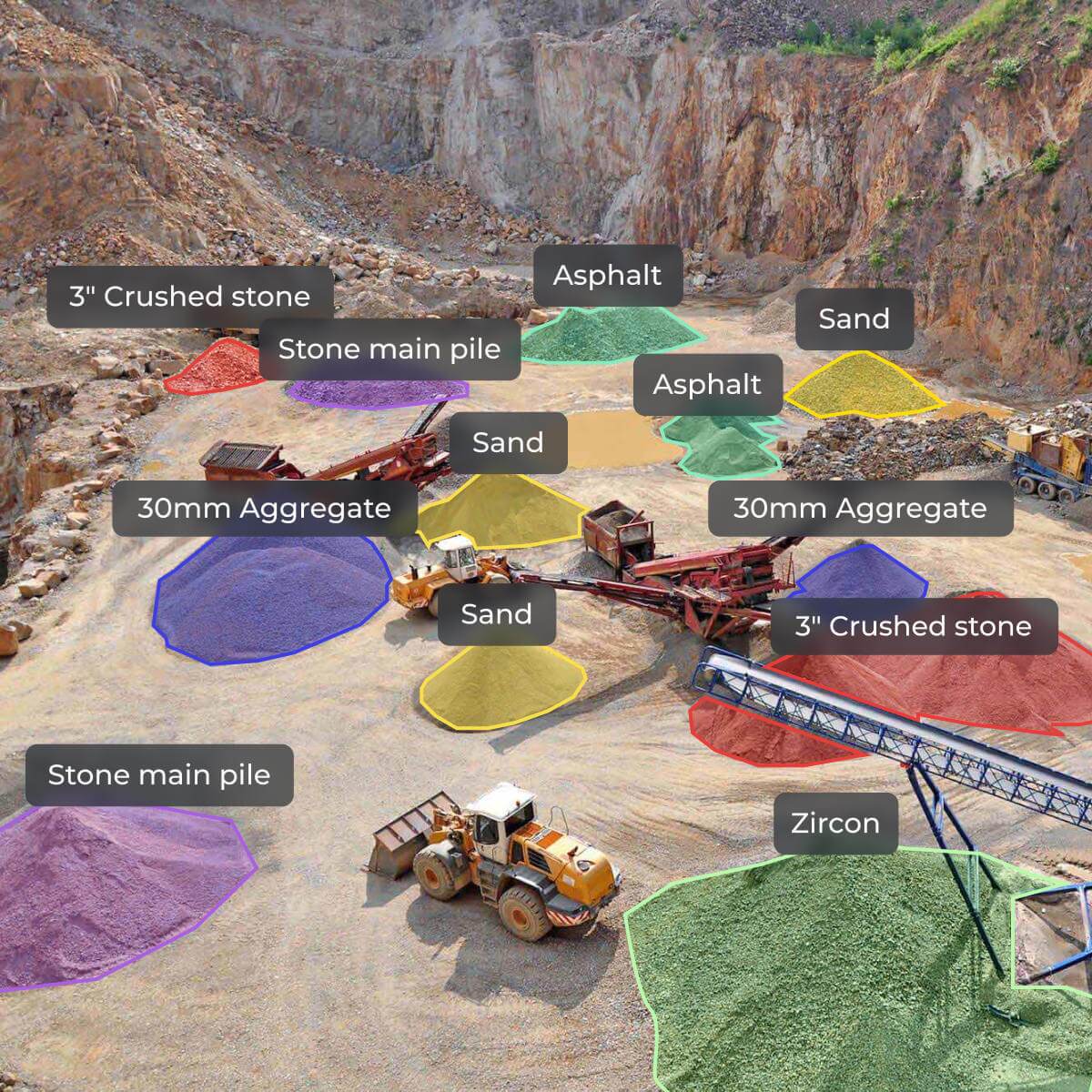
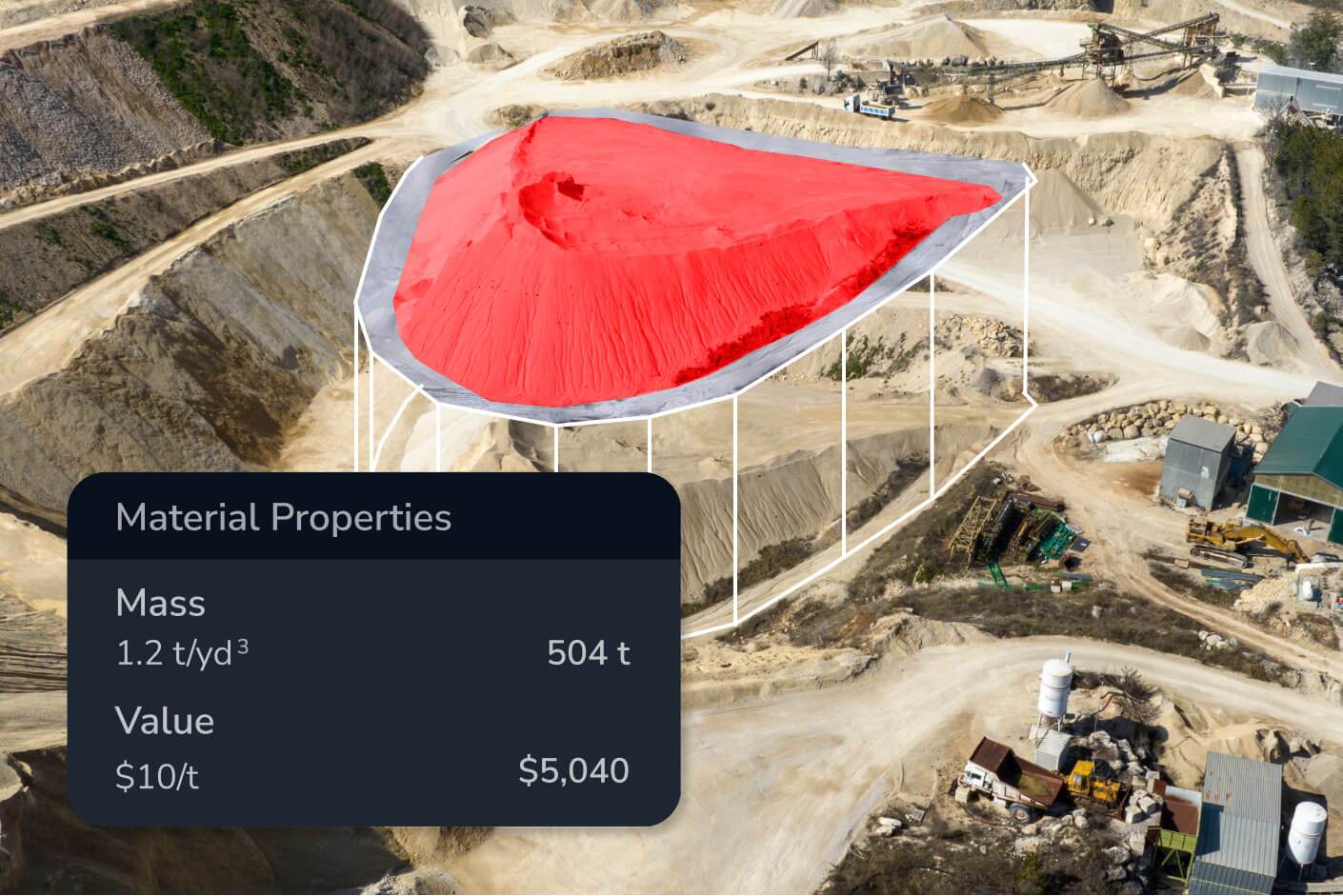
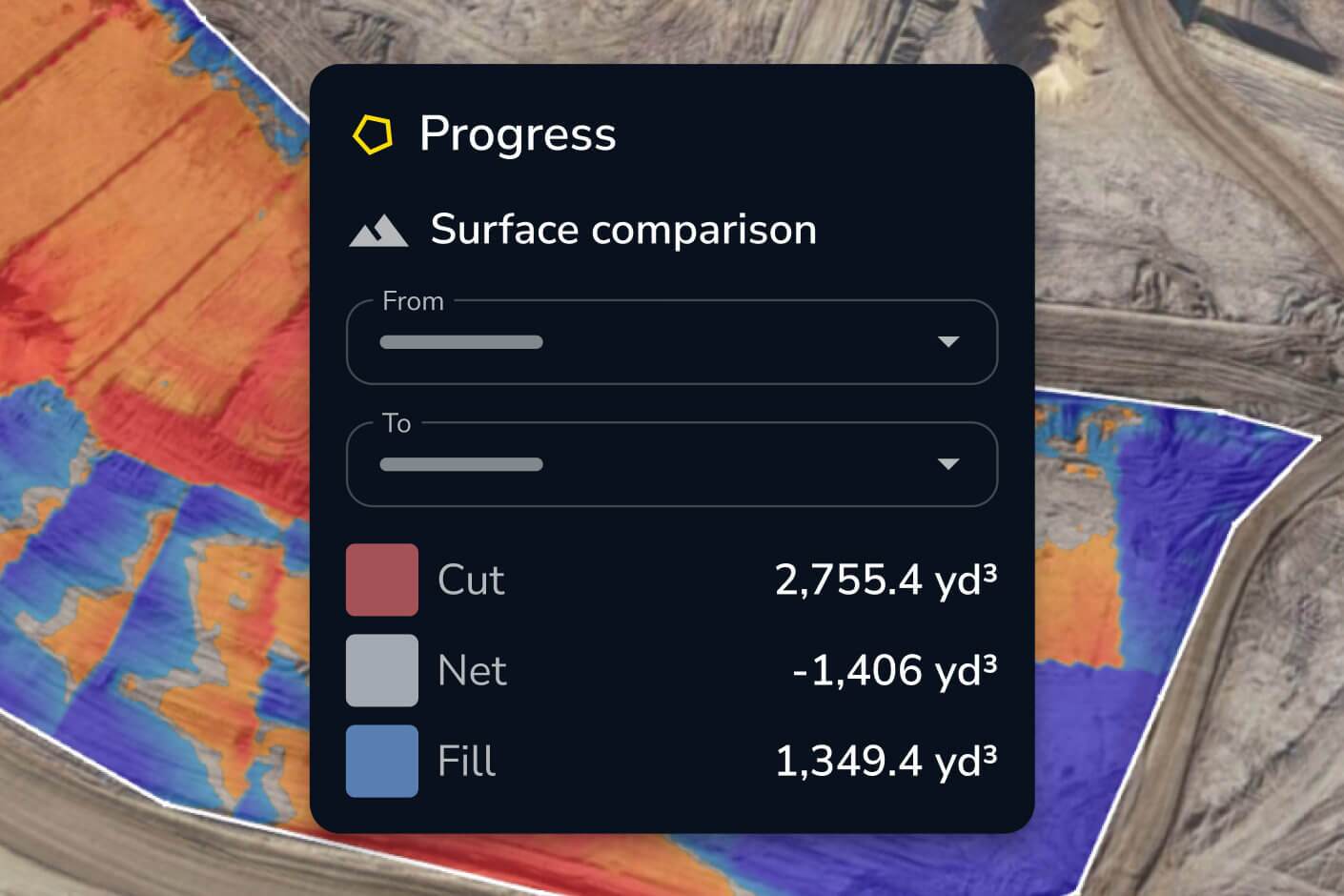
With Propeller’s point-and-click volume calculations, you can measure stockpile volume, cut-fill volumes, and material moved to track progress. Share real-time volume data between the office and the field to keep projects on time and on track.
Eliminate manual volume measurement and get the most reliable data available, instantly.

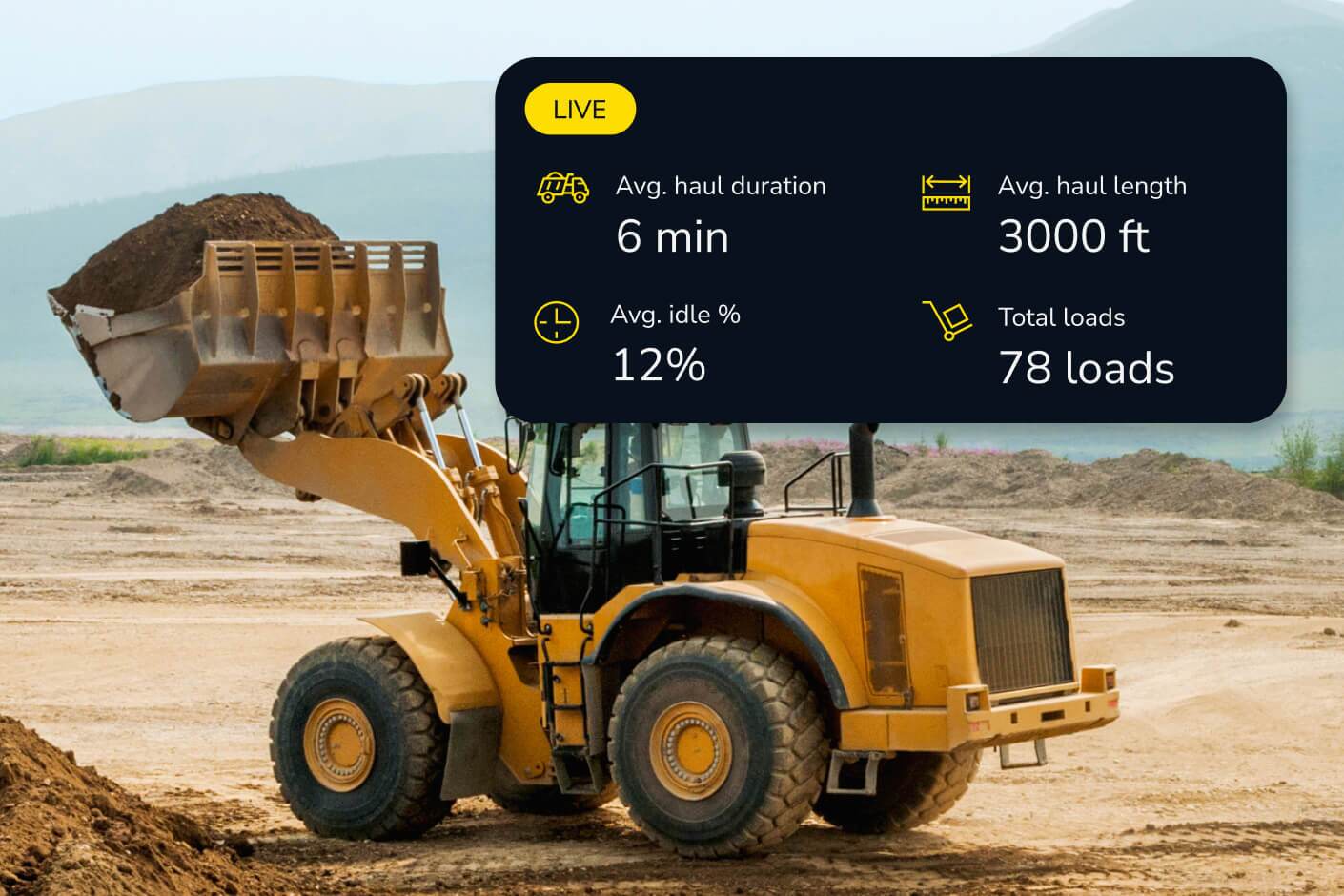
Understand how much material you have on hand and how much you’re moving with machine tracking, earthworks progress tracking, and real-time surface data.

Calculate stockpile volume measurement with 3cm drone volume calculation accuracy to stay on top of shrink/swell, verify billing quantities, and minimize waste.

Compare wall and bench volumes against designs to make sure you’re building to the right specs using earthworks volume measurement software.

“Propeller is very effective for what we use it for, primarily earthworks quantity tracking.”
– Brian Rinehart, Survey Manager at George J. Igel & Co., Inc
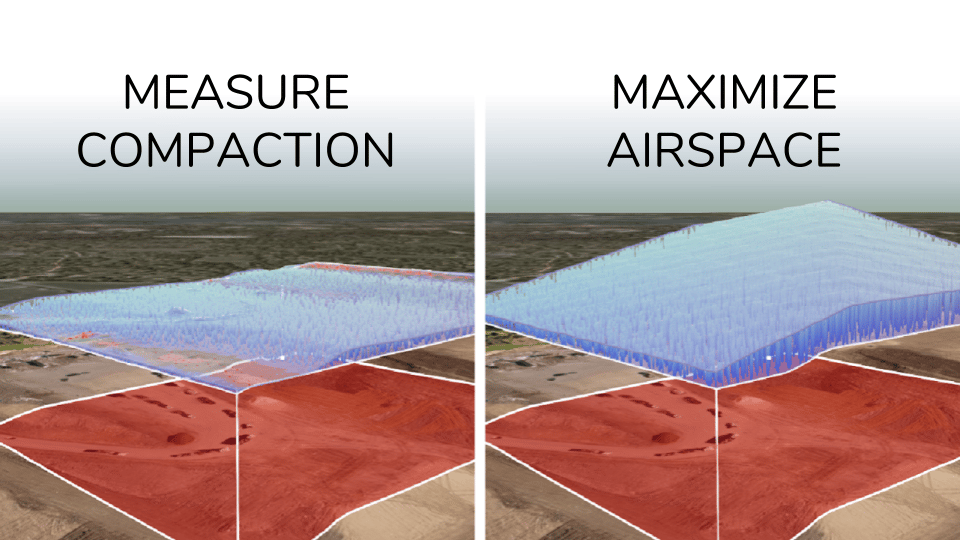

Track material movement, verify subcontractor work, and avoid costly miscalculations with precise volume calculations.
Propeller delivers 3cm drone volume calculation accuracy for stockpile and cut-fill measurements. This accuracy is achieved through survey-grade drone data combined with AeroPoints ground control points, giving you results you can trust for billing verification, subcontractor sign-off, and design conformance — not just progress tracking.
Stockpile measurement calculates the volume of material piled on a surface — useful for inventory tracking, billing verification, and material management on aggregates, mining, and construction sites. Cut-fill volume calculation measures the difference between existing ground and a design surface, showing how much material needs to be excavated or filled to reach grade. Propeller supports both in the same platform with the same point-and-click workflow.
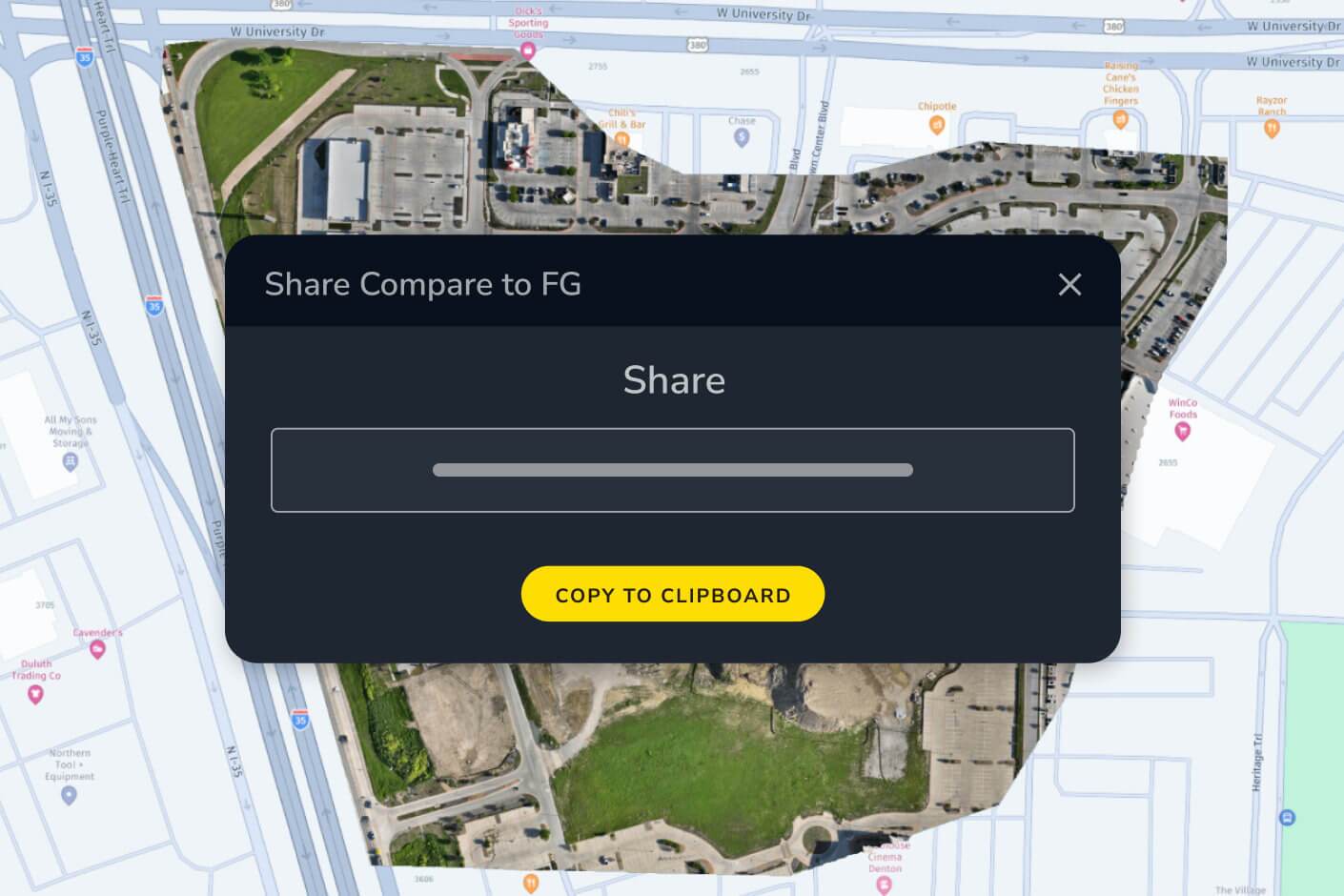
Propeller generates automated volume reports that can be exported as PDFs or shared as interactive 3D maps via browser link — no software install required for the recipient. You can also use the read-only public API to feed volume data into external project management or billing systems.
Shrink/swell refers to the change in material volume when soil or aggregate is excavated, transported, and compacted — a cubic meter of in-ground material doesn’t equal a cubic meter of fill. Propeller’s shrink/swell calculator lets you apply material-specific factors to your volume measurements so your cut-fill estimates reflect actual material quantities, not just geometric differences.
Propeller transforms raw drone survey data and machine inputs into topographic maps, orthophotos, point clouds, 3D surface models, and elevation difference maps. These outputs are available in your preferred coordinate system — you can choose from a library of 5,000+ coordinate reference systems or upload a local calibration file — and are export-ready as PDF, CSV, and other standard formats.
Yes. You can upload CAD files and design surfaces directly into Propeller, then overlay them on your latest survey data using surface comparison and cross section tools. Discrepancies between as-built conditions and design intent are visualized in real time, color-coded so your team can identify problem areas without manual analysis.
A topographic map shows the shape and elevation of the ground surface through contour lines and elevation data. Propeller generates topo maps automatically from drone-captured survey data, giving you an accurate, up-to-date picture of site conditions — useful for cut/fill planning, drainage design, and verifying grade against design intent.
Propeller lets you generate scheduled PDF map reports, export data as CSVs, and share interactive site views via browser link — no software install required for the recipient. You can control user permissions and workspace access to ensure subcontractors or clients see only what’s relevant to them.
Yes. Propeller supports 5,000+ coordinate reference systems and accepts local calibration files from Trimble and Topcon, making it straightforward to work in your project’s local coordinate system without manual conversion steps.