Schedule a demo flight.
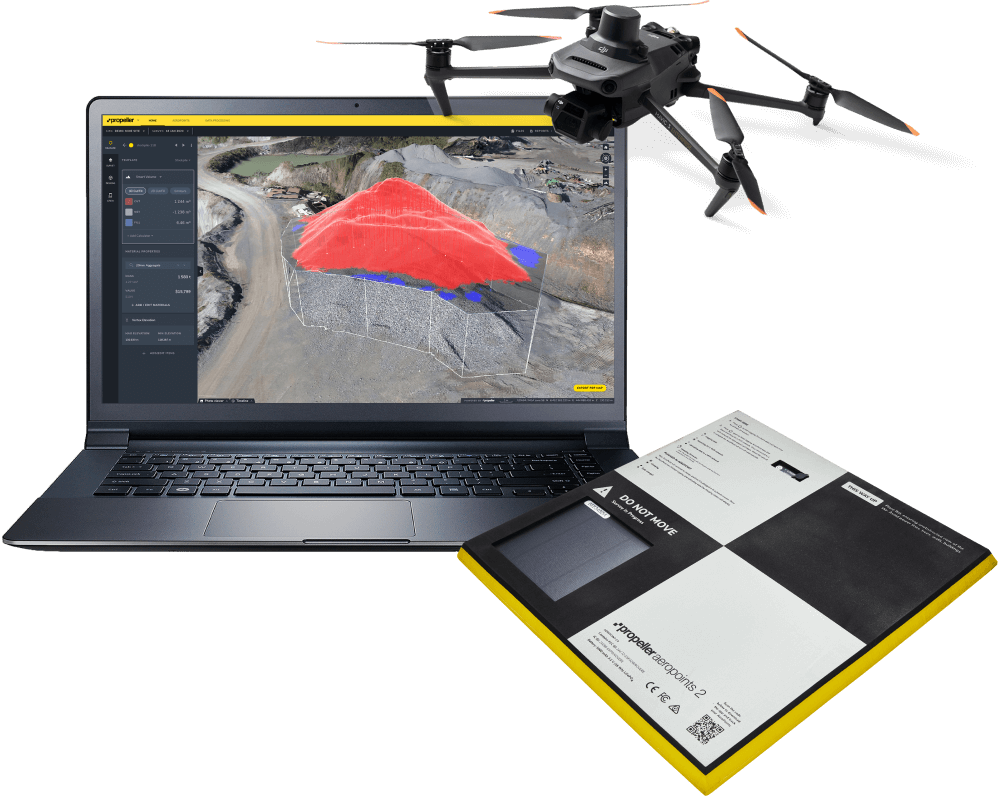
See the Trimble Stratus end-to-end workflow in action. Register your interest to have our team fly your site for free, and explore the power of our cloud-based 3D mapping and analytics tools using your own project drone data.
Track site activity
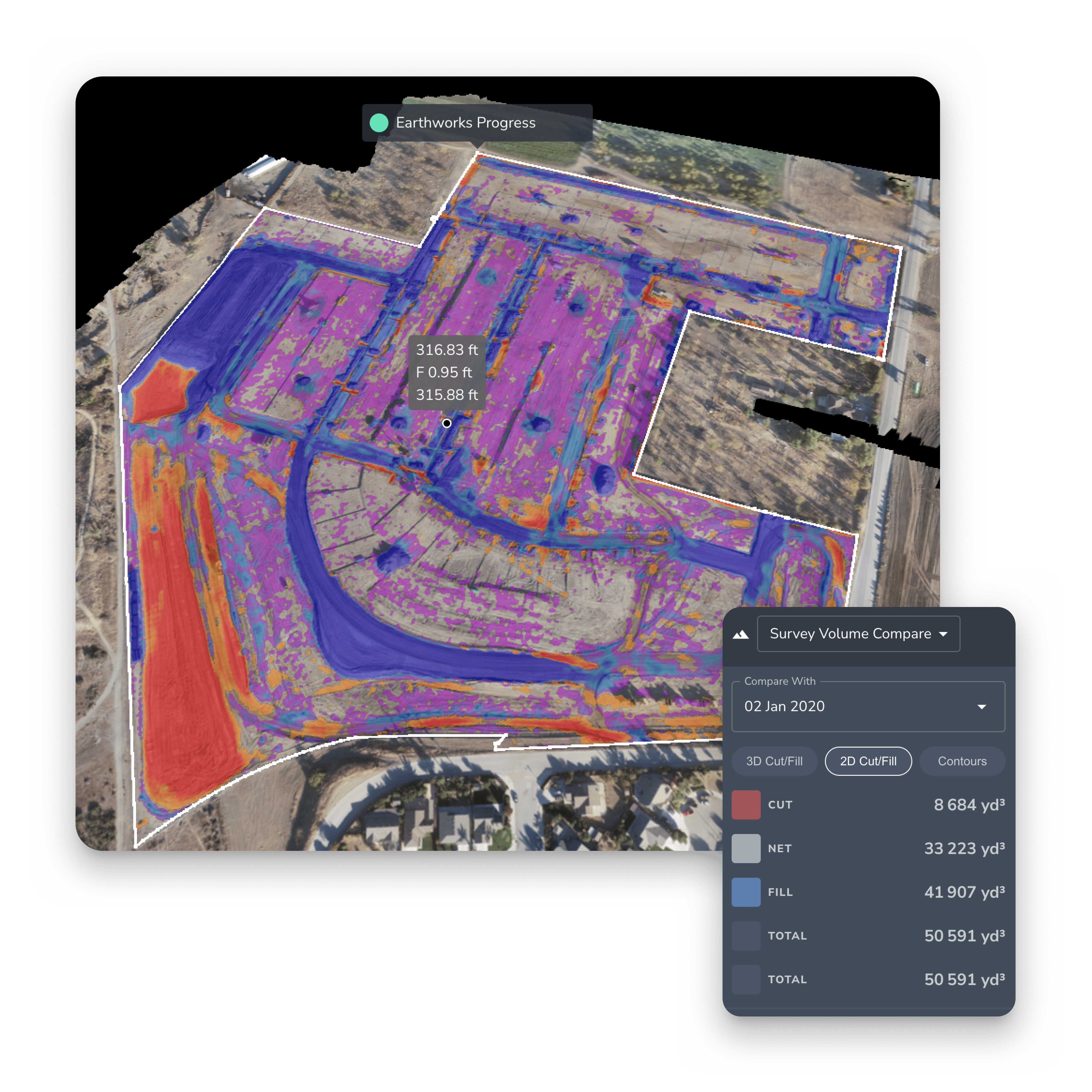
See the differences in elevation between your design and past surveys to get an accurate picture of what work has been done. Share your 3D map, video timelapse of the job site, and select areas that you choose. Let these visual representations of your site do the talking; after all, a picture’s worth a thousand words.
FEATURES
- Volume calculations
- Timeline slider
- 3D surveys
See how the site is progressing
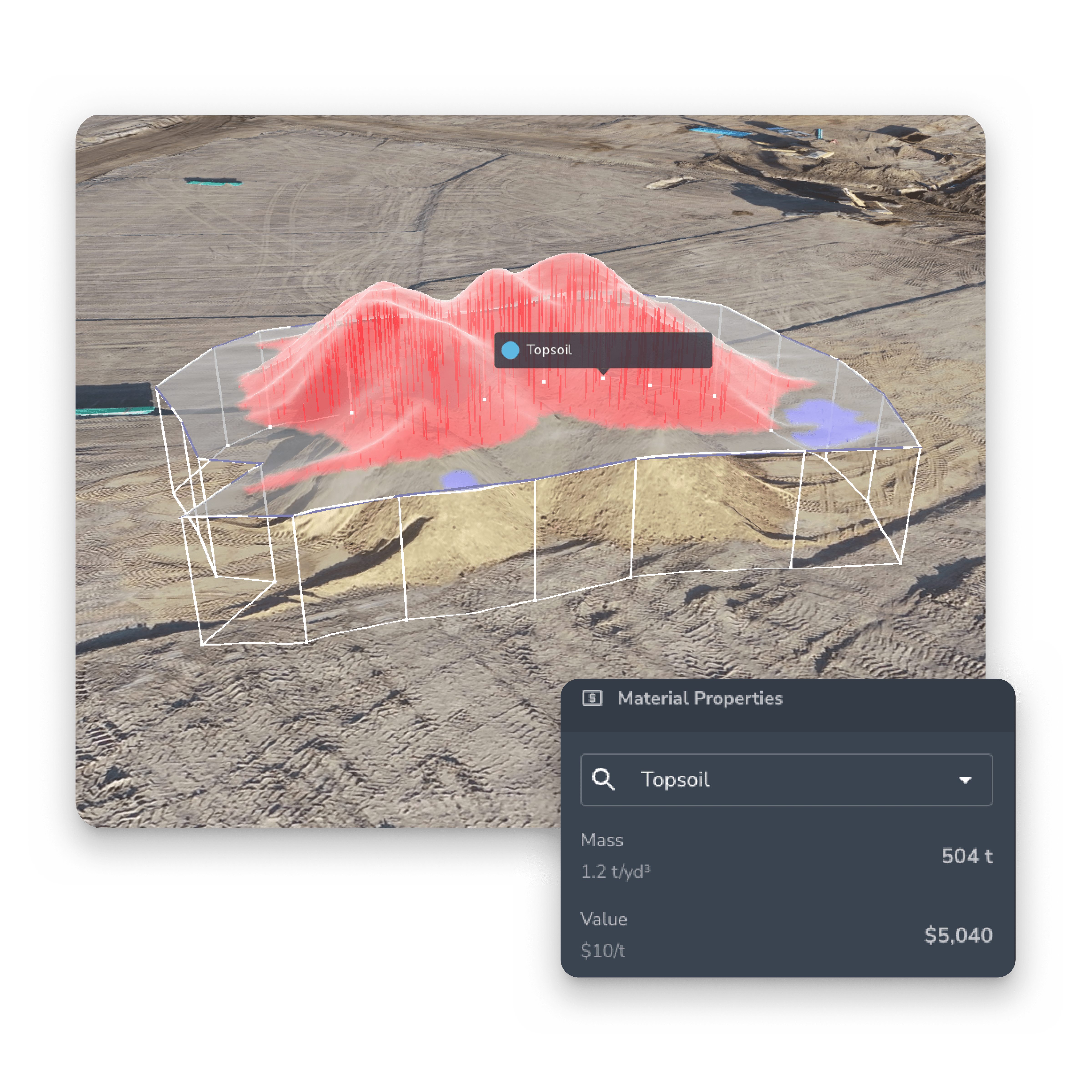
Track earthwork progress to see how much work your team has completed and how much work remains. With accurate stockpile measurements and frequent elevation checks, you can measure progress and adjust your site strategy. Plus, flying your drone more frequently will give you this updated data regularly—allowing you to confidently determine staffing, machine allocation, and how much work is left to complete.
FEATURES
- Basic volume measurement
- Stockpile
- Survey volume compare
- PPK
Ensure your project is on track
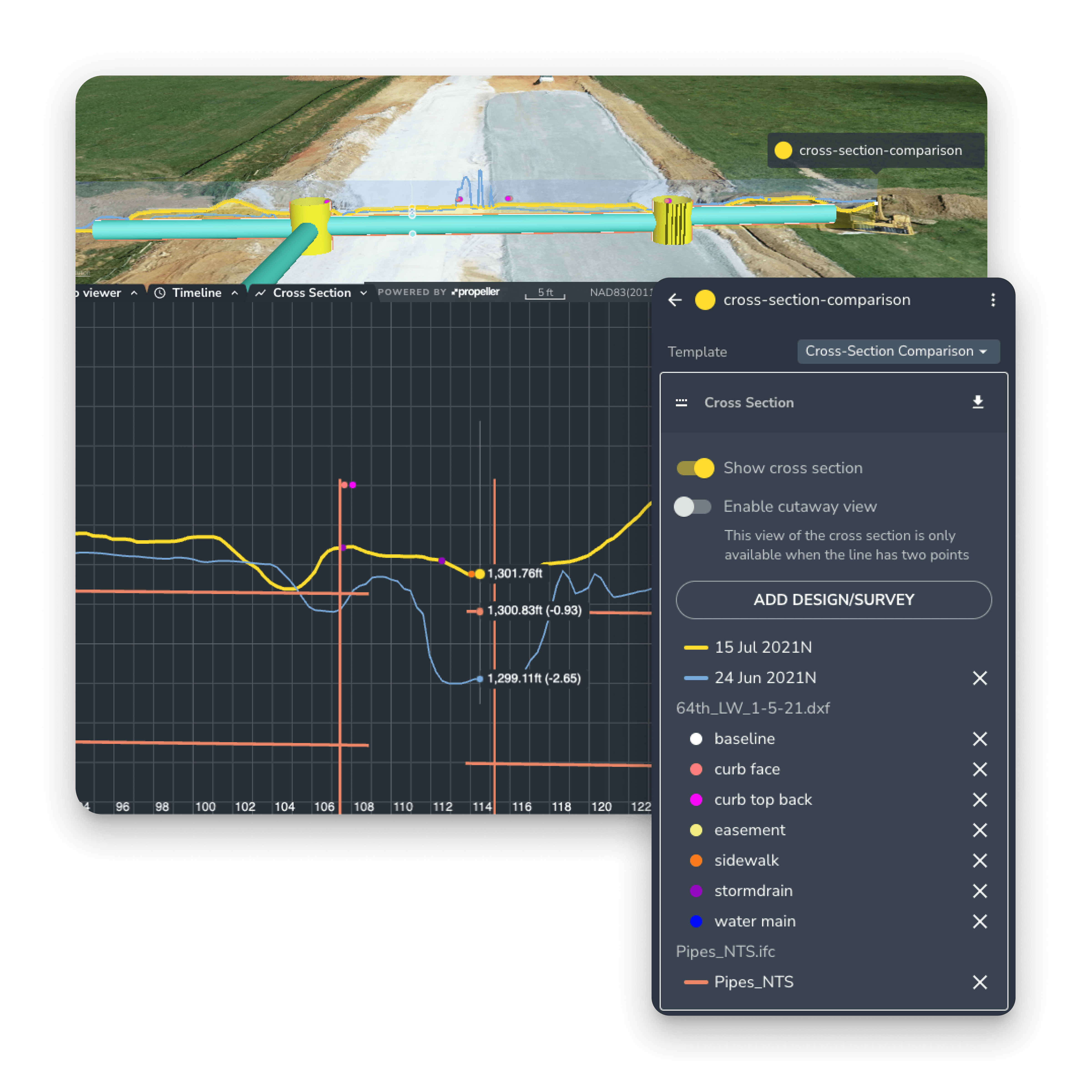
You can compare your survey data to previous flight data, against the uploaded design, or both. This data allows you to determine how much work is left, how much you have completed, the pace your work is getting done, and what resources are still needed (or not) to get the job done on time.
FEATURES
- Survey volume compare
- Design volume compare
- Compare to design
- Cross-section comparison
- Magic polygon
- Timeline slider