A majority of those using Propeller to better measure and manage their worksites have experience working with all kinds of drone surveying software and supporting programs. Even if you don’t, as a customer you’ve used the Propeller Platform to analyze your drone images and data.
To help better understand the Platform’s many tools, we’ve put together a few write-ups on our most popular data queries. Today, we’re covering how Propeller’s different types of volume measurements work. This how-to is for users who are familiar with Propeller’s interface.
The type of measurements you’ll take vary on what information you need. From comparing the changes in a stockpile from one survey to the next or calculating volume from a reference level, you need to know when to apply which measurement type.
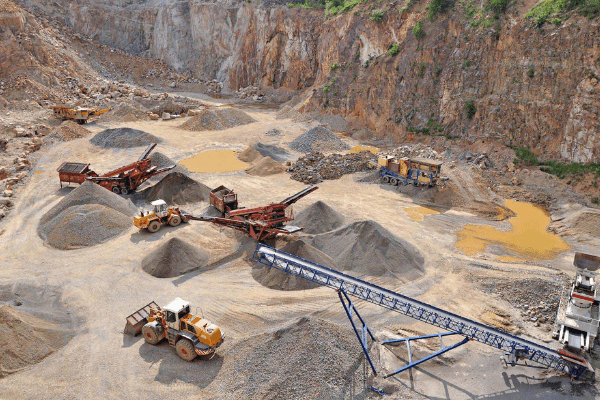
Once you’ve logged into your Propeller portal and navigated to an area on your site where you want to measure volume, you’d start the usual way of drawing a shape around the area in question.
Three types of volume measurements
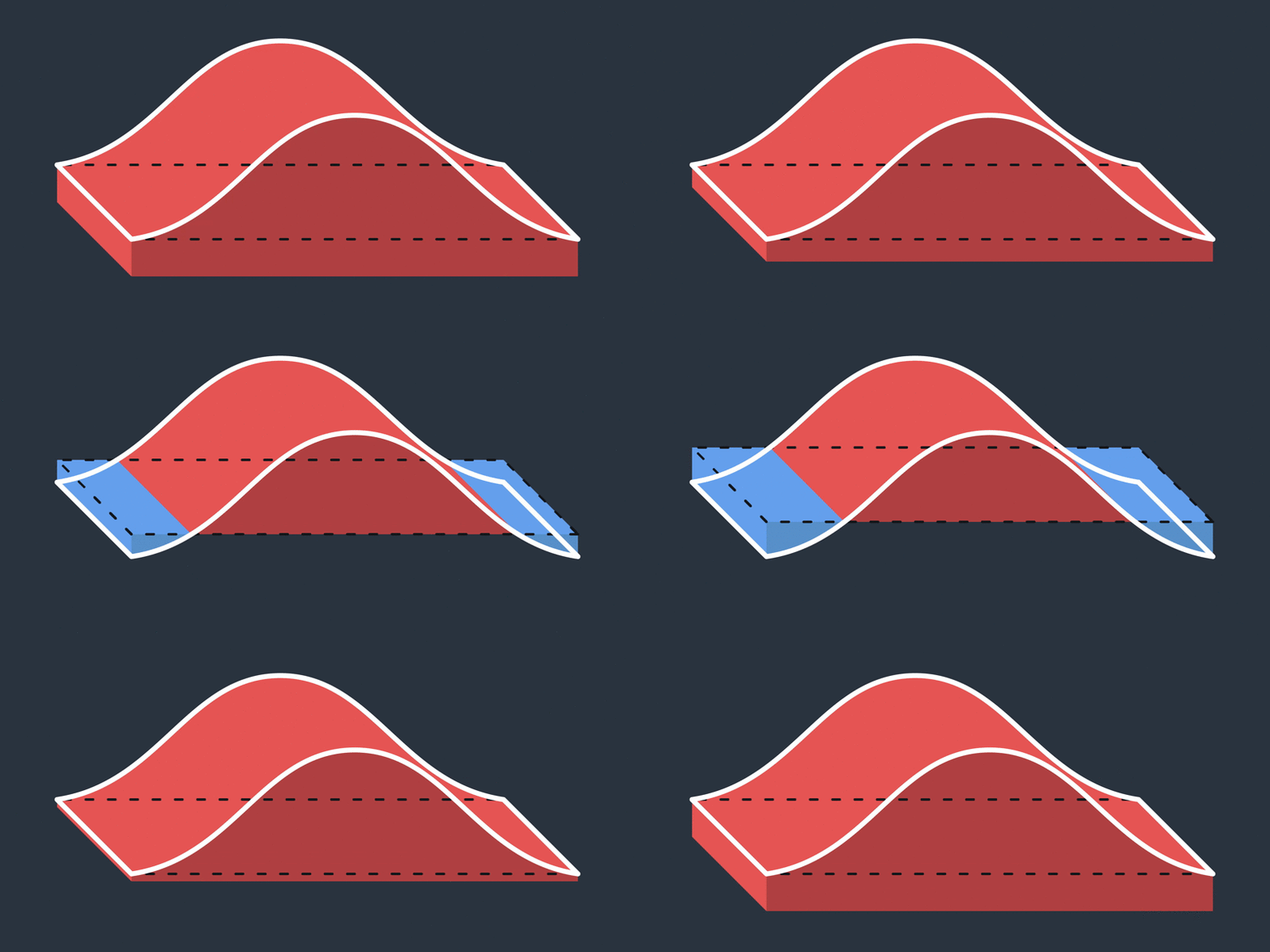
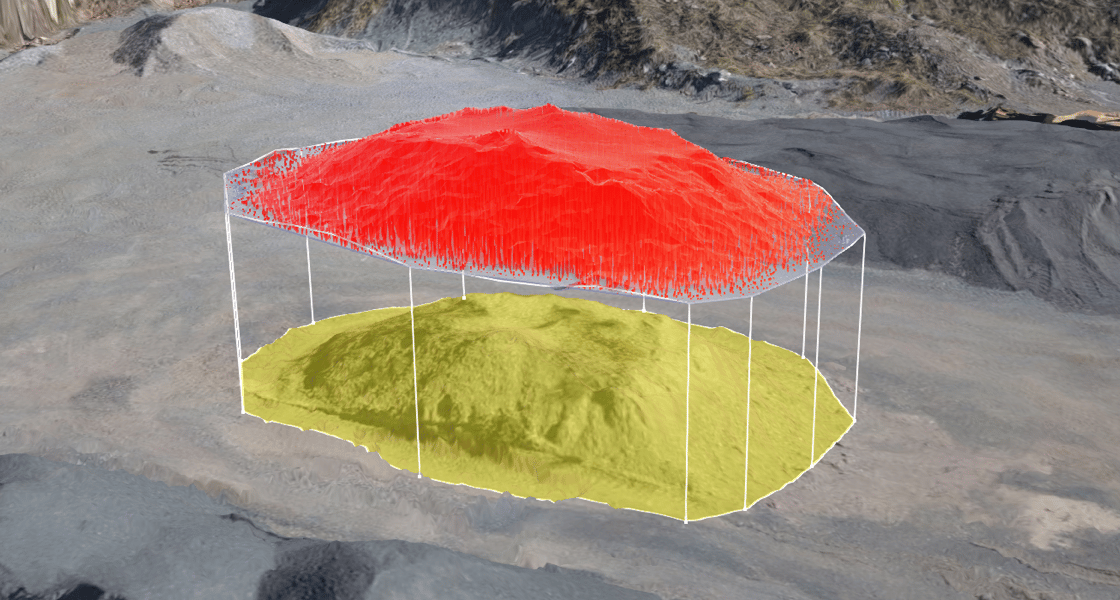
Propeller’s different volume tools come into play after you’ve selected an area with the Polygon tool. There are three distinct choices for how you measurement the area contained in the polygon.
1. Smart Volume
This measurement type interpolates a base from the surrounding terrain using the selected points.
2.Volume Compare
Calculates from a previous dataset or imported design surface.
3. Reference Level Volume
Measures from a horizontal plane based on a defined reference level.
When to use different volume measurements
Let’s go over each individually and explore when to use one over the other.
1. Use Smart Volume to estimate volumes on a flat or largely even base level.
This applies to stockpiled material in stockyards or ROM pads; excavation, pit, and trenches volumes; and the volume of material stockpiled on sloped ground.
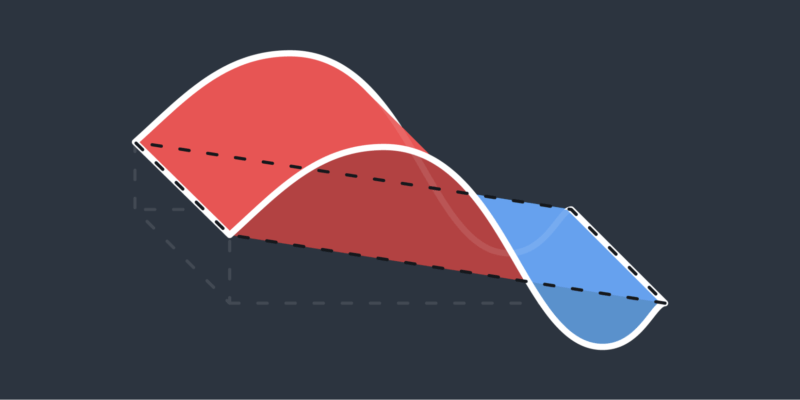
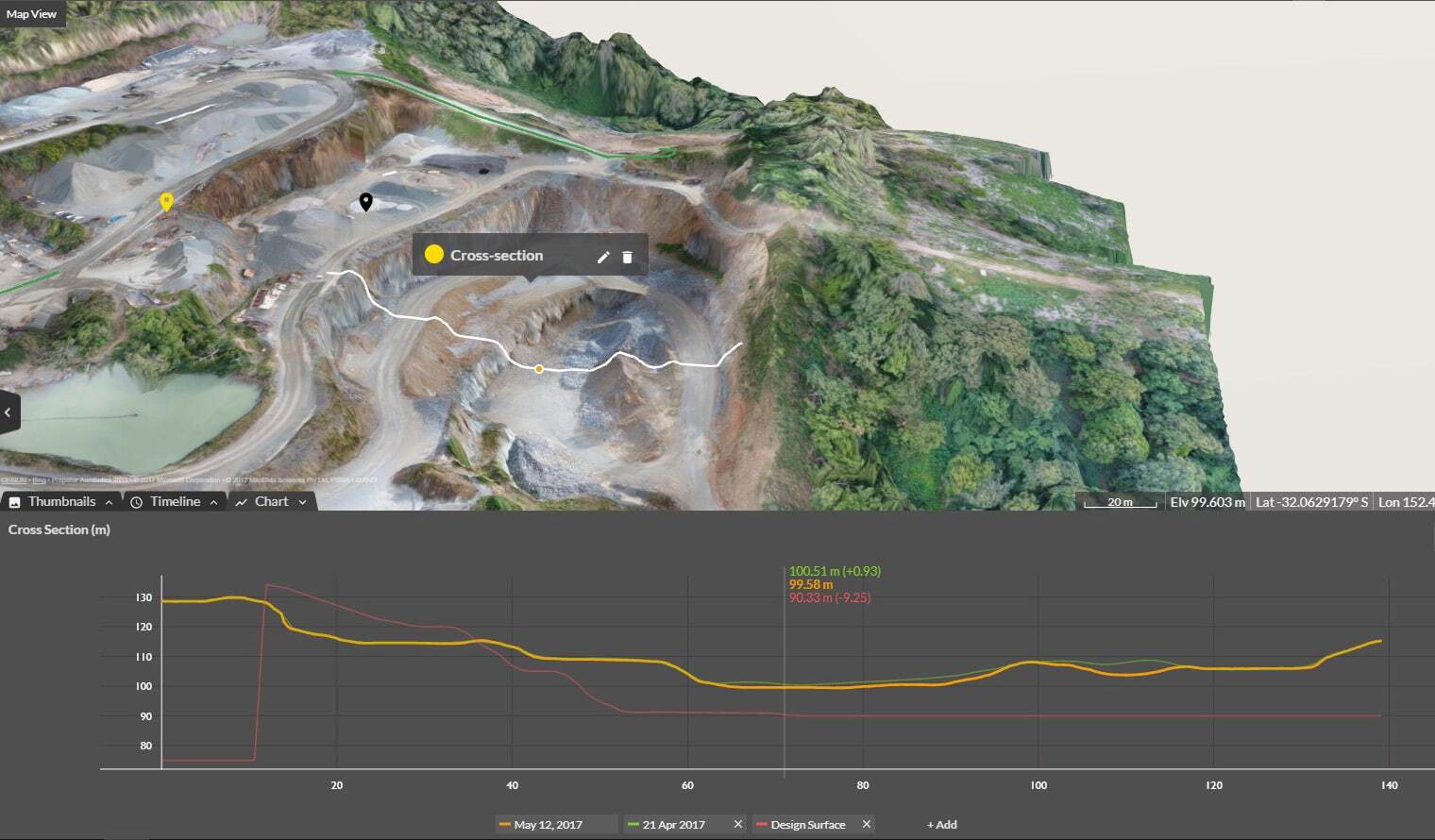
2. Use Volume Compare to measure progress and change or for producing accurate measurements with pre-work surveys or design surfaces.
You can also measure stockpiled material on an uneven surface using a previous flight or imported design as the base; earthwork progress from one claim period to another; landfill cell conformance to design; and to create dynamic cut/fill or takeoff maps.
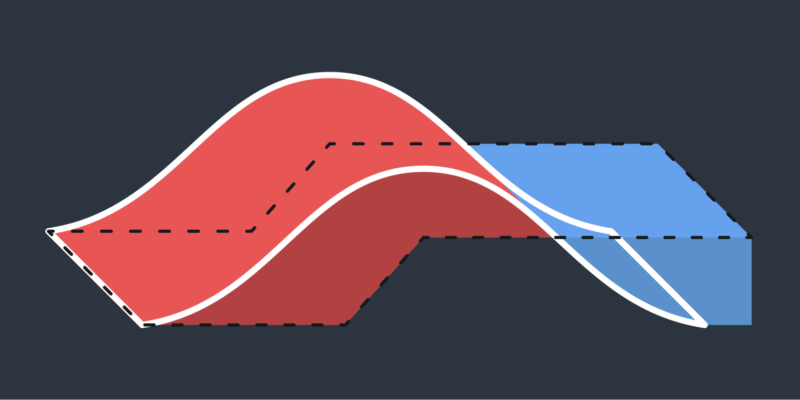
3. Use Reference Level Volume to measure sections from a known base or toe.
This is extremely useful when you want to get cut volumes from the base of an excavation or for benches, pit walls, and ramps in mines, quarries, or landfills.