Many Propeller users have advanced knowledge of drone surveying software and supporting programs, like flight planning apps.
But even if you don’t, you’ve probably had to use some sort of supporting software with your drone images and data in the course of your job. So, Propeller is putting together a few how-to write-ups on our most popular data queries.
Today, we’re covering how to set up your drone’s camera on Ground Station Pro (GS Pro). The camera settings you choose for your drone survey mean the difference between accurate, measurable data and a model that can’t be stitched together.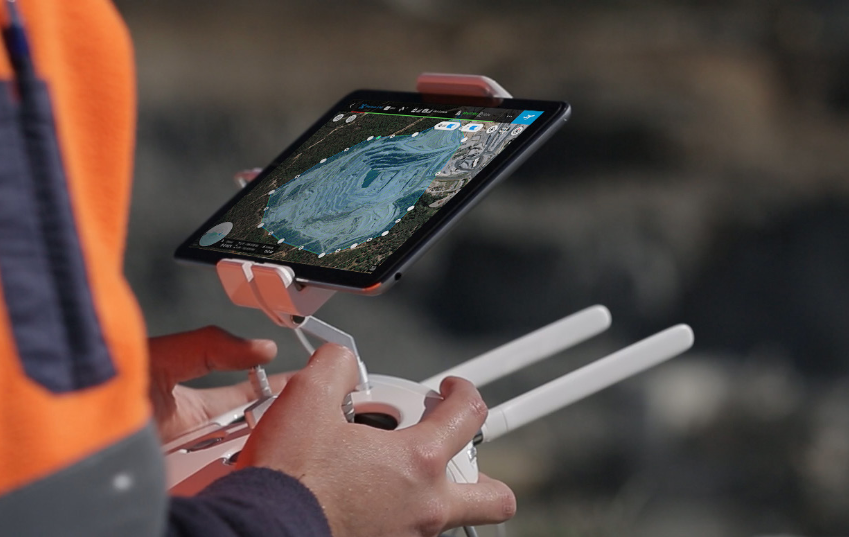
Navigating Camera Settings
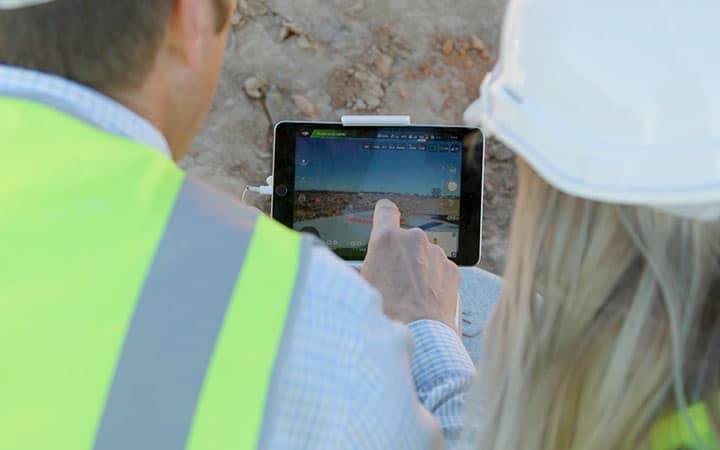
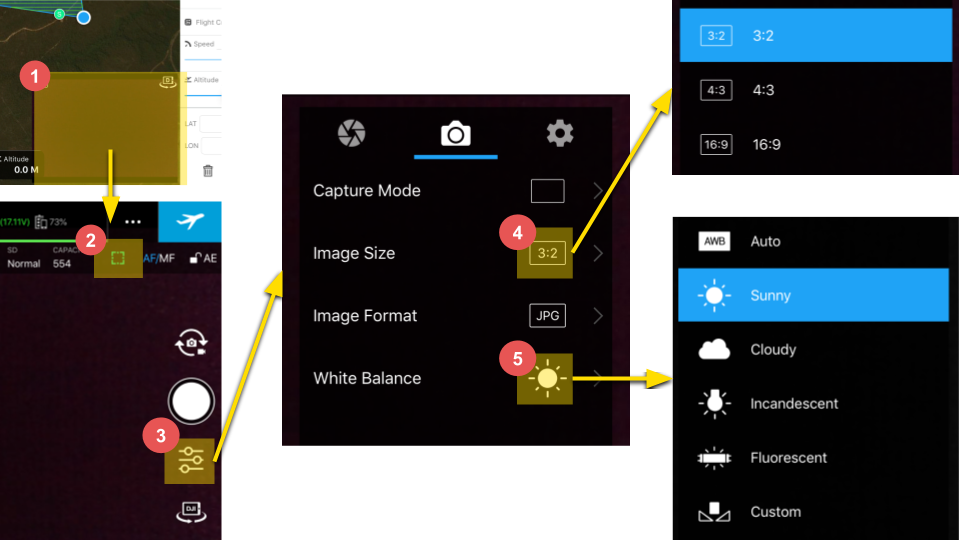
DJI’s GS Pro app is iPad compatible and straightforward to navigate. To begin set up, open GS Pro and tap on the live camera feed to access the camera settings.
You’ll want to be sure that the camera is set to Auto Focus for every capture. (This is a green square.) Then go to Settings.
If you’re using a Phantom 4 Pro, change your drone’s native aspect ratio to 3:2. To finish, set your white balance appropriately for the day. In the instructional images below it was a sunny day.
Why Proper Camera Settings Matter
You’ve probably guessed that there are a number of camera settings you could fiddle with, but why are these the important ones?
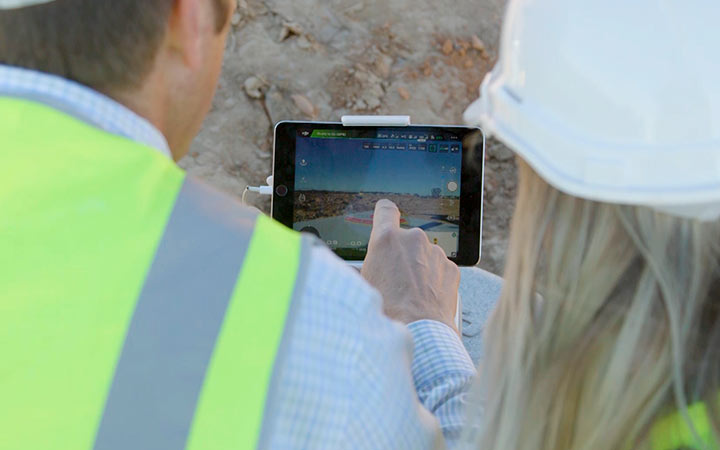
- Auto focus enables the focus to be adjusted for every image taken automatically. If you didn’t do this, photos would only be clear and crisp for one specific elevation. Blurry pictures are bad news for photogrammetry, which is how we stitch your drone-captured photos together into a 3D survey.
- Setting the aspect ratio to its native value gets you the most complete source image, particularly the edges of your visual field. native aspect ratio for your camera. If it’s set to something other than the native resolution (which is usually 3:2 or 4:3) to something like 16:9, you lose critical chunks of your source images.
Proper white balance makes for well-balanced images. It’s easier for photogrammetry engines like Propeller to stitch together well-balanced images, not to mention your 3D survey will look more true to life.