Propeller is on a constant mission to make our customers’ lives easier by reducing the time it takes to execute every stage of a project, from initial planning to final grade.
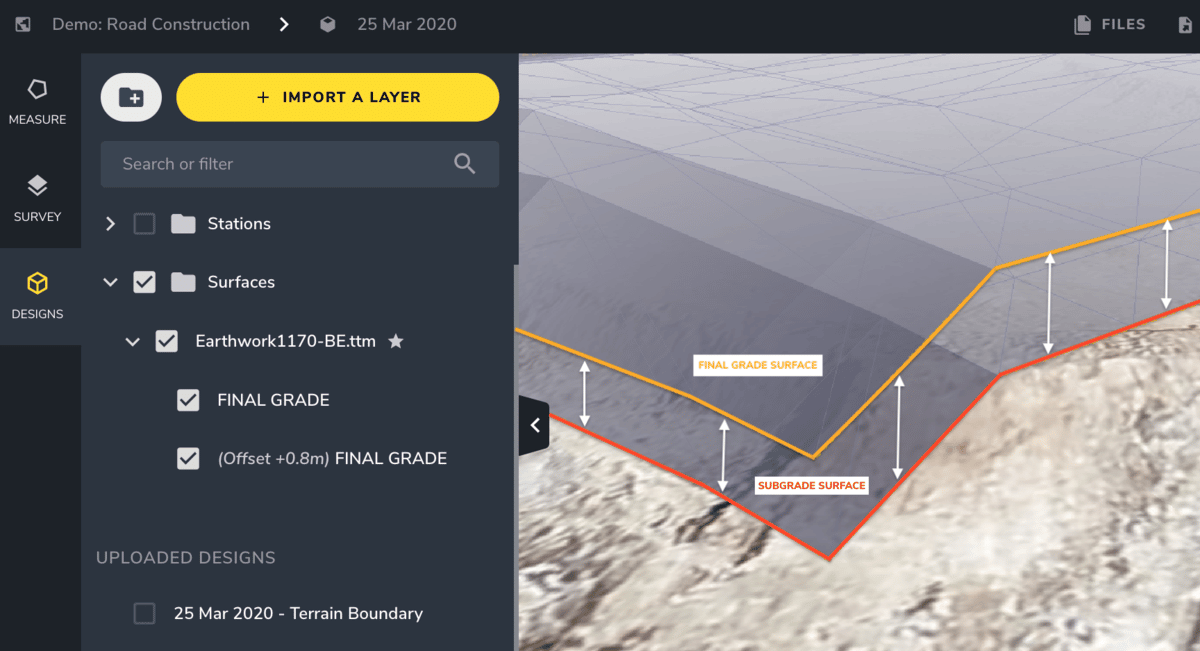
The newest tool in the Propeller toolbox— Vertical Design Offset— is designed to do just that. With this tool, we’re giving users the power to quickly add subgrade surfaces to their models in the Propeller Platform.
Previously, platform users could compare current surfaces against a final grade to calculate how much total work they have left to do. But our customers work in stages, and often need to know how much material they have left to remove or add before moving on to the next phase of the project.
By applying a vertical offset to any DXF or TTM design, Platform users can use the same measurement tools they always have, except now they can reference current progress against multiple benchmarks, not just the final design.
For construction teams, this ability could allow them to better calculate the scale of an overburden stripping project, or the amount of hard rock and underlying weathered rock that needs to be removed.
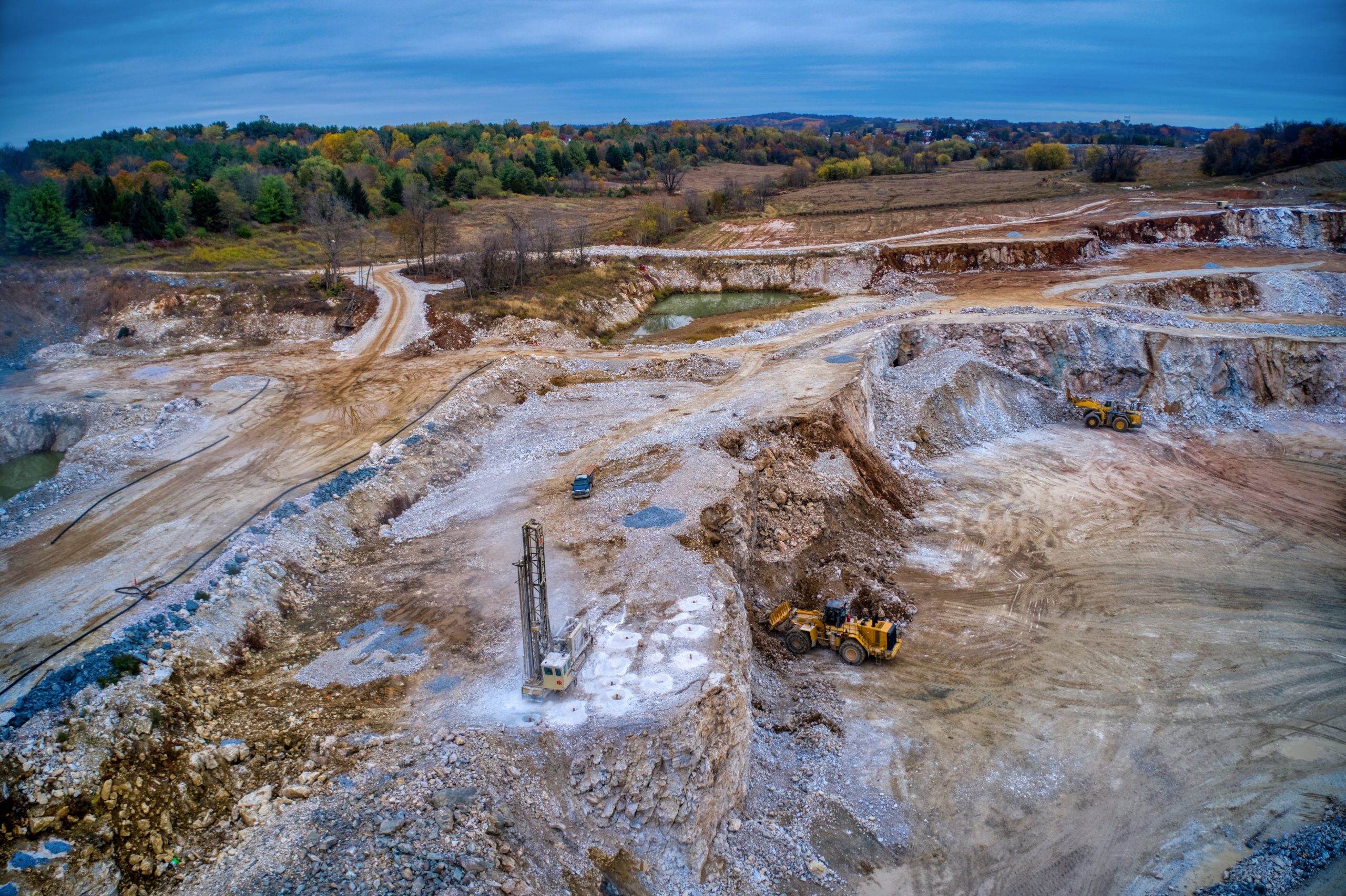
Rather than comparing current cell levels to a final grade, landfills can offset the soil layer and more easily calculate how much space they have left until reaching the Top of Waste (ToW) surface. And surface mines and quarries can estimate quantities for stripping projects by creating offsets from pit shell designs.
No matter the industry you’re in, this is what it comes down to: You can now visualize and plan each stage of an earthwork project in greater detail, all in one place.
Save money and time by planning each stage in one place
By applying a vertical offset into your design at the beginning of a project, and by doing it all in the Propeller Platform, you’re significantly simplifying your workflow.
No more referencing your current progress as calculated in one platform against subgrade surface models in a third-party CAD package. No more time-consuming workarounds to calculate remainders for multiple stages.
And no more costly updates. For companies that outsource their model building, even adding a small offset can cost on average $500. Add to that the time lost communicating your desired offset and waiting for it to be applied. Now, you can do it all yourself.
Reduce your surveyor’s role as information gatekeeper
Applying a vertical offset to a final grade is simple and can be easily accomplished by anyone with access to the platform. This means engineers and supervisors no longer need to wait for their surveyor to build out a subgrade surface, removing a major bottleneck.
In addition, any design with an offset can be included in the mobile maps generated with Crew, an add-on available in the Propeller Platform, that can be sent out to your personnel in the field, as well as subcontractors.
This offers field teams a simple visualization tool they can use to quickly get a handle on how much work remains and plan better for each stage. In addition, you can export subgrade surfaces for programming machine control at each stage.
Establish a more actionable project roadmap before you start
Being able to calculate the volume and tonnage of material that needs to be moved at each stage of earthwork unlocks a lot of doors when it comes to project planning. With these layer-by-layer insights available earlier on, project managers and others on the operational side can more accurately set logistical expectations.

For instance, knowing how much overburden or topsoil needs to be removed from a construction site lets managers calculate the size of the fleet they’ll need to get it done. Having an estimate of how much clay needs to be added to a lift level empowers landfills to schedule subcontractors further in advance, and for the correct amount of time.
And, of course, greater insights and visibility into your progress means more accurate budgeting earlier in the project lifecycle.