“Propeller is going to save us a lot of time and money on this project. Now, our in-house GIS/grade control coordinator doesn’t have to sit for three hours processing surveys.”
Patrick Schultz
Assistant Project Manager for Grade and Quality Control









“Propeller is going to save us a lot of time and money on this project. Now, our in-house GIS/grade control coordinator doesn’t have to sit for three hours processing surveys.”

“When I’m going on a job walk, it’s pretty hard to say that you’ve walked every piece. With Propeller, it eliminates that risk. It gives you that knowledge without stepping foot on site.”

“We believe that investing in cutting-edge technology is key to staying ahead of the curve, and our partnership with Propeller is a testament to that.”
Customer examples; results vary by project and workflow.

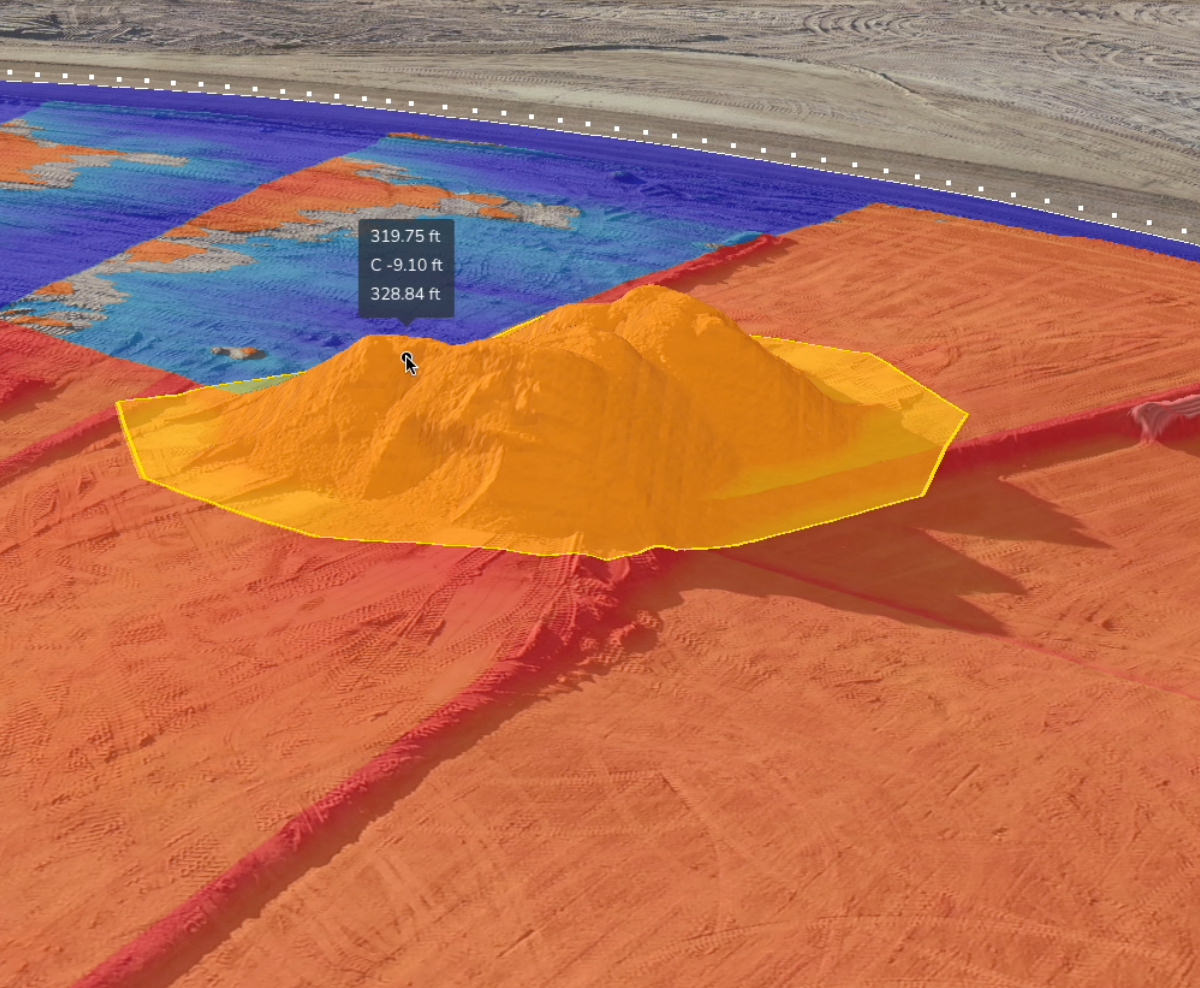
Monitor your cut/fill progress against the final design. See exactly how many cubic yards were moved yesterday so you can adjust your plan for today.

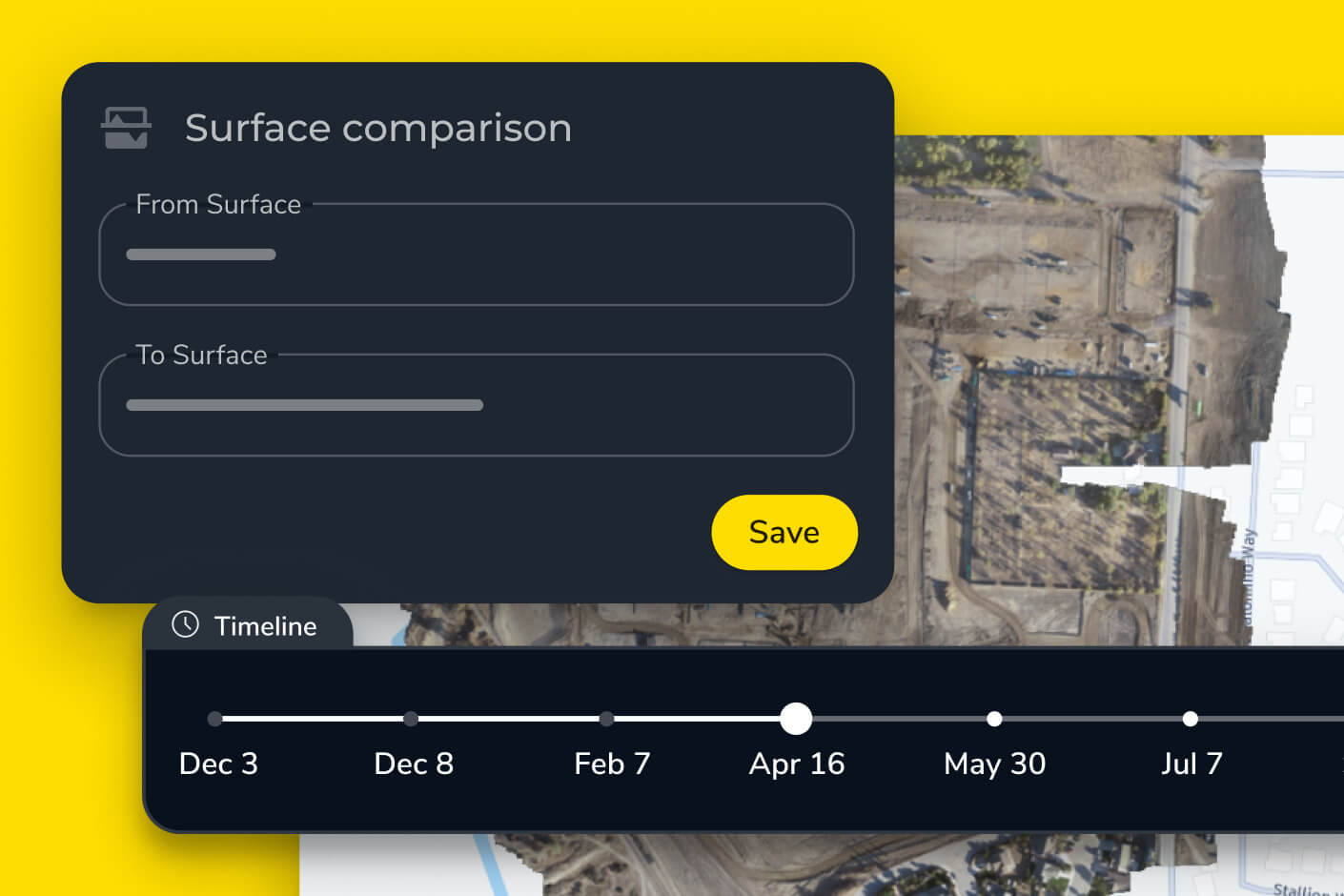
Visualize your progress over time with a timeline of 3D surveys. Identify bottlenecks in your workflow before they turn into multi-week delays.

Provide owners and subcontractors with transparent, visual proof of work completed. Use survey-grade data to back up your invoices and get paid faster.
Choose the reporting frequency that matches your operational tempo. Whether it’s a weekly “big picture” or a minute-by-minute update.

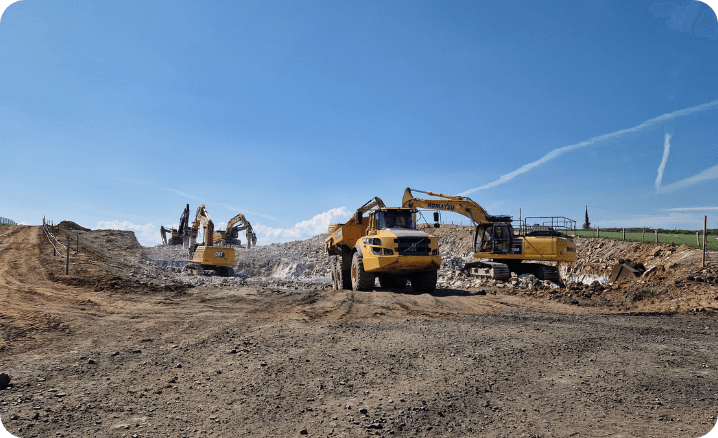
Fly your site once a week for a high-resolution, survey-grade snapshot. Perfect for subcontractor management, client reporting, and high-level schedule tracking.
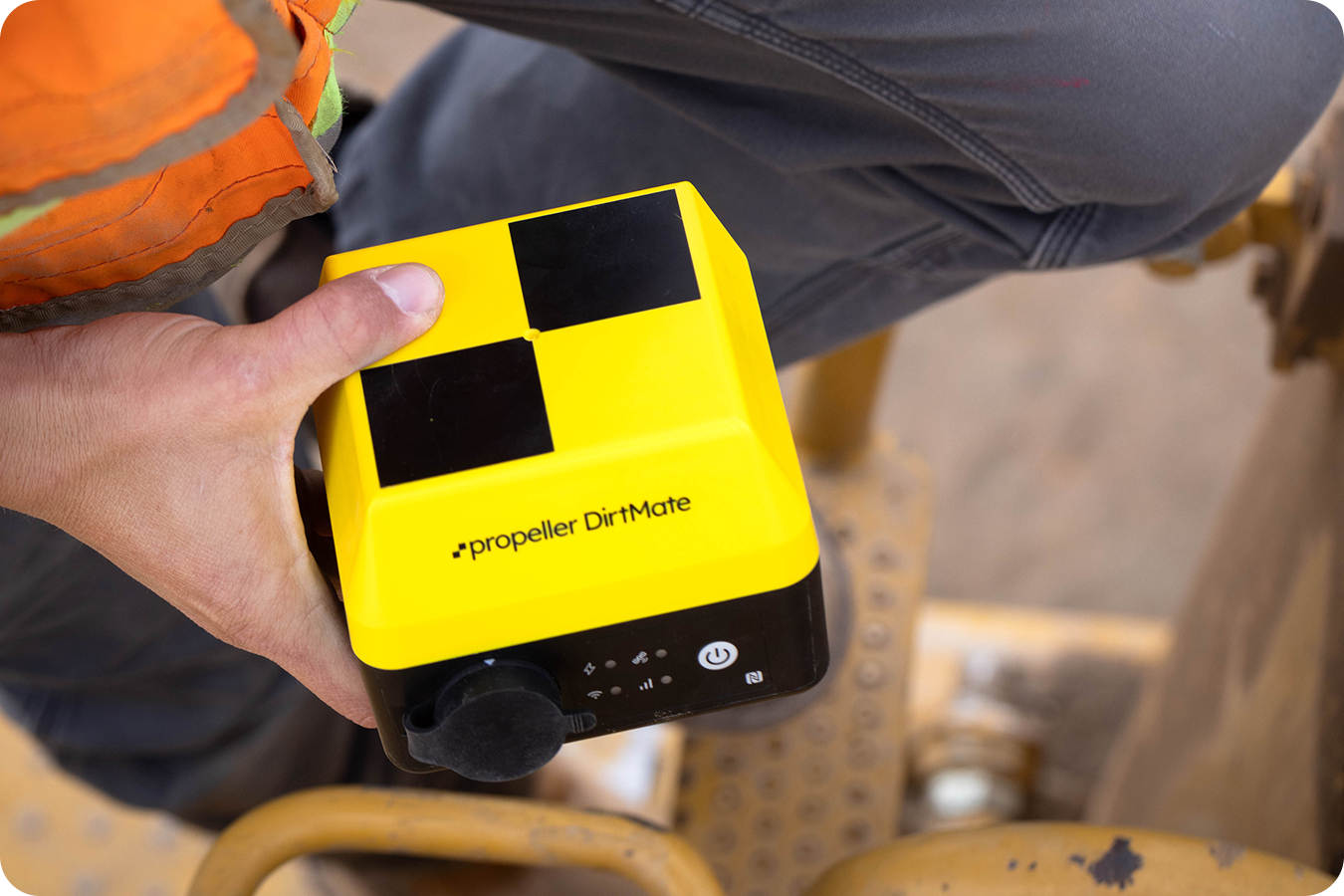
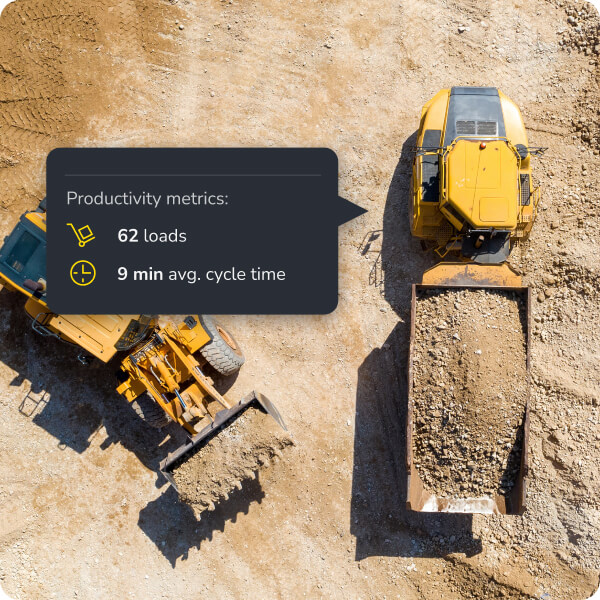
For high-production earthworks, receive updates every 30 minutes. Monitor production rate and adjust machine allocation in real time to keep work on schedule.
Most teams find that weekly flights provide the best balance for general progress, though high-volume sites often fly twice a week.
Yes, you can upload different design surfaces (e.g., subgrade, finished grade) and track progress against each one.
Drones give you a high-res photo and map of the whole site once. DirtMate gives you constant elevation updates from the machines themselves as they work.
Absolutely. You can isolate a sub’s specific work area and calculate exactly how much dirt they moved during their contract period.