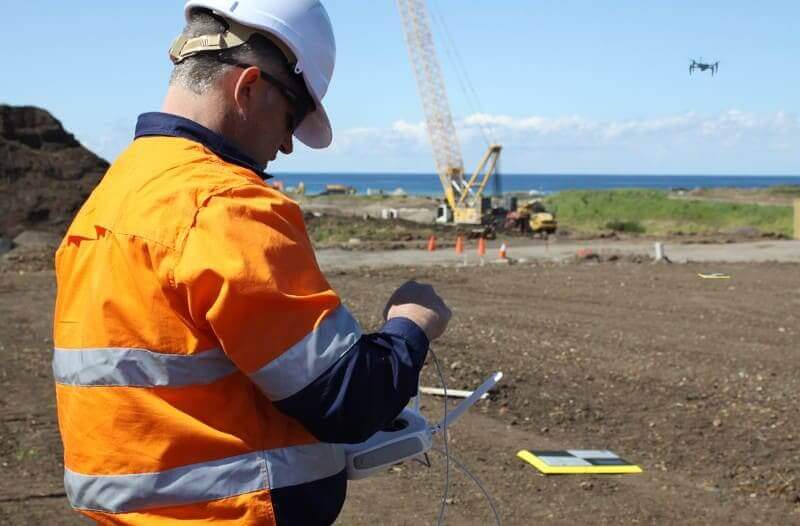
Things To Know About Ground Control in Drone Surveying
Ground control is the go-to option for turning drone data into highly accurate, survey-grade models.…
Experience dynamic, accurate 3D models that give you a complete picture – whether you’re tracking progress or visualizing designs.
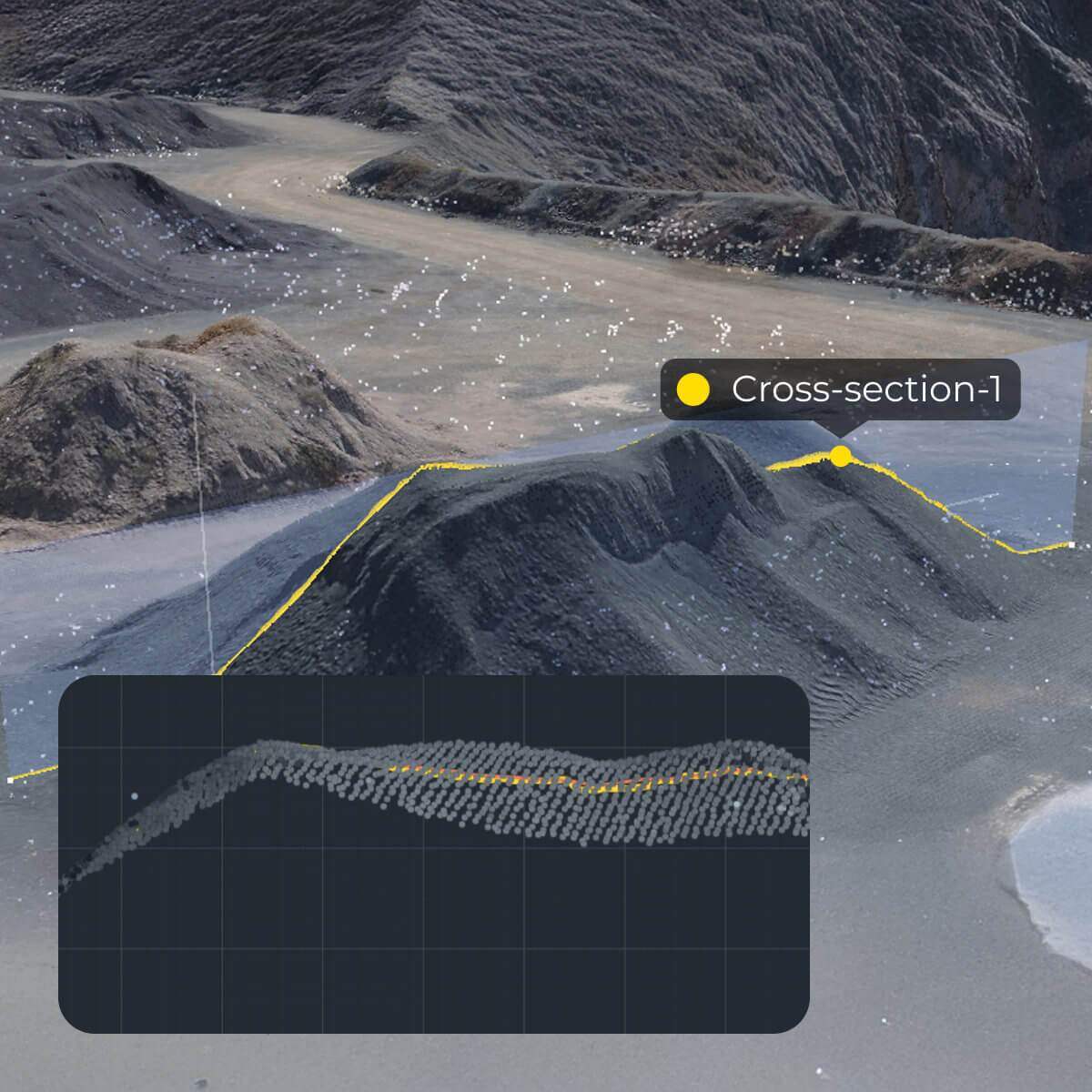
Create precise 3D models by combining drone-captured data, machine data, and terrestrial survey data. Whether you’re generating surfaces with drones, tracking movement with DirtMate, or building surfaces using a rover, total station, or other methods, Propeller is the home for all your site data. Visualize progress, compare designs to actuals, and make adjustments in real time.
With Propeller’s 3D mapping, you’ll gain a comprehensive understanding of your site, streamline workflows, and empower your team to make better, faster decisions.

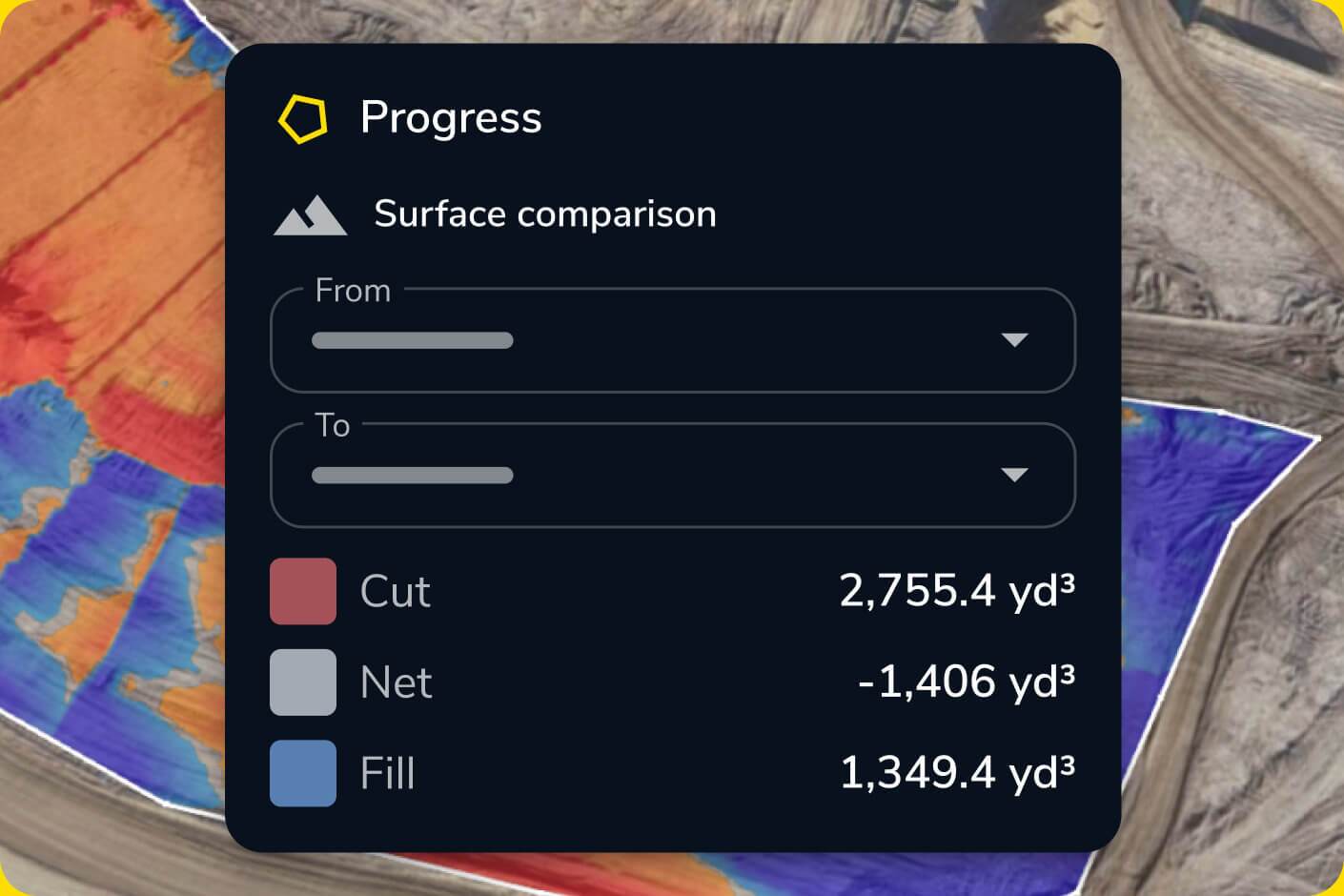
Visualize changes and discrepancies between surveys and designs for improved decision-making.

Create and compare multiple surface models to refine your understanding of the site.

Share dynamic 3D maps with your team for a unified view of the project.
“Propeller gives you a feel for exactly what’s on site in a 3D perspective while also overlaying the project design. The software would not be as useful as it is if you couldn’t overlay the design.”
– Dean Forgarty, Project Manager
Generate high-resolution 3D site maps with ease. Track changes over time and compare against design to stay on schedule.
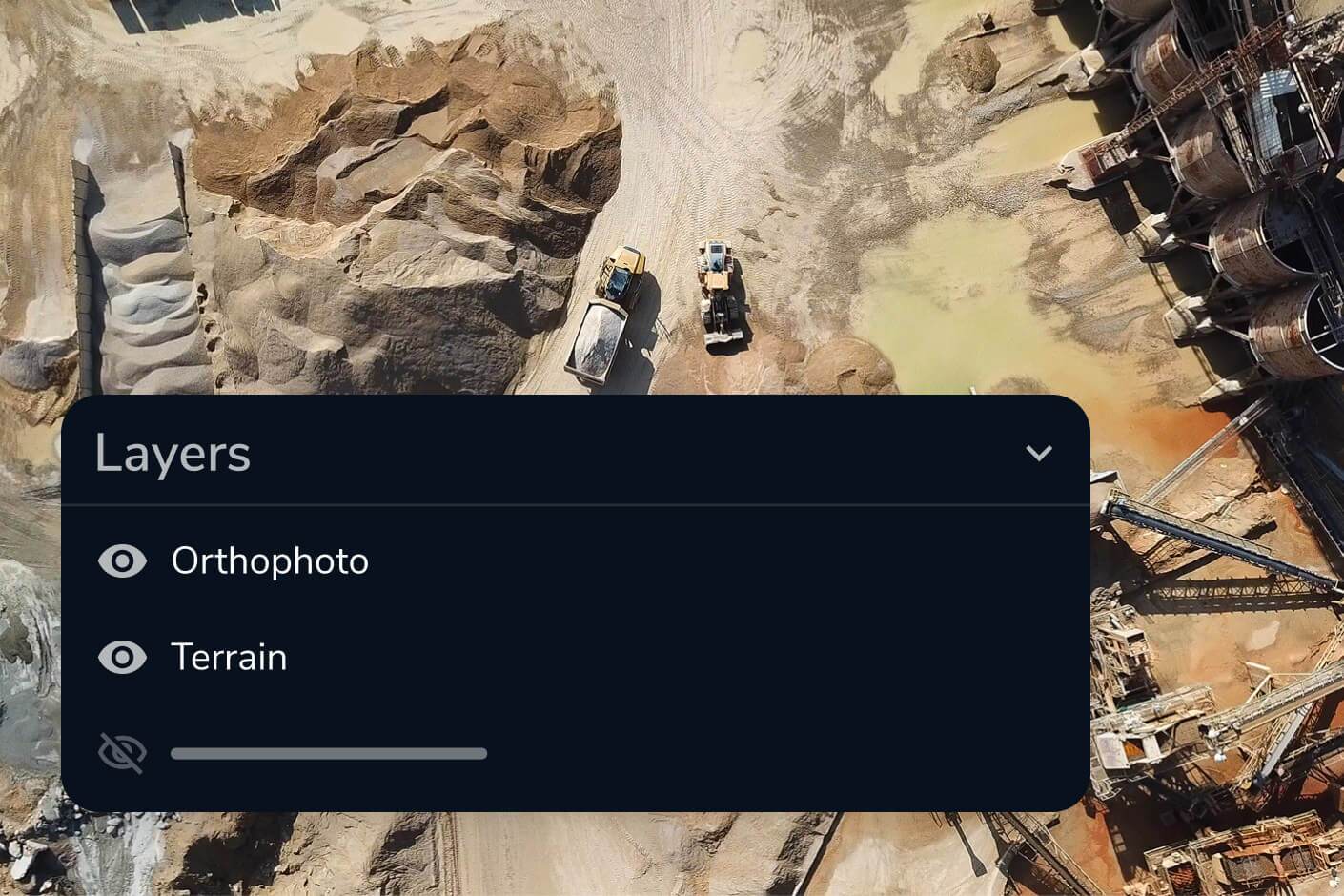
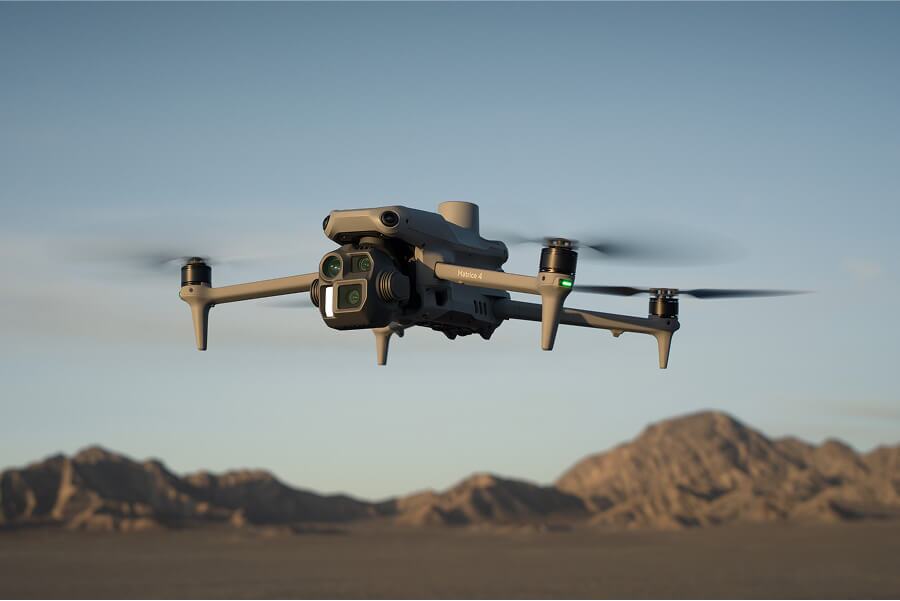
Propeller combines drone-captured data, machine data from DirtMate, and terrestrial survey data from rovers, total stations, and other methods into a single 3D model. You’re not limited to drone data — any survey input becomes part of a unified site map you can visualize in 2D or 3D alongside orthophotos and point clouds.
Upload your design files directly into Propeller, then overlay them on your latest survey data. The surface comparison tool highlights differences between as-built and design in real time, color-coded by deviation. You can also run cross sections at any point on the site and use the grade check tool to verify conformance before issues become rework.
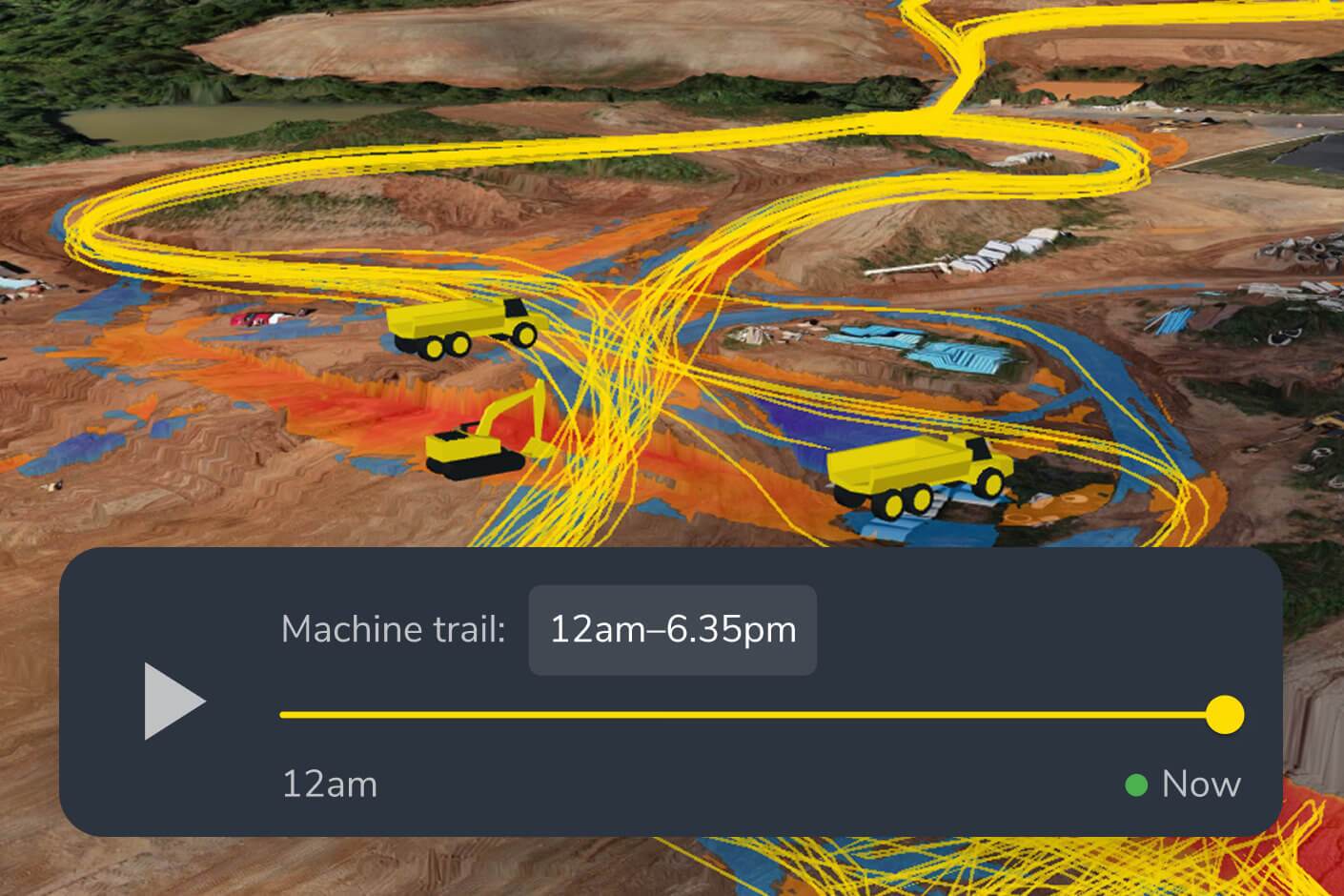
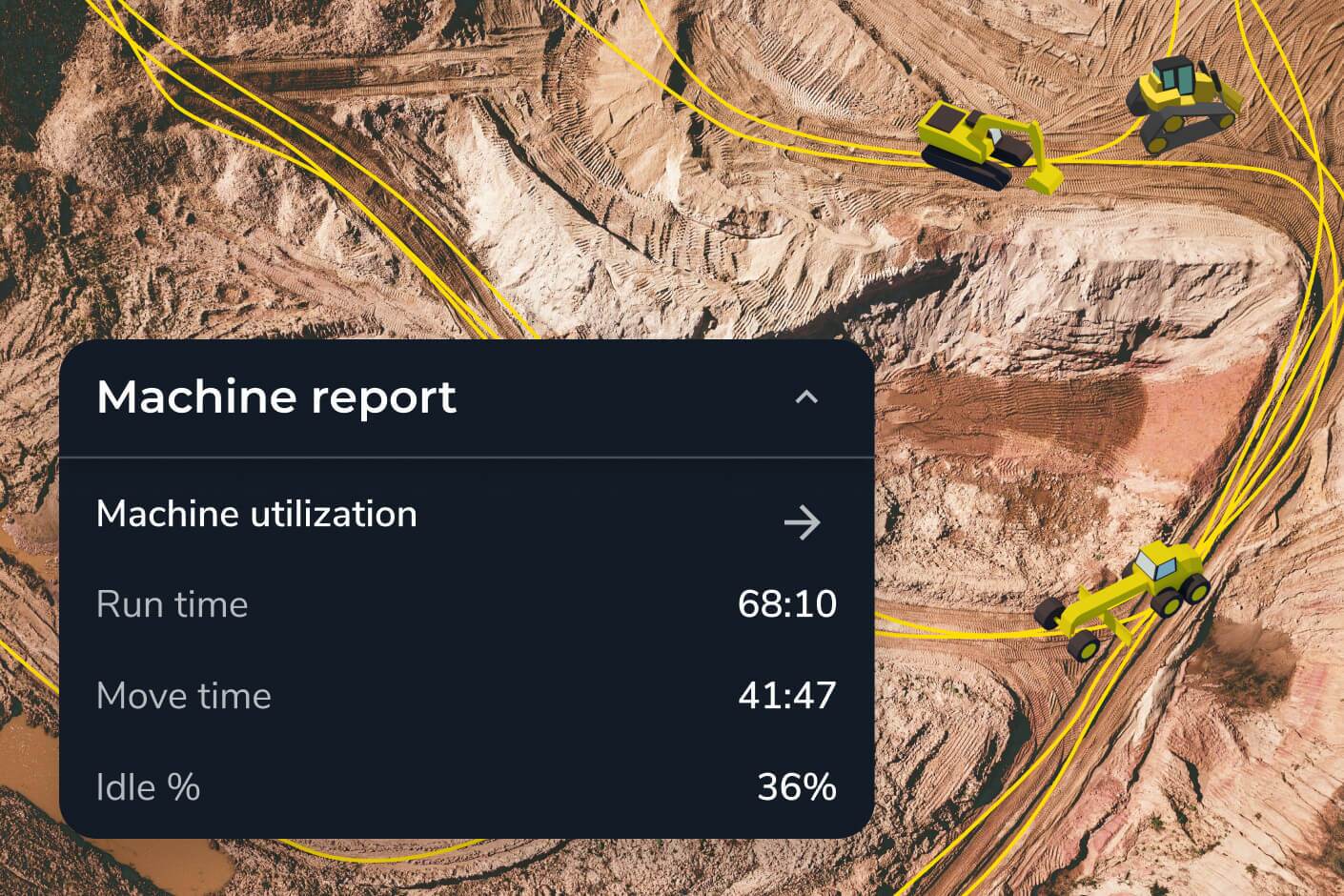
Yes. Propeller’s timeline feature lets you compare any two survey dates side by side, so you can see exactly how your site has evolved — useful for reporting progress to stakeholders, verifying subcontractor work, and spotting areas where earthworks are drifting from plan. Machine location trails from DirtMate also let you see equipment activity between formal surveys.
Propeller includes a takeoff map for quantity planning, a material properties editor, a shrink/swell calculator for accurate earthwork estimates, and a utilization view for understanding equipment efficiency. These tools let you use your 3D site data not just for reporting what’s happened, but for forecasting what’s coming.
No. While drone data is the most common input, Propeller also processes ground survey data from rovers and total stations, and continuous surface data from DirtMate machine tracking. Teams often combine all three for a complete picture — drone surveys for site-wide coverage, ground surveys for high-accuracy checkpoints, and DirtMate for ongoing production monitoring between flights.