Advancements in construction technology have significantly enhanced the efficiency of the project design process, particularly when it comes to Building Information Modeling (BIM) software programs. Capturing reality in an augmented or future state, these digital models empower project teams to deepen their understanding of the job at hand.
But the real magic happens when you pair design plans with drone data — creating a powerful visualization that helps connect the dots between where you’re at today and what you’re reaching toward. Industry Foundation Classes (IFC) play a pivotal role in enabling this connection by offering an open-data model that easily integrates with the other tools in your stack for further analysis.
Let’s explore how to map and measure progress using IFC files.
Where BIM meets survey data
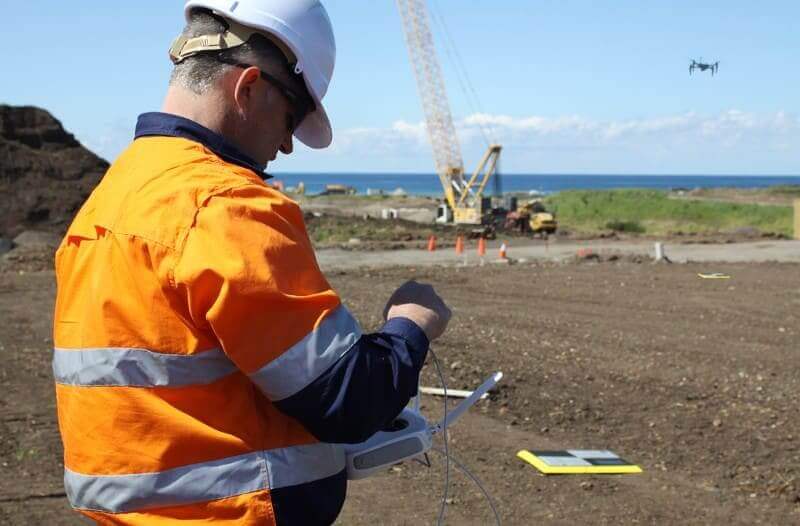
In a fraction of the time required to complete traditional ground-based surveys, drones can capture imagery of a project site that can then be processed into high-accuracy point clouds and used along with industry foundation classes (IFC) files for facility and building designs within BIM programs.
IFC is a platform-neutral, open file format that provides a standard way to view design building data in order to maximize interoperability and collaboration among construction teams working on civil projects. Typically IFCs are thought of as “the PDF of BIM” as they are a locked copy of original building data and are not meant to be edited or revised.
Viewing IFC files in 3D on the map
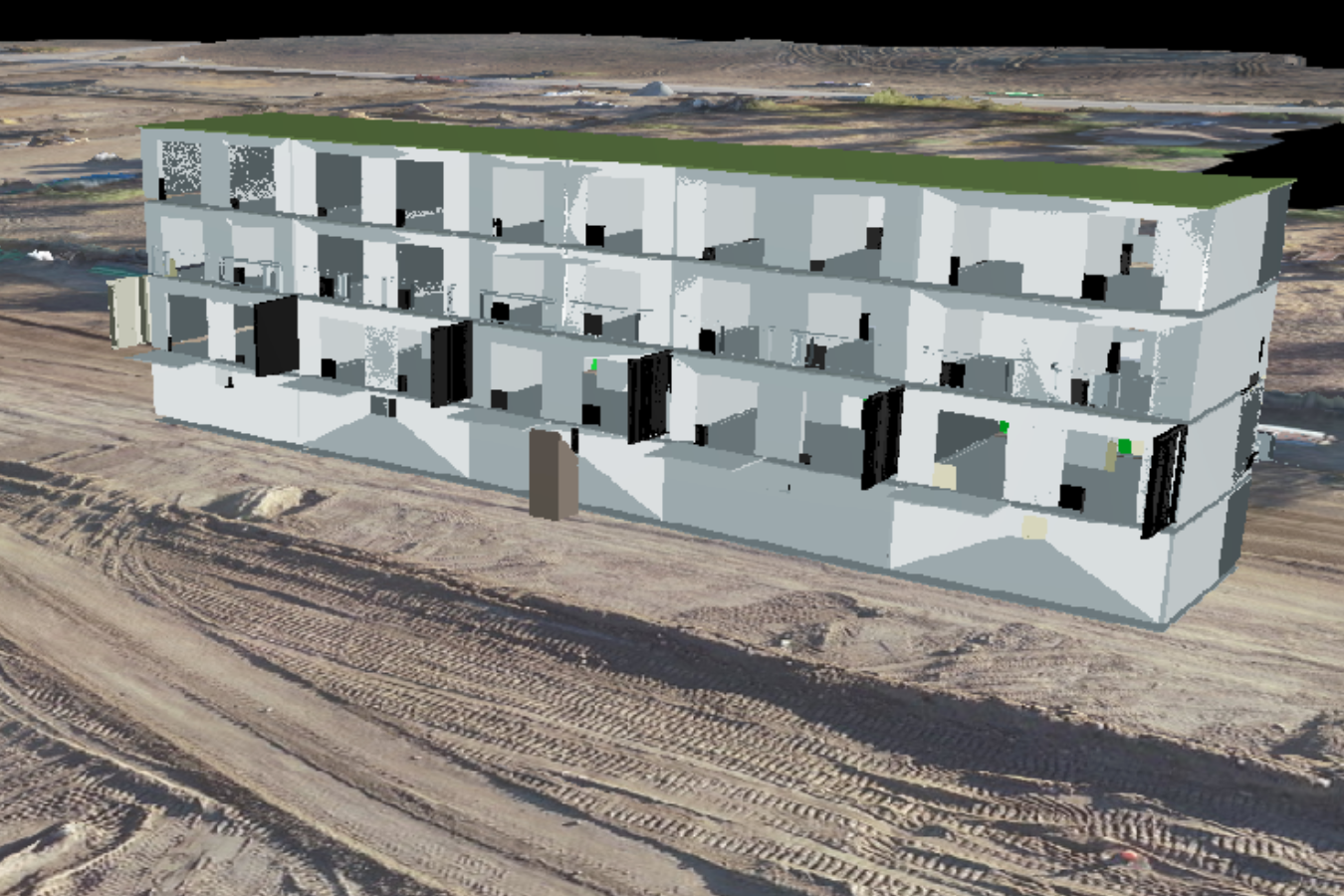
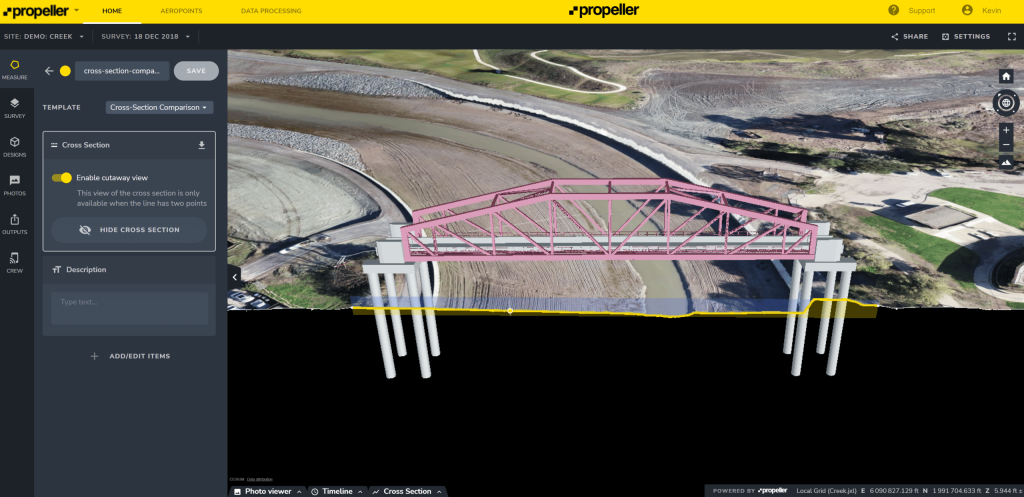
There’s no better way to understand how you’re pacing against your project plans than overlaying the current state against the intended future state. With Propeller, you can make this happen in just a few clicks. Simply upload your IFC file, add it to the map, and get a glimpse into the future.
By superimposing above-ground 3D designs like buildings and bridges onto your latest survey data, you can easily plan for what comes next, visualize where you’re off track, and validate completed work against the final designs. The best part? You can work with IFC files from any device, using the app to map on the go or diving into the details on a desktop.
Across the globe, project teams rely on Propeller’s IFC workflows to:
- Centralize project data: Map, measure, and manage survey data and designs from one hub.
- Collaborate effortlessly: Delivering project data to key stakeholders in a format that’s universally understood.
- Streamline planning: Easily perform quality assurance by comparing as-built images to the design.
- Stay proactive: Detect errors in their early stages, preventing them from impacting later project phases.
IFC files can also assist in verifying that the work has been done correctly, according to the original design. For example, visual design and construction teams (VDC’s) can now overlay design models in Propeller on top of the latest terrain model to verify that concrete footings and pipes have been properly placed.
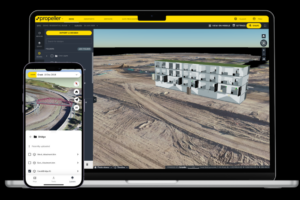
As more and more construction companies adopt BIM programs, having the ability to import IFC files into Propeller will help your business stay competitive with better project planning and design visualization.
Ready to level up project planning and design with smart surveys? Request a demo with us. We’ll show you how.