Connect site data with the tools your team already uses
Features
Generate a .JXL calibration file for Trimble Business Center
Accurate survey data starts with a properly calibrated local grid. Propeller lets you generate a Trimble .JXL file directly from your site, so your coordinate system is dialed in and ready to use in TBC. From there, use TBC to convert and export DXF, LandXML, and TTM files in the correct ellipsoid height format for local grid jobs.
Stream site imagery directly into Trimble
Stream orthophotos from Propeller into your Trimble environment using WMTS. No downloading, no file transfers. Your team gets a live, scaled view of the site in the tools they’re already working in.
Move design files between Propeller and TBC
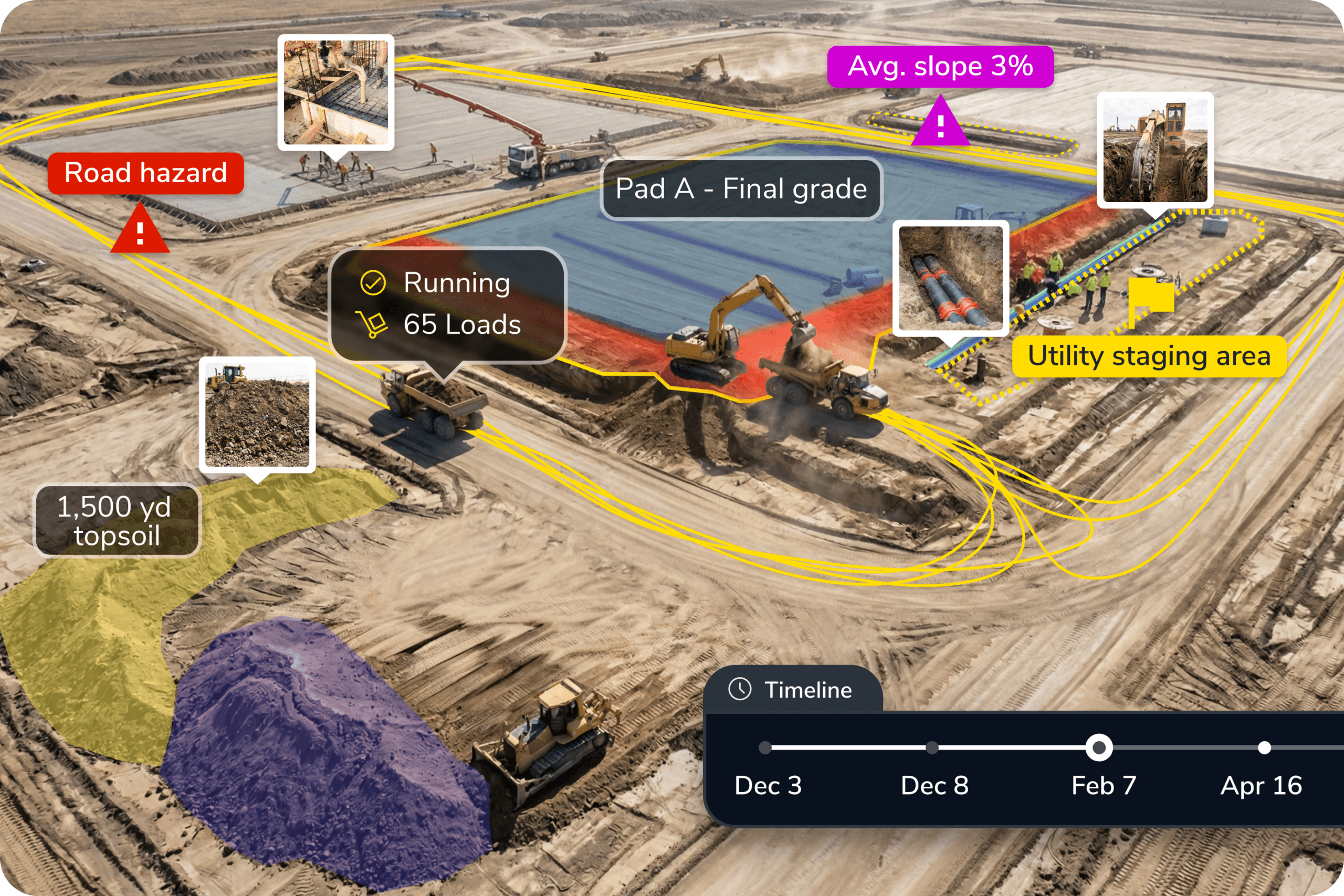
Export DXF and LandXML files from Propeller and bring them straight into Trimble Business Center for further processing, analysis, or archiving. Import design surfaces back into Propeller to compare against real site conditions. The data flows both ways so your office team always has what they need.
Push site data into Trimble Connect
When your team is collaborating in Trimble Connect, Propeller fits right in. Push orthophotos, terrain models, DXFs, and point clouds directly from Propeller’s Outputs tab into your Trimble Connect project folders. Large files go where they need to go.
Pull design files from Trimble Connect into Propeller
Keep your designs current without the manual transfer loop. Import design files directly from your Trimble Connect project folders into Propeller so your team is always comparing real site conditions against the latest version, not whatever was exported last Tuesday.
Keep survey workflows efficient
Propeller handles capture, processing, and QA so your team isn’t duplicating work across platforms. Surveyors and engineers get the file formats they need, in the tools they already use, without adding steps to the workflow.
Reduce coordination friction
When Propeller data lives inside your Trimble environment, everyone references the same source of truth. Fewer version conflicts, fewer “which file is current?” conversations, and faster sign-off on progress and quantities.
Why teams use Propeller with Trimble

Familiar formats, no rework
Propeller exports the file types your Trimble tools already accept, so there’s no conversion layer or custom workaround required.

Faster calibration setup
Generate a ready-to-use .JXL file in Propeller and skip the manual coordinate system configuration in TBC.

One source of truth
Files move easily in both directions, so your whole project team, site engineers, office staff, and subcontractors, is always referencing current, measured data. No version conflicts, no stale exports.
Ready to learn more?
Request a demo to understand how you can integrate Propeller into your current instance of Trimble or how to implement the both into your current business.