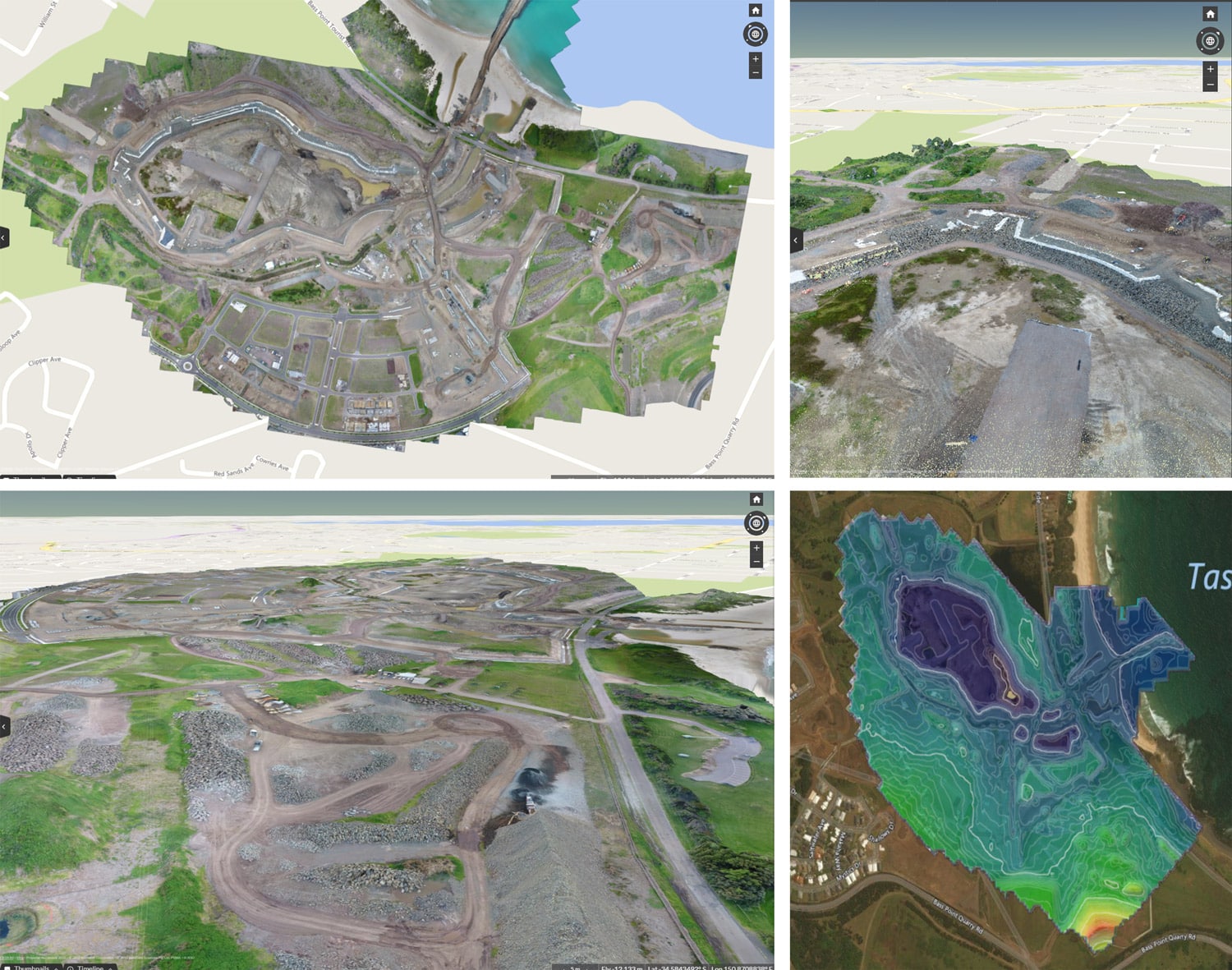
Earthworks professionals who want to learn more about drone surveying and even Propeller customers have asked how our data processing and QA actually works. In this post, we’ll provide an overview of how drone data makes its way to the Propeller dashboard. Processing and QA is carried out by our data team, who specializes in engineering and geodetic sciences (the science of accurately measuring and understanding properties of the Earth).
After flying the worksite
Customers who have purchased a DJI Phantom 4 RTK drone through Propeller or a Trimble Stratus reseller have access to Propeller’s high-accuracy survey processing workflow that handles both the PPK correction of their drone’s GPS observations and image processing to create a 3D model of the job site. If you fly a WingtraOne drone, you should review the instructions on uploading a PPK dataset.
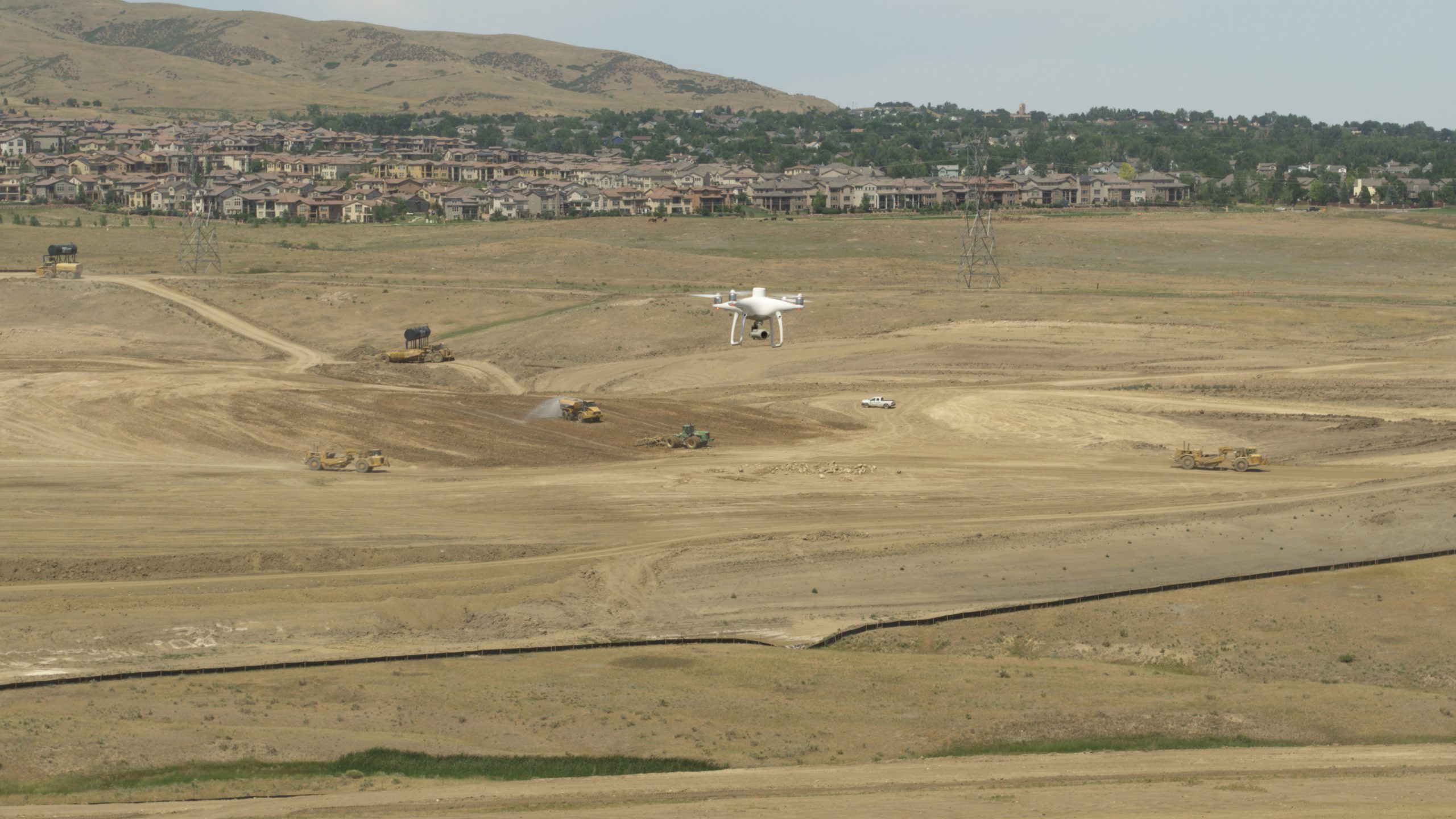
The first step, once the flight mission is complete, is to drag and drop the current flight data onto the Propeller dashboard. Drone site photos are then scanned and validated against the following four categories:
| File Collection | Drone | Individual Images | PPK Files |
| Minimum 10 images | Drone camera is recommended | Compatible geotag | Files contain the required metadata |
| Same aspect ratio | PPK drone is registered | Aspect ratio | Files are unique |
| Camera course alignment | Motion blur | ||
| Single connected area | ISO | ||
| File name less than 255 characters | |||
| Minimum 8 megapixels | |||
| Files above size limit (75KB) |
Propeller notifies customers if their survey photos don’t pass these validations, and they must acknowledge they want to continue with the processing, despite any accuracy concerns. The next steps include naming the dataset and capture date, selecting the processing method, and uploading the data.
When uploading survey data, Propeller users have the ability to set or choose their required ‘accuracy’ needs. Selecting the appropriate option helps ensure the survey data generated is aligned with the user’s expectations. Once the data is uploaded, it travels through the Propeller processing pipeline, which is our semi-automated system for processing data.
Processing your data and quality assurance
As the photos move through the pipeline to be processed into 3D models using photogrammetry, our geospatial specialists may step in to manually mark or verify ground control point (GCP) locations and perform some initial QA on the data. They also check that any GCP errors are within tolerance and the model has been produced correctly. Once the processing is complete, the data is QA’d one more time before we release it, to ensure the highest level of accuracy (if a previous survey of the site has been processed and it overlaps with the current one). This is where we compare the processed data to previously released surveys of the same site, to verify if the changes between the datasets look legitimate and realistic. We also check to ensure data is internally accurate, based on the final GCP and checkpoint elevations. You can read more on Propeller QA here.
When a data error occurs
The Propeller team will reach out if we spot a problem or error with our customers’ data. We may request more information or notify them that there may be a delay in receiving their data, as we troubleshoot a potential problem. Some common errors we come across include being unable to locate GCPs, or GCPs that may have been disturbed/moved during the survey. These problems lead to a higher potential for errors when trying to include the GCPs in processing. We also encounter surveys that don’t perfectly line up with previous surveys on the worksite, which can be due to a variety of issues, such as poor image quality.
Receiving processed data from Propeller
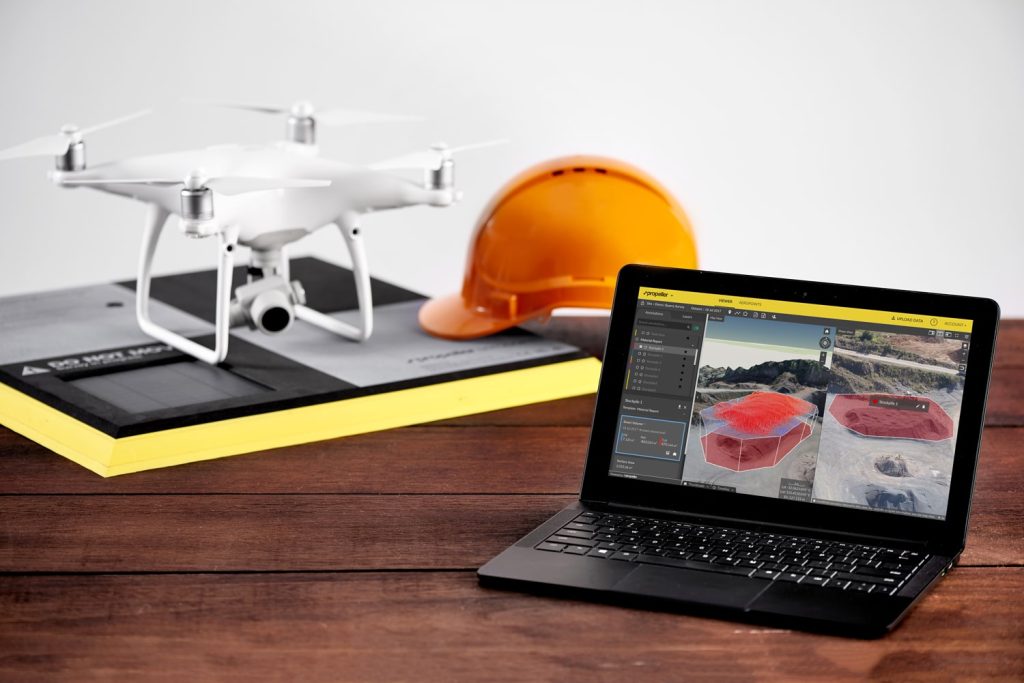
Once the data is completely processed and released, customers are able to view it in the platform where they can perform measurements and produce reports. An automated email is also sent to the uploader and other users with Propeller access when a new dataset is available. We generally turn around a standard-sized dataset within 24 hours. Propeller customers can always reach out via chat support or email support@propelleraero.com.au with any questions about data processing.