Inside Propeller: How engineers bridge the gap between CAD and the worksite (5/6)
We’re back with Part 5 of our Inside Propeller series. Here’s what we’ve covered so far:
- Part 1: A bird’s-eye view of Propeller
- Part 2: How PMs use Propeller to track progress
- Part 3: How site leads keep day-to-day operations moving
- Part 4: How estimators keep projects profitable
In Part 5, we’re looking at engineers—the people responsible for balancing a site before a single cube of material is moved.
Every grading adjustment, haul road reroute, or foundation change has downstream impacts across utilities, drainage, slope stability, and compliance. Without up-to-date field data, those decisions are made with incomplete context.
Propeller puts your worksite at your fingertips. With measurable 3D site maps, hydrology insights, and connected design workflows, engineers can make faster, safer decisions without leaving the office.
Communicate design changes to the field quickly
Turn digital designs into clear action plans.
Your designs only matter if they’re executed correctly in the field.
- Mobile handoffs: Design updates, measurements, and quantities sync directly to the field via Propeller Mobile, so crews always have the latest data.
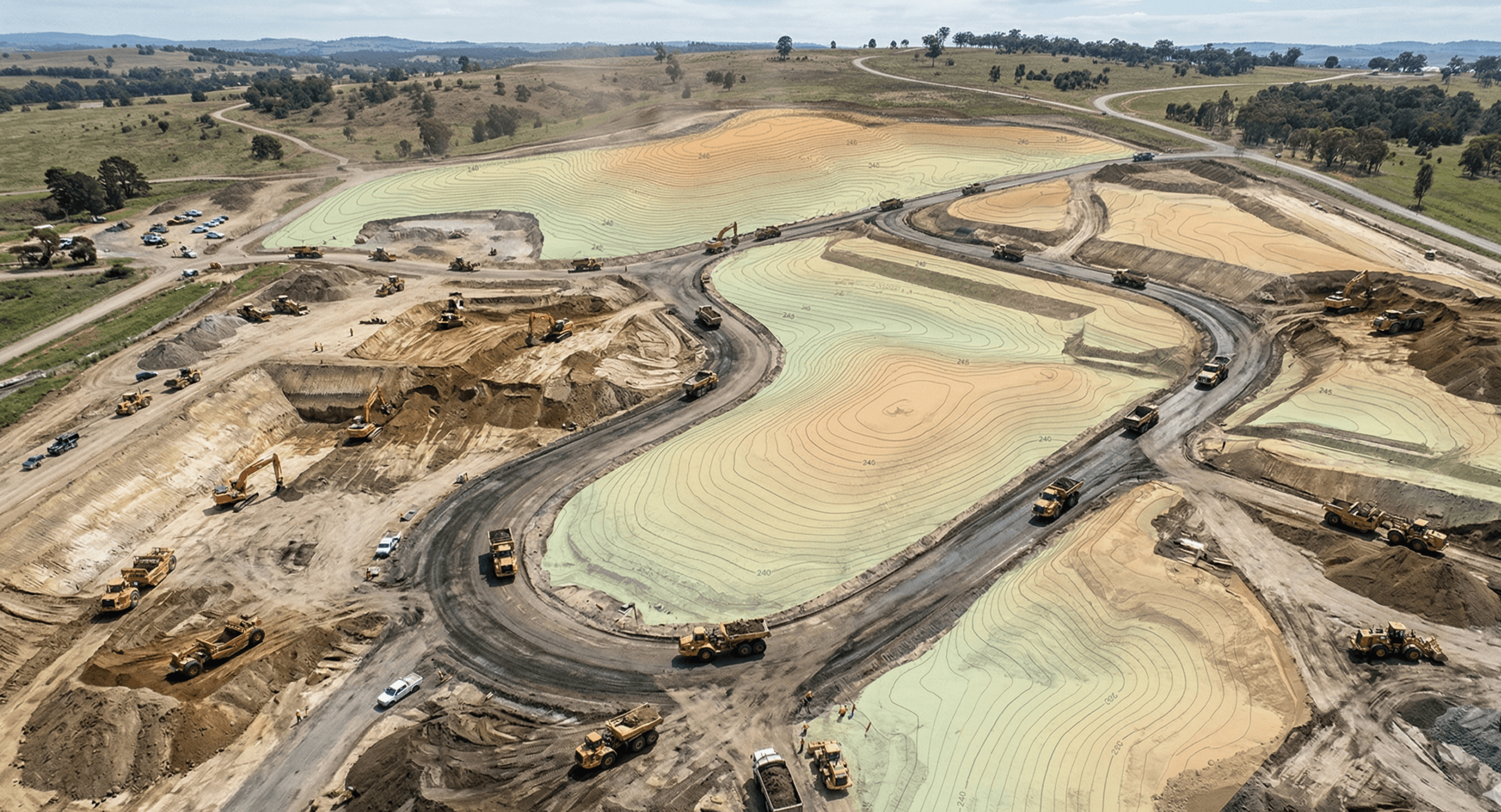
- Design overlay: Layer CAD files over current site conditions to verify linework against reality and give crews full context before they build.
- Markup: Call out haul routes, hazards, or key instructions directly on the map using markup tools.
Big wins: Turn plans into action without endless back-and-forth. Everyone sees exactly what needs to happen, right where the work is happening.
Run quick checks with measurement tools
Answer critical questions in seconds.
Not every question needs a full CAD workflow.
- Cross-sections: Validate slopes and grading against design to catch issues early.
- Distance, elevation, and volume measurements:: Confirm distances, stockpile volumes, and elevation points directly in the platform using measurement tools.
- Elevation difference: Quickly calculate slope and height differences between points.
Big wins: Get fast answers without leaving your workflow. No CAD, no delays, just the numbers you need.
Protect your site from drainage problems
Keep water flowing where it should.
As grading changes, so does how water moves across your site.
Propeller’s hydrology tools help you adapt before problems show up in the field.
- Flood to level: Visualize how water fills low areas and confirm retention capacity.
- Surface runoff: Model rainfall flow to identify erosion risks and drainage issues.
- Watershed analysis: Define catchment zones and track natural water flow across the site.
- Rainfall simulator: Test different storm scenarios to predict site impact.
Big wins: Reduce environmental risk, avoid compliance issues, and design with confidence using built-in hydrology insights.
Verify progress from the office
See the site without setting foot on it.
Stay connected to the field without adding more site visits.
- Digital measurements: Track measurements alongside time-stamped site imagery for a clear record of progress.
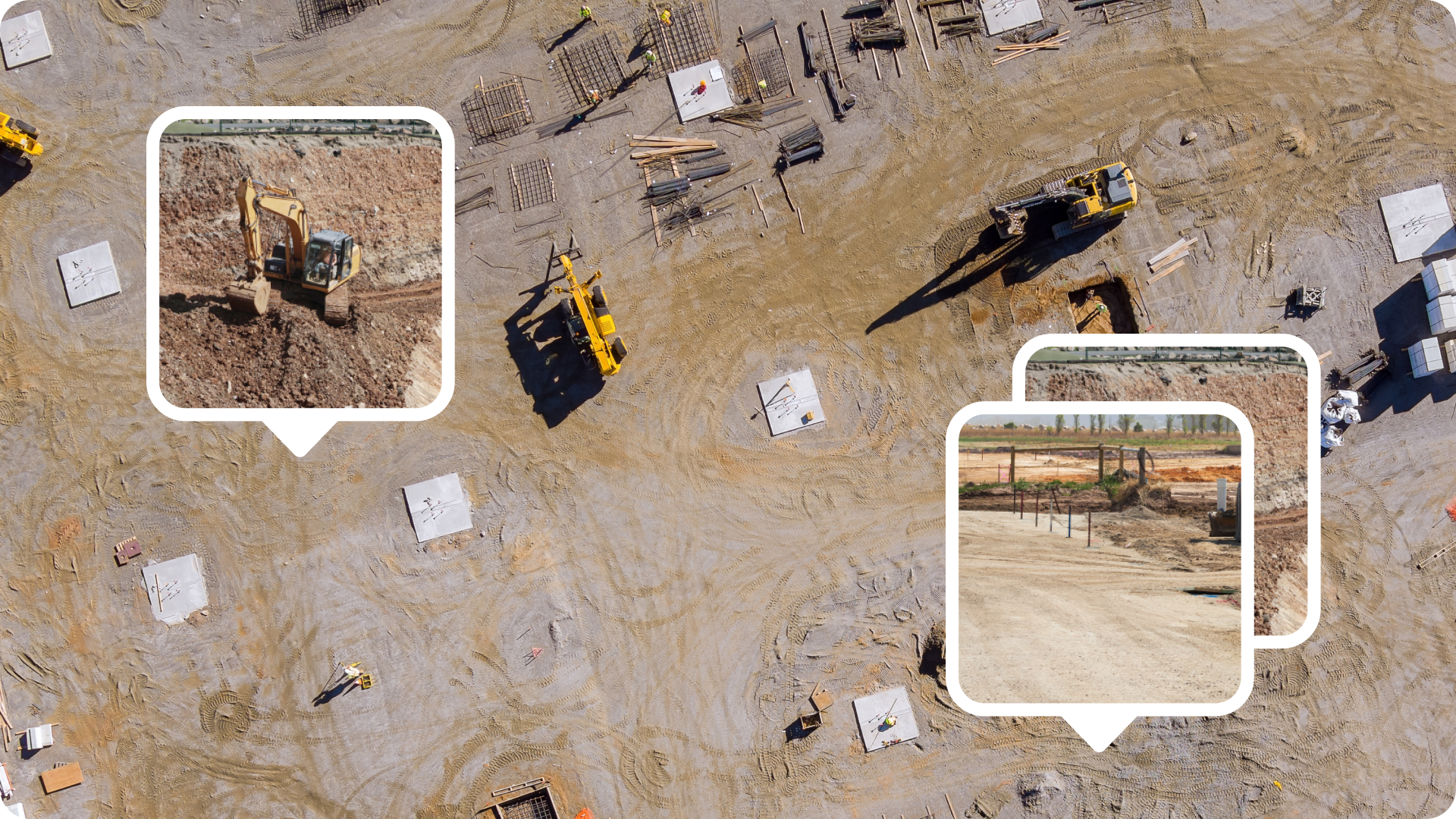
- Media: View photos and 360 imagery tied to exact map locations using media tools.
- Timeline: Scroll through surveys over time to review changes, validate work, and assess risks.
Big wins: Confirm as-built conditions, validate subcontractor work, and catch issues early without leaving your desk.

Keep design workflows and site data connected
Eliminate silos and keep your data clean.
Your design tools should always reflect current site conditions.
- Read-only API: Push survey data into tools like Civil 3D or Trimble Business Center so you’re always working from the latest information.
- WMTS import: Share up-to-date orthophotos via simple URLs.
- Workspaces: Test scenarios and manage revisions privately, then publish approved designs to the field.
Big wins: Stay in your preferred design environment while keeping field data fully in sync.
TL;DR: Why engineers love Propeller
- Overlay designs and mark up maps so crews can adapt in real time
- Get photo-verified progress without site visits
- Reduce compliance risk with hydrology insights
- Run slope, distance, and elevation checks in seconds
- Keep CAD workflows connected to live site data