Inside Propeller: How site leads keep crews aligned with real-time tools (3/6)
In Part 2 of our Inside Propeller series, we showed how PMs use Propeller to track progress. Now, in Part 3, we’re looking at the leaders in the field who keep day-to-day operations on track: supervisors and foremen.
A loader’s down, trucks are stacking up at the wrong dump site, and someone needs eyes on a grade before they cut another inch. On any given day, just a handful of small issues can snowball into lost hours and cost overruns.
As the site lead, you’re on the hook to keep work crews moving, equipment moving efficiently, and costs under control. Propeller gives supervisors and foremen a better way to:
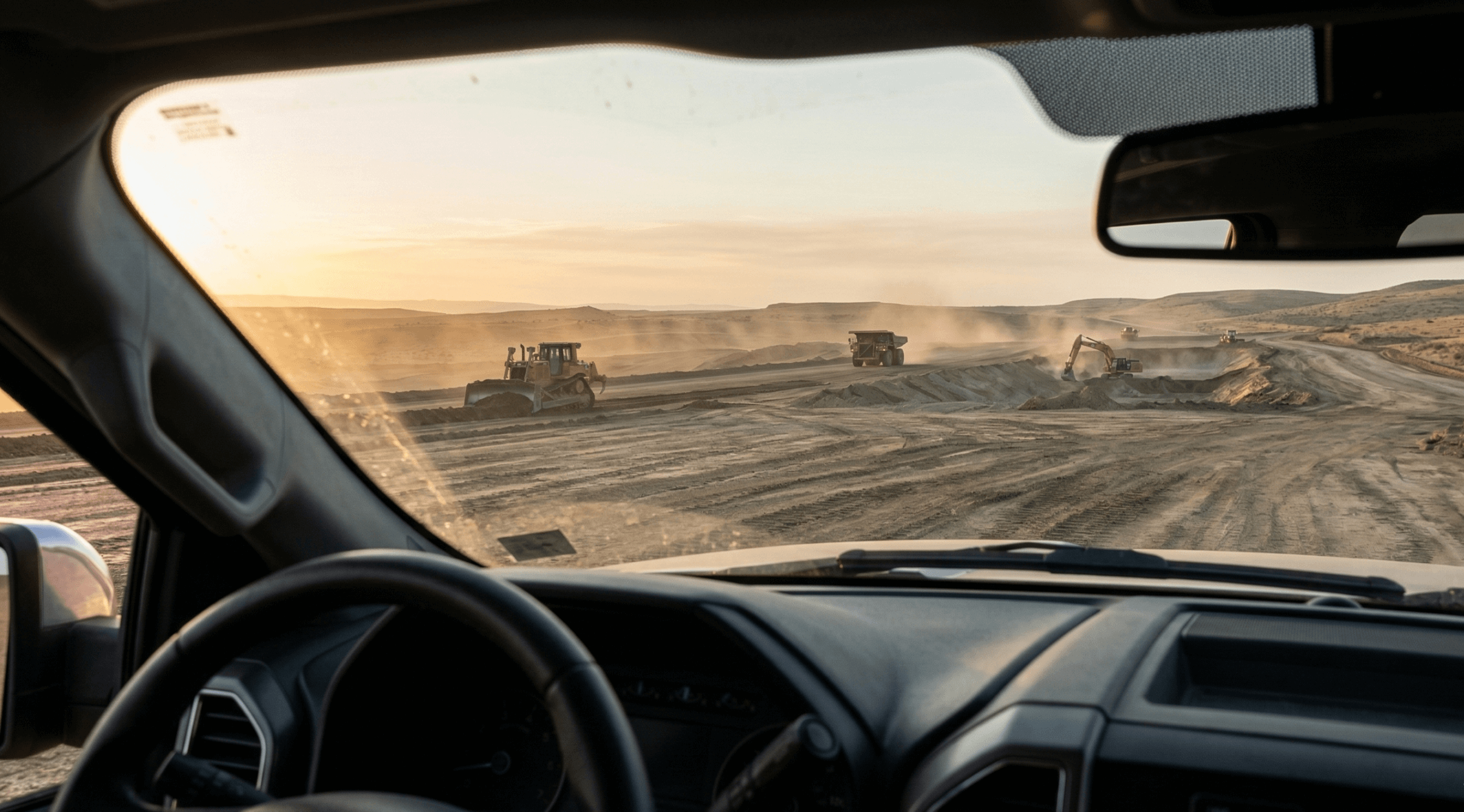
- See what’s happening on-site without leaving your truck
- Give clear, geotagged directions that crews can understand instantly
- Track production automatically to stay ahead of the budget
Let’s look at how Propeller puts control back in your hands.
Save time with visual proof
Cut out wasted trips across your worksite.
Every minute you spend driving across the site just to “take a look” is a minute you can’t get back. Propeller provides the clarity you need from wherever you are.
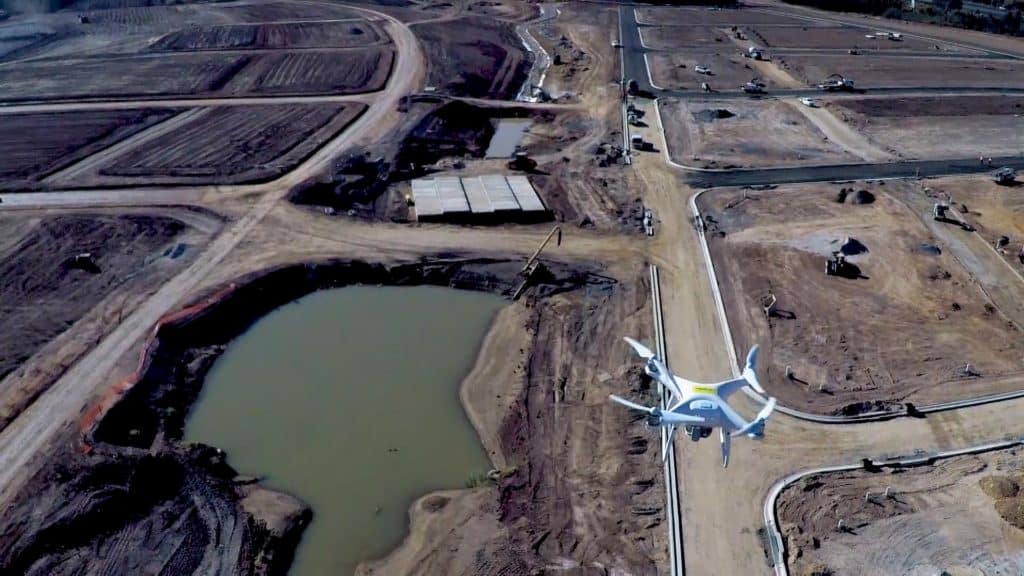
- Media: Crews snap geolocated photos or panos in the app, and you can see the issue in context, complete with surrounding terrain and design overlays.
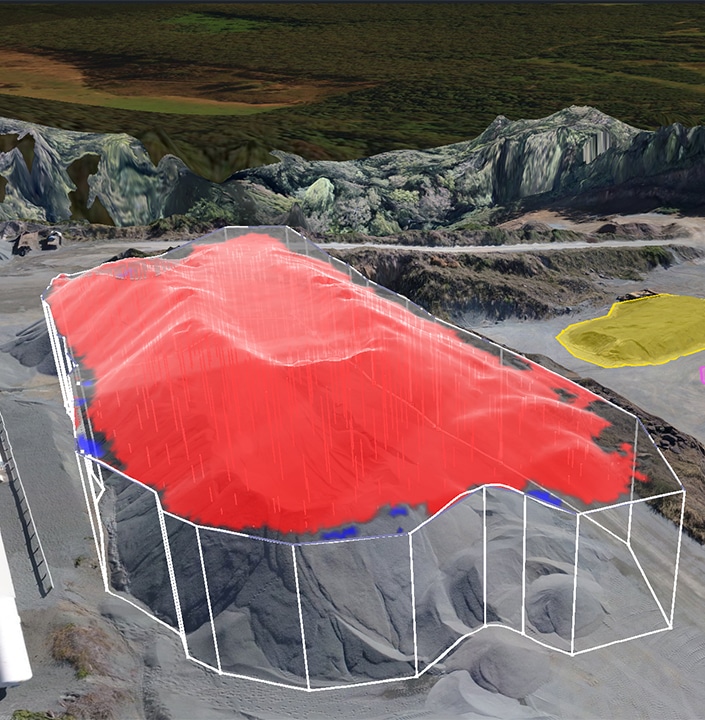
- Takeoff map: Color-shaded cut/fill maps show where you still need to dig and how grading is progressing. No CAD, no waiting.
Big wins: Fewer “can you come take a look at this?” calls. With one source of truth everyone on site can read, you can make decisions in minutes, not miles.
Give your crew clear instructions
Show your plans right on the map.
Forget flipping through a book of site drawings on your tailgate. Digital overlays and markups ensure everyone is working from the same plan.
- Design overlay: Digitally overlay designs on any site survey from desktop or mobile to give crews the context they need to do it right the first time.
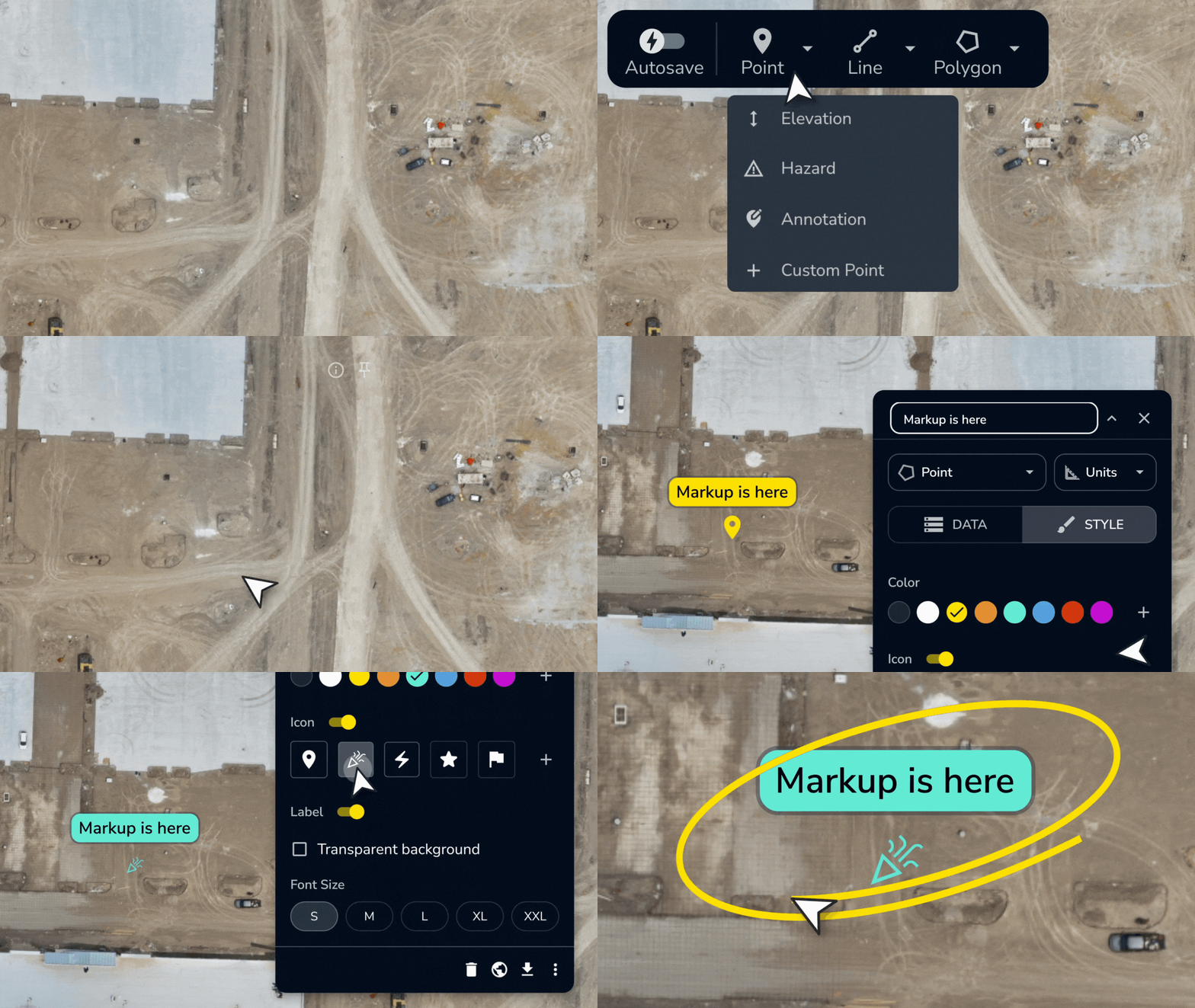
- Markup: Draw right on the map to mark haul routes, highlight entrance gates, or flag contaminated soil piles.
- Alignments: Confirm your exact station and offset in the mobile app before you begin staking, hauling, or digging.
Big wins: Crews and subs get visual instructions they can understand, reducing errors, rework, and wasted cycles.
Self-serve site measurements
Get the answers you need in seconds.
You shouldn’t have to wait on an email to get basic site data. Propeller lets you gut-check the measurements that matter most.
- Point measurement: Tap anywhere to check elevation before you cut or fill.
- Cut/fill polygon and heatmaps: Instantly see material volumes and how work is progressing visually.
- Cross-section: Check slopes against the design to catch grading errors before they multiply.
Big wins: Get the data you need without calling in a surveyor or waiting on a CAD license-holder.
Real-time progress tracking with DirtMate
Always be able to answer: Did we make budget today?
When you step off-site for a meeting or supply run, you still need to know the work is moving. DirtMate provides that real-time visibility.
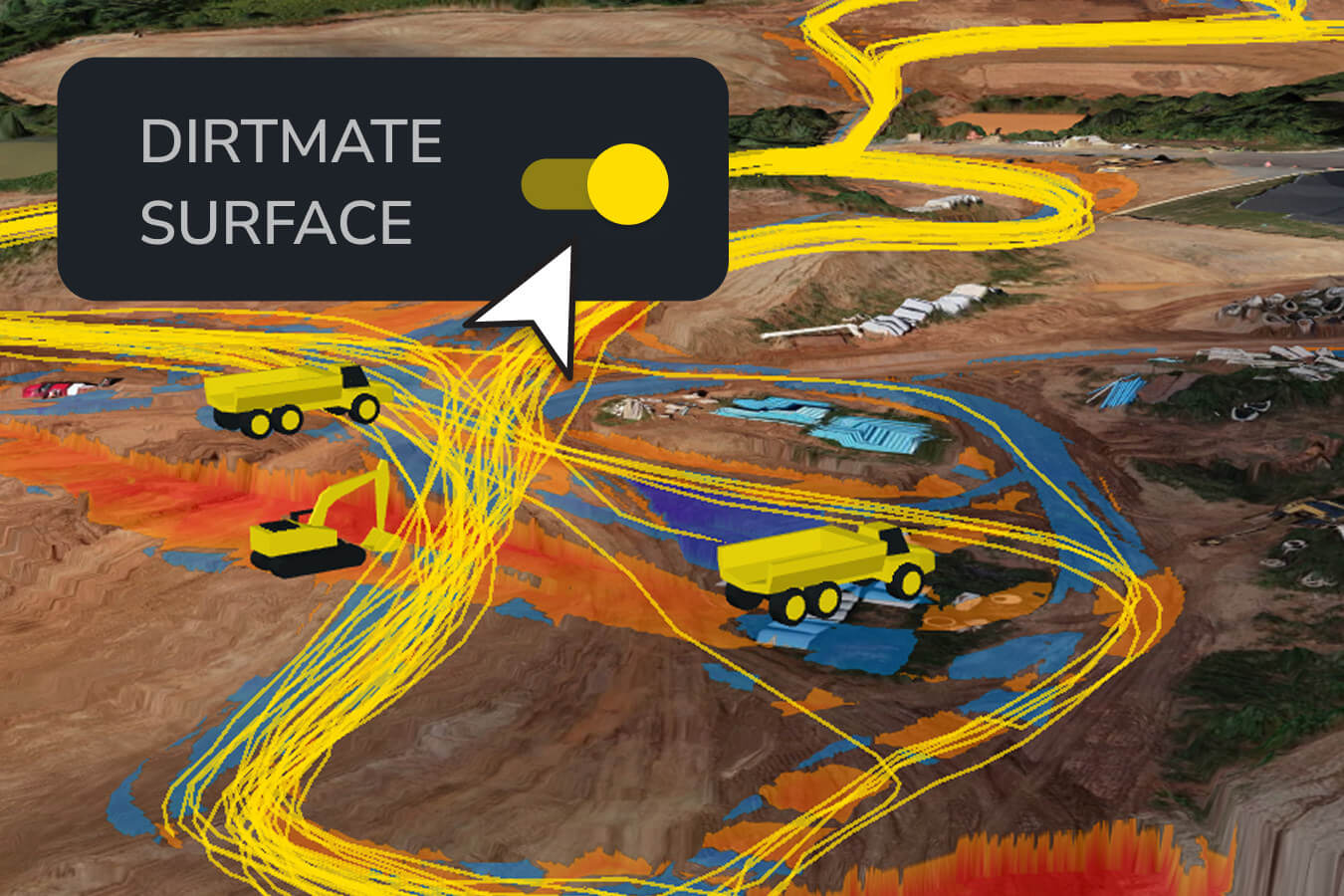
- Live equipment trails: See where trucks are hauling, where machines are idling, and whether material is headed to the right spot.
- Daily recap email: Get an automatic report of runtime, cycle counts, and load/dump zones for every machine in your fleet.
Big wins: Stay on top of daily costs, spot underused equipment, and make smarter fleet decisions on the spot.
TL;DR: Why site leads love Propeller
Propeller replaces daily interruptions with clear visuals and real-time data.
- Clear visuals replace daily interruptions
- Live maps and overlays make directions easy to follow
- Real-time production data keeps budgets on track
- Quick field measurements catch errors before they cost you
Ready to see Propeller at work on your site? Request a free trial.