Drone topography and surveying technology has become a common tool in any surveyor or site manager’s toolkit, and has advanced topographic surveying by enabling the capture of detailed site maps, including contours and terrain, for a fraction of the time and cost of traditional methods.
What Is a Topographic Survey?
A topographic survey maps the natural and man-made features of a site, including elevation changes, contours, and surface characteristics. In drone topographic surveying, aerial imagery and GPS data are processed to create accurate terrain models used for planning, grading, and construction.
Why Topographic Drone Surveying Improves Project Efficiency
Drones can collect topographic surveys across large worksites where traditional base-and-rover methods would be time-consuming and potentially hazardous. Drones can collect topographic surveys across large worksites where traditional base-and-rover methods would be time-consuming and potentially hazardous.
Aerial photographs are captured by the drone with ground control points marked on the site prior to the survey flight. Using the principles of photogrammetry, a digital terrain model is created through a processing platform like Propeller from the photos that measures the topography of the ground.
Drones can also be useful for infrastructure surveys, where inaccessible building roofs can be viewed and measured, and for quarries and mines where safety considerations may prevent full access.
Key Benefits of Drone Topographic Surveys
Being able to capture precise and accurate visual representations of a worksite quickly and efficiently is a major benefit of using drones for surveying. The technology also offers other benefits to civil construction and earthworks site managers, including:
Reduced surveying time:
Using an commercial grade drone, topographic surveyors can obtain an aerial perspective of the land they are surveying. Drones equipped with high resolution cameras can be used to capture detailed images in a short amount of time, significantly reducing the time needed to obtain highly accurate 3D topographic survey maps.
Ground control integrations
Carefully-placed ground control points are critical for ensuring drone topographic survey accuracy. Using drone surveying technology like the Propeller Platform, surveyors or site managers are able to link the drone data capture with point clouds and accurate coordinates on the orthophoto.
Increased worker safety:
By capturing the data for drone topography with a drone, surveyors don’t have to manually collect data on dangerous terrain, such as climbing stockpiles or avoiding heavy machinery on a mining haul road. Drone topography makes the overall process more streamlined and keeps teams in the field much safer and more productive.
How to Conduct a Topographic Survey with a Drone
Before you fly, you’ll want to familiarize yourself with how to conduct a drone topography survey.
Pre Drone Flight Checklist:
First, verify you are allowed to fly your drone at the selected job site. Also, ensure the weather will be satisfactory for flying a drone, e.g., no rain or high winds. Next, be sure your drone battery is fully charged and that you have sufficient space on the memory card of your drone to capture aerial photos.
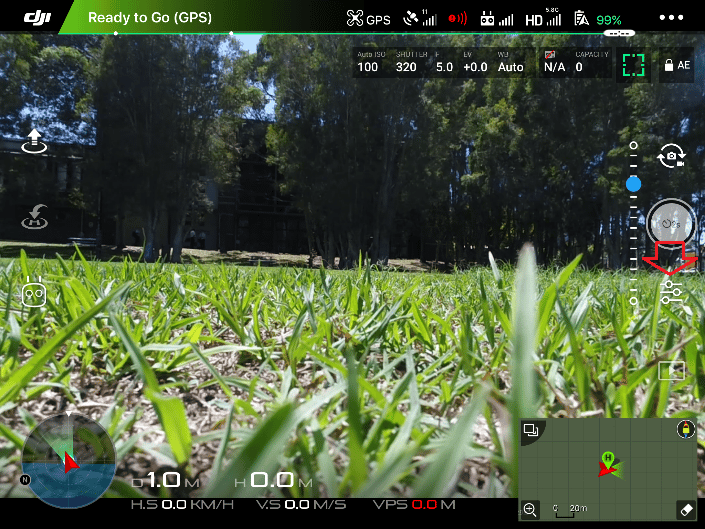
Plan your mission: Create you survey flight plan with the app from your drone’s controller. Make sure you account for all features on the job site within the area you plan to fly, including hills, stockpiles and other tall objects. The altitude, ground sampling distance (GSD), flight direction and image overlap are all adjustable pre-flight.
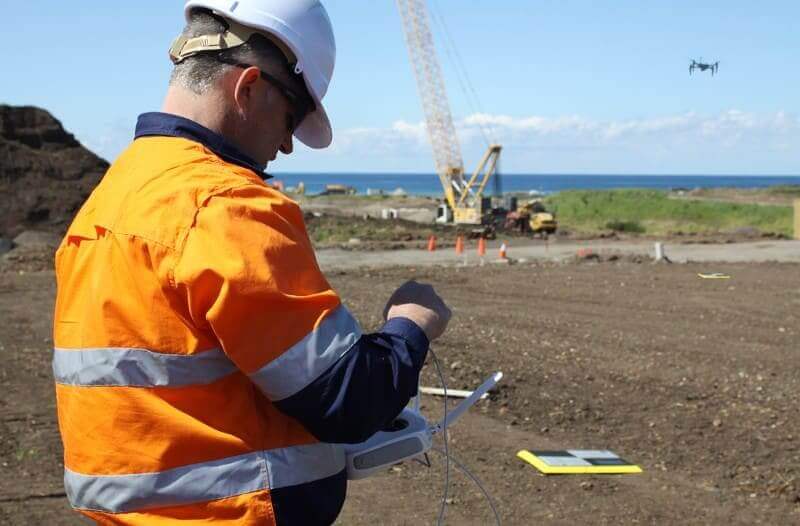
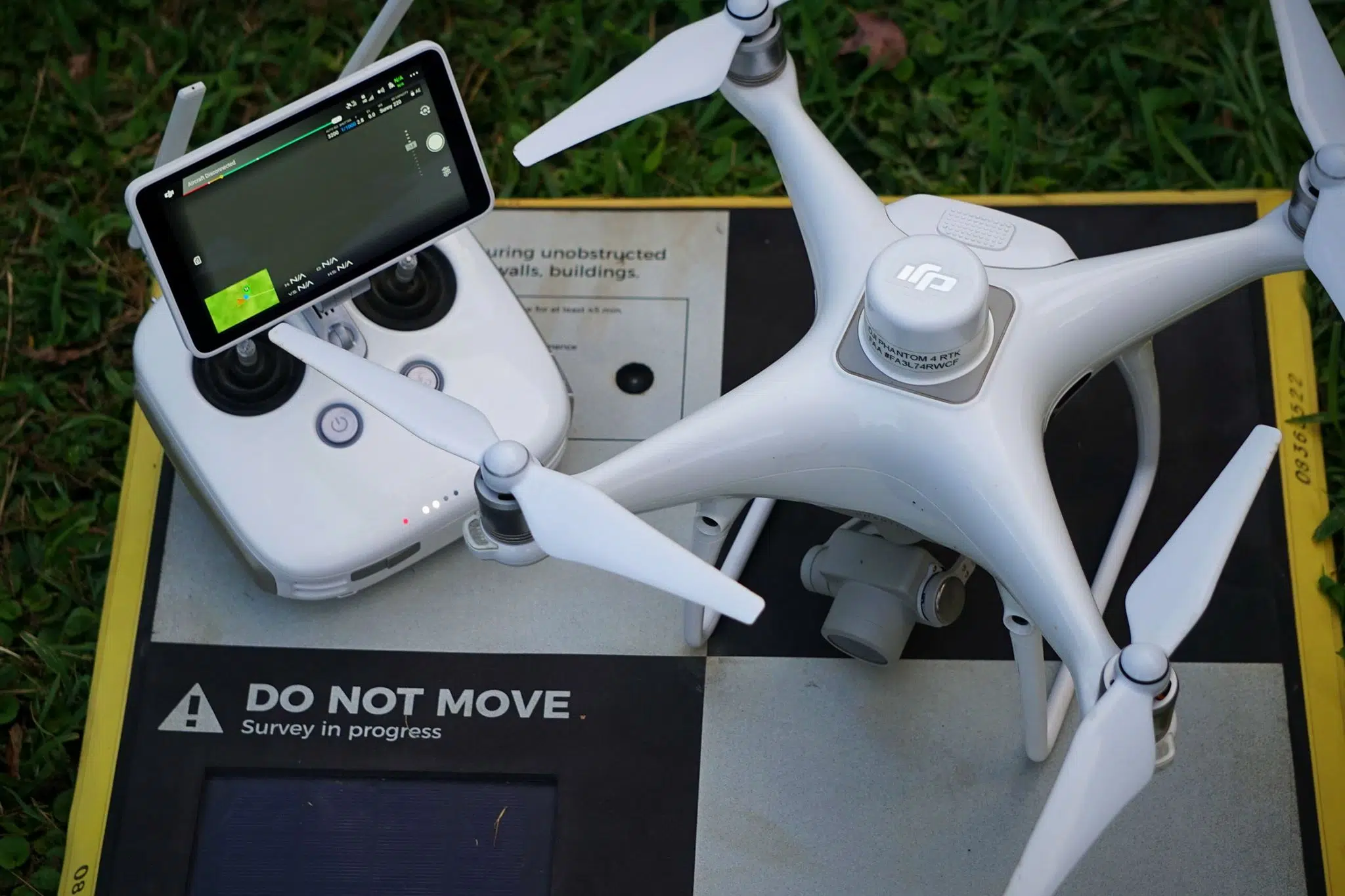
Set up your drone and ground control: Unpack and prepare your drone for flying and ensure that conditions are safe. Check each parameter, such as making sure the camera lid is removed and cleaning the distance sensor. Next place your ground control points, such as Propeller’s AeroPoints, around your site. In many cases, you may only need one AeroPoint to cover your site.
Fly and collect your aerial photos: Once your drone takes off, it will begin capturing images of your site. At the completion of the mission, it will land back where it started. As the pilot, you should ensure that nobody approaches the drone during take-off or landing and that good weather conditions exist for the duration of the survey mission.
Making Drone Topographic Surveys Accessible
Getting certified to fly a drone for commercial use is easy, and the increasing affordability of drones means completing a site survey in a couple hours or less hour is common.
Accurate data obtained by surveying with a drone is being used in many land development projects from the early stages of planning and designing subdivisions to preconstruction assessments. The data also helps site managers better track their project progress, and when used with ground control systems like AeroPoints and processing software like Propeller, provides a quicker, easier, and safer way to produce digital terrain models and aerial site maps than previous methods.
Calculating the return on investment of Drone Surveys
Using conventional GPS and a total station surveying instrument can take a lot of time to survey even a small site. And that’s not including the office time it takes to process data into final linework and surfaces.
When you add this to conventional surveying costs (around $125/hour), traditional surveying methods can be cost prohibitive when trying to cover large sites on a regular basis.
Using drones with a platform like Propeller empowers site personnel to develop accurate estimates, track progress, and make data-driven decisions. This workflow can save a major civil construction project literally millions of dollars.
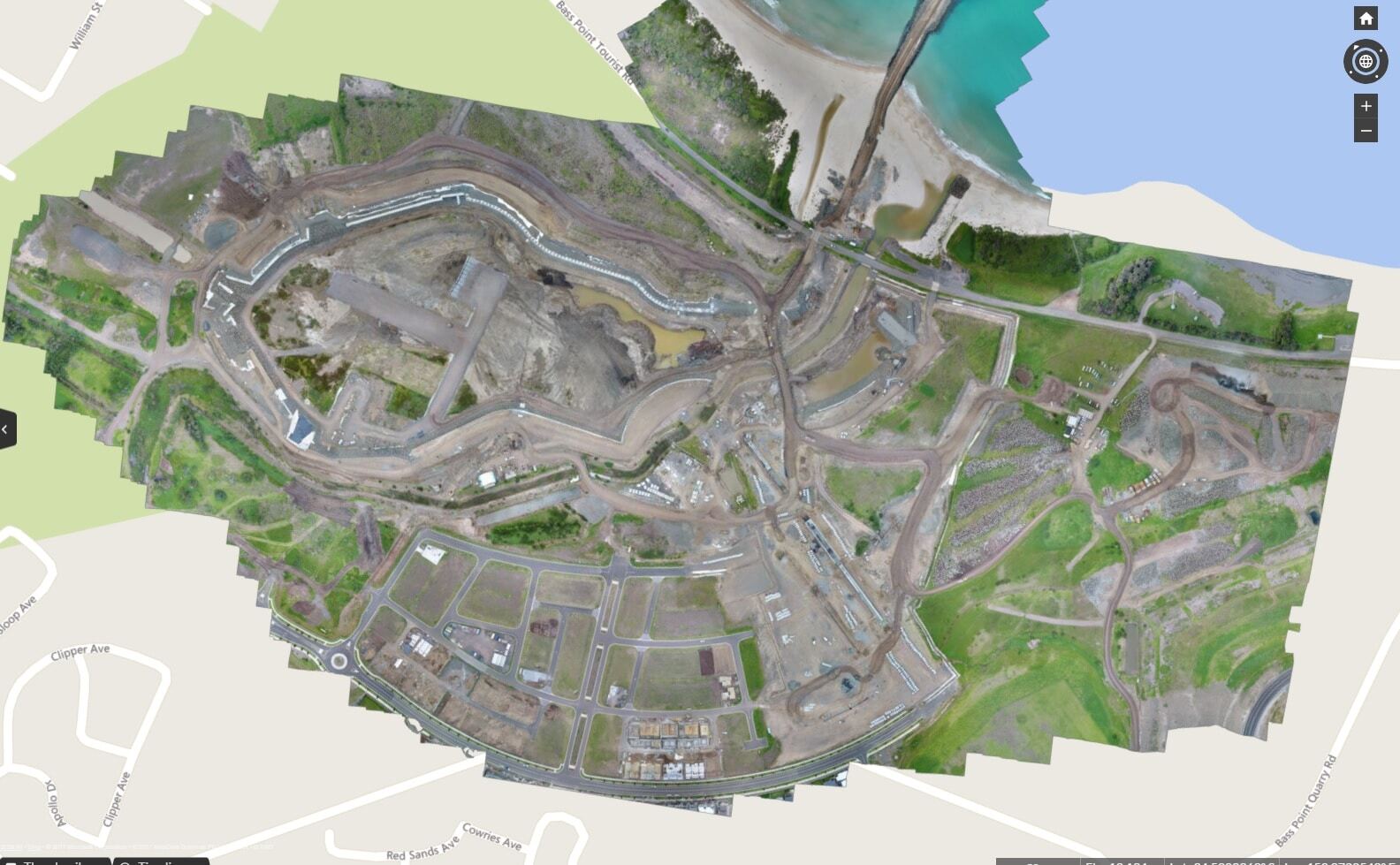
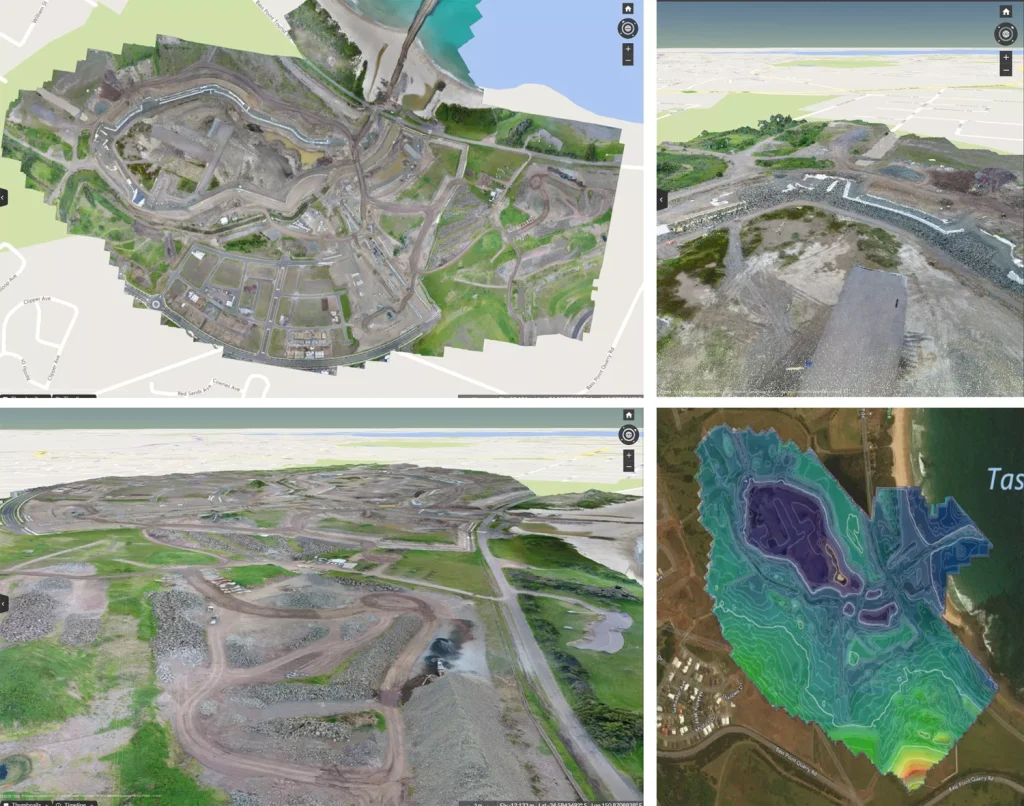
Unlike traditional topographic survey data—which is basically a set of linework—drone surveys include an orthophoto, contour map, digital terrain model, and dense point cloud. The result is a highly accurate, visual dataset. All ready for analysis.
Better insights from detailed, visual datasets
A sample of conventional topographic survey. Source: accuratemapssurvey.com Various drone survey visuals. From top left: an orthophoto, point cloud, digital terrain model, and contour map.
A shared view means everyone is on the same page.
With measurable 3D site surveys available on a cloud-based software platform, virtually anyone on a jobsite can access and use drone topography data on demand.
Shared securely across the project team, Propeller datasets can be used to document how a site looks before earthwork starts, and track every step of progress along the way.
Simple Tools for Mapping, Measuring, and Analysis
With easy-to-use tools to measure and annotate datasets, stockpile volumes can be accurately measured quickly and haul road grades can be measured in mere minutes.
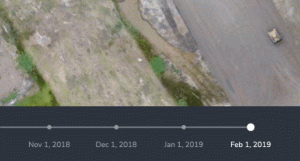
Using a surface-to-surface comparison, site terrain can be viewed against design to see where material should to be added or removed. Timeline sliders make it easy to visually track changes in specific areas, or across the entire site, to make sure everything’s on track for successful completion.
Laying boundary linework over an orthophoto also allows site managers to check that the construction operations remain within the defined area to avoid rework or possible legal issues.
Frequently Asked Questions
What is a topographic survey used for?
A topographic survey is used to map elevation changes, contours, and surface features of a site. It supports planning, grading, earthworks, and infrastructure design decisions.
How accurate is a drone topographic survey?
When combined with properly placed ground control points or GPS correction methods, drone topographic surveys can achieve survey-grade accuracy. Precision depends on flight planning, site conditions, and processing workflows.
What is included in a topographic survey?
A topographic survey typically includes contour lines, spot elevations, orthophotos, and a digital terrain model. Some surveys also include dense point clouds and surface comparison data.
How long does a drone topographic survey take?
Large sites can often be surveyed in a matter of hours, depending on size and complexity. Processing time varies but is typically faster than traditional survey workflows.