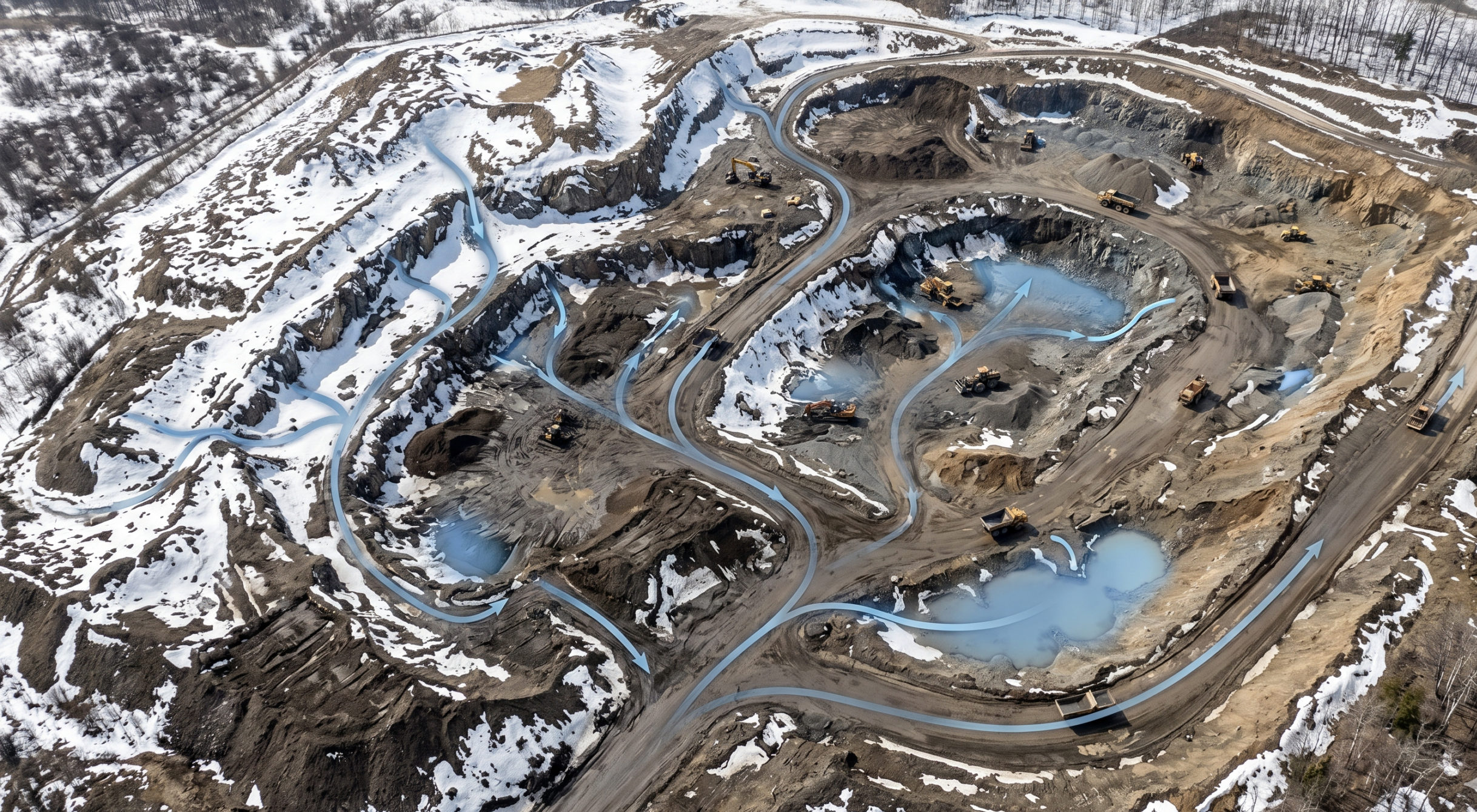
Drone topography has become a standard part of the modern surveyor’s toolkit — and for good reason. By combining aerial imagery with GPS data, drone surveys give site teams a fast, accurate picture of the land beneath them. What used to take days now takes hours, and the data you get back is richer, more visual, and more actionable than traditional methods could deliver.
What is a topographic survey?
A topographic survey maps the natural and man-made features of a site — elevation changes, contours, and surface characteristics. In drone topographic surveying, aerial imagery and GPS data are processed to create accurate terrain models used for planning, grading, and construction.
Why topographic drone surveying improves project efficiency
Cover more ground, with less risk
Traditional base-and-rover methods are effective, but they have limits. Covering large or complex sites manually is time-consuming, and sending crews into active work zones adds both cost and safety exposure.
Drones solve both problems. A drone captures aerial imagery across the full site in a fraction of the time, while ground control points — like AeroPoints — anchor the data to known coordinates for high-precision accuracy. From there, a processing platform like Propeller turns those images into a digital terrain model your team can actually use.
The result: fast, repeatable surveys that don’t require putting people in harm’s way — and data that’s ready for analysis, not just archiving.
Key benefits of drone topographic surveys
Speed, accuracy, and safety — in one workflow
Drone topography doesn’t just make surveying faster. It changes what’s possible on a job site.
Faster data capture: Commercial-grade drones equipped with high-resolution cameras can cover large sites in hours. What once took days of manual effort can now be completed in a single flight, giving teams access to accurate 3D terrain maps without the wait.
Ground control that holds up: Properly placed ground control points are what separate a good drone survey from a great one. Using tools like AeroPoints, surveyors can link aerial captures to precise real-world coordinates — giving every dataset a defensible foundation.
Safer data collection: Drones can survey terrain that’s difficult or dangerous to access on foot — steep stockpiles, active haul roads, confined work zones. Keeping crews out of harm’s way isn’t a bonus; it’s the point.
How to conduct a topographic survey with a drone
What to know before you fly
A successful drone topography survey comes down to preparation. Here’s what a standard workflow looks like:
Pre-flight checklist: Confirm you’re cleared to fly at your site, check weather conditions, and make sure your drone battery is fully charged with enough storage to capture the full mission. Small oversights on the ground can mean big problems in the air.
Plan your mission: Use your drone controller’s app to map the flight path. Account for all site features within the planned area — hills, stockpiles, structures — and set your altitude, ground sampling distance (GSD), flight direction, and image overlap before takeoff.
Set up ground control: Place your ground control points around the site before flying. In many cases, a single AeroPoint is enough to cover the full site, depending on size and workflow.
Fly and capture: Once airborne, the drone follows its programmed path and captures imagery automatically. As the pilot, your role is to monitor conditions and ensure the area around takeoff and landing stays clear throughout the mission.
Drone topographic surveys are within everyone’s reach
Accessible, affordable, and built for the job site
Getting certified to fly commercially is a straightforward process, and drone hardware has become increasingly accessible for teams of all sizes. The result is that completing a full site survey in a couple of hours — or less — is now routine.
Drone survey data is already being used across the full project lifecycle: from pre-bid topographic assessments to land development planning, subdivision design, and ongoing progress tracking. When paired with ground control systems like AeroPoints and a processing platform like Propeller, teams get a faster, safer, and more repeatable path to accurate terrain models and aerial site maps.

The real value of drone survey data
It’s not just about speed — it’s about what you do with the data
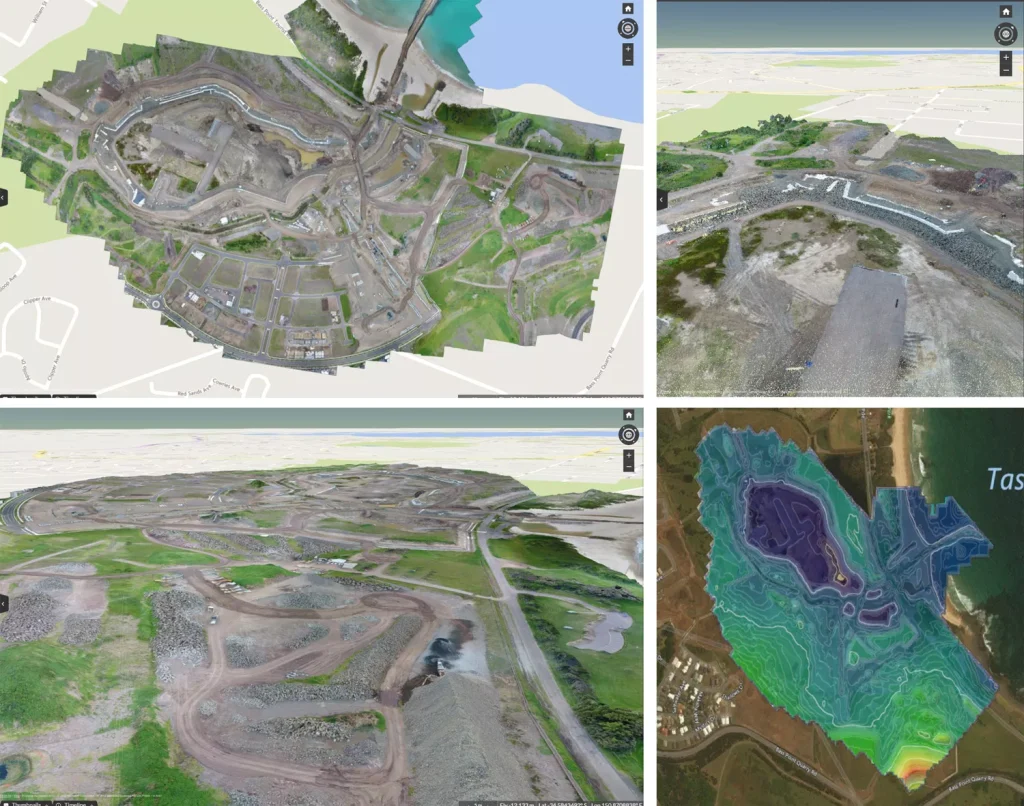
Traditional surveying workflows produce linework. Drone surveys produce a complete, visual dataset: an orthophoto, contour map, digital terrain model, and dense point cloud — all in one. That difference matters, because richer data enables better decisions at every stage of a project.
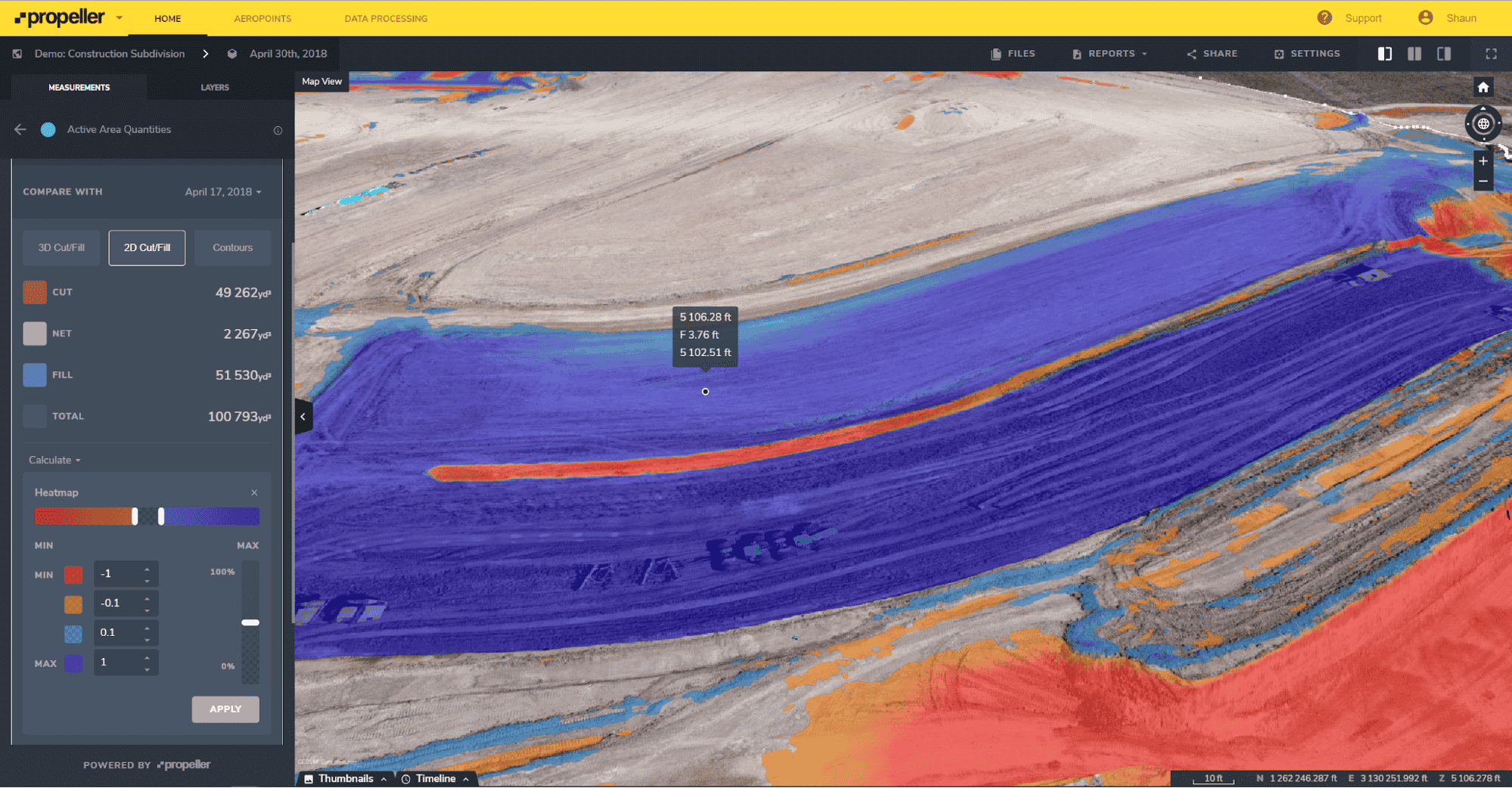
When site teams have access to processed, analysis-ready data on a regular basis, they can track earthwork progress against design, catch over-excavation before it compounds, and make confident decisions without waiting on a survey crew to free up. Using a platform like Propeller, that data is visual, shareable, and ready to act on — not just a set of numbers to hand off.
The ROI case for drone surveys isn’t just about replacing traditional methods. It’s about giving teams the visibility to avoid the expensive mistakes that happen when data is delayed, incomplete, or hard to share.
Better insights from a shared view
When everyone works from the same map, decisions happen faster
With measurable 3D site surveys available on a cloud-based platform, drone topography data isn’t just for surveyors — it’s for everyone who needs to understand what’s happening on site.
Shared securely across the project team, Propeller datasets create a single source of truth: documenting how a site looked before earthwork started, and tracking every step of progress along the way. No more version confusion, no more waiting on someone to export and send a file.
Simple tools for mapping, measuring, and analysis
The kind of insight that used to take days, now takes minutes
With easy-to-use measurement and annotation tools built into the platform, stockpile volumes can be measured accurately in minutes, and haul road grades can be checked just as fast.
Surface-to-surface comparisons let teams see where material needs to be added or removed — instantly visible against design. Timeline sliders make it simple to track change in a specific area or across the full site, so teams can stay confident they’re on track for completion.
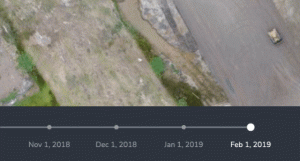
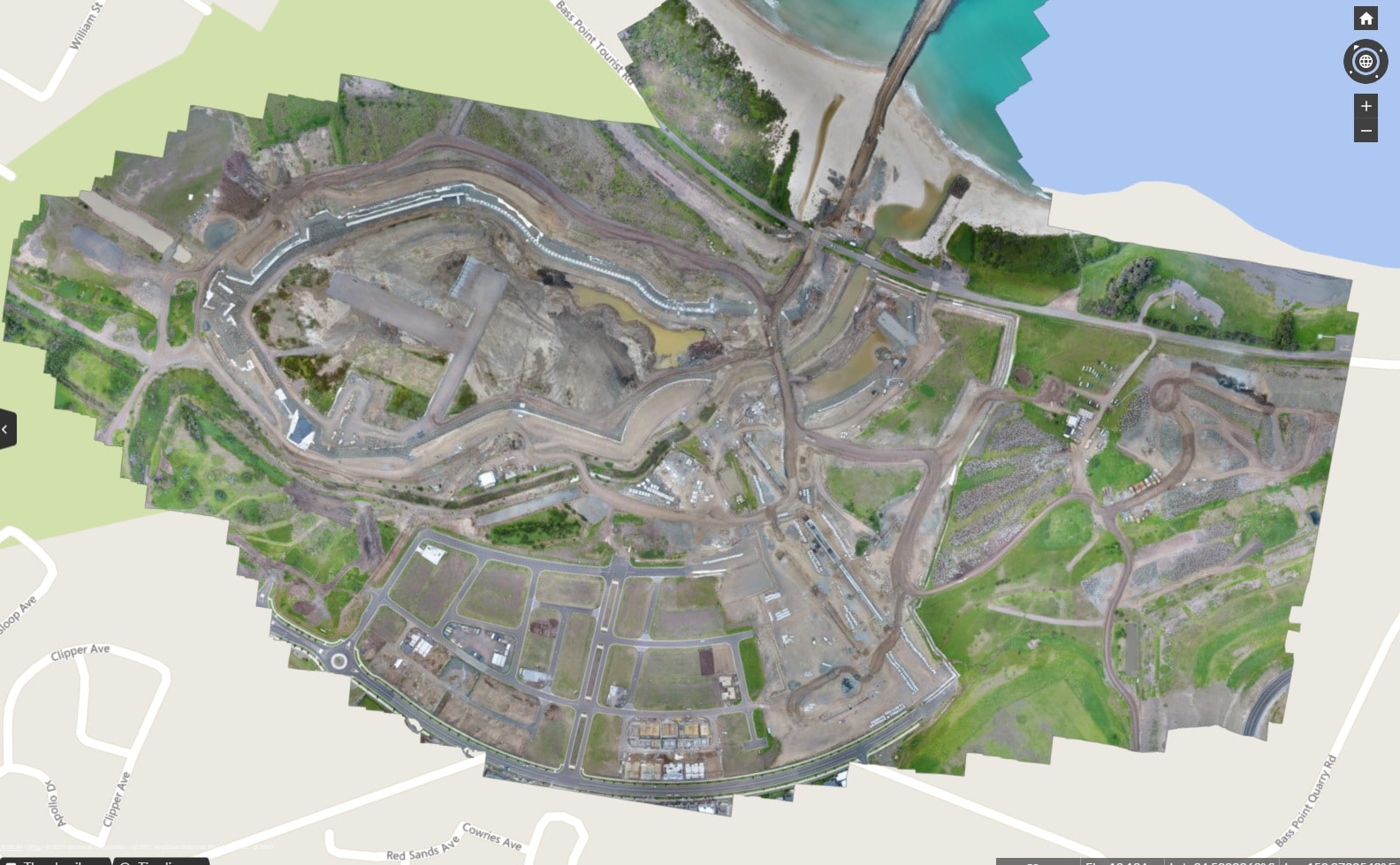
Laying boundary linework over an orthophoto also helps site managers verify that construction operations are staying within the defined area — an easy way to catch issues before they turn into rework or regulatory headaches.
Frequently asked questions
What is a topographic survey used for?
A topographic survey maps elevation changes, contours, and surface features of a site. It supports planning, grading, earthworks, and infrastructure design decisions.
How accurate is a drone topographic survey?
When combined with properly placed ground control points or GPS correction methods, drone topographic surveys can achieve high-precision accuracy. Precision depends on flight planning, site conditions, and processing workflows.
What is included in a topographic survey?
A topographic survey typically includes contour lines, spot elevations, orthophotos, and a digital terrain model. Some surveys also include dense point clouds and surface comparison data.
How long does a drone topographic survey take?
Large sites can often be surveyed in a matter of hours, depending on size and complexity. Processing time varies but is typically faster than traditional survey workflows.