
Cross Section Survey in a Matter of Minutes Using Drone Data
With the power of drone-captured data and the Propeller Platform, surveying cross sections becomes as…
Store, organize, and share all your surveys, machine data, and designs in one central hub so teams can make better decisions, faster. Keep your site docs structured, accessible, and always up to date.
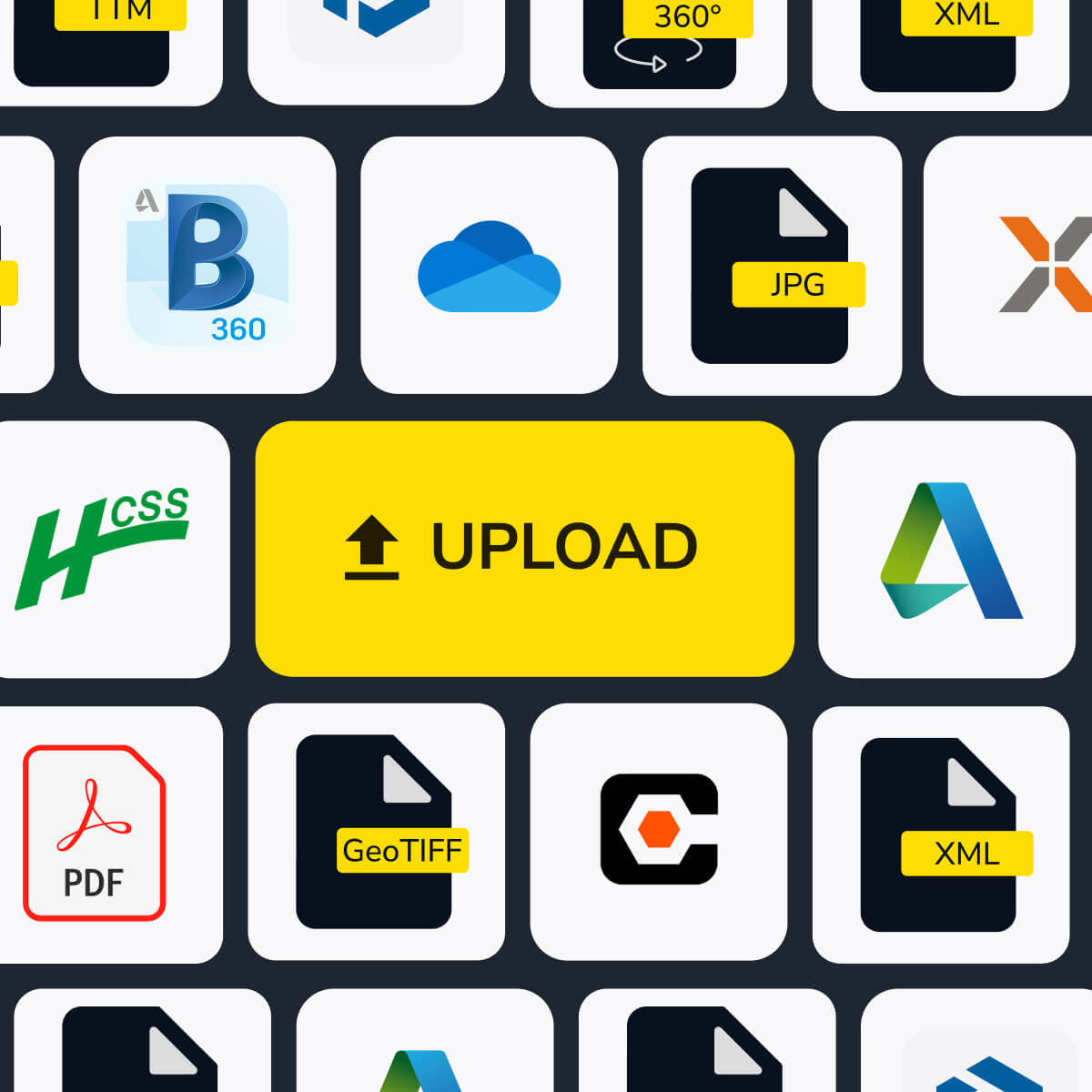
Organize all your site survey data in one easy-to-use construction data platform. Keep surveys, designs, and calculations in structured workspaces that are simple to access and share, so the right people always have the right site docs when they need them.
Siloed data leads to miscommunications, costly mistakes, and rework. Propeller keeps everything in one place, making file sharing and collaboration seamless from start to finish through smart worksite data management.

With a single source of truth, in-office teams and field crew can all access the latest site data in real time, eliminating guesswork and delays through reliable site data syncing.

Organized data means efficient workflows. With Propeller, your teams work with up-to-date surveys, designs, and calculations, so they make the right decisions the first time.

No more digging through emails or overwhelming your surveyor. With structured workspaces and cloud-based access, the latest site docs are always at your fingertips.

“I like that we can put AeroPoints anywhere and we will get a tight correction back. Job sites change a lot, and we can’t always use traditional fixed points, I like how accurate they are, and if they’re not correct it’s because I did something wrong, not the technology.”
– Charles Avery, Lindamood Demolition

Centralize survey, drone, and machine data in one platform. Ensure your team has the latest insights when they need them—through one connected, cloud-based system for site survey data organization.
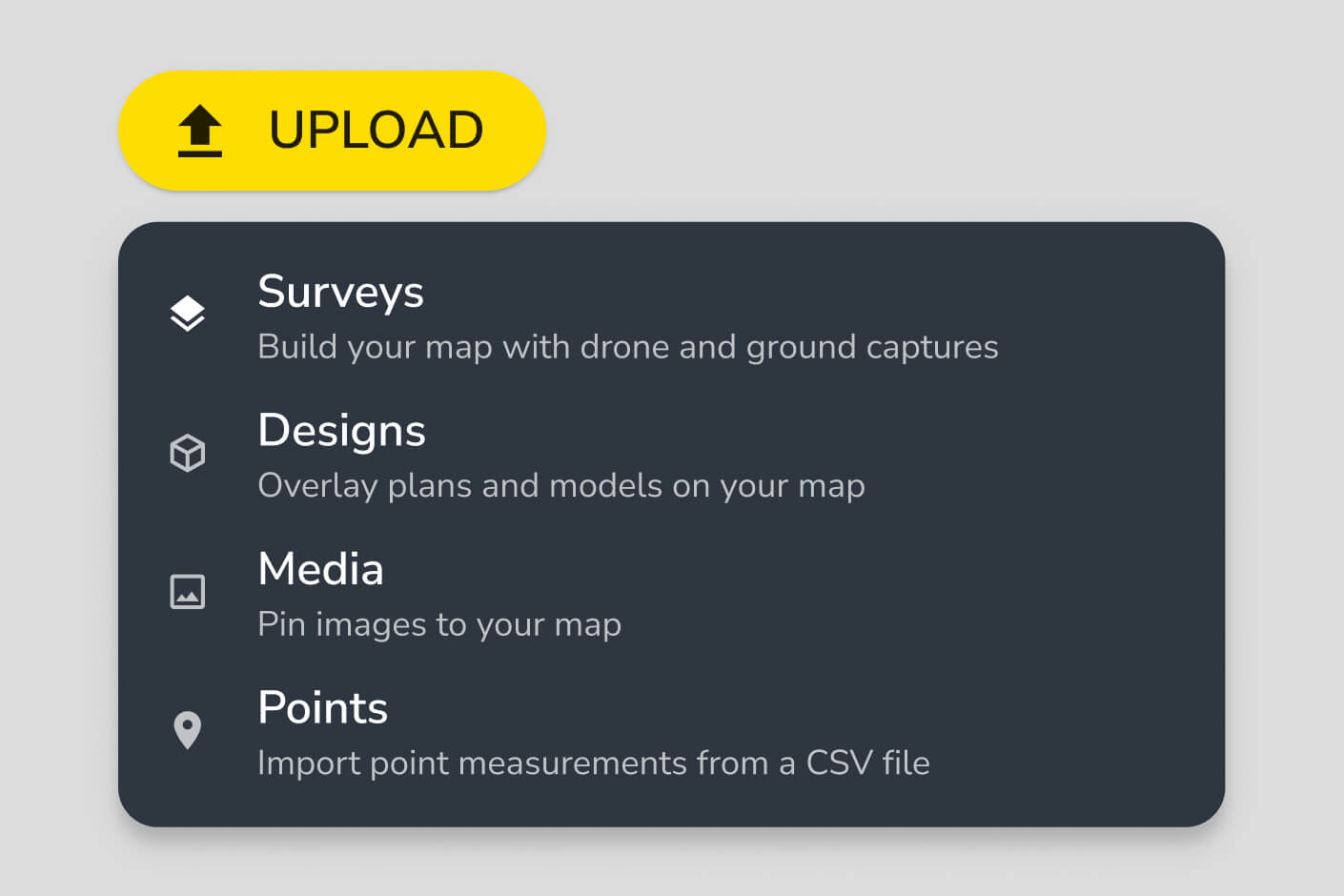
Propeller supports drone surveys, ground surveys, LiDAR data, CAD files, design surfaces, machine data, and media such as field photos and notes. All data types are stored in structured workspaces with folder organization, user permissions, and 4TB of included storage. You can also import via Web Map Tile Service (WMTS) and access data through a read-only public API.
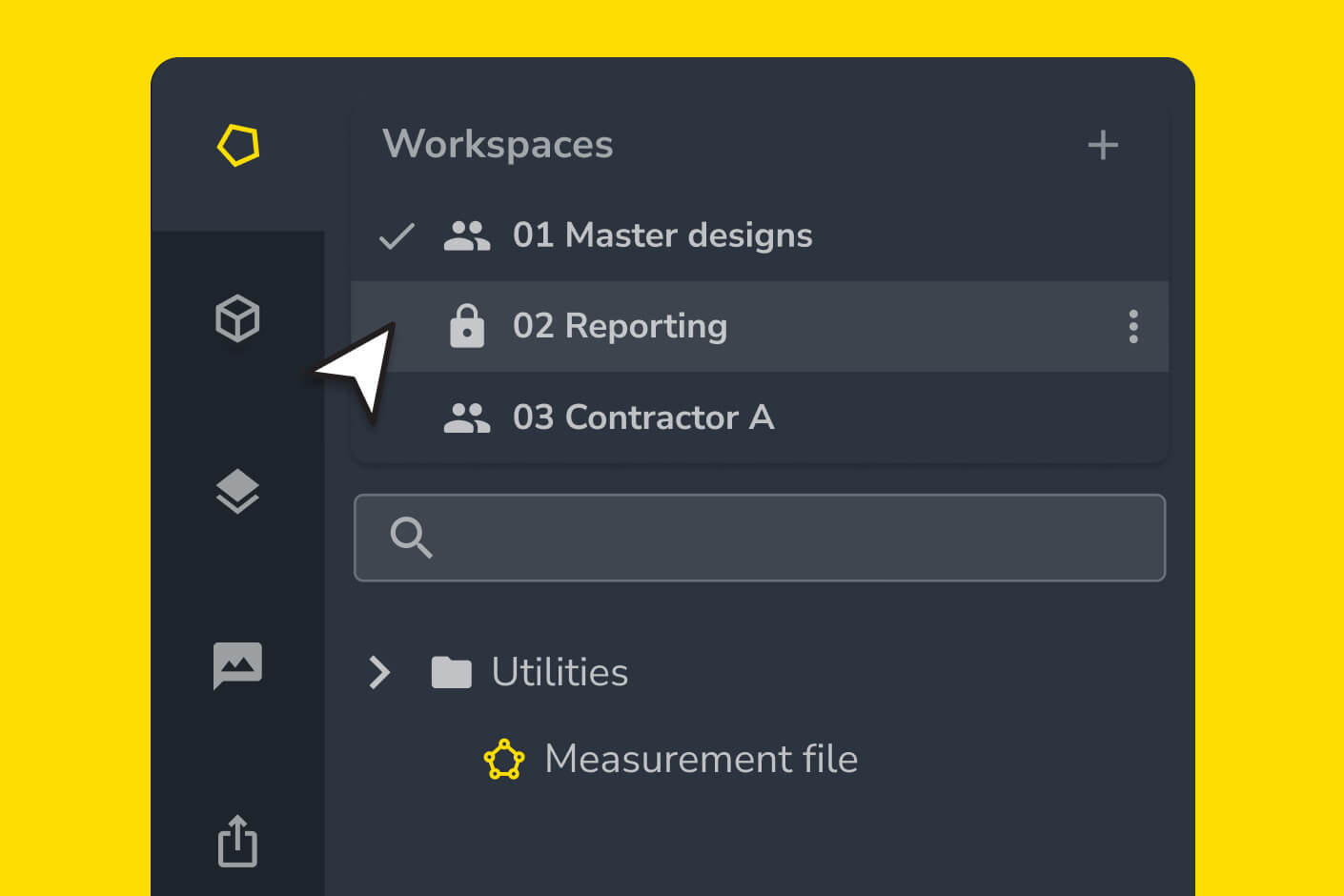
All site data in Propeller is cloud-based, meaning anyone with appropriate permissions can access the latest surveys, designs, and calculations from any device without transferring files or waiting for uploads. You can create dedicated workspaces for different teams — subcontractors, engineers, surveyors — so each group sees the data relevant to their work without accessing the full dataset.
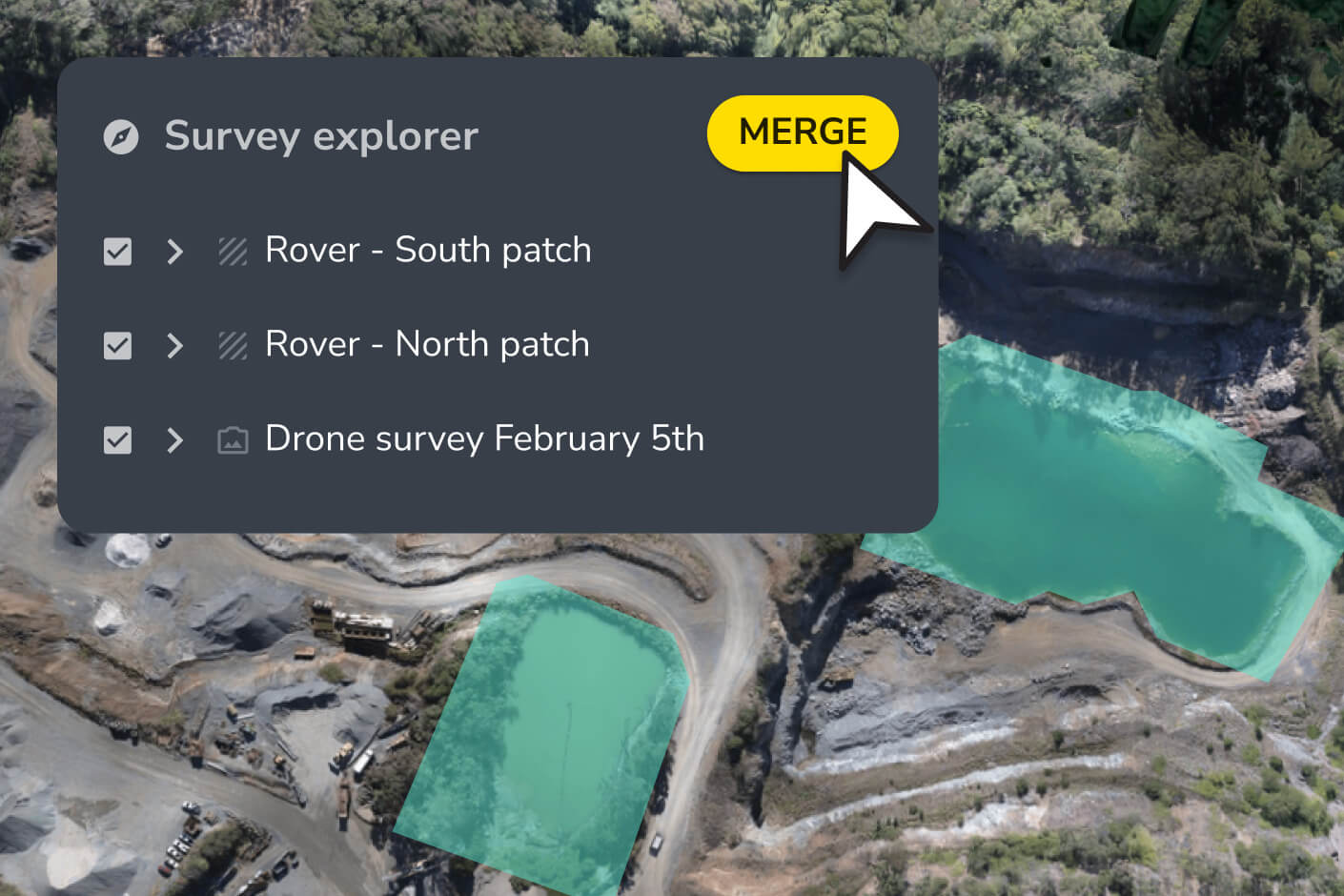
Yes. Propeller’s composite builder lets you stitch drone and ground surveys together into a single, unified map. You can designate any surface as your base map and layer additional surveys on top, so your site map stays current even when conditions change or coverage is uneven.
Propeller lets you lock calculations to prevent accidental changes and control access through user permissions. You can assign read-only or edit access at the workspace level, keeping critical project data protected while still making it visible to anyone who needs to reference it.
Propeller accepts drone survey files, LiDAR data, CAD files, and design surfaces on import. Exports are available in standard formats including PDF, CSV, LAS, LAZ, DXF, and GeoTIFF. The platform also supports WMTS for integration with external GIS tools.