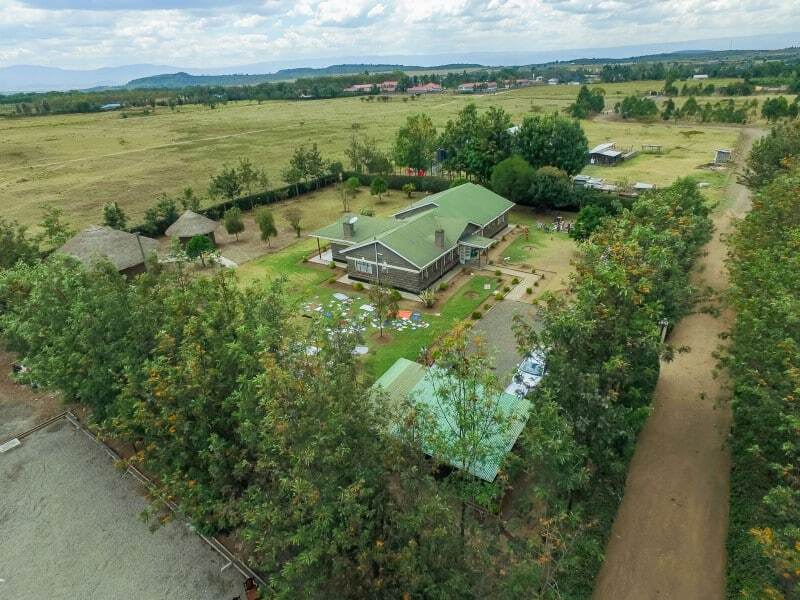
Drones for Good: Propeller Helps Charity Organization in Kenya Survey New Development Site
One of Propeller’s customers has recently proven that drones are not only delivering numerous commercial…
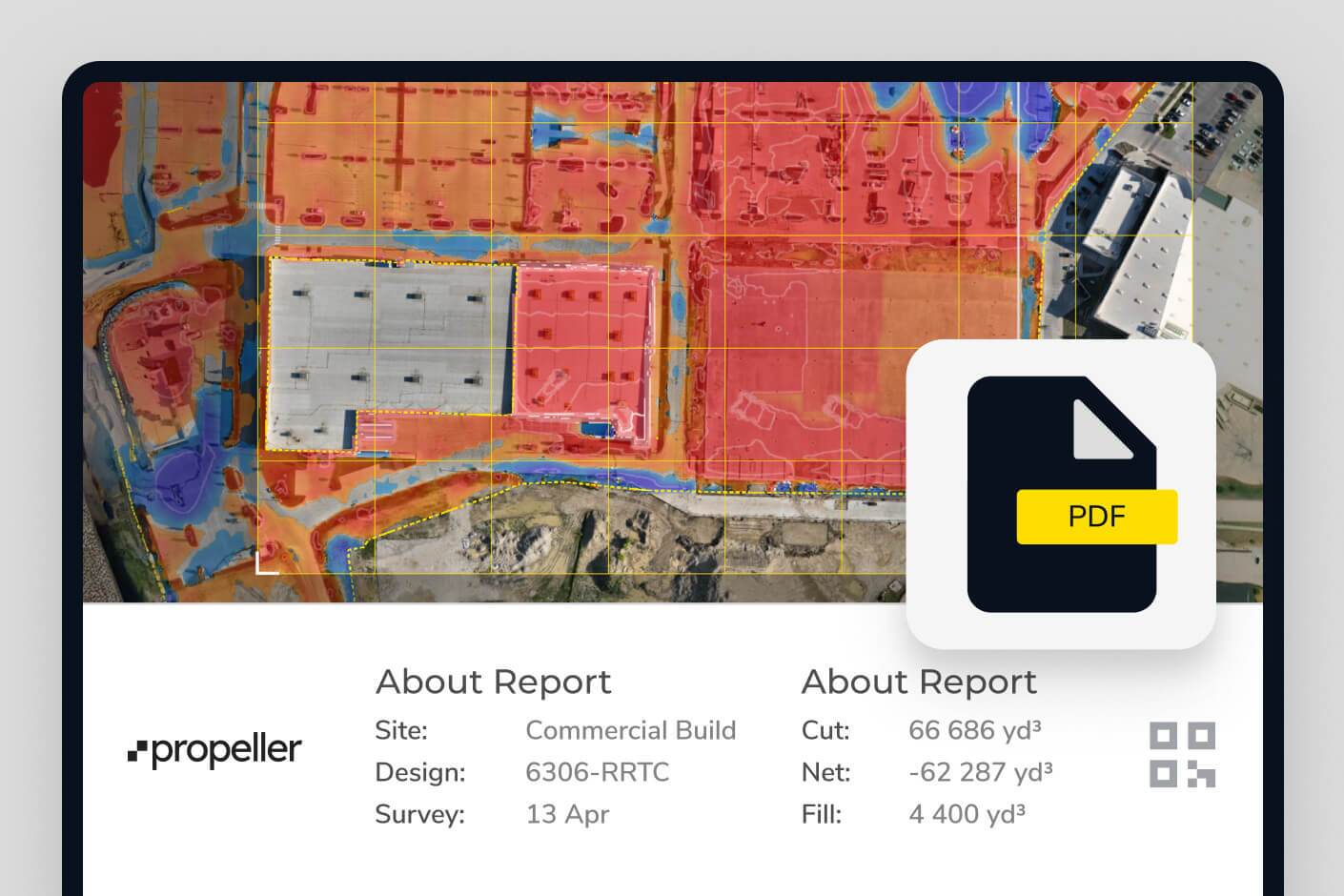
Compare your site’s actual conditions to design plans in real-time, identify discrepancies, and optimize your workflow to keep everything aligned.
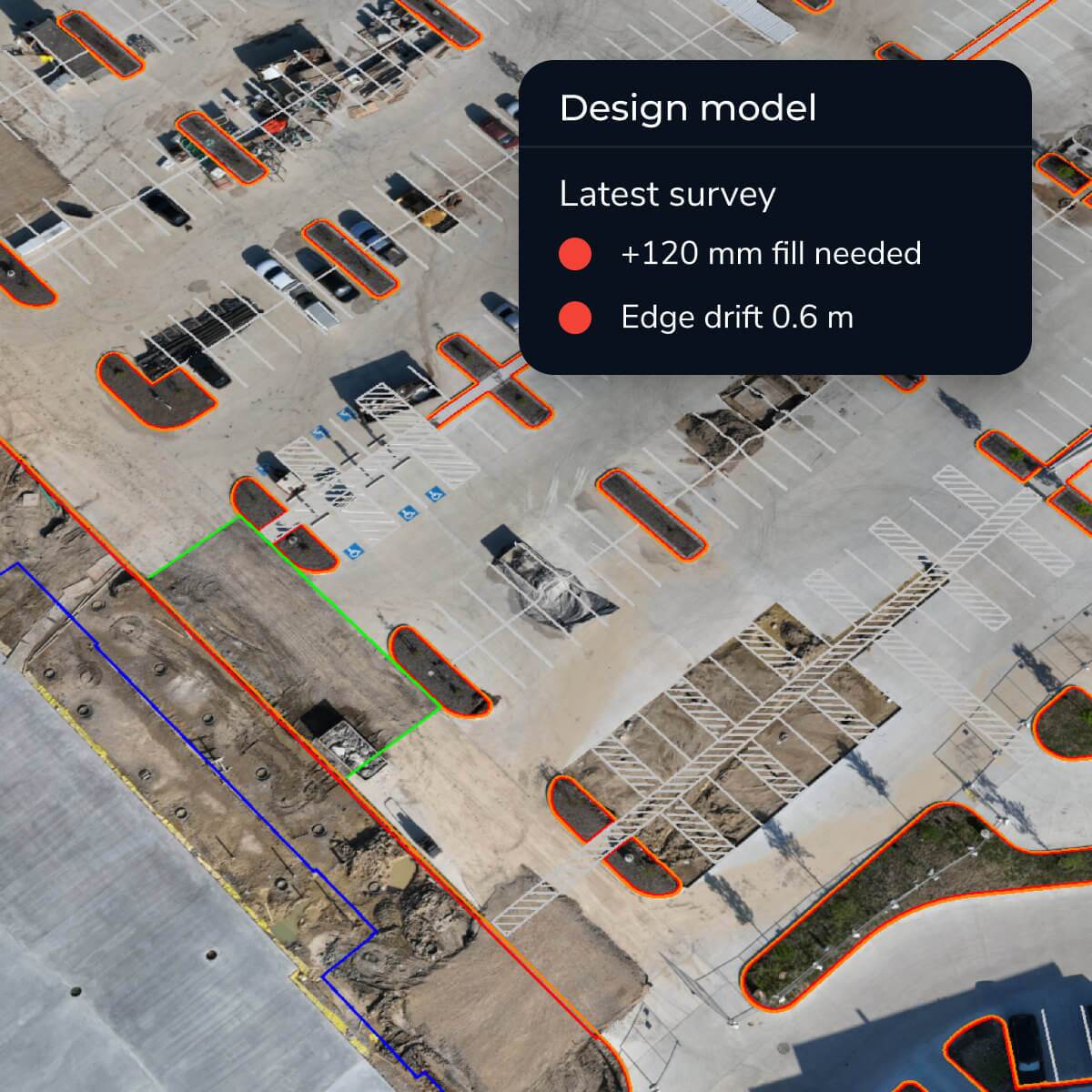
Upload your CAD files, point clouds, or digital blueprints and use our intuitive tools to visualize and measure differences with the latest survey data. With accurate, up-to-date information, you’ll have the insights you need to keep the project on course with reliable as-built vs. design comparison.
Stay ahead of the curve by ensuring your site is always aligned with your plans using Propeller’s construction design conformance software.

Compare designs with actual site data in real time for better decision-making using 3D models and survey overlays.

Make data-backed adjustments to keep the project aligned with goals and enable earthwork design validation.

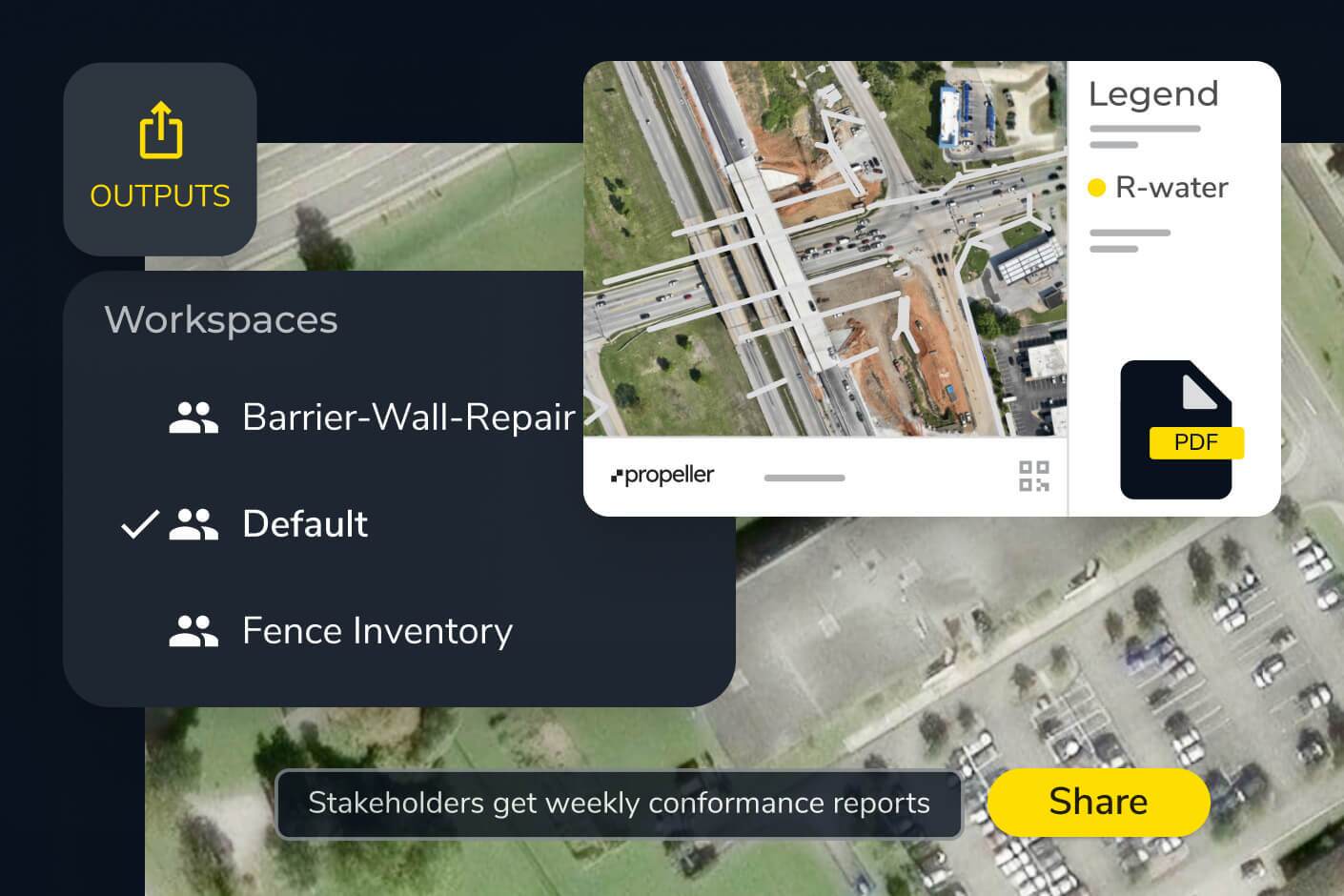
Share real-time updates with your team to keep everyone aligned and informed—ensuring real-time project tracking against design.
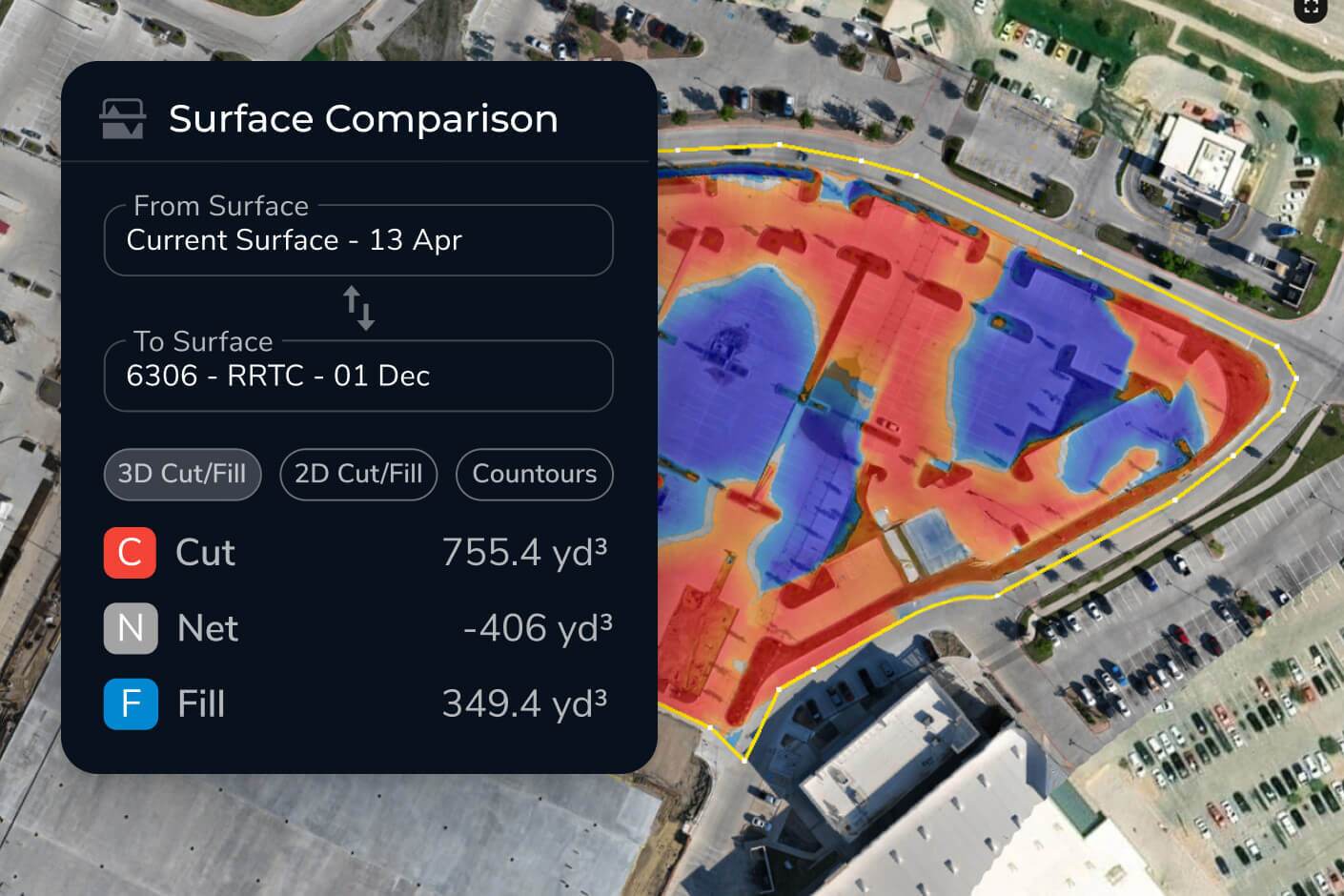
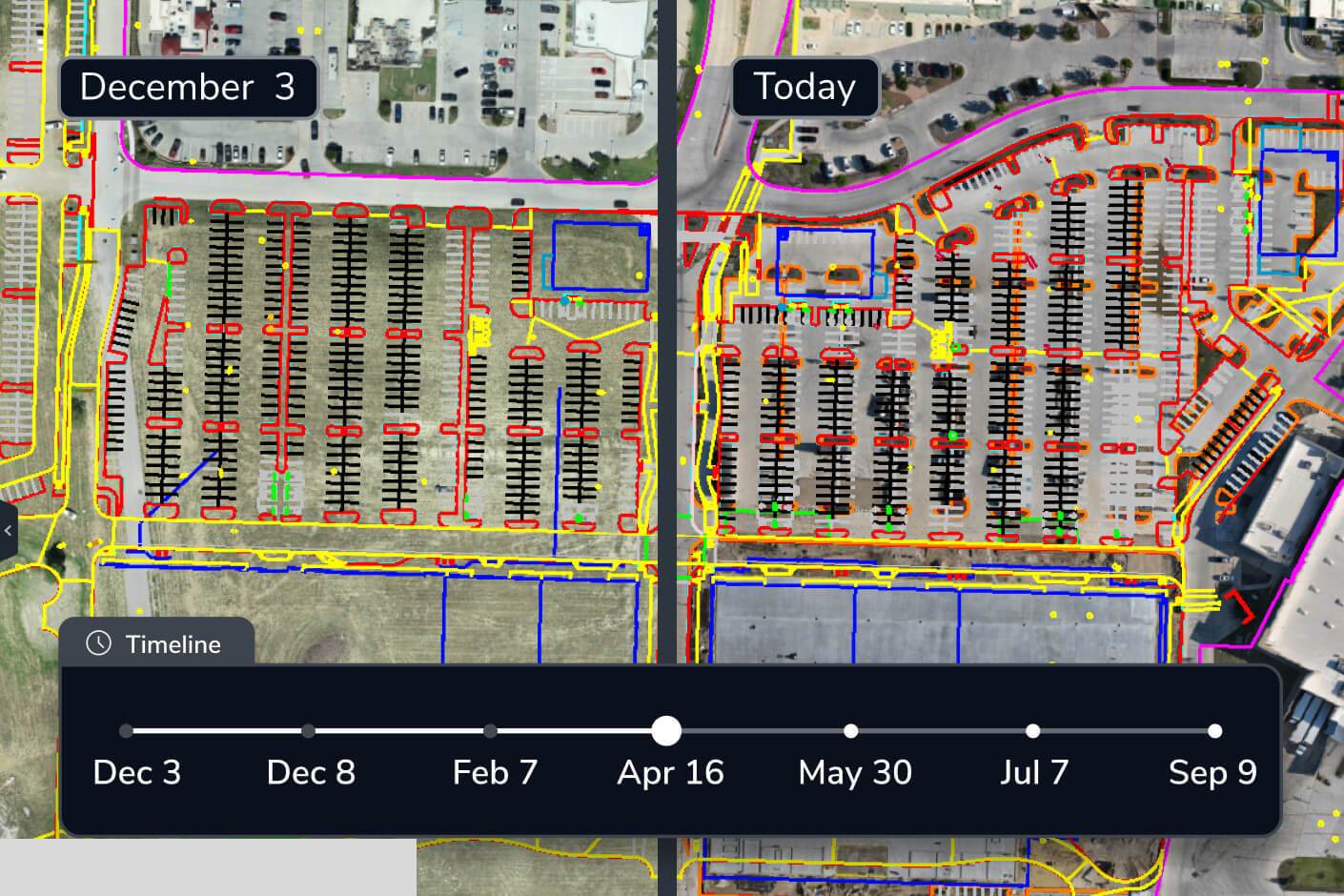

“We find Propeller to be really effective in helping us keep to the project timeline through looking at the aerial photography. It’s all captured in the software and we import the design model to see how the design is interfacing with the current site progress.”
– Glynn Thomas, Engineering Manager at McConnell Dowell
Overlay design models on your latest site data to spot issues early. Ensure projects stay on track with clear visual insights and fast as-built vs. design comparison.