
Cross section survey in a matter of minutes using drone data
With the power of drone-captured data and the Propeller Platform, surveying cross sections becomes as…
DirtMate Centimeter-level machine guidance and fleet telematics for earthmoving
AeroPoints High-accuracy ground points for faster, reliable surveys
Propeller CAD AI-powered earthworks design built directly on your real survey terrain
Drone & hardware integrations Connect Propeller with your existing tools seamlessly
Compare your site’s actual conditions to design plans in real-time, identify discrepancies, and optimize your workflow to keep everything aligned.
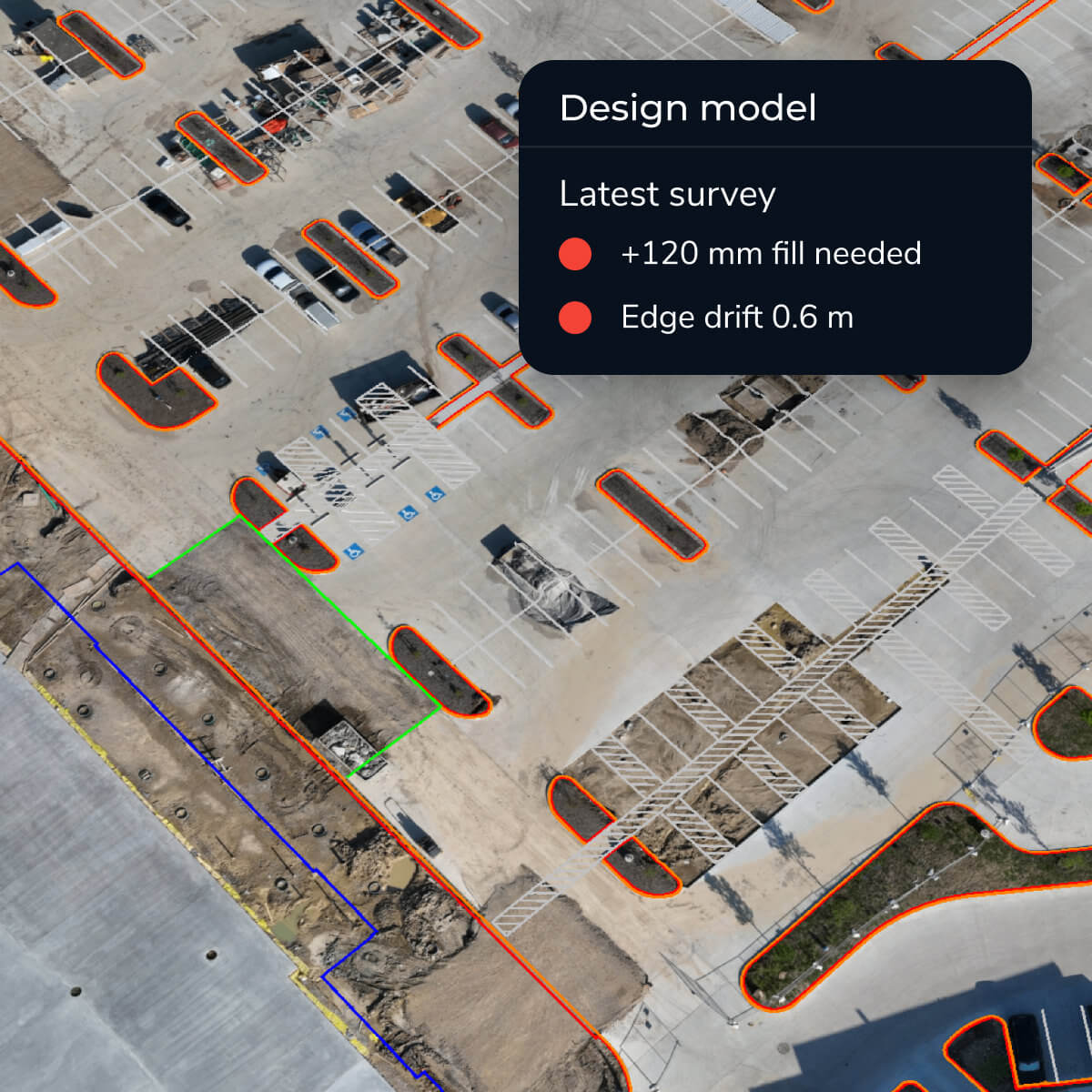
Upload your CAD files, point clouds, or digital blueprints and use our intuitive tools to visualize and measure differences with the latest survey data. With accurate, up-to-date information, you’ll have the insights you need to keep the project on course with reliable as-built vs. design comparison.
Stay ahead of the curve by ensuring your site is always aligned with your plans using Propeller’s construction design conformance software.

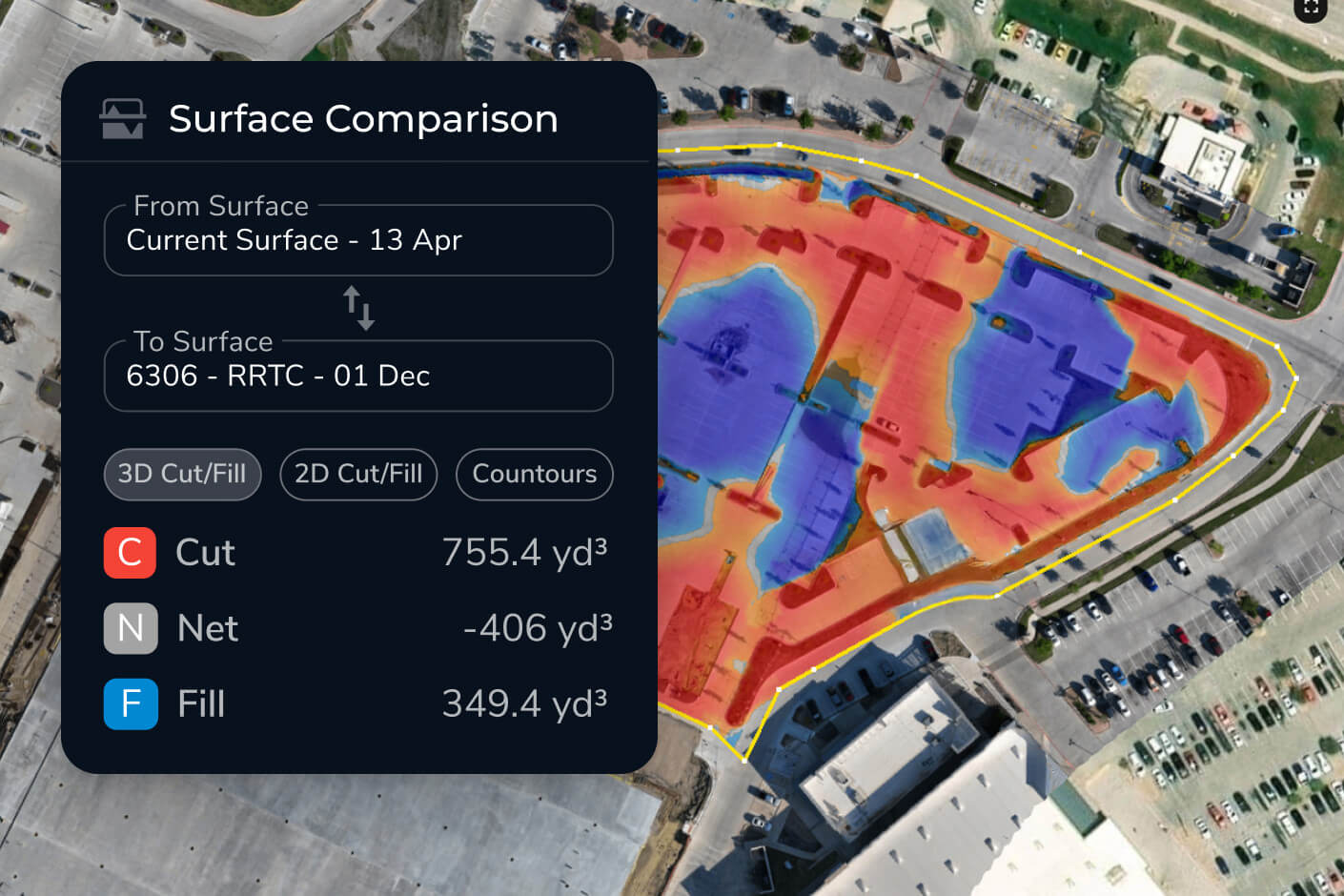
Compare designs with actual site data in real time for better decision-making using 3D models and survey overlays.

Make data-backed adjustments to keep the project aligned with goals and enable earthwork design validation.

Share real-time updates with your team to keep everyone aligned and informed—ensuring real-time project tracking against design.

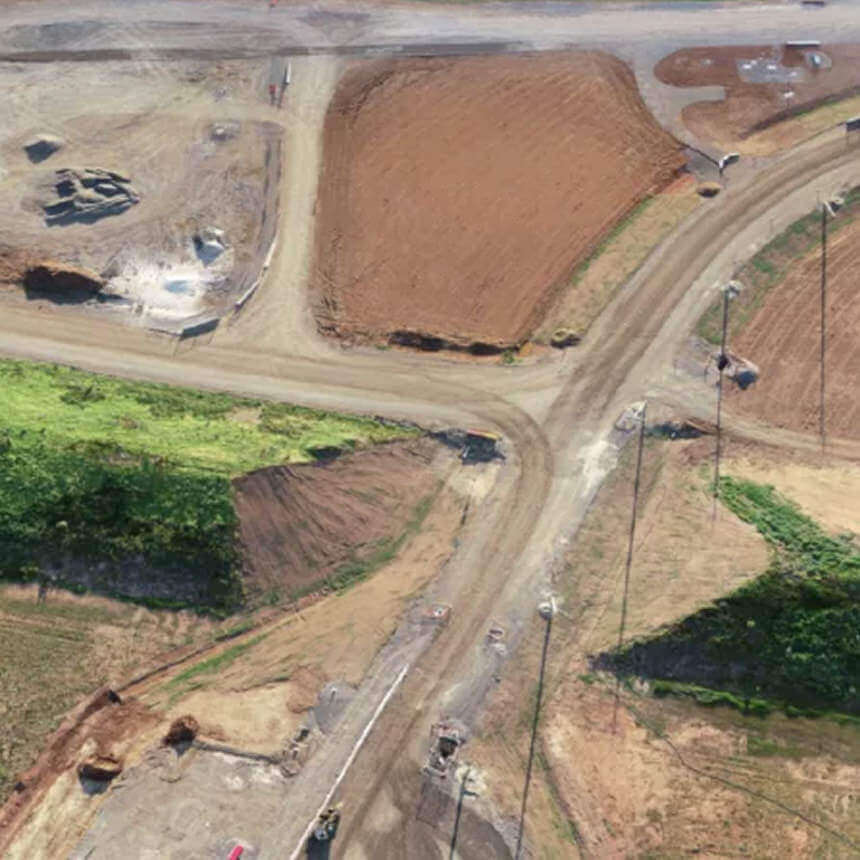

“We find Propeller to be really effective in helping us keep to the project timeline through looking at the aerial photography. It’s all captured in the software and we import the design model to see how the design is interfacing with the current site progress.”
– Glynn Thomas, Engineering Manager at McConnell Dowell
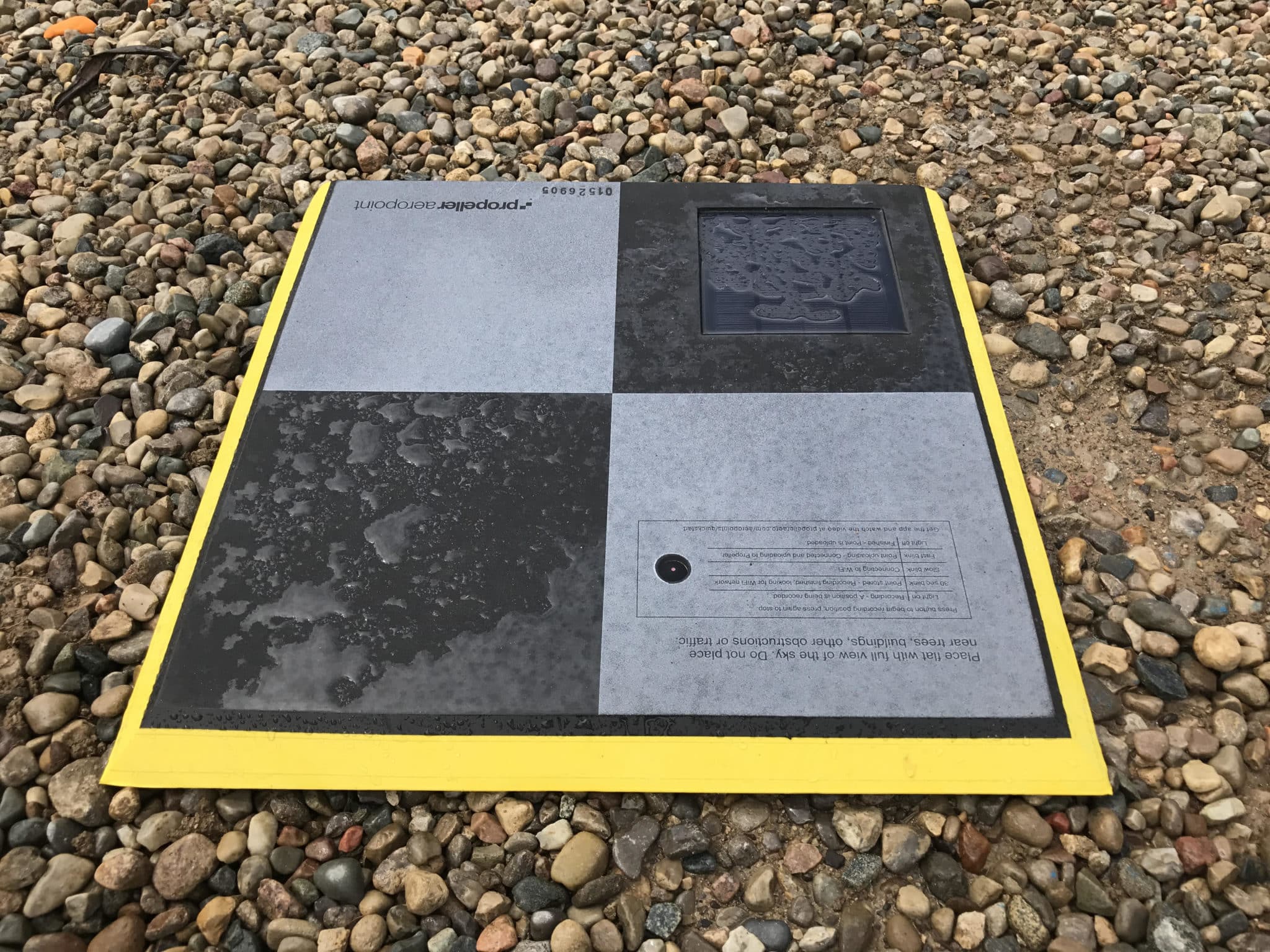
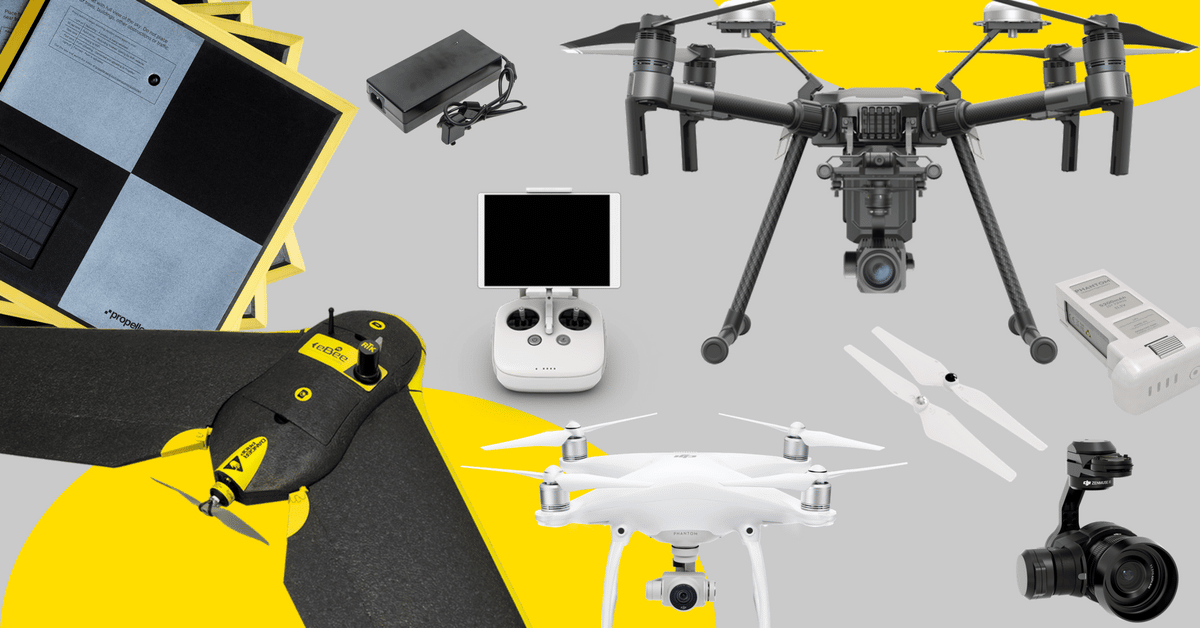
Overlay design models on your latest site data to spot issues early. Ensure projects stay on track with clear visual insights and fast as-built vs. design comparison.
Design conformance is the process of comparing actual site conditions against approved design plans to verify the work is being built as intended. In Propeller, you upload your CAD files or digital blueprints and overlay them on the latest drone survey data — giving you a real-time, color-coded view of where the site matches the design and where it doesn’t.
Propeller accepts CAD files, point clouds, and digital blueprints. Once uploaded, these design files are overlaid directly on your survey data so you can visualize and measure differences using tools including grade check, surface comparison, cross section, and elevation difference.
After uploading your design file, Propeller generates a surface comparison that visually highlights cut and fill differences between your actual site and the design — color-coded so discrepancies are immediately obvious. You can also run cross sections at any point on the site to see exactly how current grades align with design intent.
Yes. Propeller’s timeline feature lets you compare how your site has evolved against the design across multiple survey dates. This means you can see not just whether you’re conforming today, but how conformance has changed week-over-week — useful for progress reporting and identifying where earthwork is drifting off plan.
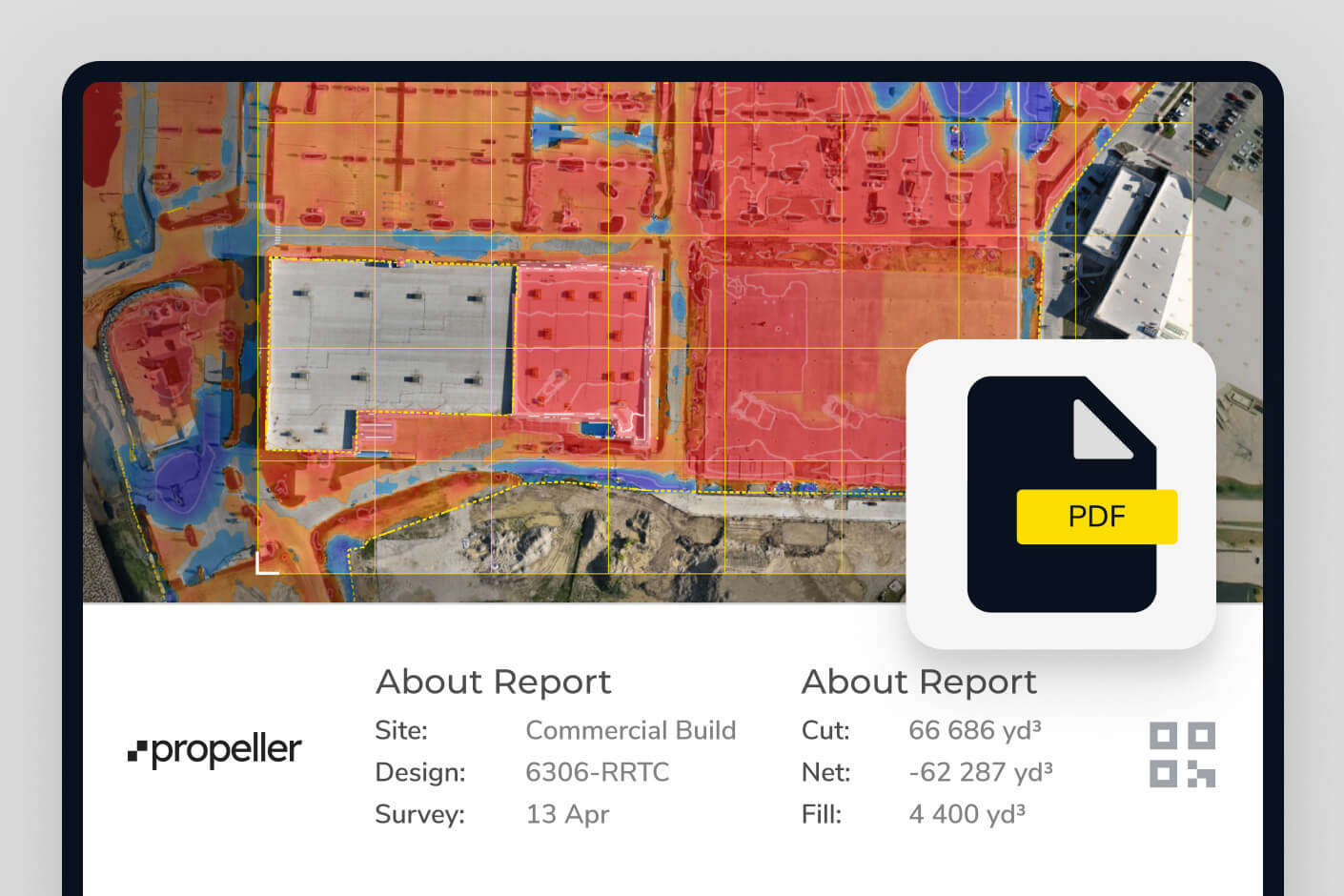
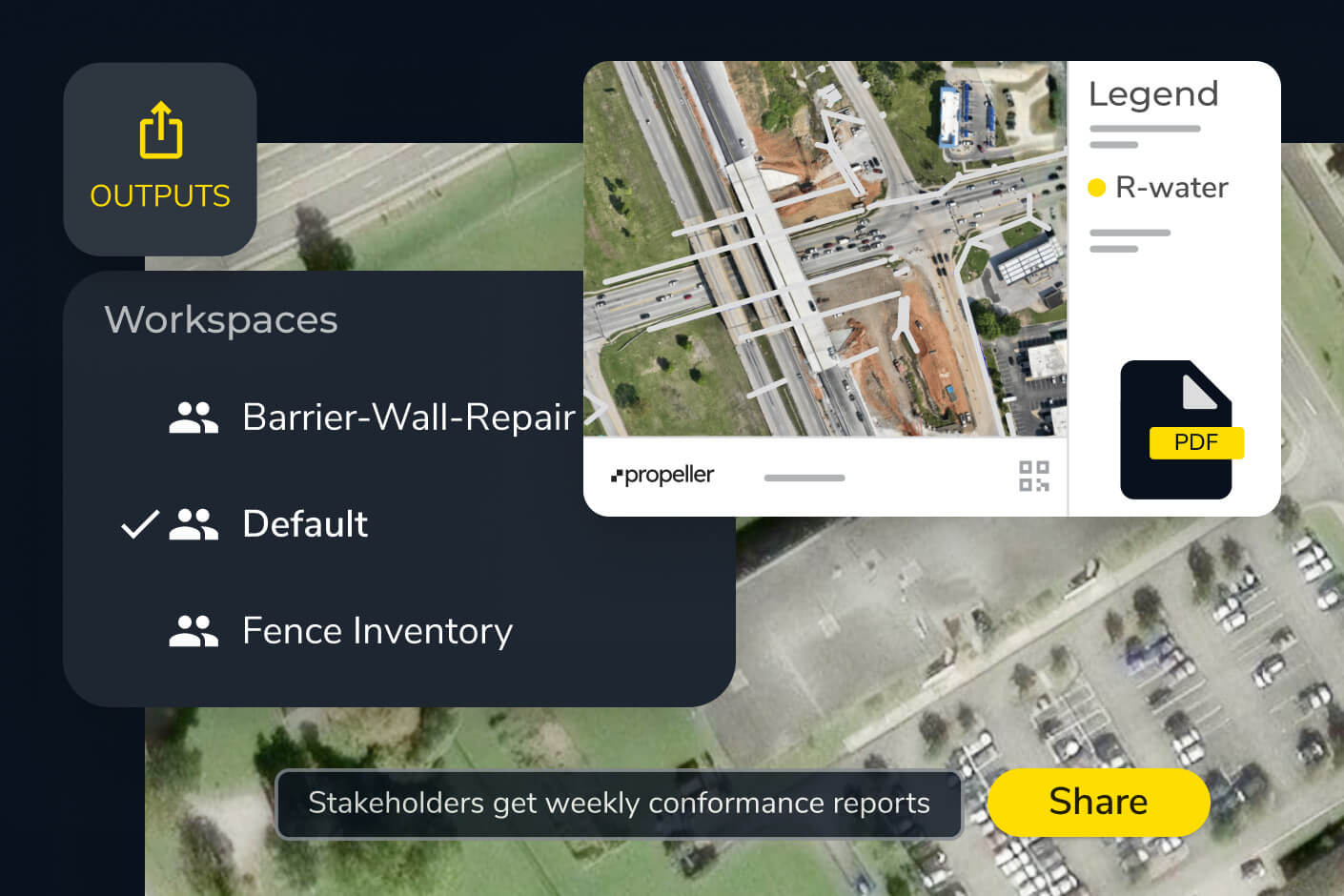
Propeller generates scheduled reports and PDF maps you can export or share directly. You can also control user permissions so subcontractors, clients, or office teams see the relevant data without accessing your full platform. Interactive views can be shared via browser link so stakeholders always see the most current version.