If you’ve ever walked a job site on a Monday morning and realized Friday’s numbers don’t match what’s in front of you, you already know the problem. Traditional survey methods, stakes, levels, and occasional crew callouts, leave stretches of time where no one really knows where the site stands. Those gaps aren’t just inconvenient.
They’re where rework hides.Drone surveys close that gap. Here’s how the workflow actually works, and why it changes the way earthwork teams make decisions.
The data blackout problem
On most active sites, a licensed surveyor visits somewhere between once a week and once a month. Between visits, project managers are running on estimates, field notes, and gut feel. That’s a lot of ground, both literally and figuratively, covered with incomplete information.
A site that’s off by a few hundred cubic meters of cut or fill doesn’t look wrong from the ground. It looks like a normal job site. The rework comes later, when the numbers finally arrive and the correction is expensive.
This is the data blackout: the window between when work happens and when you actually know whether it was done right. For teams managing tight schedules and tighter margins, that window is where things go sideways.
How drone surveys change the equation
Current, high-precision site data without the wait
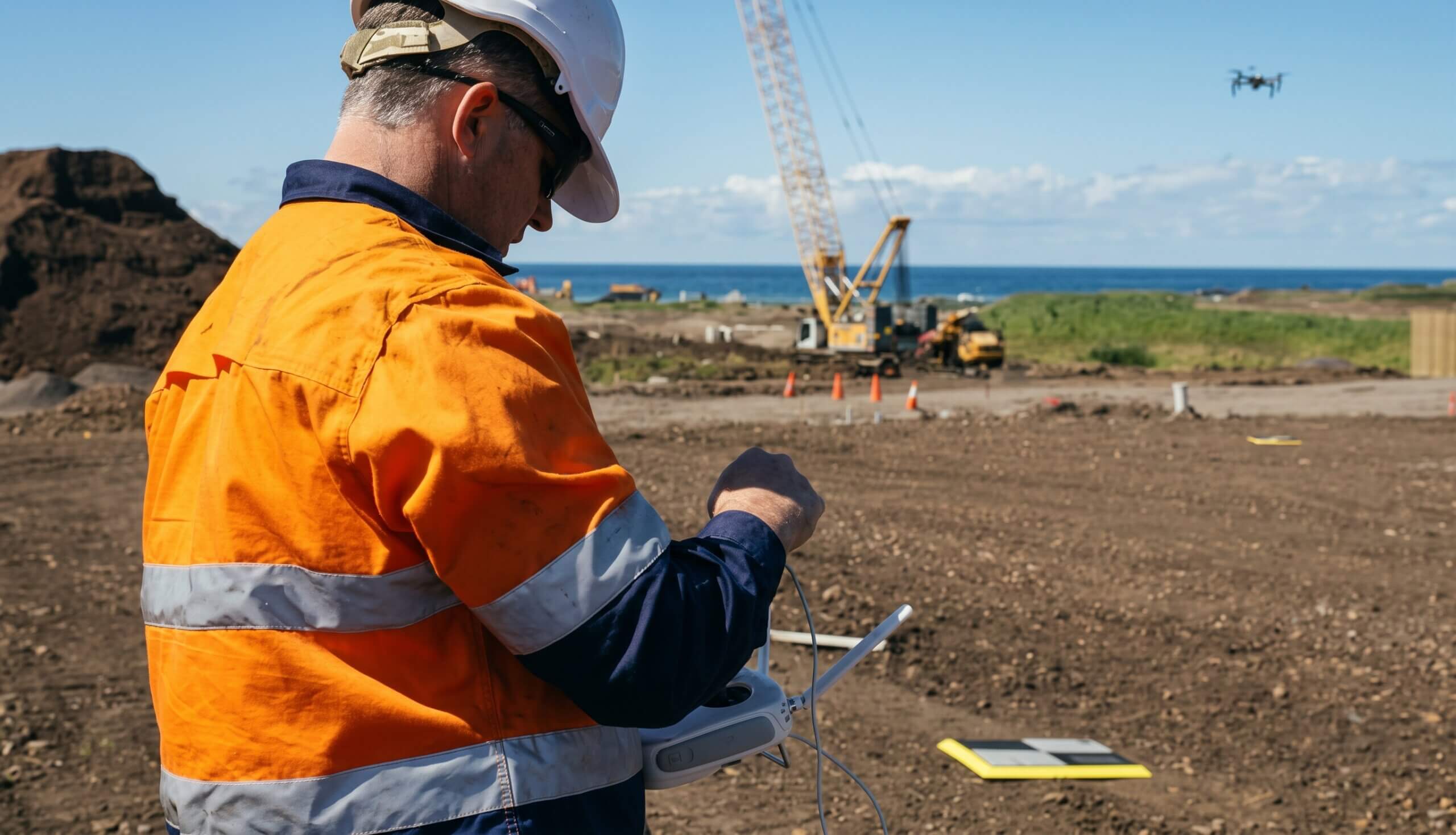
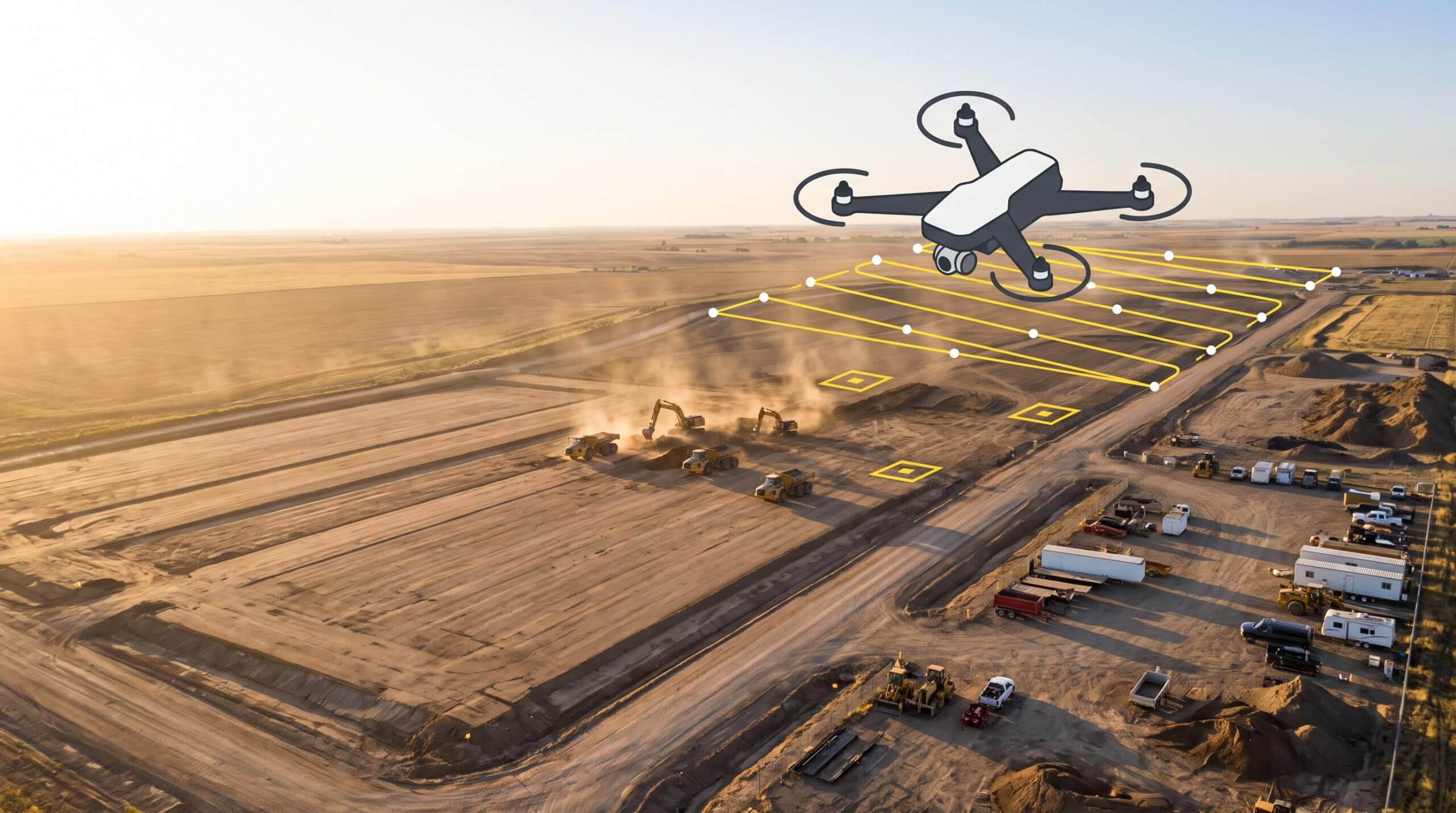
A drone survey replaces the waiting. Instead of scheduling a survey crew and sitting on results for days, a drone flight over your site creates a complete, measurable 3D record of current conditions that same day.
The output isn’t just a photo. It’s a high-precision surface model you can actually work with: cut-fill analysis, volume measurements, and a visual record you can stack against your design files. When you upload your design surface to the platform, you can compare surfaces to design and see exactly where the site matches the plan, and where it doesn’t, in the same afternoon the flight happened.
That’s the core shift. You’re not waiting for data anymore. You’re using it while the machines are still on site, when it still matters.
What a 3D site record actually gives you
More than a map. A decision-making tool.
A single drone capture does several things at once.
It creates a timestamped record of site conditions. That’s useful well beyond progress tracking. It supports billing verification, subcontractor reconciliation, and documentation if a dispute comes up down the road.
It gives your team a shared reference point. When the office and the field are looking at the same map, conversations stop being about whose numbers are right. They’re about what to do next.
It makes pattern recognition possible. When you’re flying consistently and stacking captures in a progress tracking workflow, you can see how the site is trending over time, not just where it stands today. That longitudinal view is what lets you catch developing issues before they turn into expensive corrections.
Moving from traditional surveys to drone mapping
A habit, not an event
The transition isn’t complicated, but it does require rethinking how your team approaches data cadence.
Traditional surveys are events. You schedule them, wait for them, and act on the results. Drone surveys work more like a regular habit. Teams that get the most value from them fly consistently, weekly or after major earthmoving pushes, so they always have a current picture of the site to work from.
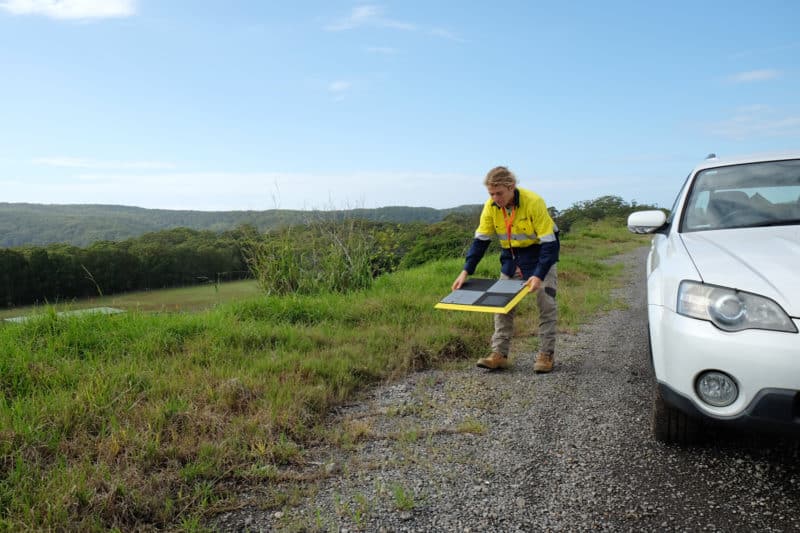
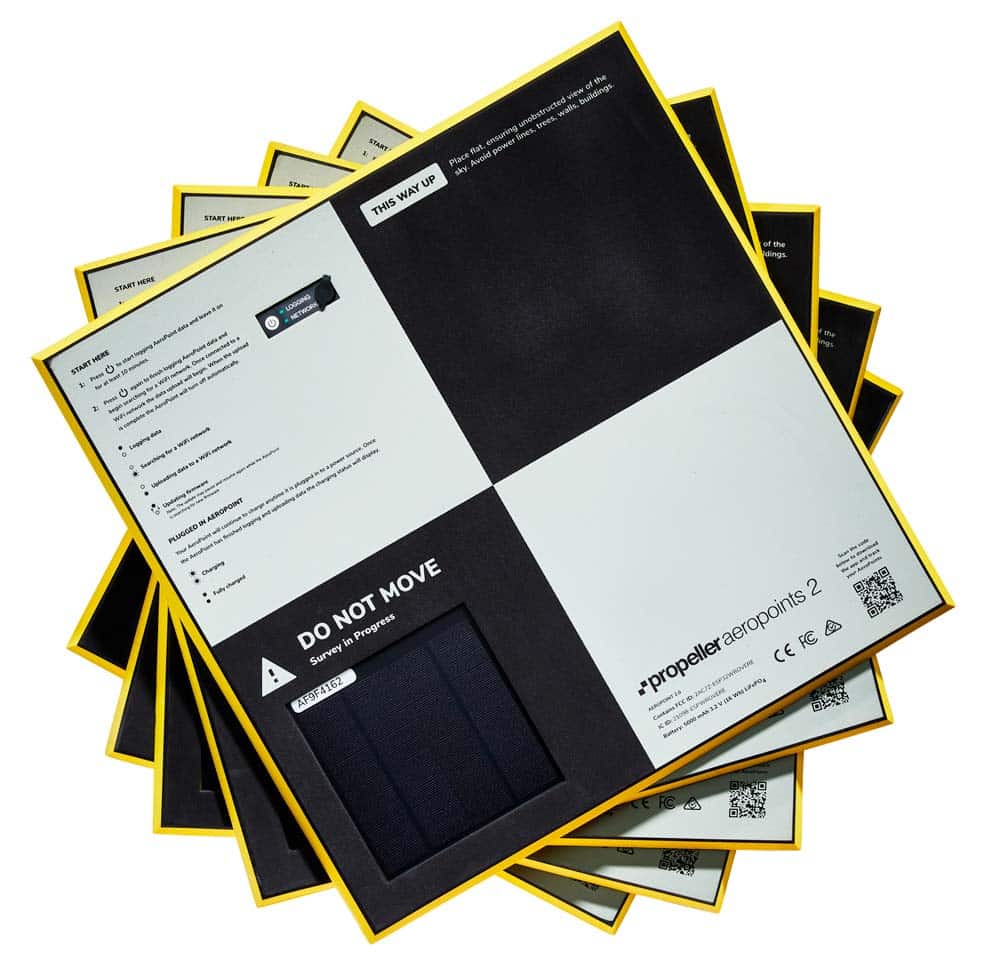
AeroPoints are a key part of making that habit practical. They’re ground control points that set out quickly and deliver the high-precision accuracy you need without relying on a full survey crew for every flight. That’s what makes regular capture realistic within a real project schedule.
The other shift is in how teams actually use the data. Drone surveys deliver the most value when results are reviewed, not just stored. Building a regular check-in around the data, a quick look at the cut-fill heatmap before a morning standup for example, is what turns a mapping workflow into a genuine decision-making tool rather than a filing system.
Why it comes down to margin
Data blackouts on construction sites aren’t inevitable. They’re a byproduct of survey workflows built for a slower pace than modern earthwork actually runs at.
Drone surveys aren’t a replacement for licensed surveyors. They’re a way to keep the site visible between visits, so your team is always making decisions from current information rather than last week’s assumptions. When you close the gap between when work happens and when you know how that work landed, you catch issues earlier, reduce rework, and protect the margin that makes a project worth winning in the first place.
That’s not a technology story. That’s how you run a tighter job.