Welcome to the Inside Propeller series (2/6)
In the first installment of our Inside Propeller series, we gave you a high-level overview of what Propeller can do. In this article, we’re breaking down how Propeller makes it easy for Project Managers to track worksite progress and keep projects moving forward.
Your phone’s buzzing. The supervisor wants direction. The client wants an update. Your inbox is overflowing with budget questions. As a project manager, you’re on the hook for schedule, spend, and progress tracking. That means you’re the person everyone else is looking to for answers.
Propeller puts those answers right at your fingertips. Instead of chasing down numbers or dragging clients out to the site, you can:
- Pull reliable progress data in minutes
- Back up every conversation with documentation
- Show progress visually, so everyone understands what they’re looking at
Let’s dig in.
Visual progress tracking
Easy to understand. Impossible to argue with.
As a PM, you don’t have time to dig into the raw data. You need a clear pulse check that anyone can understand just by looking at it. That’s where Propeller’s Timeline and Media tools come in.
- Timeline: Move the slider to travel backward and forward in time to see every survey throughout the lifetime of your project, back to back. With Timeline, you can see exactly when work was created (and how closely that work matches the design). You can even export a timelapse video that clients and other stakeholders can digest in seconds.
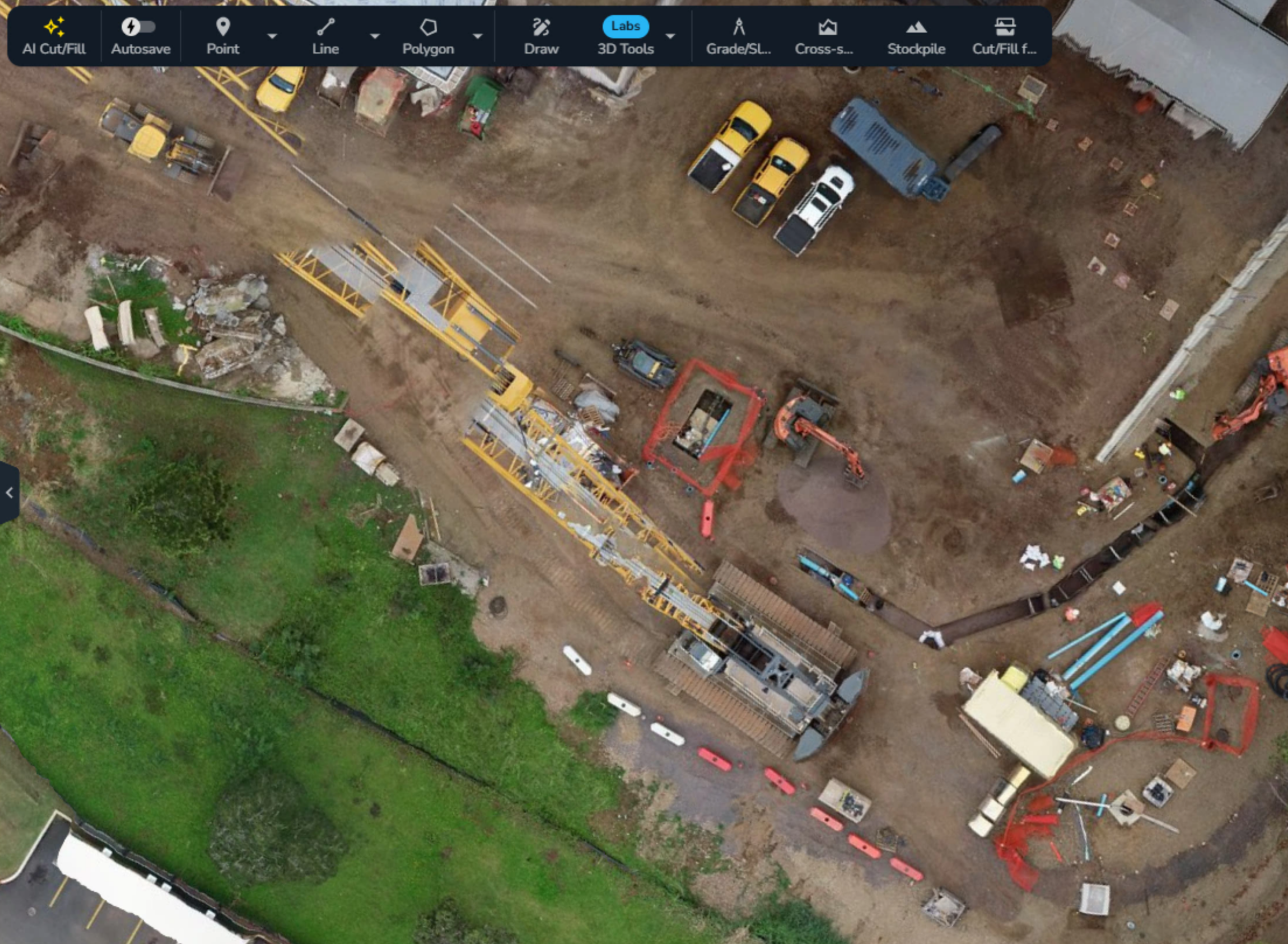
- Media: Pin visual “receipts” right to specific points on your map to document milestones, flag hazards, call out subcontractor errors, or back your team up if disputes arise.
Big wins: Seeing is believing. When someone asks, “What happened here?” Propeller gives you the tools to answer quickly and clearly. With visual proof of work that everyone can understand, meetings run faster, questions drop off, and client confidence skyrockets.
Surface comparison and volume measurements
Turn site data into answers.
PMs don’t need to understand every cube of cut/fill—you need to understand the big picture, like whether you’re on pace to finish a project on time and on budget. Propeller’s measurement tools equip your team to turn survey data into quick answers to your biggest questions.
- Surface comparison: Compare survey-to-survey or survey-to-design to quickly quantify cut/fill and percent completion using the takeoff map.
- Volume and stockpile measurements: Quickly calculate material moved or stockpiles remaining for accurate subcontractor payments and production pacing.
Big wins: Instead of chasing supervisors or surveyors for updates, you get the numbers you need in minutes.
Collaboration and documentation
Keep the paper trail tidy.
When every decision has budget and schedule implications, your project documentation matters. Propeller helps you keep a clean, easy-to-share record without extra effort.
- Markup: Pin notes, arrows, and other instructions to the map so decisions stay connected to their location and context.
- Measurement reports: Generate polished, ready-to-share numbers for clients and your field crew to keep everyone on the same page about what’s been done and what’s still left to go.
- Mobile: Create measurements and markups in the office that field crews can see instantly in the Propeller app, so your plan for the day translates into action on site.
Big wins: Updates are clear, decisions don’t get buried in email chains, and you have documentation ready to back you up if any questions or disputes arise.
Hydrology tools for damage prevention
Prevent problems before they start.
The weather is always a wildcard, but our hydrology tools help you stay a step ahead.
- Watershed analysis: Identify catchment areas and see how water flows across your site
- Direct rainfall simulation: Model how a 10- or 50-year storm would pool or flow
- Surface runoff and flood to level: Highlight drainage risks and low spots at risk of flooding
Big wins: Use hydrology during the pre-construction phase to create stormwater pollution prevention plans and head off weather-related delays.
Daily surface updates and machine telematics
If weekly data isn’t enough, you need DirtMate
Drone and ground surveys that might happen weekly are enough for most PMs. But if you’re working on large, complex, and high-throughput jobsites, you need day-to-day visibility. That’s where DirtMate comes in.
DirtMate can help if:
- Daily production numbers are critical. DirtMate collects surface elevation data as you work, so you get real-time feedback on how much earth you’re moving.
- You need machine-level visibility across manufacturers. DirtMate gives you utilization, speed, cycle counts, and equipment trails in real time.
- Surveys can’t capture enough detail for your project scale. You need to see exactly what’s happening on your work site, right now.
Big wins: With Dirtmate, you can see how efficiently your field crews are working and spot bottlenecks before they ripple into delays or rework.
Integrations and access permissions
Keep answers moving, not gatekept.
PMs don’t want to spend their day acting as the middleman for site information. Propeller’s permissions and integrations keep data flowing smoothly across teams and systems.
- User permissions: Set the right level of access for everyone who needs it. You can stick to the big picture, while field crews, supervisors, engineers, and clients can directly access what they need without tapping you.
- Import/export and integrations: Get data in or out cleanly, so other tools and systems stay current without manual rework
Big wins: You don’t have to be a data bottleneck or field endless update requests. Teams get answers directly, and you stay focused on outcomes.
TL;DR: Why PMs love Propeller
Propeller’s real benefit for project managers isn’t just clear progress tracking. It’s certainty.
- PMs save time on updates and get fewer follow-up questions, pushback, and change orders
- Disputes and delays are easier to manage (or avoid) with visual proof of work
- Field crews deliver daily outputs without bottlenecks or guesswork
Clients can see clear progress and are confident in your work.