Prefer talking to an expert instead? Contact us here
Drone Mapping Software for Smarter Worksite Management
With Propeller, you can unify your plans, field data, machines, and people from ground to cloud on a single map. Get the job done right the first time, every time.
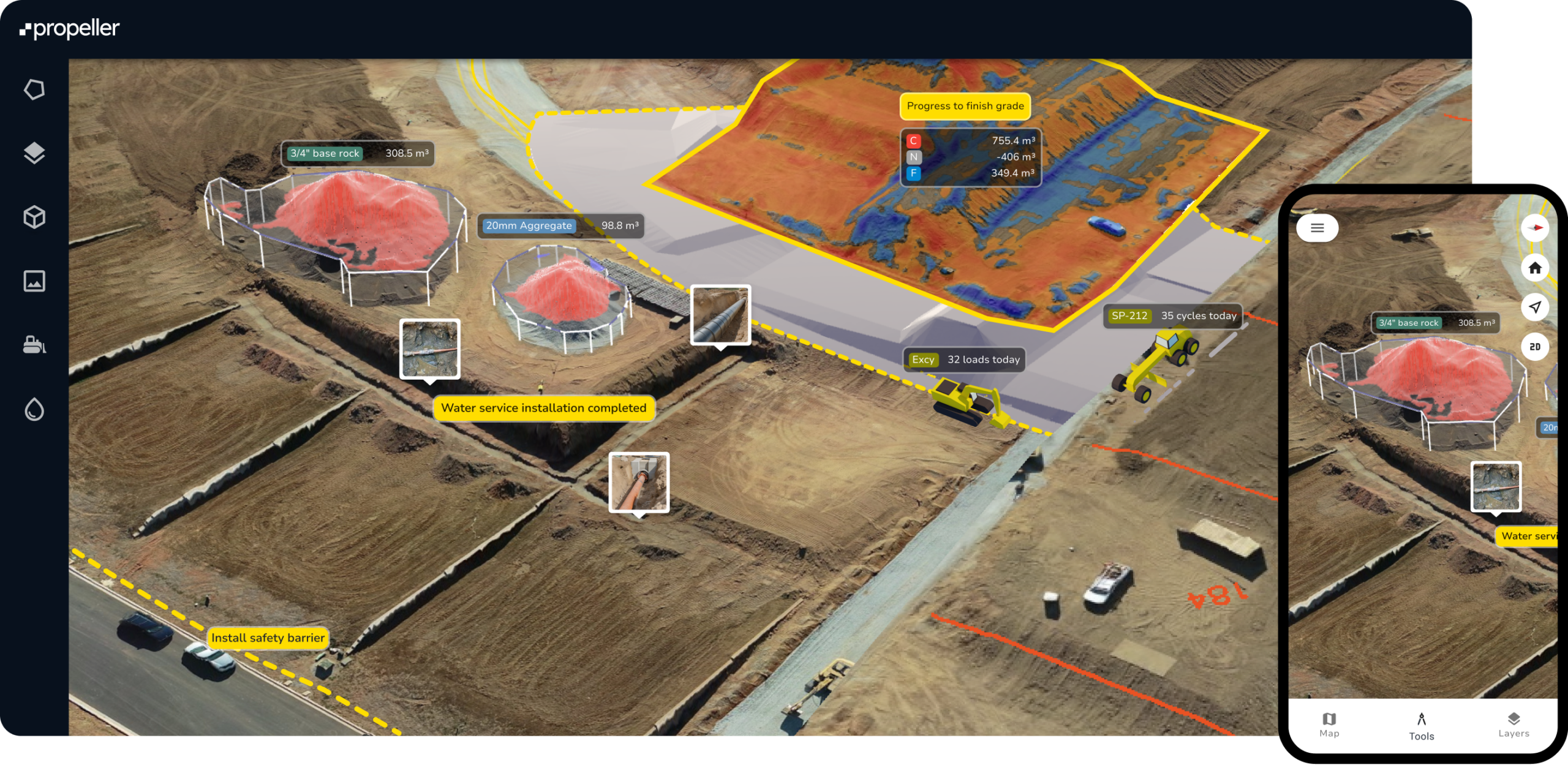













Unify data
Keep your project data organised in one hub
Manage your design surfaces, plans, surveys, and field data from a single platform, replacing data silos with on-demand insights.
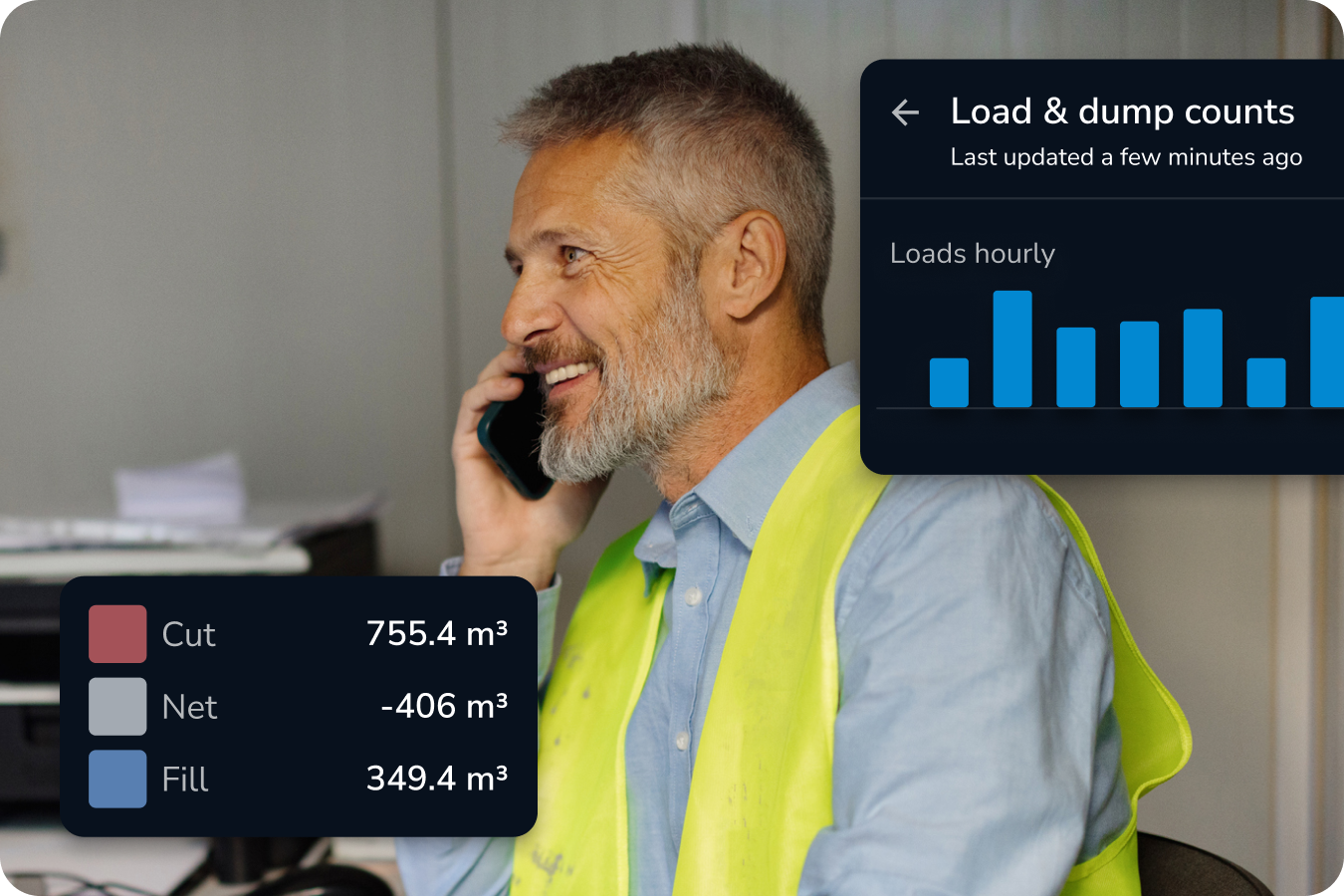
Streamline collaboration
Share context and insights instantly across teams
Bring everyone together with one shared source of truth. With complete transparency and easy access, your team can collaborate better, make smarter decisions, and get the job done faster.
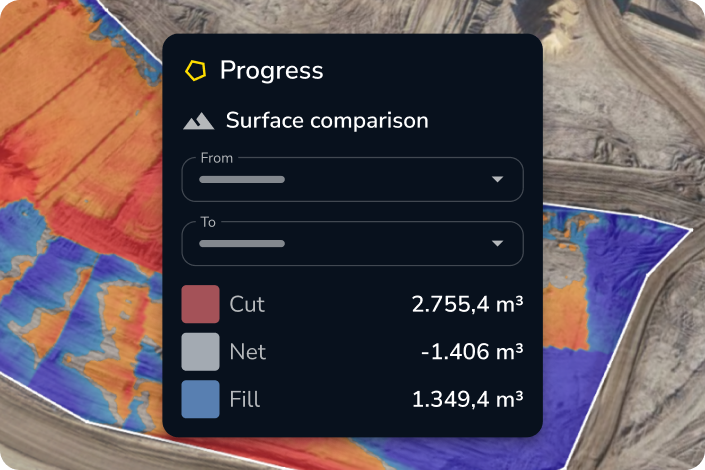
Boost accuracy
Simplify site checks and survey analysis
Leverage data from any survey equipment—machines, drones, GPS rovers, laser scanners, or total stations—to calculate volumes, measure elevations, and compare current site conditions to future designs or past surveys with ease.
Drive results
Track daily progress and productivity
Stay ahead with daily insights into your progress, pace, and what’s left to do. Identify inefficiencies quickly, streamline your workflows, and keep your projects moving forward—on time and on budget.
Our customers
From progress updates to data management, these tools help teams stay in control and on schedule.

Daracon Group is one of Australia’s largest privately-owned civil construction contractors, with a reputation for delivering a wide range of complex infrastructure projects thanks to their extensive fleet of modern machinery and plant solutions. Their team is known for its commitment to developing cost-effective strategies and optimised solutions, and they continually look for opportunities to refine their workflow and leverage data more effectively.
We partnered with Daracon Group to provide high-precision 3D mapping and analytics tools built for civil and earthmoving projects.
The result? A complete workflow overhaul that not only saved time and money but also empowered their entire team with real-time insights from site.
Integrations + imports
Different data sources,
unlimited insights
Keep using the tools you know. Propeller easily connects with your favorite software and supports the data formats you already work with, so you can get even more out of your existing workflows.
Pre-processed surfaces
- TTM
- DXF
- XML
- LAS/LAZ
- DTM
- GeoTiff
Designs
- DXF
- TTM
- IFC
- KML/KMZ
- LandXML
Media
- JPG
- PNG
- 360° Photos







Scale up
Harness the power of Propeller at scale
Propeller Scale brings advanced organisation, security, and integration capabilities to our standard platform experience to streamline geospatial workflows across large teams.

Private workspaces
Restrict user access to private workspaces gives you more control over how information is shared within your organisation.

Web-map tile service
Stream orthophotos from your site directly to your GIS software.

Read-only public API
Query information about your sites and surveys to pull terrain files into your CAD and GIS platforms automatically.
Feature list
Your geospatial analysis toolbox
Meet the tools and features behind the map.
Distance
Measure point-to-point distances.
Elevation
Track height changes across various captures or at a specific point.
Elevation difference
Calculate height differences between points.
Cross section
Generate cross section charts of designs and surveys.
Surface area
Measure surface areas within any polygon.
Stockpile
Quickly measure stockpile volumes and create reports.
Shrink/swell calculator
Account for the shrink and swell of soil for more accurate load calculation.
Survey explorer
Combine survey data to plan and review.
Composite builder
Merge multiple survey captures into a single measureable map.
Timeline
Visualize how your site has changed over time, between survey captures.
3D + 2D viewing
Explore a digital twin of your site in 3D or 2D.
Crop and cleanups
Easily crop maps and remove obstructions.
Map layers
Toggle between your terrain model, orthophoto, camera positions, and point cloud.
Base map
Designate any surface as your base map to begin measuring and tracking site activity.
User permissions
Securely share projects and surveys with adjustable access levels.
Workspaces
Easily organize your design and measurement files for quick access.
Custom homepage
Group sites or star favorites for faster access.
Folders
Organize measurements into folders via drag-and-drop.
Read-only public API
Query site and survey data to pull terrain files into CAD and GIS platforms.
Web Map Tile Service (WMTS)
Stream orthophotos from your site directly to your GIS software.
Imports/exports
Import and export surveys, surfaces, and reports.
Flood level
Visualize flood impacts at specific levels.
Surface ruined
Map water flow directions across your site.
Watershed analysis
Identify water catchment areas quickly.
Direct rainfall simulator
Simulate runoff from rainfall events.
Scheduled reports
Automate daily email reports with load/cycle data, a volume heatmap, and a 7-day volume chart.
Media
Pin images and 360 photos to an exact location on the map from the field.
Crew
Share your map via a unique URL on any device.
PDF map
Export plotter-ready map printouts.
Measurement report
Create customizable PDF reports of your site data.
Timelapse
Export progress videos showing site changes over time.
Flythrough
Create dynamic flythrough videos of your site.
Takeoff map
Generate reports comparing surveys with design surfaces.
Markup
Add, style, and share labeled points and freehand scribbles on the map in real-time.
Platform analytics
Monitor Propeller usage across your organization.
Propeller mobile
Visualize your live location against designs, perform critical site checks, and share real-time updates—all from your mobile device.
Utilization view
View utilization data for all DirtMate machines in a table, including run/idle time, load count, and dump count.
Machine location and trails
Identify slow-moving or inactive machines with color-coded trails and real-time location tracking.
Speed analysis
Track average, minimum, and maximum speeds to ensure fleet efficiency.
Smart cycles
Review cycle length, duration, and total cycles for each DirtMate machine.
Point of interest
Drop points on the map and add contextual details.
Hazard
Mark safety hazards and assign severity levels.
Grade check
Assess grades as degrees, percentages, or ratios.
Cut-fill
Compare any two surfaces to track progress or changes in volume over time.
Area progress
Compare site progress against previous surveys or designs.
Material properties
Track materials with tonnage and cost reports.
Surface comparison
Compares surfaces, design-to-design, survey-to-survey, or survey-to-design, to track progress or plan ahead.
DirtMate surfaces
Stream real-time surface data and production volumes on the map.
AI + automation
Bring some magic to your maps
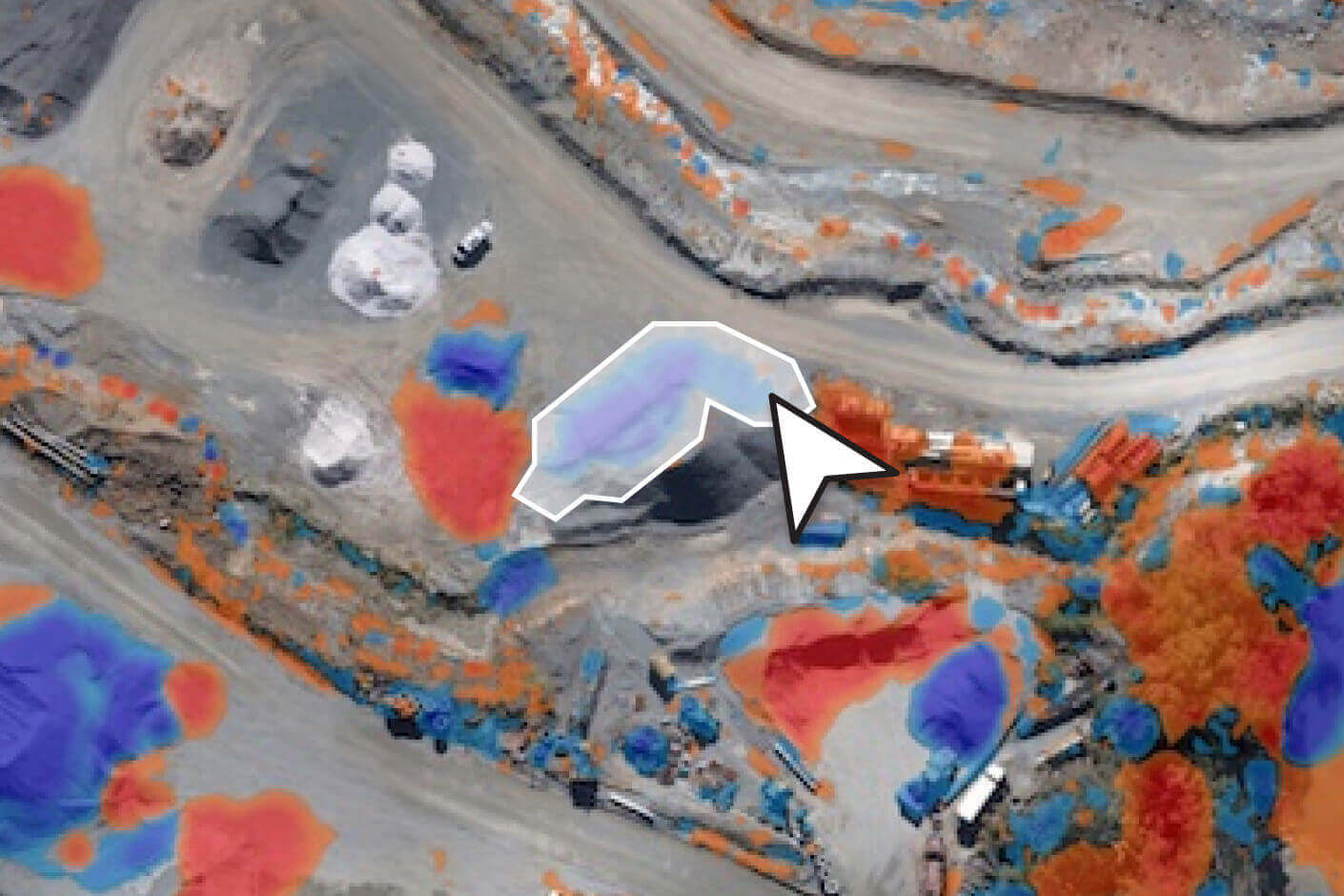
Automated workflows, real-world impact
Explore Propeller’s automated workflows built to eliminate repetitive tasks like stockpile measurements and terrain cleanups.
Other products
Expand your toolkit with smart, simple solutions that make every job easier to manage.

Data processing
With fast turnaround times and seamless integration into your workflows, you’ll spend less time waiting and more time making decisions. Upload, process, and access your site data with ease—no complex tools or lengthy processes required.
DirtMate
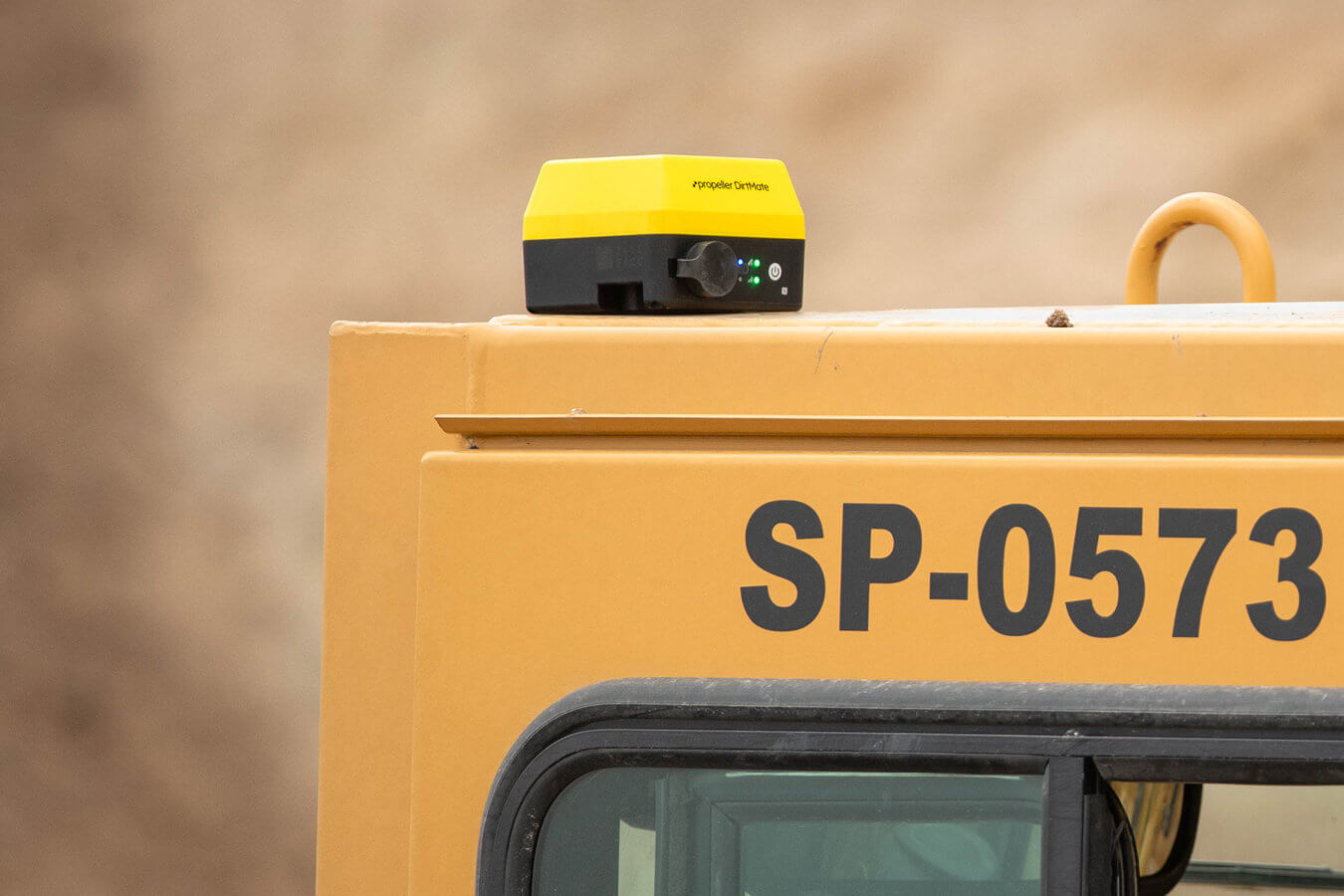
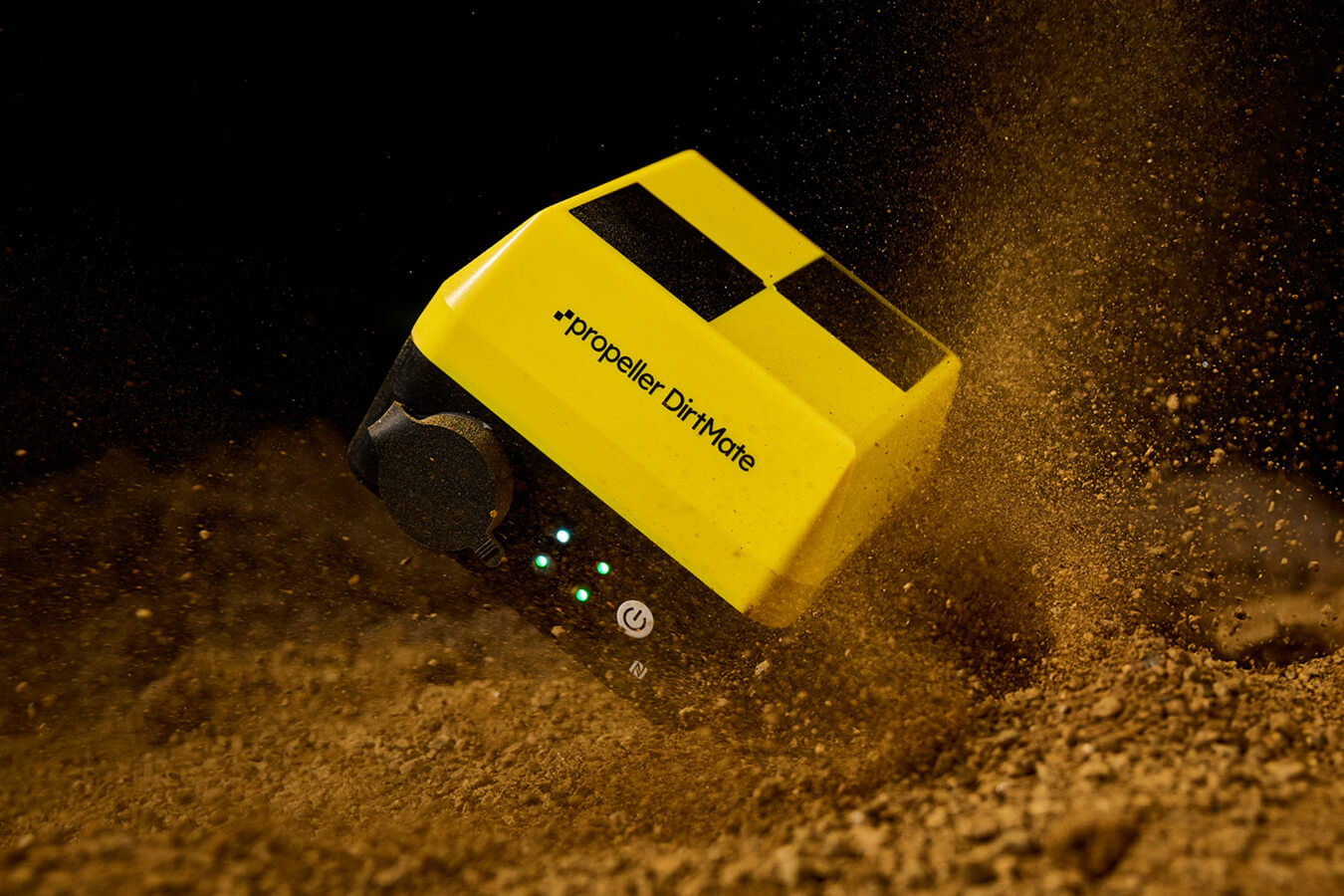
DirtMate is a GNSS system with an onboard IMU that unlocks machine tracking and real-time survey solutions in Propeller. Live stream site activity to know your real-time position against project goals—no surprises.
AeroPoints
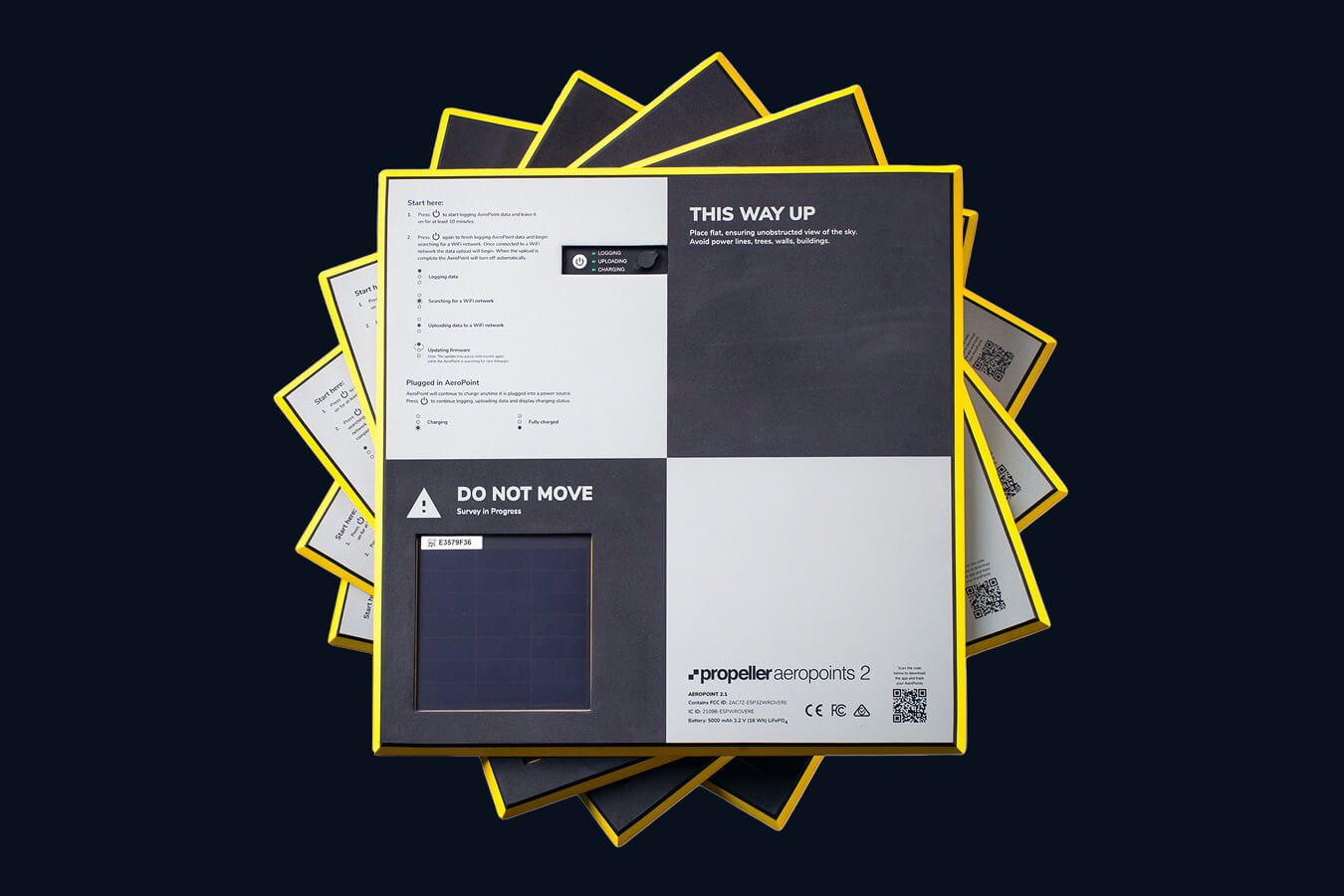
These ground control points are designed to make drone surveys accurate and effortless. Durable, lightweight, and self-contained, they simplify your setup while delivering results you can trust.
Platform FAQs
We support companies in aggregates, waste management, mining, and civil construction worldwide.
Propeller integrates seamlessly with other tools, letting you import and export data in various file formats, including:
Import
- Processing
- Lidar
- Photogrammetry
- Pre-processed data
- TIN surface (TTM, DXF, XML)
- Point cloud (LAS/LAZ)
- DTM Surface and/or Orthophoto (GeoTIFF)
- Designs (GeoTIFF, TTM, DXF, KML, KMZ, LandXML, CZML, PDF, IFC)
- Media (JPEGs, 360° images)
Export
- 3D model (different resolutions, DXF)
- Orthophoto (GeoTIFF, BigTIFF, JFIF, JPEG, PDF)
- Point cloud (LAZ)
- Shapefile (CZML, GeoJSON)
- Survey boundary (GeoJSON)
- Terrain (DXF, TTM, KML, GCP.CSV, CSV)
- Contours (DXF)
- Measurement outlines (DXF, KML)
- Flythrough
Yes, your data is safe with us. Propeller hosts most of its platform on Amazon Web Services (AWS), which meets industry standards like SOC, PCI DSS, and ISO 27001. We also use a private cloud for processing your data securely. Learn more about how we protect your data here.
Our dedicated support team is here for you. Visit our Customer Success page to learn more.
Yes, you can start a 14-day free trial to upload your data and explore our platform. Sign up here.
Upload your data quickly with our drag-and-drop uploader. For a step-by-step guide, check out our help center.
Propeller works with a variety of hardware including high-accuracy drones, GNSS recievers, and handheld scanners.
Currently, Propeller processes photogrammetric and lidar survey data. However, you can also import pre-processed datasets.
Survey accuracy depends on the equipment and setup used. With Propeller PPK, you can achieve accuracy down to 1/10ft (3cm) using just one AeroPoint. For traditional setups, expect accuracy of about 3/10ft (9cm) with 10 AeroPoints. Learn more about how we calculate expected accuracy here.
Getting your ARN from CASA is a simple online process. See how it works here.
Once you’ve uploaded your drone imagery and ground control data to the platform, data processing takes 24 hours at most. We’ll notify you via email when your 3D survey is ready to view.