We recently expanded coverage of the Propeller Corrections Network in the Central US. This means more people than ever can use their AeroPoints™ to establish ground control and get fully automated corrections.
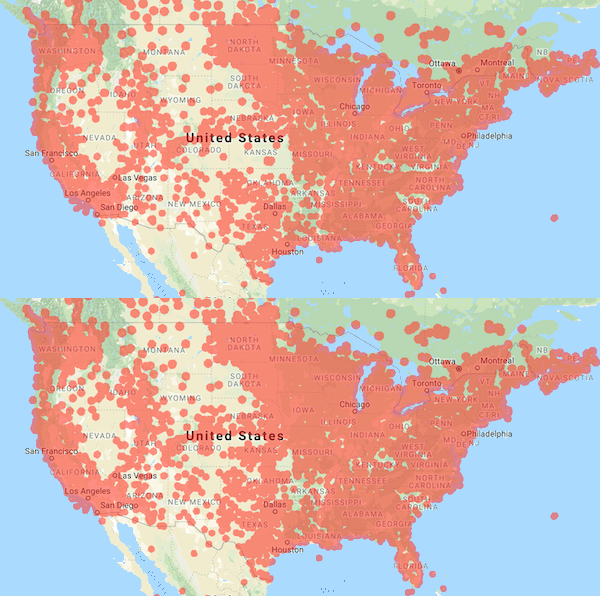
With this new coverage, we wanted to dive deeper on the different ways you can use your AeroPoints—whether you’re inside the Network or not.
If you’re an old pro at using AeroPoints, you probably know that their workflow is easiest when taking advantage of our fully automated processing inside the coverage area. But AeroPoints are designed so you can use them in five different ways.
For each method there are different logging and placement requirements, which will outline below. No matter which you pick, you’d still collect your AeroPoints in reverse order to get the best results.
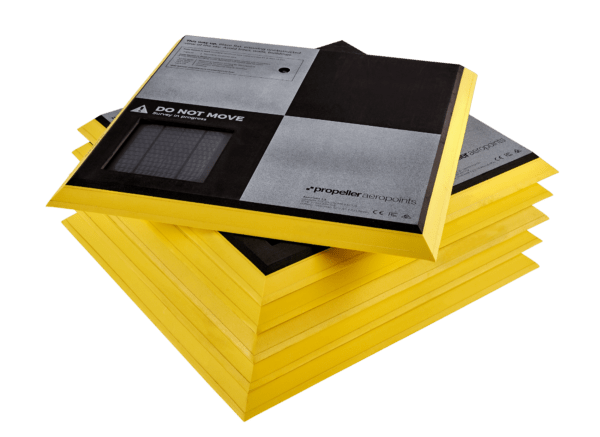
1. Fully Automated Processing In Propeller Corrections Network Coverage Areas
Automated processing is the simplest way to use AeroPoints on your site. It ensures a standard 24-hour turnaround time, and preserves the efficiency benefits that these smart GCPs provide on your drone survey.
If you’re within the Network, choose the Propeller Corrections Network during your dataset upload and we’ll take care of the rest. No sending in supporting data or spreadsheets.
2. Using an AeroPoint as a Base Station on a Known Mark
You might also be working on a site with its own calibration. In the case of local coordinates, we recommend using your AeroPoint on a known mark.
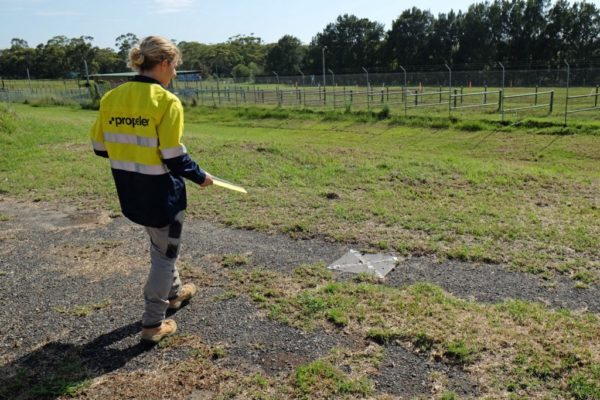
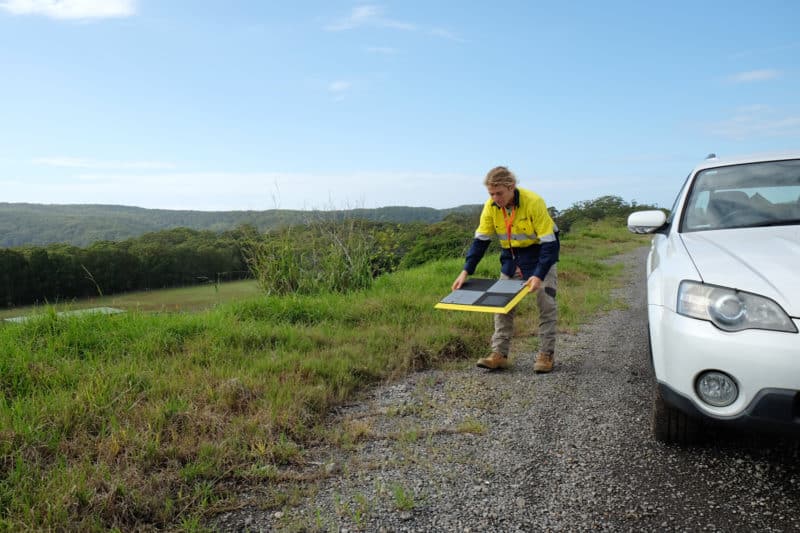
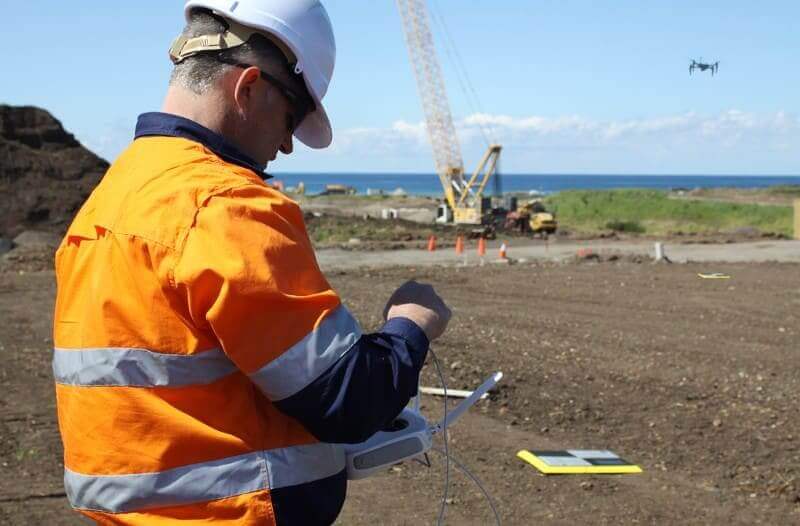
Simply place an AeroPoint on a known survey mark or benchmark location in your survey area. Be sure to place this AeroPoint first, and pick it up last. This allows it record data for the duration of your flight. Propeller then use this AeroPoint, combined with the known coordinates of the mark it was sitting on, as the reference point for the other AeroPoints used in the survey.
Please note that Local Coordinate Systems and Local Site Survey Benchmark processing options are only supported when processing data sets using AeroPoints with the Propeller or Stratus platforms. If you would like more information, please contact us.
3. Using an AeroPoint to Create a New Known Mark
If you don’t have the option of using the Network or there aren’t known marks available, the global accuracy of your survey will be reduced. But you can still use AeroPoints to get results that are internally accurate and consistent over time.
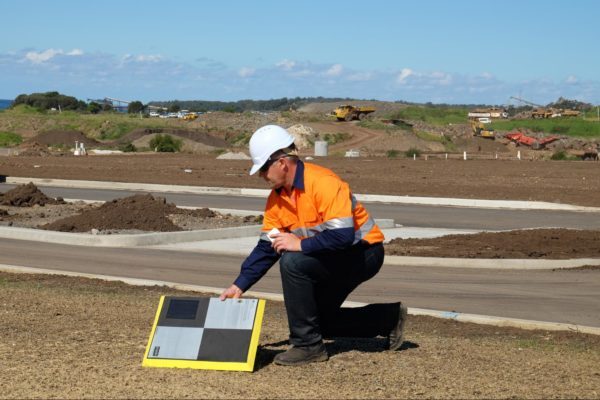
To use this method: Find a hard, flat surface that won’t move or be disturbed, and establish your own “mark.” (We recommend using heavy-duty spray paint like that used for line-marking.) Place one AeroPoint at this mark and ensure it is left in place to record at least two hours of data.
For your first drone survey, we’ll use the data from this AeroPoint to calculate an estimated point. Then when you fly your site again, we’ll treat that coordinate as a “known mark.”
4. Using Your Own RINEX Corrections
Should you have access to a dual frequency L1/L2 RTK rover or your site has an RTK base station receiver, you can provide us with RINEX formatted GNSS observations for the period of your survey. We then use that as the reference point.
This RINEX file must have an accurate location for the base in the header, as this is the location that the AeroPoints will be measured against. To properly process your data, we need RINEX version 2.11 with a minimum frequency of one observation every 10 seconds. It must cover the whole period of the drone survey and have no gaps longer than 10 minutes.