Uploading drone data to Propeller for processing is a quick and painless part of the drone surveying workflow when everything goes right—ground control points are placed optimally, the aerial imagery is high quality, and you’ve checked off all the necessary boxes.
When that happens, here’s what the data upload process looks like.

But, what happens if ground control goes awry or you rush the AeroPoints capture process? These are some common issues that we see customers run into, and when they do occur, they can put accuracy in jeopardy.
Here are four workflow mishaps that contribute to “bad” drone data and some simple tips and tricks on how to avoid them altogether.
1. Poor ground control placement or layout
The most accurate drone surveys include some form of ground control. There’s no getting around it if you’re in pursuit of usable data. Even with an RTK-enabled drone, geotagging aerial data alone will never be enough to produce survey-grade accuracy.

Propeller customers achieve 1/10ft accuracy by superimposing drone data against locational data collected on the ground using AeroPoints, our “smart” ground control points. This is the basis of our PPK workflow. PPK takes a “two heads are better than one” approach to drone surveying, by combining two datasets in search of a greater level of accuracy.
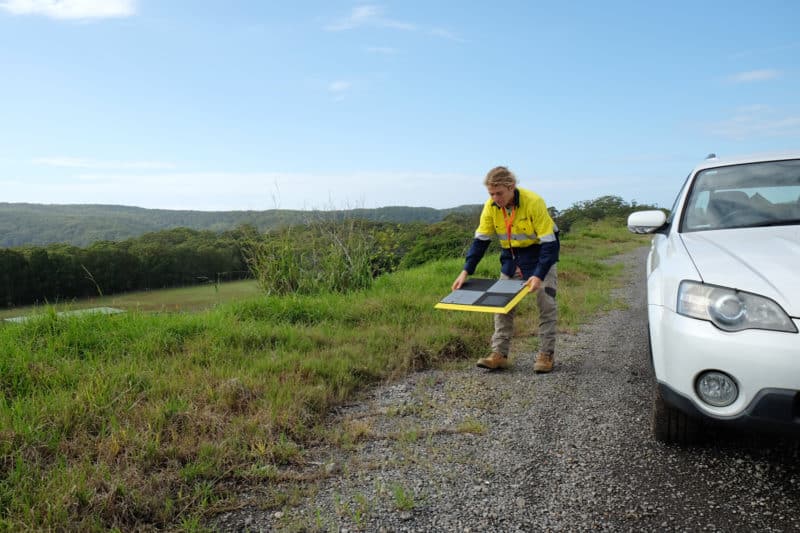
GCPs are what keep your data “grounded” so to speak. And when GCPs are not placed correctly, the cumulative errors in a drone’s measured pitch or roll can bring about tens of centimeters of error in a final model.
For context, when they are placed correctly, the accuracy of a final model is 3cm or less. In other words, taking the time to strategically place GCPs makes all the difference.
So you’re probably wondering what denotes ground control placement as “good” or “bad.” And here’s the answer: “good” ground control takes into account topographic variables such as significant elevation change or site size; “bad” ground control does not. Unfortunately, the blanket approach to GCP placement only works some of the time.
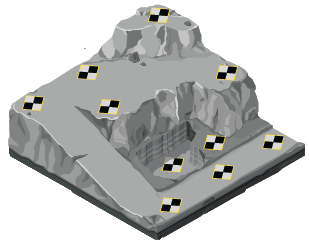
We have published lots of useful information on GCP placement in the past. Here are just some of our existing resources:
- How to Optimize Ground Control Placement
- Determining the Number of GCPs You Need on Your Site
- Things to Know About Ground Control in Drone Surveying
- How to Establish Permanent Ground Control
- How to Survey Sites With Significant Elevation Change
If you read through the resources above, you’ll be well on your way to optimizing GCP placement!
2. AeroPoints capture is not long enough
When AeroPoint data is processed, it’s critically important that the time-stamps overlap. This is the only way we can effectively correct each AeroPoint’s position. If we were to visualize the right amount of overlap and AeroPoints capture time, it would look something like the graphic below.

We can see in this survey, six AeroPoints were used and the capture period lasted a little over an hour and a half. Point 1 was the first AeroPoint turned on and the last picked up. This would be the known point our team uses to correct the rest against.
If the capture times are erratic and random, it’s much more difficult to process the dataset. At least one AeroPoint should be recording the entire length of the survey. Here’s an example of an AeroPoints capture that would cause bad data:

As a general rule of thumb, your AeroPoints should always be collecting data for at least 45 minutes. Any less than that and you’ll likely run into accuracy problems.
Here are additional resources on AeroPoints data capture:
3. Images with high ISO
ISO is a camera calibration that influences how sensitive your camera is to incoming light. In some cases, a higher ISO works in your favor.
Bumping up your ISO in low-light conditions will help your drone images appear brighter without decreasing your shutter speed.
But, like all things in life, too much of a good thing is a very bad thing. When you set your ISO above 400, accuracy issues arise when we’re processing data because there’s significantly more noise in the source imagery.
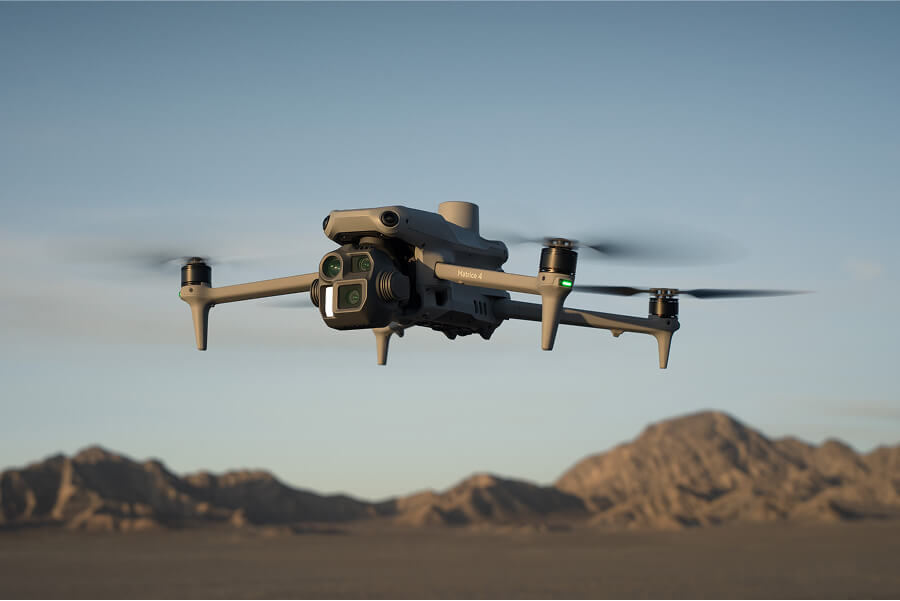
For the Phantom 4 RTK—Propeller’s recommended drone for all things surveying—there isn’t an ISO setting that we teach customers how to use. Instead, we coach our customers to use shutter speed and shutter priority mode to influence ISO in the final images. For that, we recommend setting the shutter priority on at 1000.
Here’s some additional reading on ISO:
4. Coordinates for the known point are not entered correctly
One way we process AeroPoints data is with the “known point method,” in which we apply two types of corrections to the data:
- One AeroPoint corrects its location to a singular fixed point on earth
- The rest of the AeroPoints correct themselves against the known point that is now the other AeroPoint
In this method, you’re using a stationary point on site that you put one AeroPoint on top of to serve as the base station for the rest of the AeroPoints.
Usually, you’ll use a rover to collect the exact coordinates of that point to then later input during the AeroPoints data upload process. At Propeller, we support any and all coordinates systems, including locals.
The process for uploading AeroPoints data is outlined here. About half way into the process, we prompt you to input the coordinates for the known point. It’s at this point that things can go eray.


These items must be entered correctly for us to accurately process your ground control data. It’s a domino effect from there—without accurate ground control data, your aerial data will be processed against the wrong points, and from there, you won’t be able to measure the final model with confidence.
Long story short: double check, triple check, whatever you need to ensure your known point is entered correctly.