How it works: PPK vs. GCP drone surveying

Read Time: 4 mins
Quick links

    GCP-based drone surveying relies on physical markers placed across a site to geotag drone imagery accurately, while RTK and PPK workflows use on-board GPS processing to handle that correction without traditional ground control. RTK does it in real time but requires a continuous base station connection, making it vulnerable to signal loss. PPK applies the same correction post-flight, which is why it delivers more reliable results. AeroPoints bridge the gap: smart GCPs that activate with one button and upload data automatically, removing most of the legwork that made ground control a bottleneck.
    Post-processing and real-time kinematic GCP vs. PPK workflows are becoming more accessible as newer drones come to market. But there’s still a lot of confusion about what the technology is, how it works, and what’s the best for your surveying needs.

    To cut through the complexity, we wanted to explain how PPK workflows differ from more traditional GCP-based drone surveying and how RTK plays into it all.

    GCP

    Ground control points are physical markers placed on site with known coordinates, used to pin drone imagery to the ground with survey-grade accuracy.

    RTK

    Real-time kinematic processing uses a live base station connection to geotag drone imagery during flight, correcting GPS data on the fly.

    PPK

    Post-processing kinematic is a workflow that applies GPS corrections after the flight is complete, making it more reliable than real-time correction.

    Ground control and traditional drone surveying

    When it comes to traditional drone surveying, you need a sufficient number of known points to verify and pin your drone imagery to the ground. Standard drones without GPS correctional processing are simply a vehicle for the camera. Its position in the sky is not accurately geotagged, so you don’t get reliable positional data from its hardware alone; that accuracy comes from ground control, which is why even small errors in ground control setup can have huge repercussions.

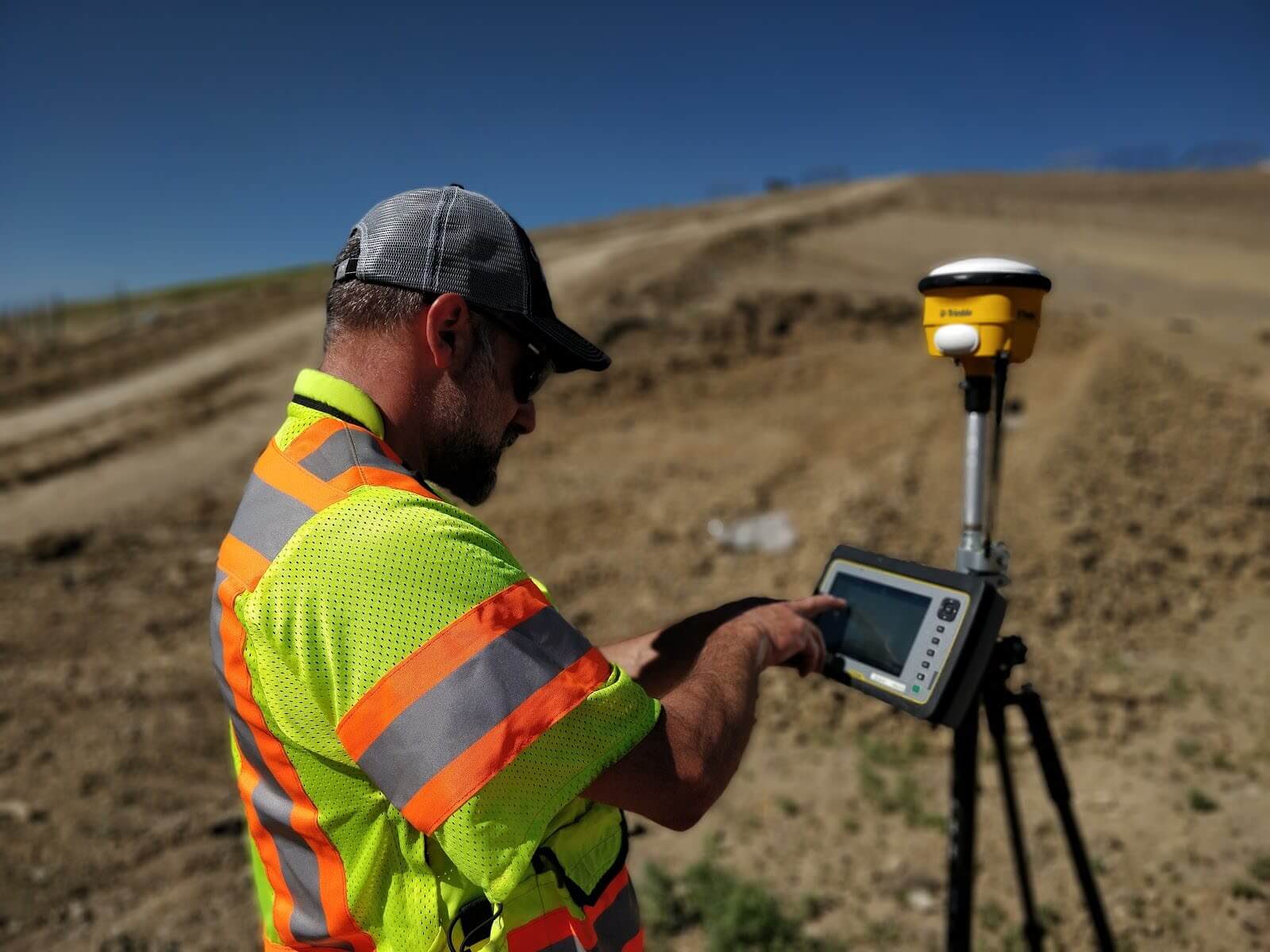
    Ground control points (GCPs) can be known points marked and measured with base and rover, or moveable smart ground control points like Propeller’s AeroPoints.

    Using GCPs when surveying ensures survey-grade accuracy, but setup can be time-consuming on a large site.

    Surveyor with rover for ground control

    Setting up ground control with AeroPoints

    If you’re working with smart GCPs like AeroPoints, you need to drop the hardware in an optimal distribution across the entire surveyed area. This method also takes time, but you save on having a surveyor walking the site, shooting points with a rover, and painting them for visibility.

    Once AeroPoints are in place, the process becomes significantly simpler. Activation requires only a single button press, then they’re ready to start gathering information. When your drone survey is complete, you gather them back up and they automatically search for a WiFi signal to begin uploading their data to Propeller.

    AeroPoints setup

    01

    Place across the site

    Distribute AeroPoints in an optimal spread across the entire surveyed area before the flight.

    02

    Activate with one button

    A single press is all it takes. AeroPoints start recording immediately and run for the full duration of the survey.

    03

    Collect and upload

    Pick them up after the flight. They find a WiFi signal and upload data to Propeller automatically.

    The planning, risk assessment, and legwork associated with setting up ground control has historically been a necessary, if unwanted, part of the workflow. Smart GCPs change that calculus significantly.

    On-board GPS correctional processing has changed the need for ground control

    RTK-enabled drones have the ability to track their own positions accurately, which standard drones lack. A PPK workflow is our recommended method for surveying a site via drone. But first, let’s understand what makes these two technologies different.

    How on-board RTK technology works

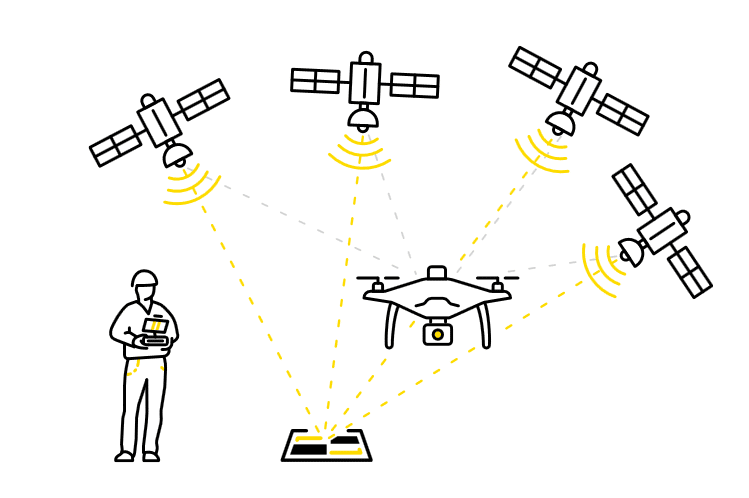
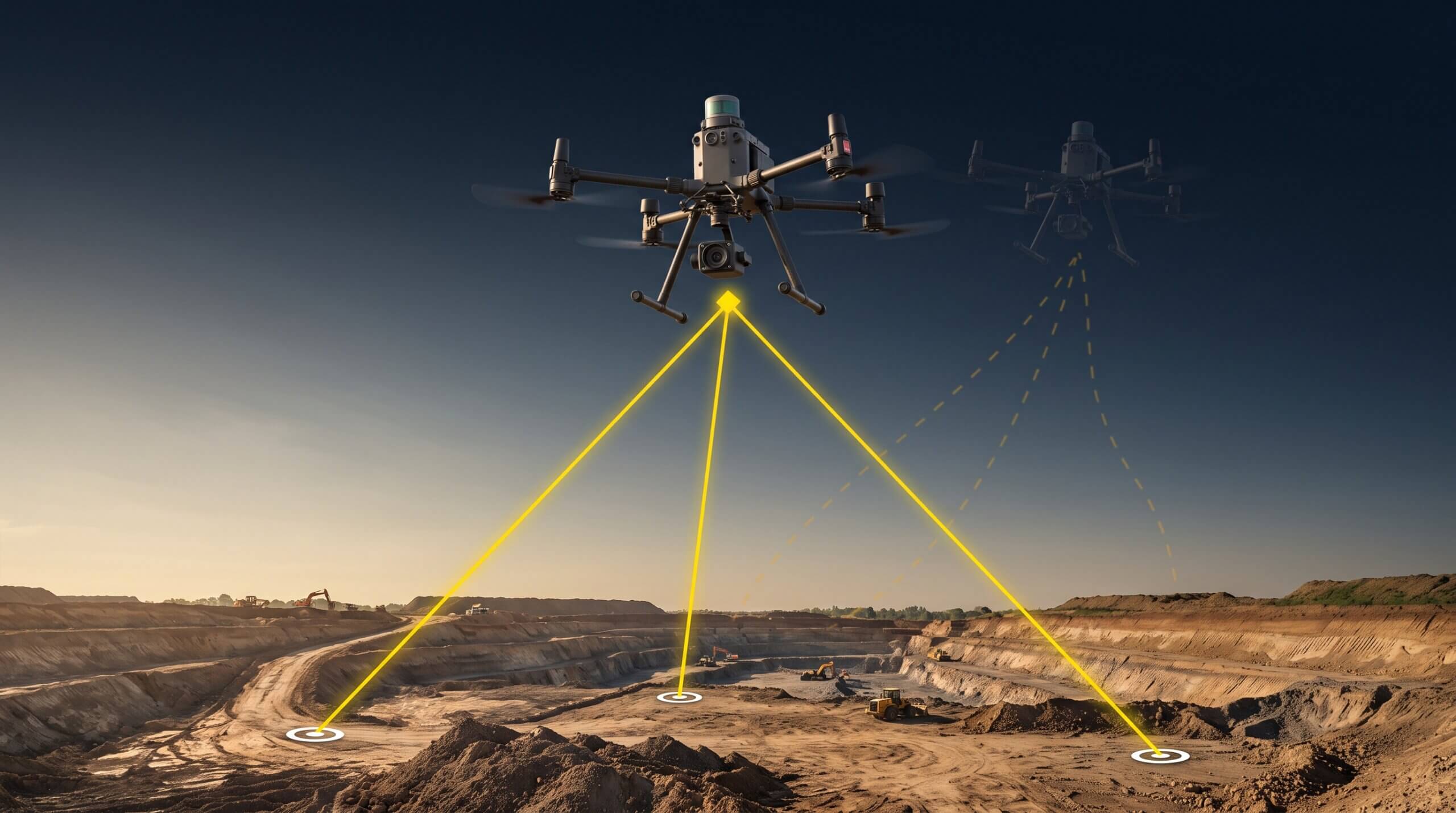
    Real-time kinematic (RTK) processing on a drone records GPS information and geotags images as they’re captured during flight. The GPS location is recorded for the center of the image.

    A passive base station on the ground sends raw GPS data to the drone. Then the drone’s on-board GPS combines that info and its own observations to accurately determine its position relative to the base.

    But to achieve this, the RTK drone must stay connected to the base station while it’s gathering data. Unfortunately, signal loss can occur during turns, likely due to antenna orientation. If this happens and the drone tries to regain lock, data becomes unreliable.

    The difference between PPK and RTK

    PPK isn’t hardware, but rather a different processing workflow using an RTK drone.

    PPK stands for “post-processing kinematic.” The difference with PPK workflows is how we process base station data for correction and accuracy.

    With PPK, the drone geotags X,Y,Z coordinates to each image based on that on-board GPS unit. While this is happening, a base (be it a base station, an AeroPoint, or the CORS network) is also recording the positional information, but with much more accurate triangulation.

    After the flight is over, those two sets of GPS data are matched up using the photo timestamp and the initial, less-than-accurate on-board GPS data is corrected, giving precise geotags for the imagery.

    While “real-time” technologies may sound more attractive, it’s the very fact that PPK processing happens post-flight that allows it to be so much more useful and reliable.

    RTK: limitations

    • Requires live base station connection during the flight
    • Signal loss during turns causes unreliable data
    • Data quality depends on real-time connectivity

    PPK: advantages

    • Base records data independently throughout the flight
    • Post-flight processing eliminates signal-loss risk
    • More reliable, precise geotags across the full survey

    Want to dig into the details?

    Check out our PPK digital guide to cut through the confusion and get straight to what you need to know about PPK.

    Check Out the Guide

    Quick links

      Related articles

      At The Heart of Earthworks Project Health is Drone Survey Accuracy

      In earthworks, accuracy is everything. Even a small miscalculation can get extremely costly over the…
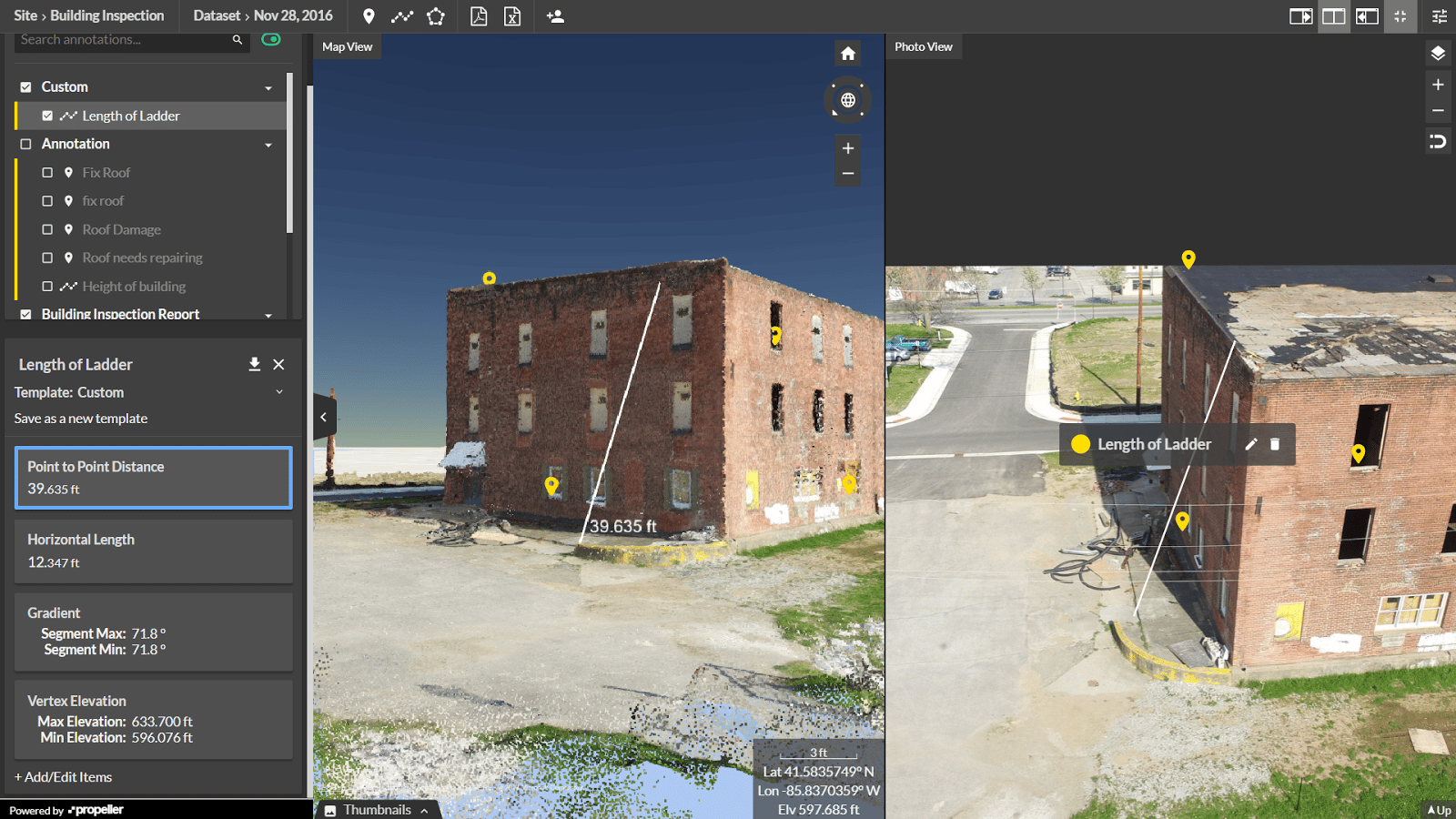
      Five Ways the Propeller Platform Will Improve Your Aerial Survey Inspections

      Drone-based aerial survey inspections of industrial structures are poised to save time, money, reduce downtime,…

      A Powerful Propeller Partner: DJI’s Matrice 300 RTK Drone

      Full customer support is now available through Propeller for DJI’s Matrice 300 RTK (M300) drone.…

      Ready to learn how Propeller can power up your worksite?

      We’re happy to show you how Propeller can power your worksite, and boost productivity.

      Related articles

      Close-up photo of a Phantom drone and DJI lens.

      What Makes a Good Drone Camera?

      The variety of cameras available in the drone world may seem overwhelming. New models are…

      DJI GS Pro: Drone Mission Planning

      GS Pro (Ground Station Pro) is the latest app developed by DJI to plan and…
      Two drone pilots in a field ready to start a flight. AeroPoint is in the foreground.

      Mastering Foundations of Drone Surveying

      Foundations of Drone Surveying Course – Get Training in UAV Surveying Propeller partner UAVAIR provides…