Welcome to the Inside Propeller series (1/6)
There’s no shortage of construction site management software on the market. If you’ve ever wondered, “What does Propeller actually do?” this is the article to bookmark.
Propeller is your end-to-end site data management platform. It’s a central hub where survey data, machine tracking, and site photos all come together in one easy-to-use map. Instead of juggling files and siloed tools across teams, Propeller gives everyone the same clear picture of your worksite, so decisions get made faster and projects move forward with certainty.
This post kicks off our series. We’ll break down the platform feature by feature and map how our workflows can support you, with your specific role and goals in mind.
Think of this article as the “menu”: a big-picture look at every tool Propeller has to offer. Through the rest of the series, we’ll show you how users from project managers to surveyors each use these tools in their day-to-day work.
Let’s dive in.
Track: See how much you’ve done (and how much is left to go)
Surveys give you part of the progress-tracking picture. Propeller takes you the rest of the way there with real-time machine tracking and elevations, alignments for linear projects, and an easy way to compare cut-fill to design.
Top features for progress tracking
- Surface comparison: Compare any two surfaces, whether that’s survey-to-survey or survey-to-design, to instantly see cut-fill volumes, track progress over time, and validate completed work.
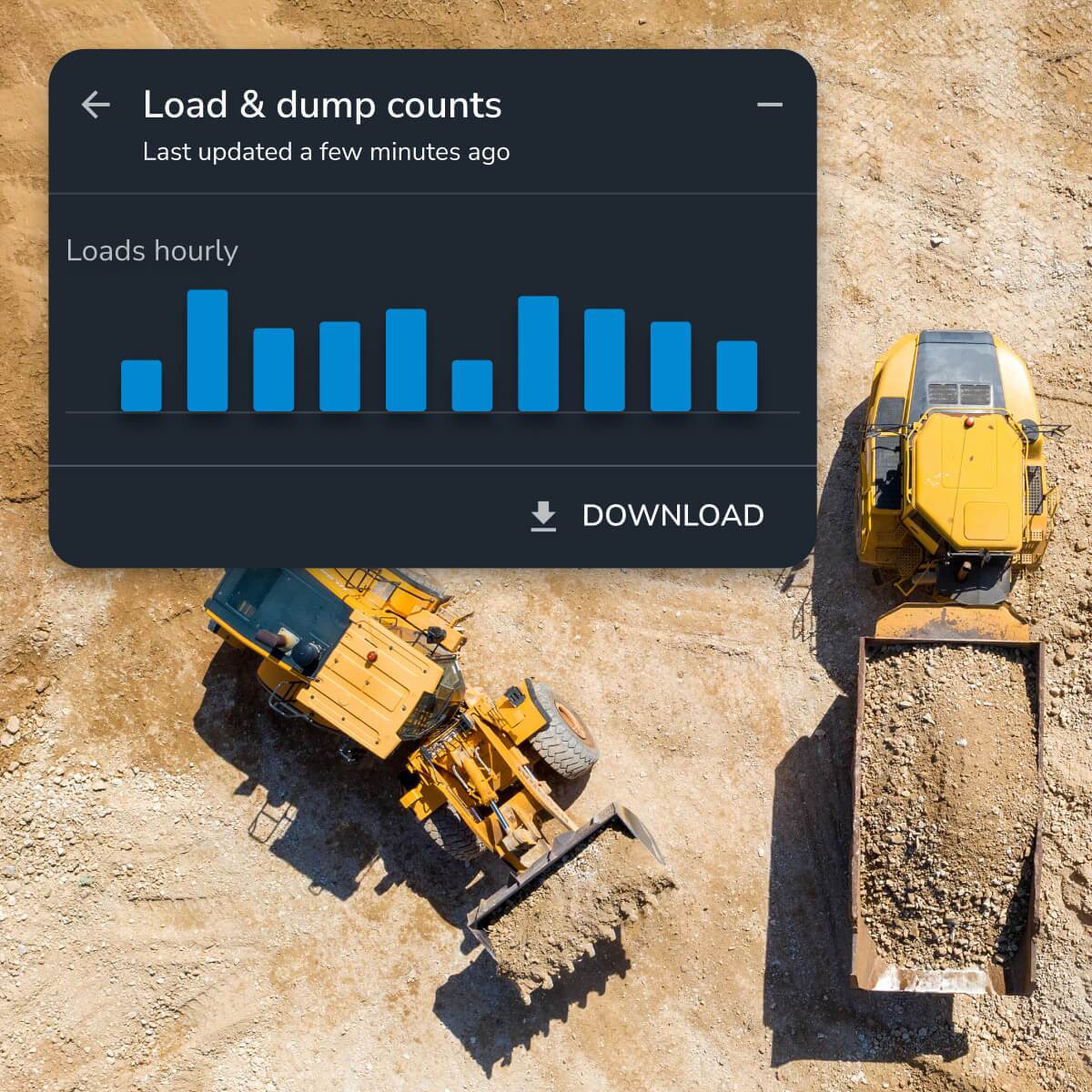
- DirtMate: Get real-time machine data on location, speed, and load cycles to see how efficiently you’re working, plus surface updates every 30 minutes to track how much earth you’re moving.
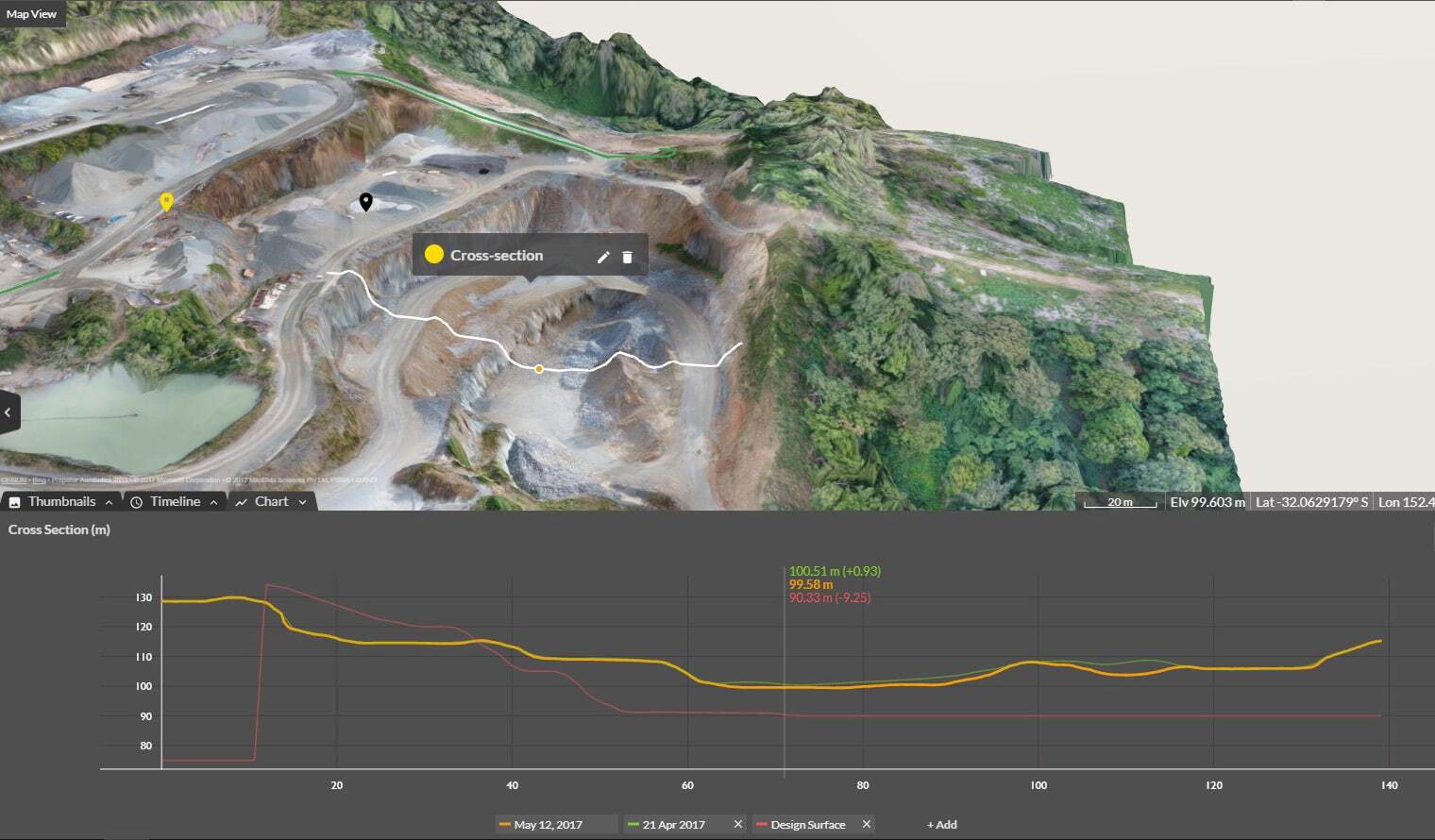
- Alignments: See station and offset on desktop or mobile with high precision. Generate automated cross-sections with customizable left and right offsets so you can monitor progress station by station.
More about DirtMate:
- Utilization + speed analysis: See how efficiently your machines are running and where bottlenecks are creating delays
- Smart cycles and trails: Track haul routes, cycle times, and operator performance to spot opportunities for improvement
Measure: Get the numbers right, every time
With tight margins and stiff competition, every cube of material matters. Propeller’s measurement tools make it simple to check volumes, distances, and elevations on-site in just a few clicks.
Top features to measure site data
- Cross-section: Look at both horizontal and vertical differences, calculate slopes, and analyze cut-fill across benches, pits, or sections of road.
- Elevation difference: Compare elevations across multiple surveys for accurate progress tracking.
- Stockpile volumes: Measure volumes instantly for accurate inventory management. Get a one-click “smart volume” or set a customized reference base and vertex elevations for more precise calculations.
Also see:
Map + capture: Simplify the way you see your site
At the heart of Propeller is an interactive 3D map that’s accurate enough for experts and easy enough for anyone to read. Because it’s so accessible, the map is the single source of truth for your entire jobsite.
Here are the tools that make it easy to capture data from multiple sources and navigate your site without switching between siloed software or doing manual work in spreadsheets.
Top features to map + capture site data
- Survey Explorer: Bring together drone, GPS, optical, or terrestrial scanner survey data—plus linework and designs—into one seamless view. Incorporate subgrade and finish grade; mine plans; cell, lifts, and top of waste designs; and planimetric, utility, and boundary data. Toggle each data layer on or off to view your site in as much detail as you like.
- Composite Builder: With all your surveys in one place, why not make the most complete map? Combine multiple surveys into a single view, so you’re never stuck with incomplete coverage.
- Timeline: Travel back in time (visually, anyway) to see how your site has progressed throughout the project and provide proof of work. Share the details with internal stakeholders for progress meetings, or export into a timelapse video for client review or compliance coverage
- 2D + 3D viewing: Get 2D and 3D views of your site in the same window, so you’re not wasting time comparing print and digital maps or toggling back and forth.
Also see:
Organize: Keep your data tidy (and secure)
Your site data is only as valuable as your ability to use it, which means keeping it well-organized and accessible. Propeller makes it easy to set user permissions, structure projects, and integrate with other tools.
Top features to organize site data
- User permissions: With up to 10 levels of access control, everyone sees exactly what they need (and nothing they don’t).
- Custom homepage + folders: Set up projects, site groups, and subgroups for a clean, customized workspace.
- Import/export: Share data in more formats than any other platform, from contours to down-sampled surfaces. Integrate directly with other GIS tools via WMTS or API.
Also see:
Plan ahead: Simulate what’s next so you can prepare before it happens
Earthwork doesn’t happen in a vacuum; it’s shaped by the environment, and that means weather. Propeller’s hydrology tools let you plan for water movement and runoff before it impacts your project schedule.
Top features to plan for what’s ahead
- Watershed analysis: Identify catchment areas and model how water will flow across your site, using breached stream networks to simulate overflow during extreme weather
- Direct rainfall simulator: Model how different rainfall events will cause water to pool and flow across your site to better plan for drainage and flood risks
- Surface runoff: Indicate flow direction and spill impact areas to spot drainage risks before they turn into problems
- Flood to level: Simulate rising water levels to identify which areas of your site are at risk and plan mitigation strategies in advance
Collaborate: Keep everyone on the same page
From the field to the office, Propeller makes it easy to share progress, reports, and visual updates so no one’s working in the dark.
Top features for collaboration
- Crew + Propeller mobile: Share site data via an ungated browser link (Crew) or bring the full 3D desktop view to your phone (Mobile)
- Timelapse + flythrough: Generate dynamic progress visuals you can share with clients or other stakeholders
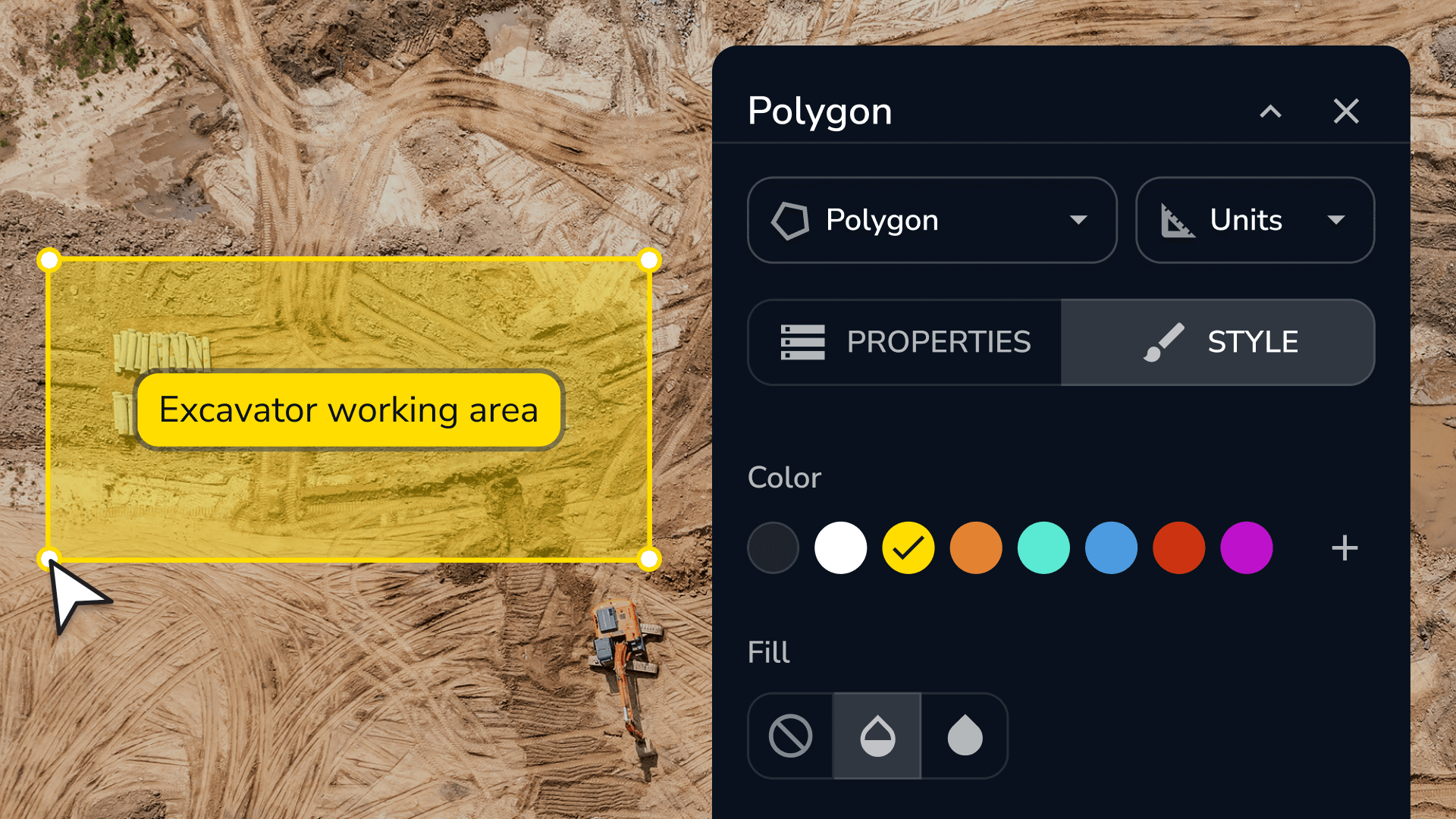
- Media + Markup: Add geotagged photos, notes, and symbols to the map to prevent confusion and keep everyone up to speed
- Scheduled reports + takeoff maps: Generate measurement reports (PDFs or CSV), schedule DirtMate production reports, or create takeoff maps for easy bid prep
Ready to see Propeller in action?
You just got a high-level tour of every feature inside Propeller’s toolbox. Throughout the rest of this series, we’ll explore how these features come to life in real workflows for project managers, surveyors, engineers, and more.
Book a demo below.