Working with design files: Best practices for CAD drafters and design file editors

Read Time: 2 mins
Quick links
    design road

    Clean, well-structured design files load faster, perform better, and give your team more accurate data to work with in Propeller. This Power Hour recap covers the practical prep steps that make the biggest difference: layer organization, linework simplification, surface optimization, and IFC best practices.
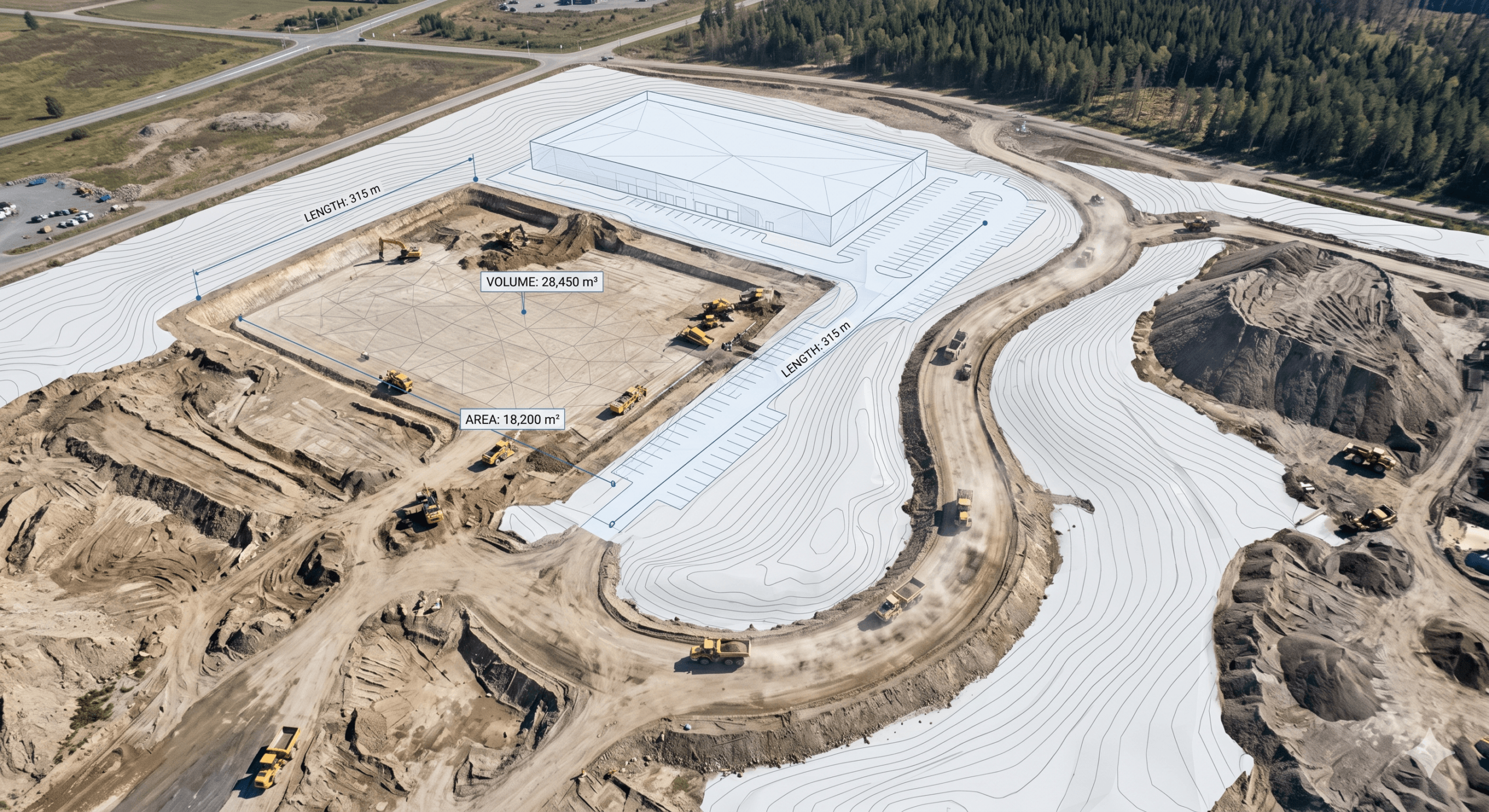
    Power Hour is an exclusive event for Propeller customers where we tackle technical challenges, share best practices, and explore ways to get more out of the platform. Each session focuses on a key topic, offering practical advice and insights from experts and real-world examples.

    In the most recent Power Hour, we discussed how to optimize and prepare design files for better platform performance. From structuring files to ensuring they’re streamlined for analysis, we shared valuable tips to help customers maximize their results.

    Here’s a recap of what we covered.

    The basics: Layers, organization, and version control

    Cluttered layers and outdated files create more work and room for error. Keep things organized to ensure your data is easily accessible, accurate, and ready for further analysis.

    • Layers: Aim for simplicity. Keep layer counts low and eliminate redundant layers. This reduces file complexity, speeds up processing times, and enhances platform responsiveness, making it easier to manage design outputs
    • Organization: Establish consistent naming schemes and control permissions to prevent accidental changes
    • Version control: Ensure everyone uses the correct file versions by naming files clearly and removing obsolete data

    Linework: Simplification and optimization

    Detailed linework can be powerful, but too much complexity gets counterproductive, especially when working with design files. Here’s how to streamline:

    • Reduce vertex counts: Avoid overloading your designs with unnecessary vertices. Simplify curves and arcs, and clean up straight lines where possible
    • Manage labels: Extra labels can cause unexpected performance hits. Keep them in separate layers and remove anything nonessential
    • Elevations: Non-elevation critical linework can be clamped to the model surface in Propeller

    Optimizing surfaces for performance

    Surfaces, including TINs (triangulated irregular network surfaces), are critical but can be cumbersome if not managed efficiently.

    • Trim and phase surfaces: Limit project areas and break large surfaces into phases to keep triangle counts low, maintaining precision without slowing performance
    • Optimize triangles: Reduce triangles in flat or less critical areas, focusing detail where it matters most
    • Consistent naming: Use uniform layer naming (e.g. “subgrade” vs. “final grade”) for easy reference
    • Efficient file types: Opt for formats like XML and TTM to minimize data overhead and enhance responsiveness compared to DXFs

    IFCs: Not just design file types

    IFCs (Industry Foundation Classes) are a key part of your workflow. To maximize their potential, keep these tips in mind:

    • Schema matters: Use the latest schemas (e.g. IFC 4 ADD2 TC1) for improved functionality and flexibility
    • Color and textures: Simplify colors and avoid texture-heavy exports that are often program-specific and do not display correctly outside that program. Color-coding classes (e.g. yellow for manholes, green for storm sewers) can improve clarity

    Ready to learn how Propeller can power up your worksite with easy and effective data-sharing? Request a demo today.

    Quick links

      Related articles

      Reports powered by Propeller:  Unlock critical insights for your project team

      Reports generated from Propeller can help project teams plan their projects, track material inventories, and…
      Construction worker using a laptop in a truck cab to access data via API integration

      Put your data to work with Propeller’s integrations + APIs

      Every minute counts in civil construction, aggregates, mining, and waste management—and those lost hours add…

      Existing ground during production: How verified baselines protect margin all the way to final quantities

      You’ve won the bid, the machines are on-site, and dirt is finally moving. For many…

      Ready to learn how Propeller can power up your worksite?

      We’re happy to show you how Propeller can power your worksite, and boost productivity.

      Related articles

      Cross section survey in a matter of minutes using drone data

      With the power of drone-captured data and the Propeller Platform, surveying cross sections becomes as…

      How to Use Drone Data to Improve Landfill Performance

      If you manage a landfill, you may have been wondering how you can use drones…

      How to Collaborate Better Using Drone Data and the Propeller Platform

      Keeping everyone on your worksites up to date with the best and most recent information…