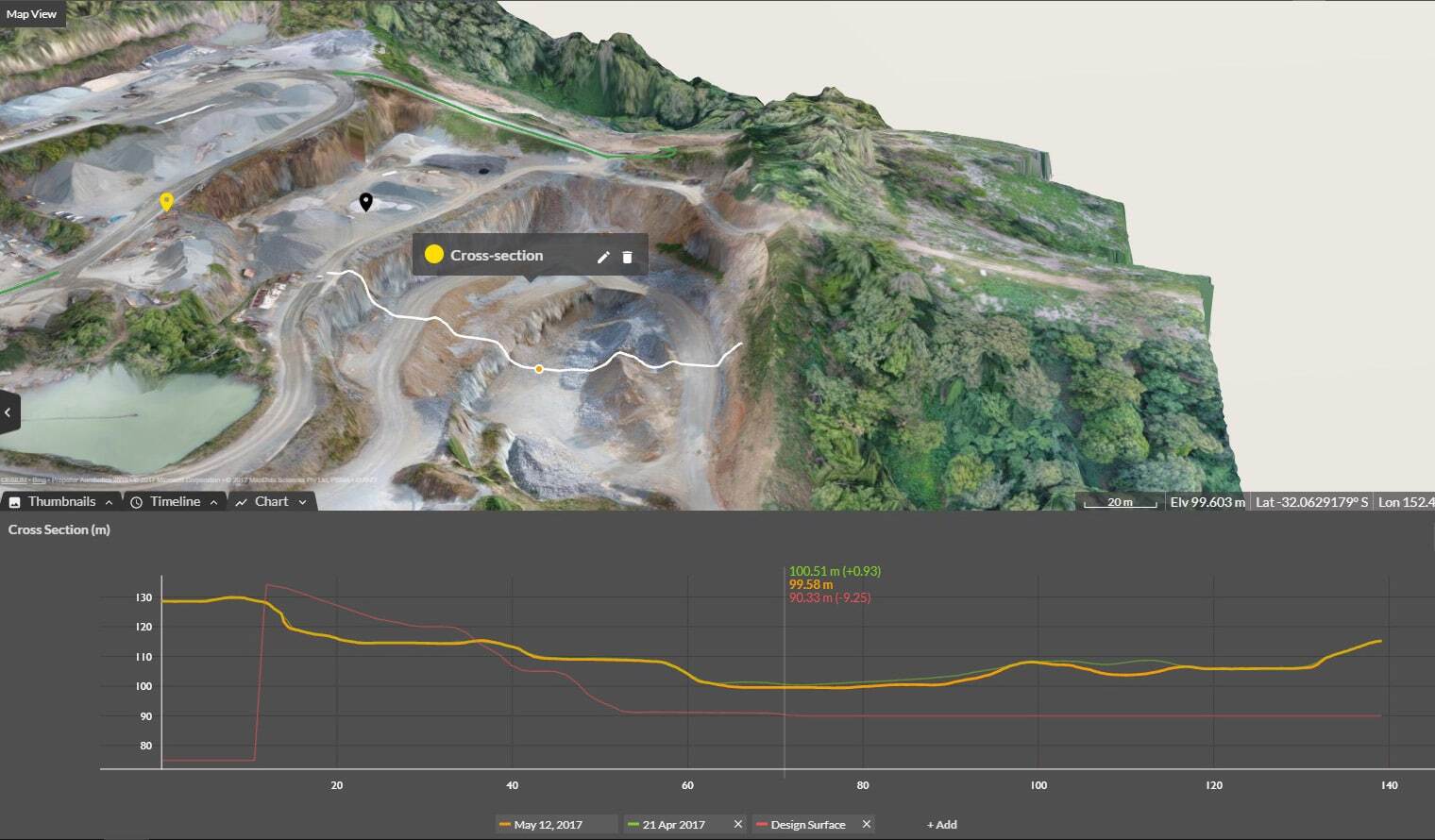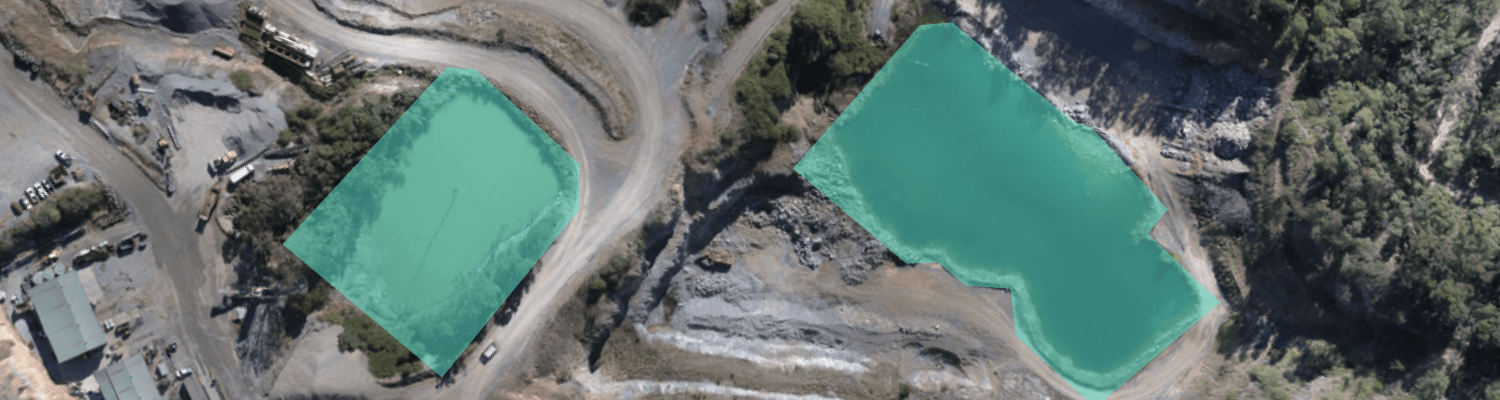
We built Propeller to be an all-in-one platform for drone and design data, giving teams the tools to map, measure, and manage their worksites from one place. But ground surveys from traditional hardware like a base and rover or GPS total station weren’t part of the equation—until now.
Propeller now supports TIN surface uploads from ground survey hardware.
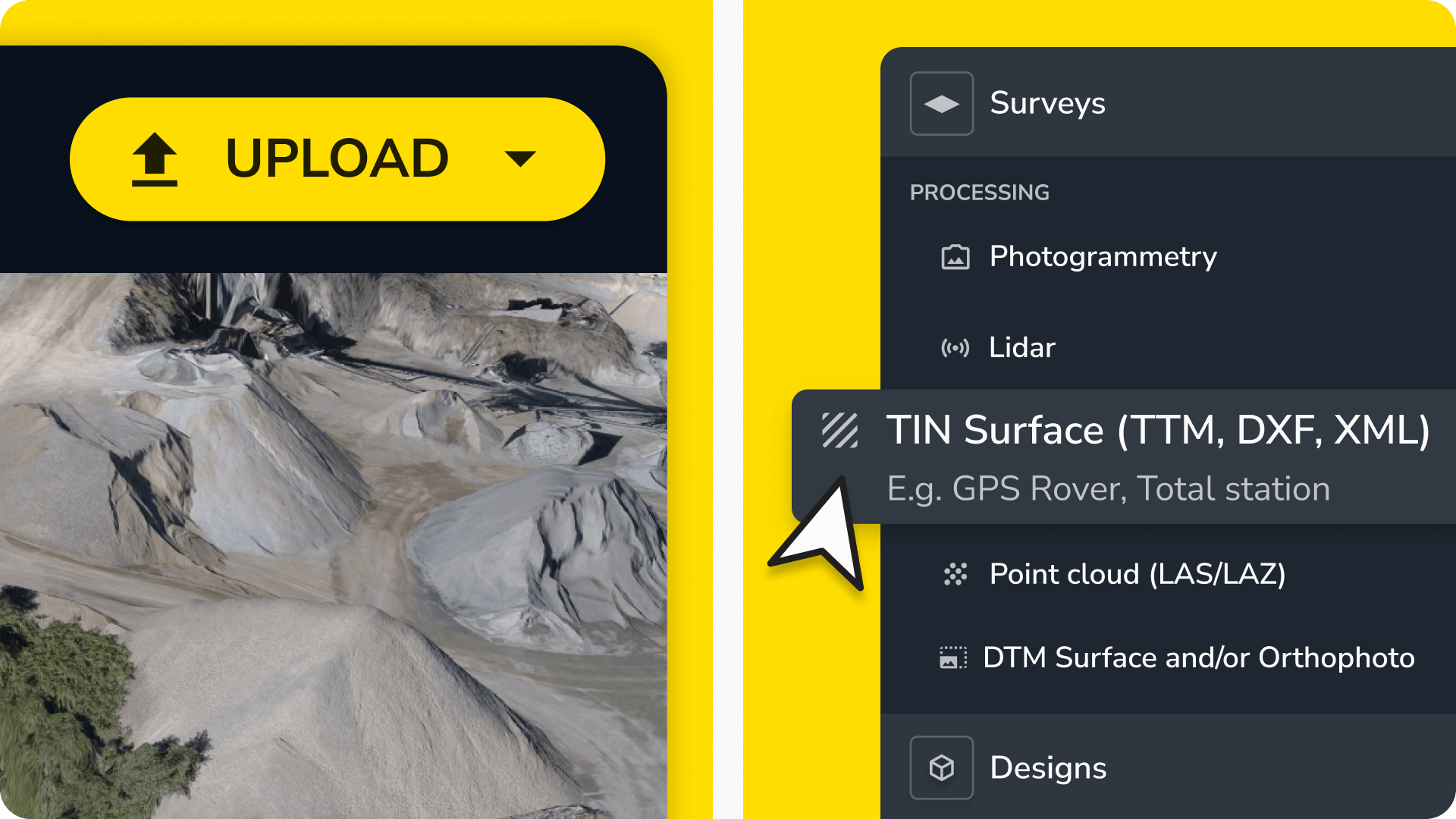
This means you can upload any ground survey or surface data with a TIN file type and seamlessly integrate it into your existing workflows.
Before we dive in—what’s so exciting about TIN?
By uploading all of your surface data into Propeller (not just drone surveys), you can:
- Create composite surveys for a complete picture of your worksite
- Validate your most current terrain conditions against design specs
- Make data-driven decisions with all your site information in one place
What are TIN surfaces?
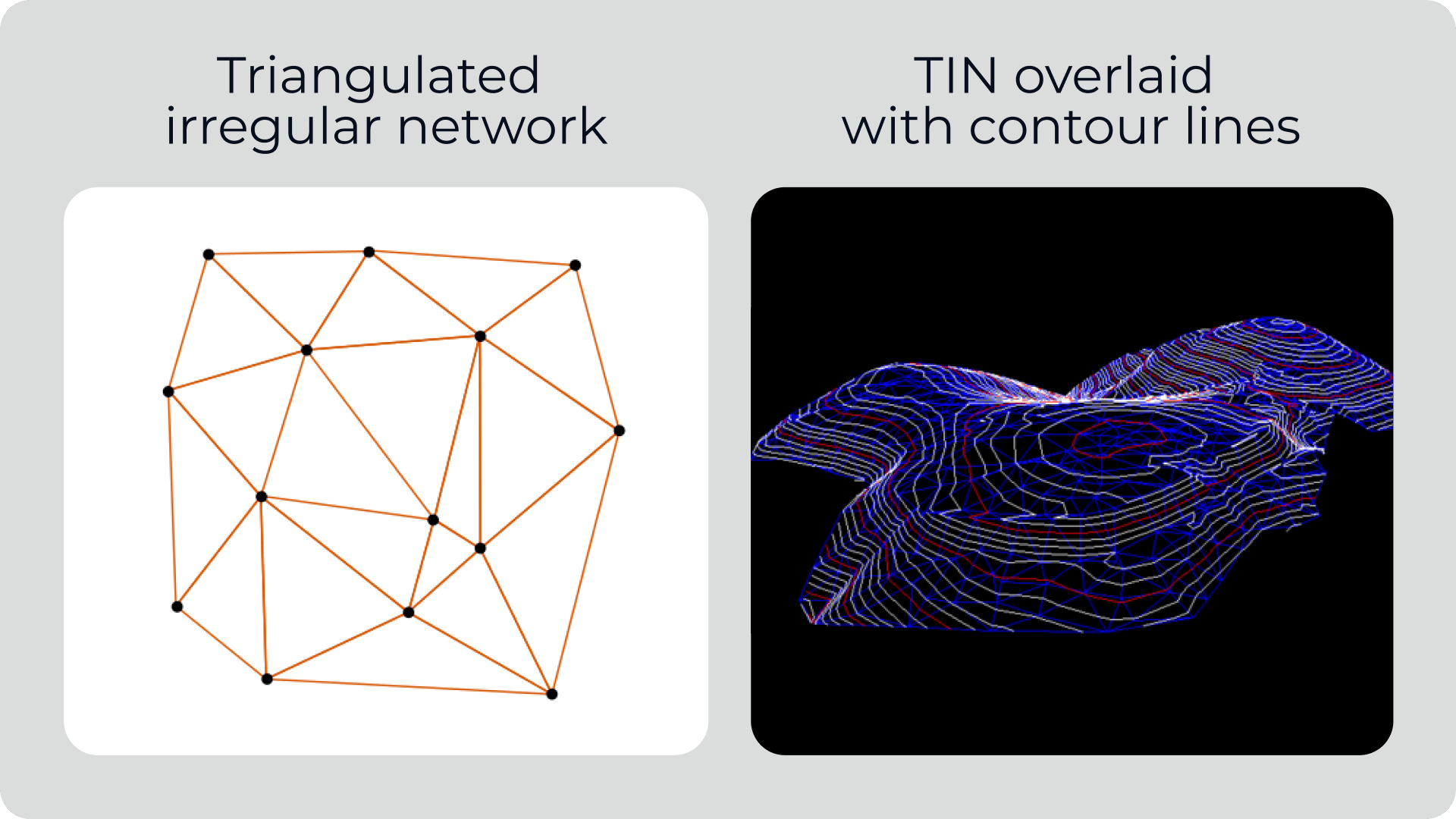
A Triangular Irregular Network (TIN) surface is a 3D representation of terrain built from a series of connected point triangles (x, y, and z coordinates). They’re widely used in construction, civil engineering, and earthwork for modeling terrain, measuring volumes, and validating designs against as-builts.
Supported file formats
Propeller now accepts the most common types of TIN surface files:
Why upload TIN surfaces to Propeller?
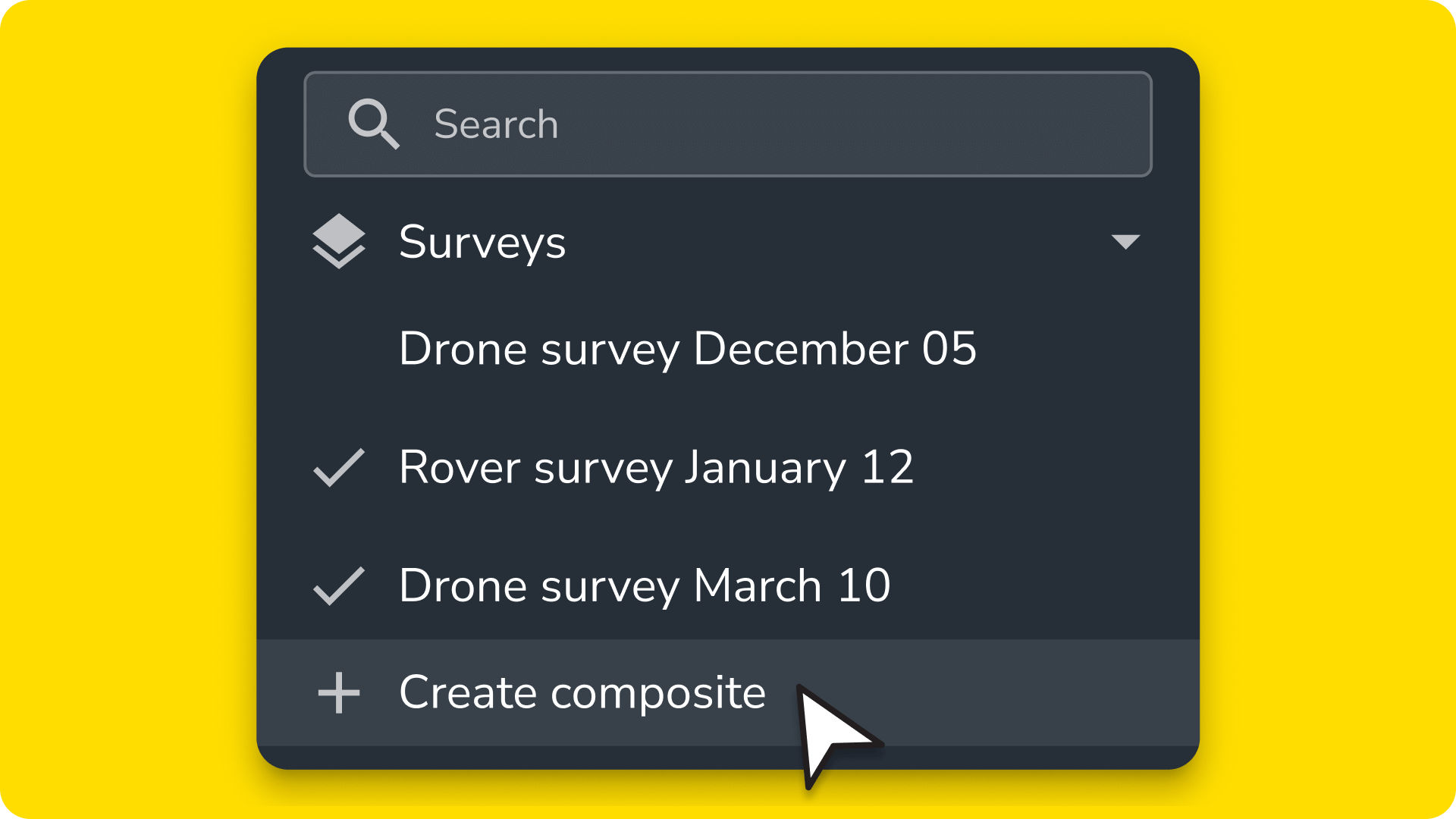
With TIN surfaces in Propeller, you can streamline a wide range of workflows, including:
- Check as-builts with a total station.
- Run elevation checks on asphalt.
- Verify underground utility installation with line imports.
- Manage material inventory between drone flights.
Seamless data integration
Drone surveys and design files aren’t the only data you can access in Propeller. With ground survey data in the mix, mapping and measuring your worksite from one central hub has never been easier.
Uploading ground survey data gives you a more comprehensive view of your worksite, regardless of data source, making it easier to validate as-builts and track progress in one place.
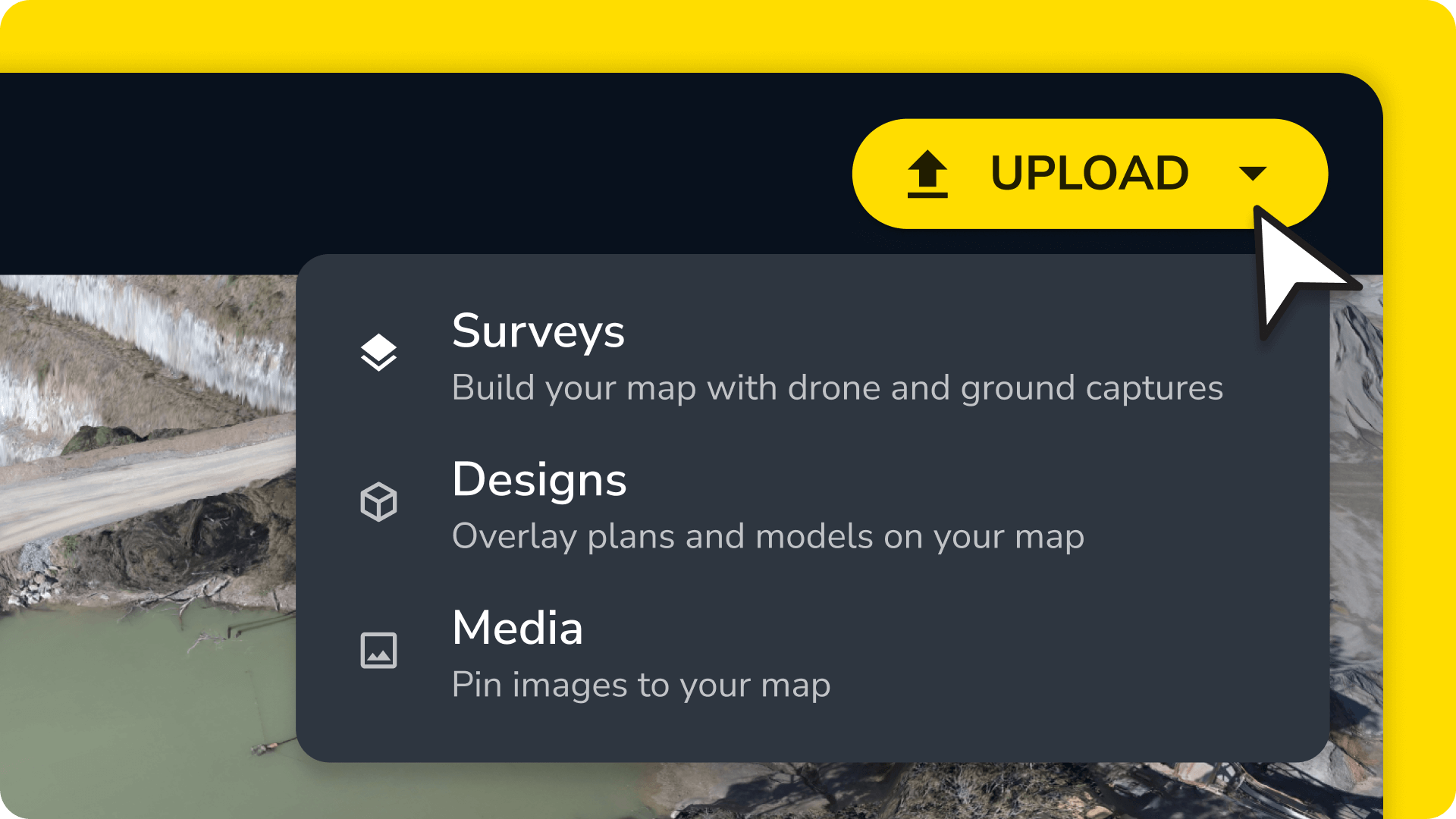
Simpler workflows
Constantly converting files or switching between software wastes valuable time. With your TIN surfaces safely in Propeller, you can skip tedious file conversions and cut back on expensive licenses.
Propeller lets you view ground survey data in a cloud-based platform that’s accessible from anywhere, saving your team time and reducing the risk of errors.
Better collaboration
Surveyors, project managers, and field crews can access all the same data—including complex ground surveys—in real time, no matter where they are.
No more version control issues or having to get back to the office to pull answers from the one computer powerful enough to provide them. Just instant, accurate insights that are ready when you are.
How TIN surfaces can improve your worksite management
- Compare terrain to design specs: Using Propeller, teams can easily verify that actual ground conditions match design specifications, reducing the risk of costly rework
- View data for uncleared terrain: Unless you have lidar, you can’t use drones to map heavily vegetated areas. TIN surfaces let you leverage traditional ground surveys in uncleared areas, restricted airspace, or other spots where you can’t fly.
Faster insights: Project managers won’t have to wait on survey teams to process and send reports manually. With user-friendly surface data right in Propeller, they can get up-to-date information without having to tap a teammate on the shoulder. They can pull cut-fill heatmaps, check elevation models, and track site progress, all in one dashboard.
Ready to upload your surface files and see Propeller in action? Sign up for a free trial.