AeroPoints™ are used on all types of worksites, all over the world—which means they get a ton of use. Caring for your AeroPoints before, during, and after flight is important to ensure optimal function and long life for these smart ground control points (GCPs).
AeroPoints are tough, and generally require very little maintenance. But sometimes nature tests them in unusual ways, like when a black bear tries to eat them. To help extend the life and performance of your AeroPoints, bears aside, here are some basic things to consider:
Caring for AeroPoints before you fly
If your AeroPoints are new, or if you haven’t used them in a while, make sure they’re fully charged before you head out on site. It takes about five hours to fully charge your AeroPoints via the plug-in, wall charger.
Use a damp cloth to wipe any dust, mud, or grime from the solar panel located at the top of the AeroPoint.
Caring for AeroPoints while on site
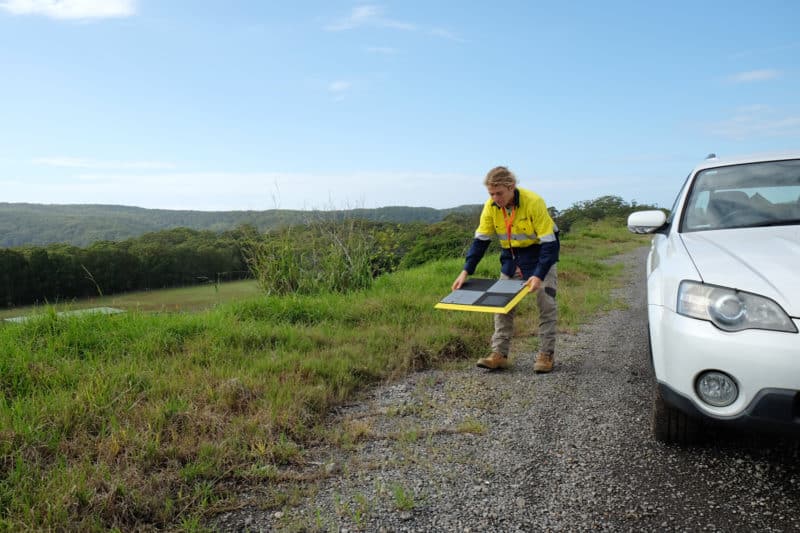
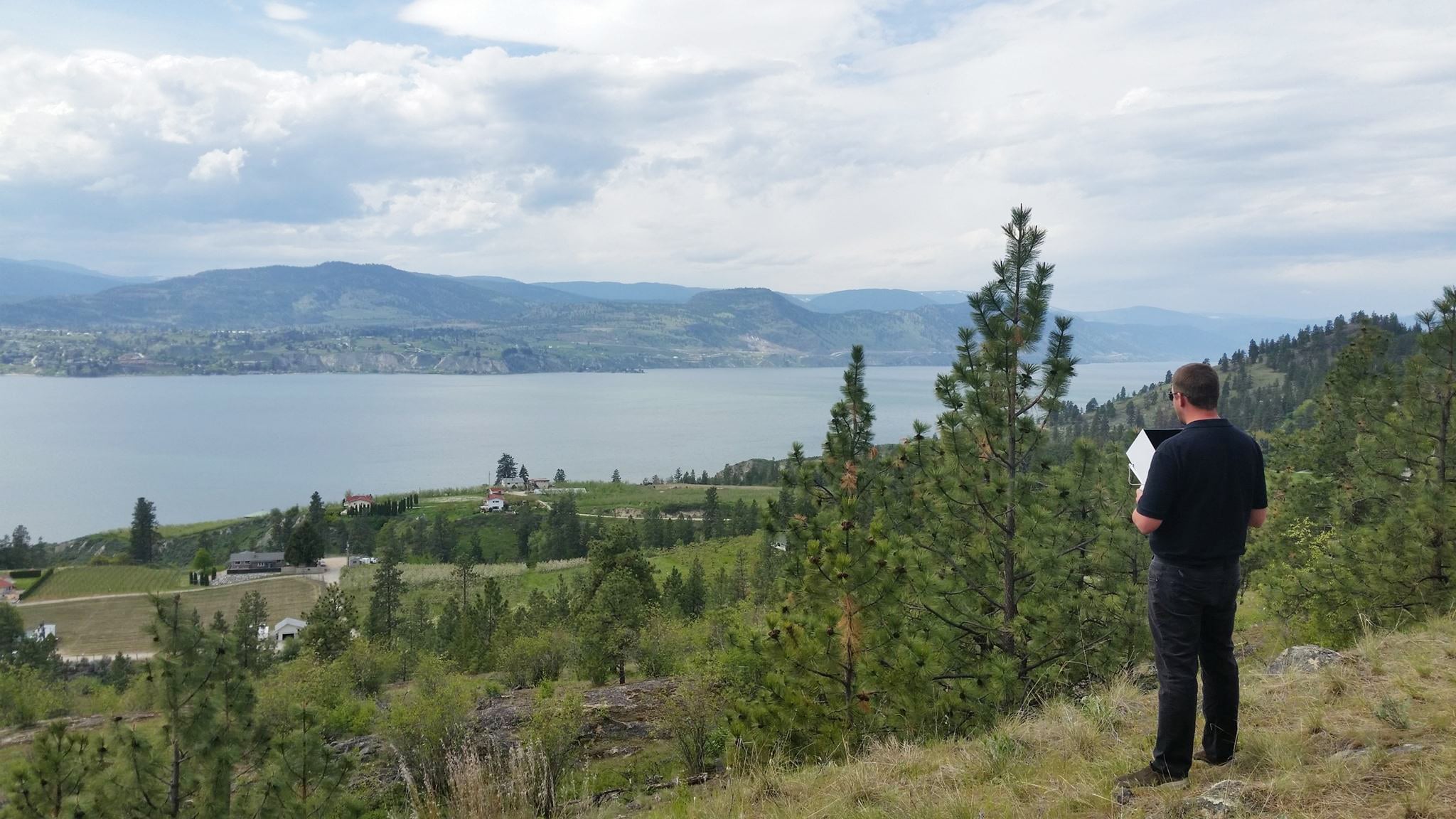
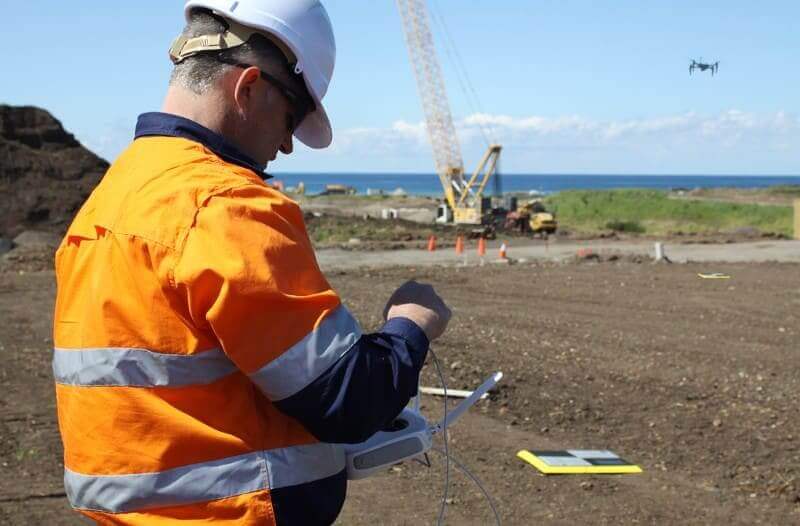
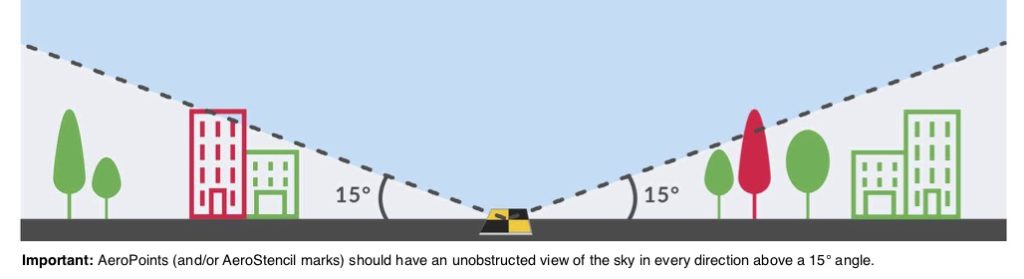
When laying out your AeroPoints, ensure they have an unobstructed view of the sky. Avoid placing them beneath trees, walls, buildings, or power lines.
Also avoid laying them in areas where they are likely to be disturbed or moved by people, animals, or vehicles.
AeroPoints are built to be water-resistant (they can handle some light rain, mud, or splashes), but they aren’t waterproof. This means they shouldn’t be fully submerged or left out in heavy rain.
Caring for AeroPoints after your flight
Once you collect your AeroPoints, remove any dirt and dust with a damp cloth as soon as is practical. They should be kept clean and dry when not in use.
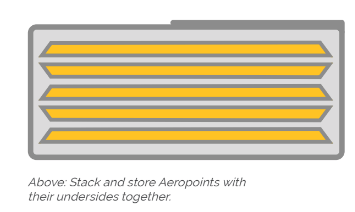
Store your AeroPoints in the bag provided, placing them back-to-back to avoid scratching the solar panels with sand or gravel.