If your owner update depends on screenshots, you’re already behind.
Data center projects punish lag. Designs evolve, field conditions change, and sequencing shifts week to week. Meanwhile the list of people who need the same answer keeps growing: GC PMs, subs, owner’s reps, VDC and BIM leads, inspectors, project controls. When the update lives across PDFs, markups, email threads, photos, and chat messages, you don’t just lose time assembling it. You lose time arguing about what’s current. That’s where delays, rework, and blame loops come from.
The real enemy isn’t change, it’s fragmentation
Most teams don’t struggle because they can’t produce an update. They struggle because they can’t produce one that stakeholders trust.
You’ve probably seen the pattern. Someone asks, “What changed since last week?” Someone shares a screenshot. A third person replies, “Is that the latest?” Now everyone’s chasing context: which drawing, which date, which area, which version, which assumptions.
That screenshot chaos creates two expensive problems. The first is multiple truths, with different people referencing different files and images. The second is slow approvals, because nobody can validate quickly, so decisions stall. The work moves fast, but the agreement about the work drags.
What “owner-ready” actually means
Owner-ready doesn’t mean fancy formatting. It means the update is clear, current, and defensible.
Clear, so anyone can understand what they’re looking at without a translation layer. Current, so it’s tied to a specific date or date range. Defensible, so it’s anchored to time and location and easy to validate. An owner-ready update answers three questions fast: where are we right now, what changed since the last update and why, and what’s next that needs approval.
The way to deliver that consistently is to standardize on one shared, dated view of the site that everyone references, rather than each team bringing its own files to the conversation.
A weekly owner-update workflow in four steps
This cadence is built for data center pace: fast, repeatable, and hard to misinterpret.
First, capture the site state. Start each week with a dated snapshot of site conditions. The goal isn’t more data, it’s a reference point you can return to. When a question comes up two weeks later, you point to the record instead of digging through photo threads.
Second, compare against design or the last update. Raw snapshots still force people to interpret. Comparisons remove that work: compare week over week to show progress and movement, and compare against design to show the variance that matters. The point is to make what changed obvious, not debatable.
Third, highlight what changed and what’s next. Don’t flood stakeholders with everything. For owner updates, the high-leverage content is the few changes that affect schedule, scope, cost, or risk, plus the next decisions required and by when. A simple structure carries it: what changed, why it changed, the impact, and the decision needed.
Fourth, share one link everyone can reference. This is the difference between an update that moves work forward and one that creates noise. One shared view means fewer “can you resend that?” requests, fewer “is that the latest?” loops, faster alignment in meetings, and quicker approvals because validation is easy. Instead of distributing screenshots, you distribute context.
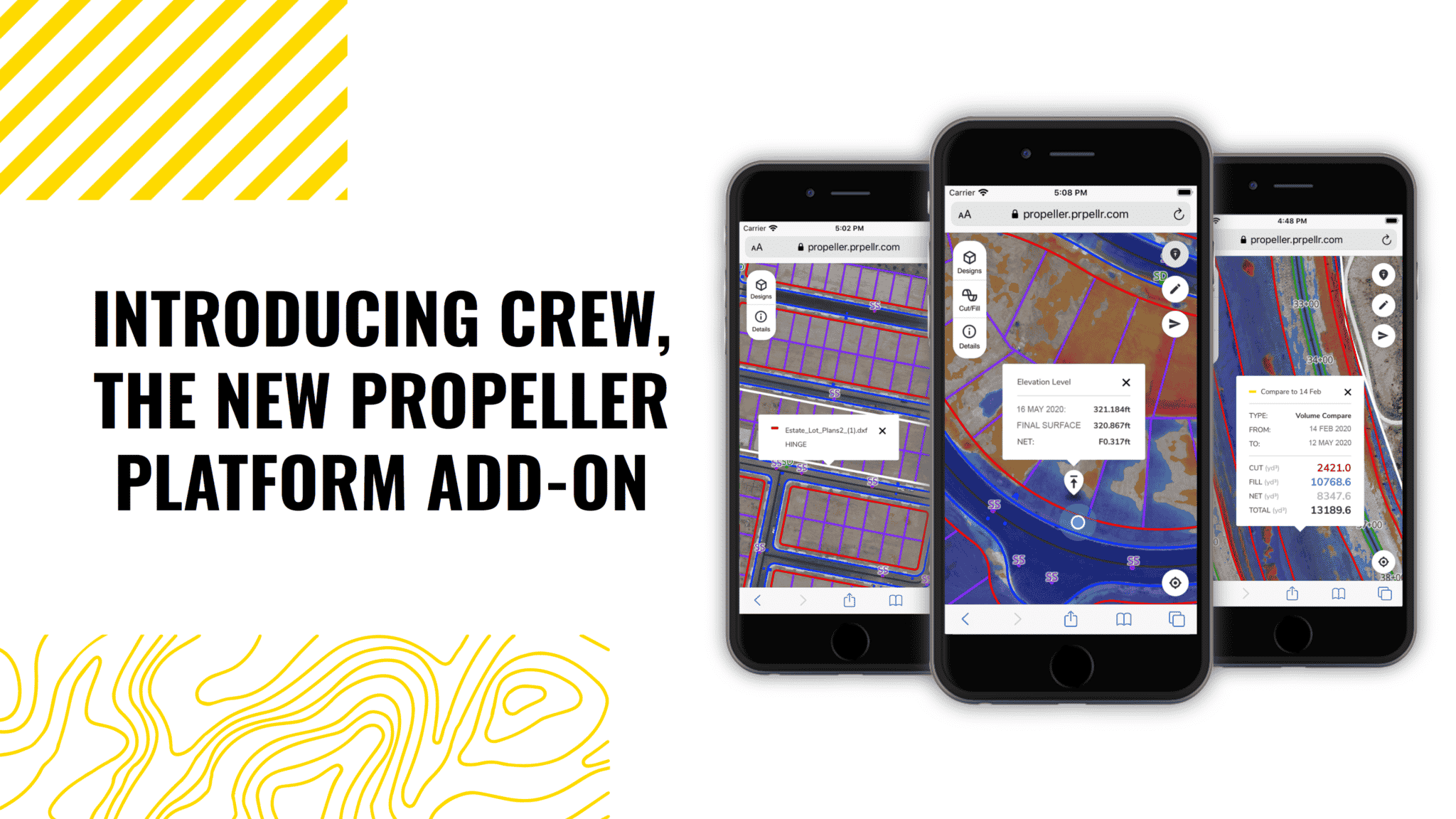
With Propeller, this runs on a shared map view that aligns field, office, and owner on the same context, design comparisons that show change without guesswork, and a historical record that answers “when did this change happen?” Simple sharing lets stakeholders who just need visibility see the update without a screenshot chain.
Common failure modes, and how to fix them
A few predictable traps pull teams back into the chaos.
Multiple truths is the first. When different teams bring different files to the same conversation, you spend the meeting reconciling versions instead of making decisions. Fix it by standardizing the update around one dated reference everyone agrees to use.
The missing baseline is the second. Without it, every discussion becomes a debate about what was true before. Fix it by making the baseline part of the weekly cadence, so every week has a date-stamped “this is the state.”
Slow distribution is the quiet one. If updates are hard to share or require special access, stakeholders fall back to screenshots, and you’re right back where you started. Fix it by making the shared view simple to open for people who just need visibility.
One view everyone can trust
Owner updates move faster when everyone sees the same context, tied to time and location, and can quickly understand what changed. The result is fewer “what changed?” loops, faster decisions, and an update process that keeps up with data center pace.
Book a 30-minute data center demo to walk through a weekly update cadence built for this pace, or see how Propeller supports owner updates on active sites.