When machines move more material without wasting fuel or sitting idle, projects hit production targets, stay on schedule, and protect your margins.
But getting a clear picture of how your fleet is actually performing is harder than it sounds. Manual time studies only work when someone is watching with a clicker and a stopwatch, and results shift the moment crews catch on. OEM tracking systems add their own friction, with data that rarely ties back to what’s happening on the job site.
There’s a better way to work from the data you already have.
How DirtMate changes the game
Real-time fleet visibility, no supervision required.
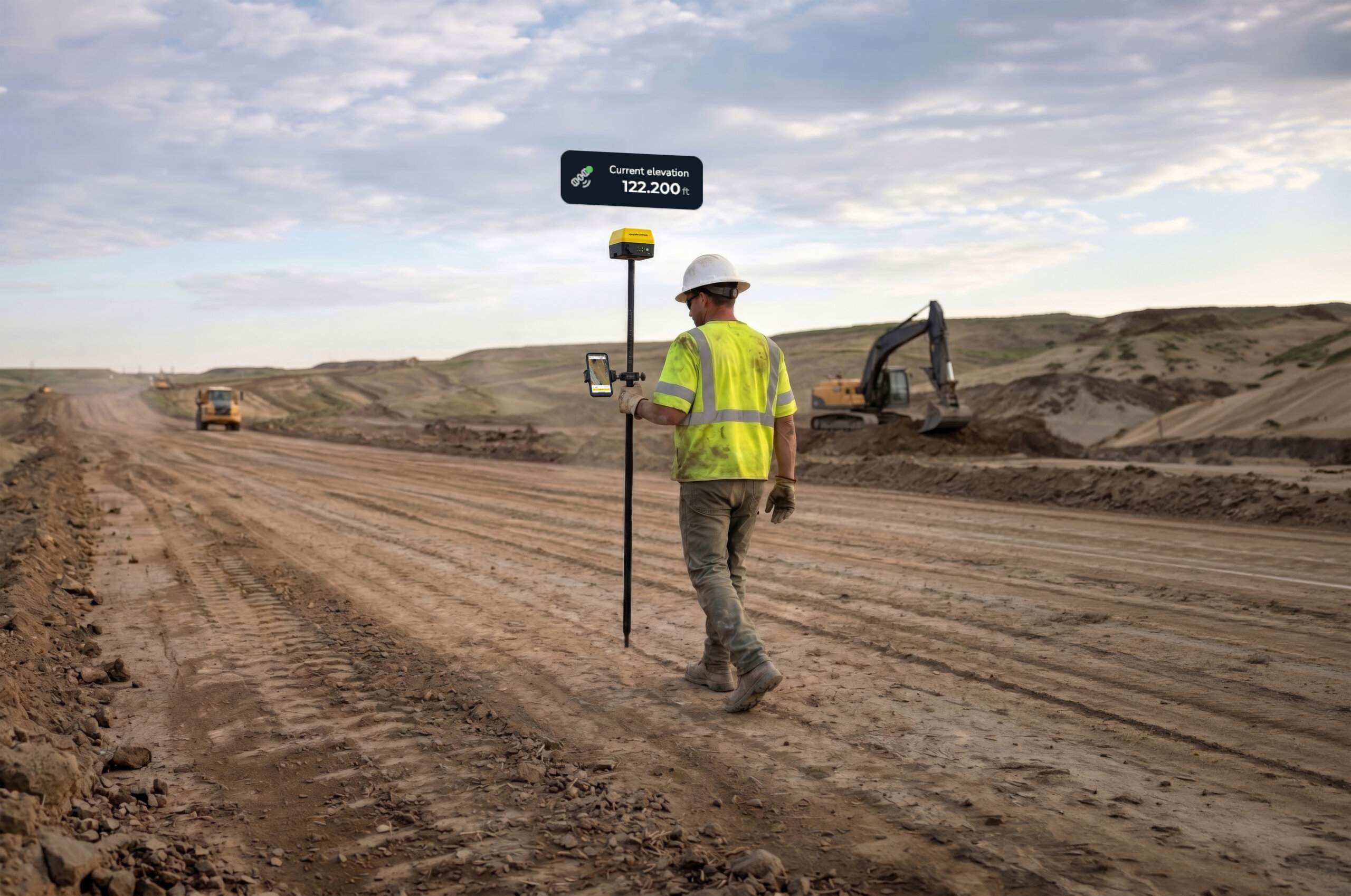
DirtMate is a small, rugged GNSS receiver with an onboard IMU that installs in minutes and works on any machine. Within minutes of setup, you’ll see real-time data on where machines are, how they’re moving, and where your site is losing time.
It’s a fast, equipment-agnostic way to capture fleet-wide activity and start acting on it.
Turn live site activity into actionable data
Every machine, every movement, every day.
DirtMate creates a real-time digital twin of your worksite. Not just the design specs or the topo, but every movement your machines make. It automatically tracks the metrics that matter most: idle time, haul speed, cycle time, and site-specific patterns like push distance or scraper cycles.
- Spot fleet underperformance: see which machines are running slow or idling too long
- Coach with data: if a dozer could push 50ft (15m) farther to increase production per pass, you can show the team exactly where
- Reduce fuel waste and overtime: keep haul trucks moving and cut wait time at load zones
- Get insights without the admin: schedule automated reports delivered daily so the data comes to you
See exactly where machines go, and where they stall
Heatmaps that show the full picture.
DirtMate delivers a full picture of every machine’s movement patterns, every day. Heatmaps show where work is happening, how fast machines move, and where they sit idle. If a haul truck is spending too much of a shift waiting on a loader, or taking the long route to the dump zone, you’ll see it in the data.
Track idle time to see when machines stop moving
Find the bottlenecks before they cost you.
DirtMate automatically tracks idle time across your fleet. With location-specific data, you can identify which machines consistently idle too long, where loading or dumping delays are creating bottlenecks, and where coordination issues are slowing the site down.
With real-time haul speed and travel time data, you can also identify routes that slow crews down, detect whether backups are forming at load zones or dump sites, and fine-tune loop timing between excavation and dumping.
Understand cycle times, cycle lengths, and load counts
Automatic detection, zero manual setup.
DirtMate uses Smart Cycle detection to automatically identify load cycles, whether you’re running trucks, scrapers, dozers, or compactors. No manual zone setup required.
Track and compare:
- Load counts per hour or per shift
- Cycle durations across the fleet
- Deviations from expected cycle lengths
With reliable cycle data in hand, you can adjust production planning to stay on track before small gaps become costly overruns.
Push farther and haul smarter with site-specific benchmarks
From pattern to performance.
Track dozer push distances, loader patterns, and scraper movements to help teams work more efficiently. By comparing push patterns against site thresholds, you can identify where the fleet is leaving production on the table and train newer crews to get more from every pass.
Key metrics DirtMate tracks automatically:
- Idle time vs. runtime
- Cycle counts and durations
- Average haul speed and distance
- Push distances
- Route heatmaps
- Fleet utilization across machines
- Material movement validation
Give crews feedback that moves the needle
Data-driven coaching without the confrontation.
When performance data is reliable and easy to understand, coaching becomes more effective and a lot less confrontational. With DirtMate, supervisors and project managers can:
- Review routes and heatmaps to spot inefficiencies
- Identify machines with higher idle times or slower cycle speeds
- Compare fleet stats against project benchmarks
- Identify underused machines or imbalanced workloads
With production reports dropped automatically into your inbox, tracking becomes a daily habit rather than another item on your to-do list.
Customer win: Lhoist boosted operational time by 22%
Less idle time, more production, faster ROI.
At Lhoist’s Amargosa quarry in Nevada, site leaders used DirtMate to surface inefficiencies they never knew existed. Within the first few weeks, they reduced idle time and effectively increased operational time by 22%. Fuel savings alone paid for a full year of DirtMate in just four weeks.
“We saw ROI on our productivity in less than a month.” — Martin Dillon, Senior Business & Operations Manager, Lhoist
Frequently asked questions
What factors affect fleet performance on a job site?
The biggest drivers are idle time, haul speed, cycle time, push distances, and other role-specific benchmarks. Real-time tracking tools like DirtMate surface these metrics automatically so it’s easy to see where the site is losing production.
What is the difference between machine efficiency and fleet workflow?
Machine efficiency measures how effectively a specific piece of equipment is performing its task. Fleet workflow looks at how all machines coordinate across the site to move material. DirtMate helps monitor both by capturing cycle patterns at the machine level and surfacing coordination gaps at the site level. For example, if a single piece of equipment is consistently slow regardless of conditions, you may have a mechanical issue worth investigating.
How does training impact on-site performance?
Training can close specific performance gaps, but only when you know they exist. Trainable issues like excessive idle time, short push distances, or inefficient haul routes are flagged in DirtMate based on real machine behavior, which means faster improvement and more targeted coaching.
TL;DR: What DirtMate gives you
- Real-time machine location, speed, and cycle data across your entire fleet
- Automatic idle time tracking and route heatmaps
- Smart Cycle detection with zero manual zone setup
- Daily automated reports delivered to your inbox
- Works on any machine, installs in minutes
Make every machine hour count
Start working from live data.
The sites that hit their production targets are the ones working from real data. See how DirtMate gives your team a live picture of fleet activity from day one.