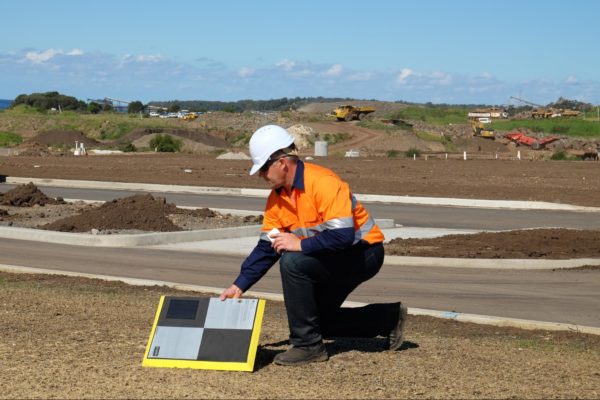
Power Hour is an exclusive event for Propeller customers where we tackle technical challenges, share best practices, and explore ways to get more out of the platform. Each session focuses on a key topic, offering practical advice and insights from experts and real-world examples.
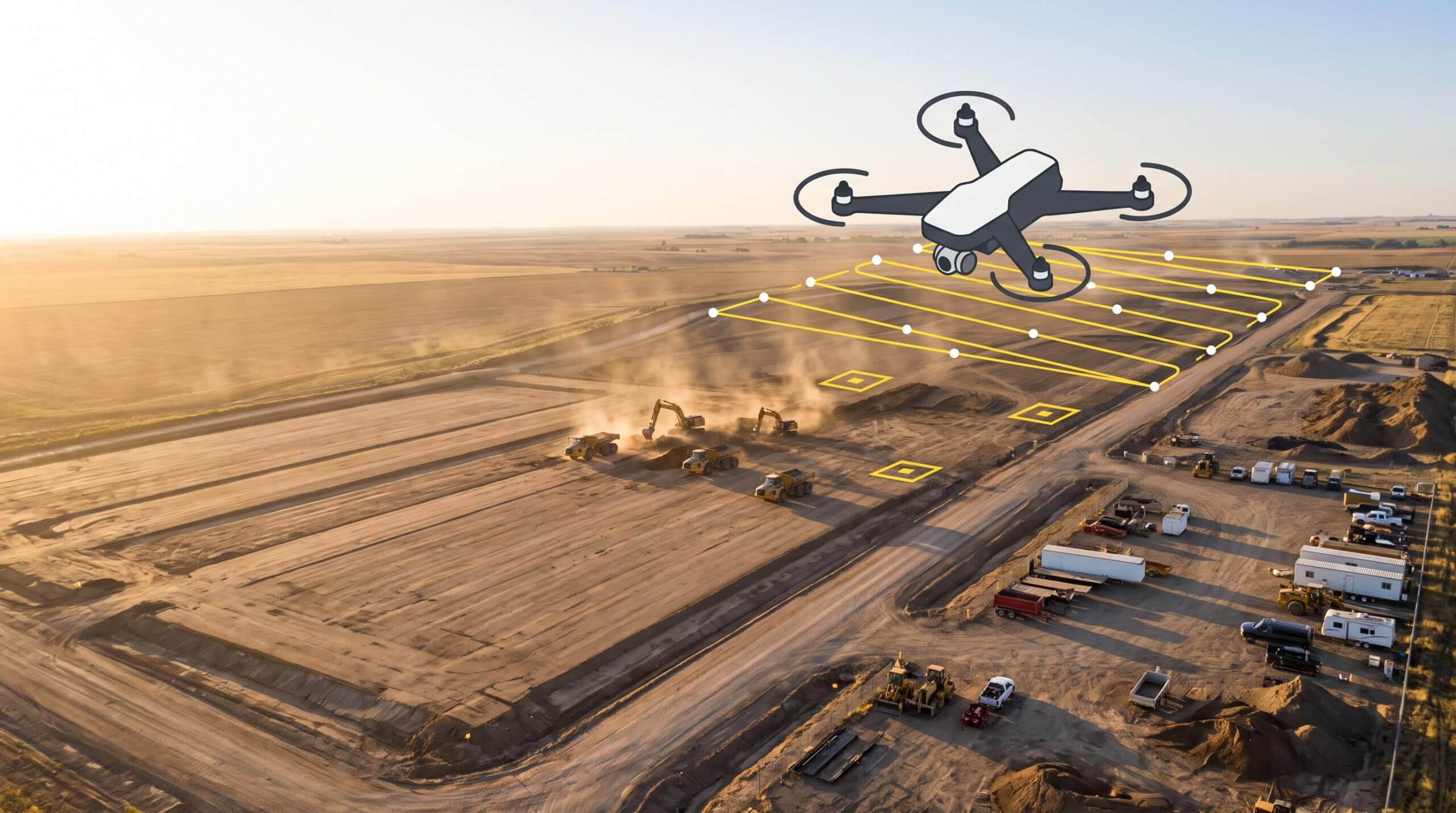
This time, we focused on optimizing drone missions, from flight planning and hardware setup to smarter upload strategies. Our hardware team shared field-tested tips to help customers consistently capture high-precision data and avoid common pitfalls in the field.
Here’s a recap of what we covered.
Supporting all drones, recommending the best
Drone compatibility is one of the first factors in reliable mission planning. Propeller supports all drones and recommends the models we have tested for accuracy.
We spend a lot of time testing drones before officially supporting them so customers can rely on consistent, high-precision results. But if a drone falls short of that bar, it does not mean the data is useless. If you are comfortable with a bit less accuracy, we keep the results transparent and help you get as much value as possible from the capture.
There is one non-negotiable though. Drones without a mechanical or global shutter create image distortion at high speeds or low altitudes, which makes clean photogrammetry nearly impossible.
Shutter priority is always a priority. That is how we get crisp, clear photos that hold up in processing.
Understanding the 10-minute mission rule
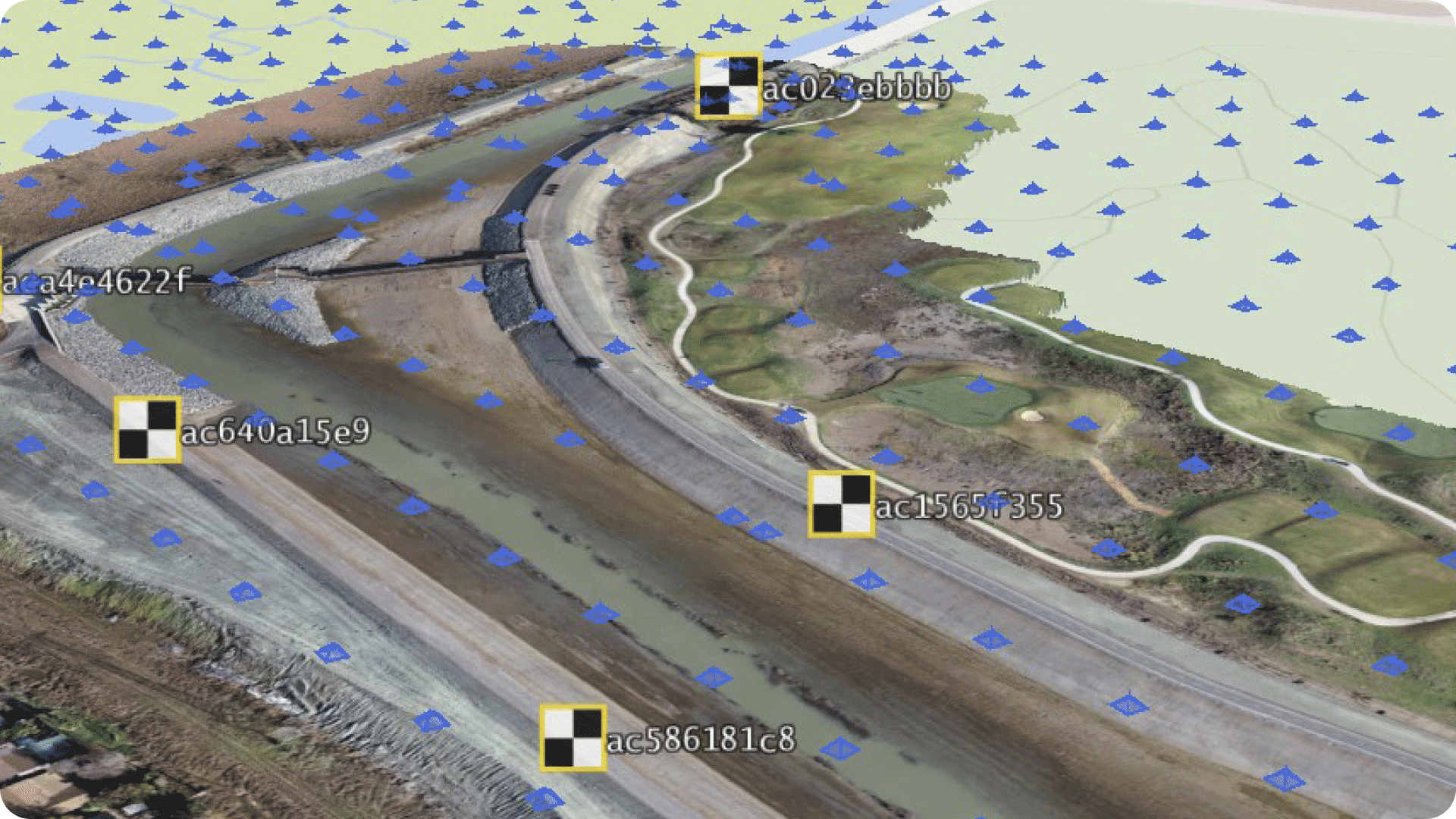
To ensure accurate AeroPoint correction, missions flown with the Propeller Corrections Network must last at least 10 minutes. That’s the minimum time needed to capture positional data from local CORS stations.
So what if your site is too small to reach 10 minutes?
There are a few ways to shorten mission time:
- Increase flight altitude (higher altitude = faster coverage)
- Adjust the drone’s course angle for a more efficient flight path
- Increase flight speed (within safe limits)
- Reduce overlap—but don’t drop below 75% for photogrammetry missions
Alternatively, you can use the known point method to bypass the 10-minute threshold. By supplying coordinates for one of your AeroPoints, you can reduce the required flight time to just two minutes.
“If you’re flying a small site, a known point is a powerful workaround. It lets you stay compliant without padding your mission.”
Uploading lidar and photogrammetry the right way
Smart uploading is just as important as smart flying. The session covered best practices for both lidar and photogrammetry uploads, including how to get clean outputs without added work.
We’re not just guessing when it comes to your data. If we encounter issues during processing, our specialists review line by line to find the issue.
Here are a few key takeaways:
- Always pre-process your AeroPoints before uploading lidar
- Use RGB and lidar together for high-quality point clouds and ortho maps
- Use composite uploads if your mission spans multiple batteries
- Toggle on VFI (Vertical Face Imagery) during upload to improve modeling on vertical surfaces

“VFI is only available at upload. If you miss it, you can’t apply it retroactively—so check that box if you’re working around walls or steep terrain.”
Troubleshooting common mission issues
The hardware support team frequently helps customers resolve upload blockers, flight errors, and unexpected data gaps. During the session, we broke down the most common problems and how we typically resolve them.
Common issues include:
- GNSS data time range errors caused by mission folder overflow
- Missing antenna offset errors when RTK modules aren’t initialized
- Takeoff issues tied to outdated FlySafe databases
“We’re not just guessing. When you send in an MRK or OBS file, we pull it into our tools and look at it line by line to find the issue.”
These fixes often involve removing a single faulty image or editing a flight timestamp. Thanks to recent updates, Propeller now handles many of these issues automatically—no manual file merge required.
What’s next for drone support at Propeller
Recently released:
- DJI Matrice 4 Enterprise (M4E)
- Skydio X10
Coming soon:
- Freefly Astro
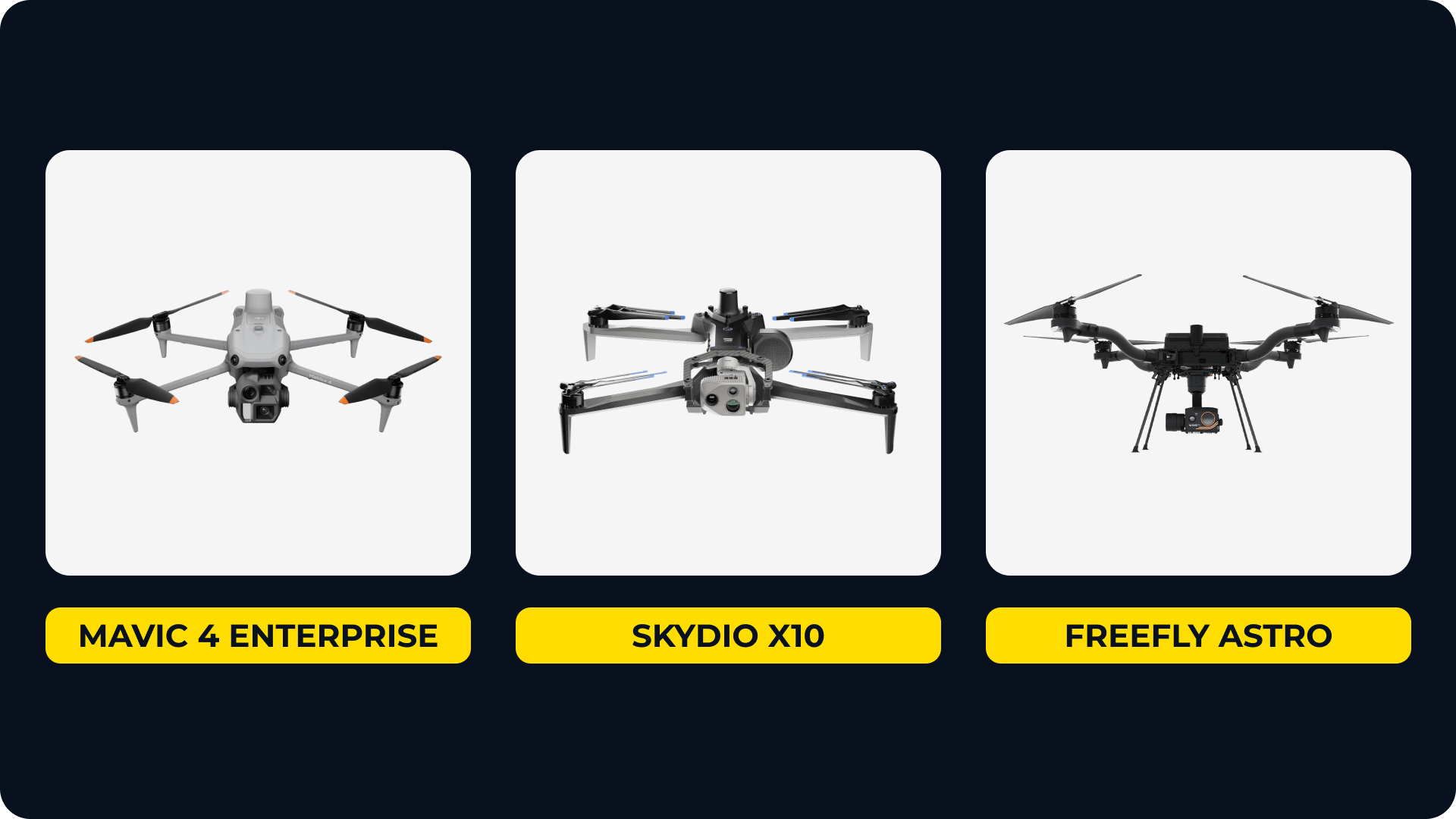
While DJI continues to be the best fit for most Propeller workflows, we’re actively evaluating new hardware based on customer feedback and industry trends.
“Let us know what you’re flying. We’re always looking at new integrations—especially if it solves a specific field problem or compliance need.”
Watch the full session on demand
Want to see all the settings, tips, and troubleshooting examples in action?
Ready to learn how Propeller can power up your worksite with easy and effective data-sharing? Request a demo today.