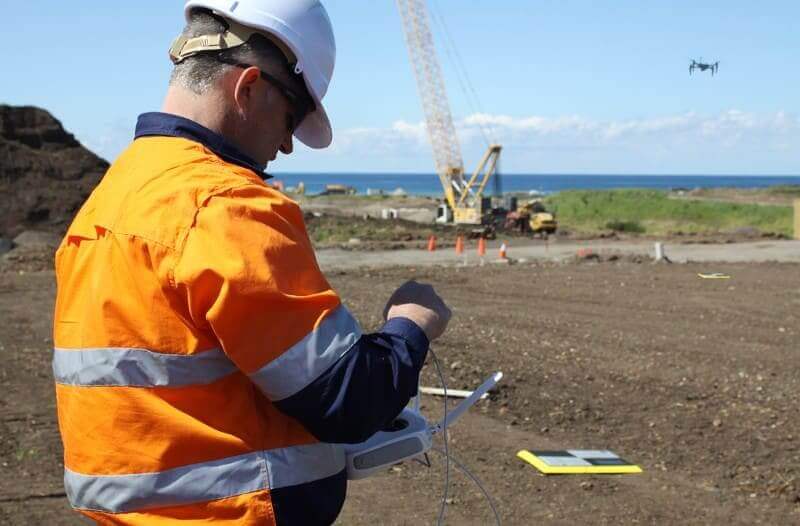
Post-processing and real-time kinematic GCP vs. PPK workflows are becoming more accessible as newer drones come to market. But there’s still a lot of confusion about what the technology is, how it works, and what’s the best for your surveying needs.
To cut through the complexity, we wanted to explain how PPK workflows differ from more traditional GCP-based drone surveying and how RTK plays into it all.
Ground control and traditional drone surveying
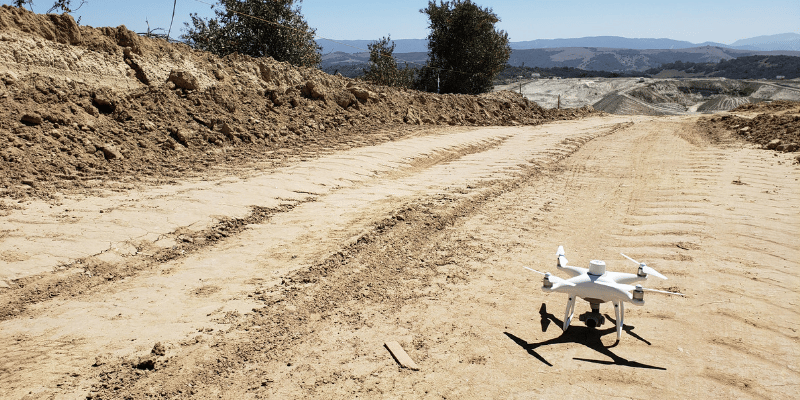
When it comes to traditional drone surveying, you need a sufficient number of known points to verify and pin your drone imagery to the ground. Standard drones without GPS correctional processing are simply a vehicle for the camera. It’s position in the sky is not accurately geotagged, so you don’t get reliable positional data from its hardware alone; that accuracy comes from ground control, which is why even small errors in ground control setup can have huge repercussions.
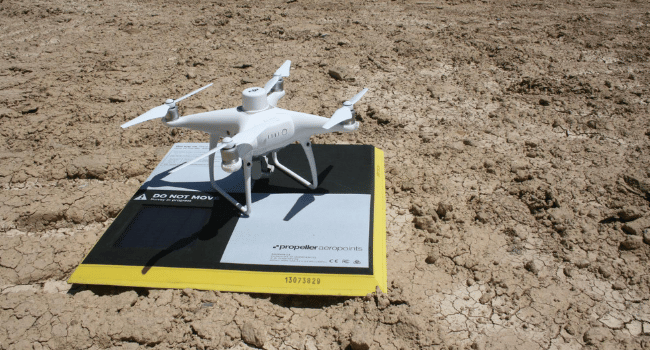
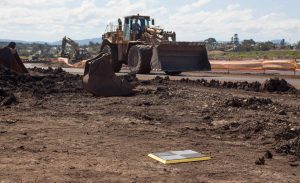
Ground control points (GCPs) can be known points marked and measured with base and rover or a moveable smart ground control points like Propeller’s AeroPoints.
Using GCPs when surveying ensures survey-grade accuracy, but setup can be time-consuming on a large site.
Setting up ground control with AeroPoints
If you’re working with smart GCPs like AeroPoints, you need to drop the hardware in an optimal distribution across the entire surveyed area. This method also takes time, but you save on having a surveyor walking the site to shooting points with a rover and paint them for visibility.
Once AeroPoints are in place, the process becomes infinitely simpler. Activation requires only a single button, then they’re ready to start gathering information. When your drone survey is complete, you gather them back up and they automatically search for a WiFi signal to begin uploading their data to Propeller.
As recently as a few years ago, the planning, risk assessment, and legwork associated with setting up ground control has been a necessary, if unwanted, sacrifice.
On-board GPS correctional processing has changed the need for ground control
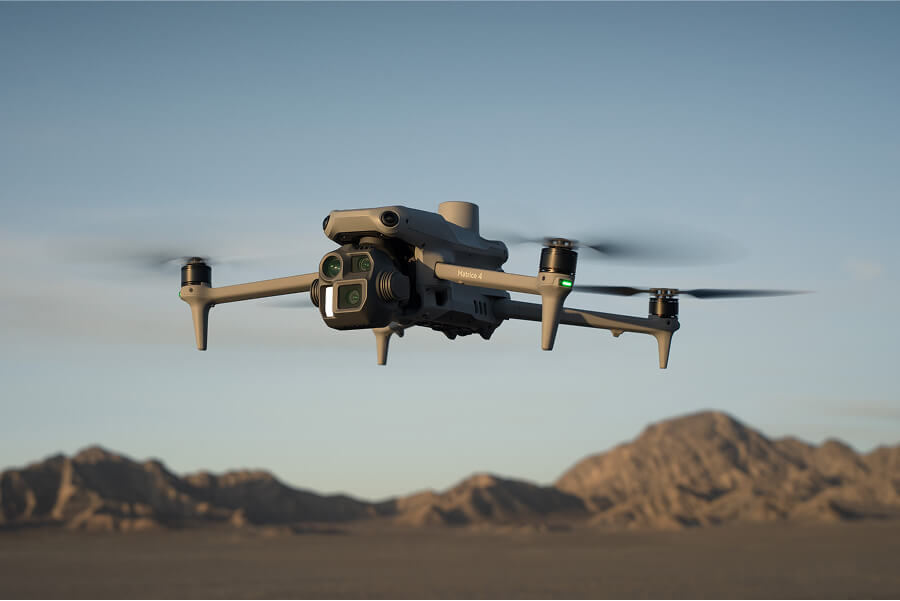
Now, new RTK-enabled drones have the ability to track their own positions accurately, which regular drones lack. A PPK workflow is our recommended method for topoing a site via drone for reasons we’ll go into further down. But first, let’s learn what makes these two technologies different.
How on-board RTK technology works
Real-time kinematic (RTK) processing on a drone records GPS information and geotags images as they’re captured during flight. The GPS location is recorded for the center of the image.
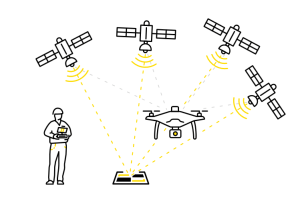
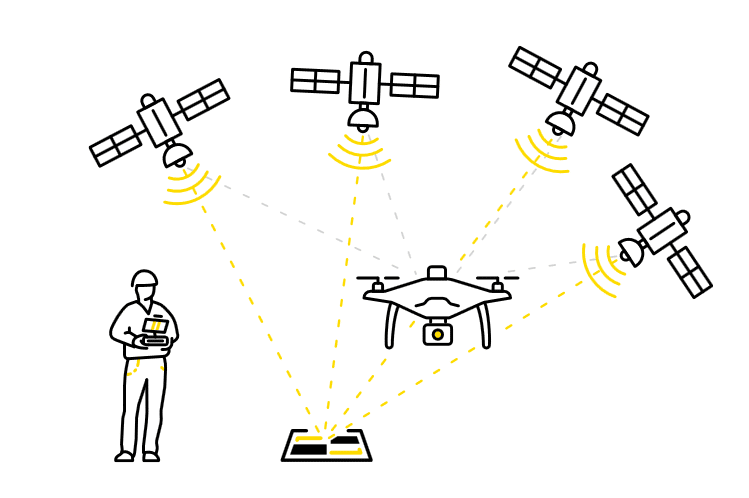
A passive base station on the ground sends raw GPS data to the drone. Then the drone’s on-board GPS combines that info and its own observations to accurately determine its position relative to the base.
But to achieve this, the RTK drone must stay connected to the base station while it’s gathering data. Unfortunately, signal loss can occur during turns, likely due to antenna orientation, and other instances. If this happens, while it tries to get a lock again data becomes unreliable.
The difference between PPK and RTK
Now, you might be wondering where does PPK come in. This is where things get tricky because we’re not strictly comparing apples to apples. PPK isn’t hardware, but rather a different processing workflow using an RTK drone.
PPK stands for “post-processing kinematic.” The difference with PPK workflows is how we process base station data for correction and accuracy.
With PPK, the drone will geotag X,Y,Z coordinates to each image based on that on-board GPS unit. While this is happening, a base (be it a base station, an AeroPoint, or the CORS network) is also recording the positional information, but with much more accurate triangulation.
After the flight is over, those two sets of GPS data are matched up using the photo timestamp and the initial, less-than-accurate on-board GPS data is corrected, giving precise geotags for the imagery
While “real-time” technologies may sound more attractive, it’s the very fact that PPK processing happens post-flight that allows it to be so much more useful and reliable.
Want to dig into the details?
We’ve got you covered. Check out our PPK digital guide to cut through the confusion and get straight to what you need to know about PPK.