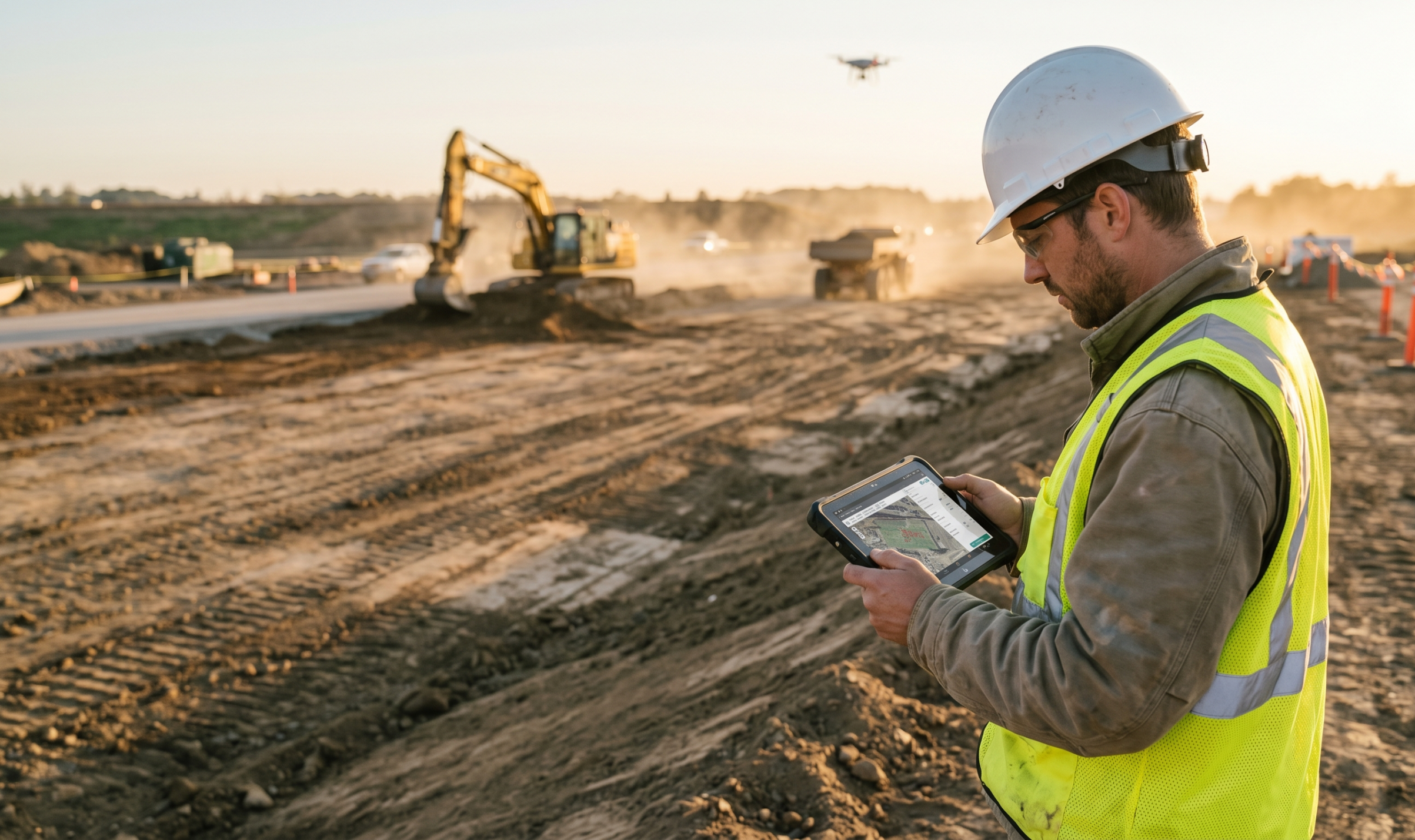
Inside Propeller: How construction surveyors lay the foundation for faster, more accurate site data
This post is the last in our Inside Propeller series, which covers how Propeller makes a difference for just about everyone on your project team.
Here’s a quick review of where we’ve been:
- Part 1 gave a high-level overview of what Propeller can do
- Part 2 showed how PMs use Propeller to track progress
- Part 3 spotlighted the site leads who keep daily operations on track
- Part 4 featured estimators and how they keep projects profitable
- Part 5 explored how engineers bridge the gap between CAD and reality
To wrap it all up, in Part 6, we’re turning to the people who make all of that work possible: the surveyors who capture the data that powers every decision.
Every cut-fill map, cost-saving design correction, and accuracy check starts with the survey team. It’s surveyors who make sure the numbers add up and verify that the surfaces you see on your site map are an accurate match for the real world.
Think of Propeller as an amplifier for construction surveyors. By pairing accurate data collection with automated workflows, Propeller gives survey leads the tools they need to capture site data faster, deliver defensible data, and keep teams aligned whether they’re in-office or on-site.
Here’s how Propeller helps survey leads build the foundation for better decision-making.
Capture your changing worksite
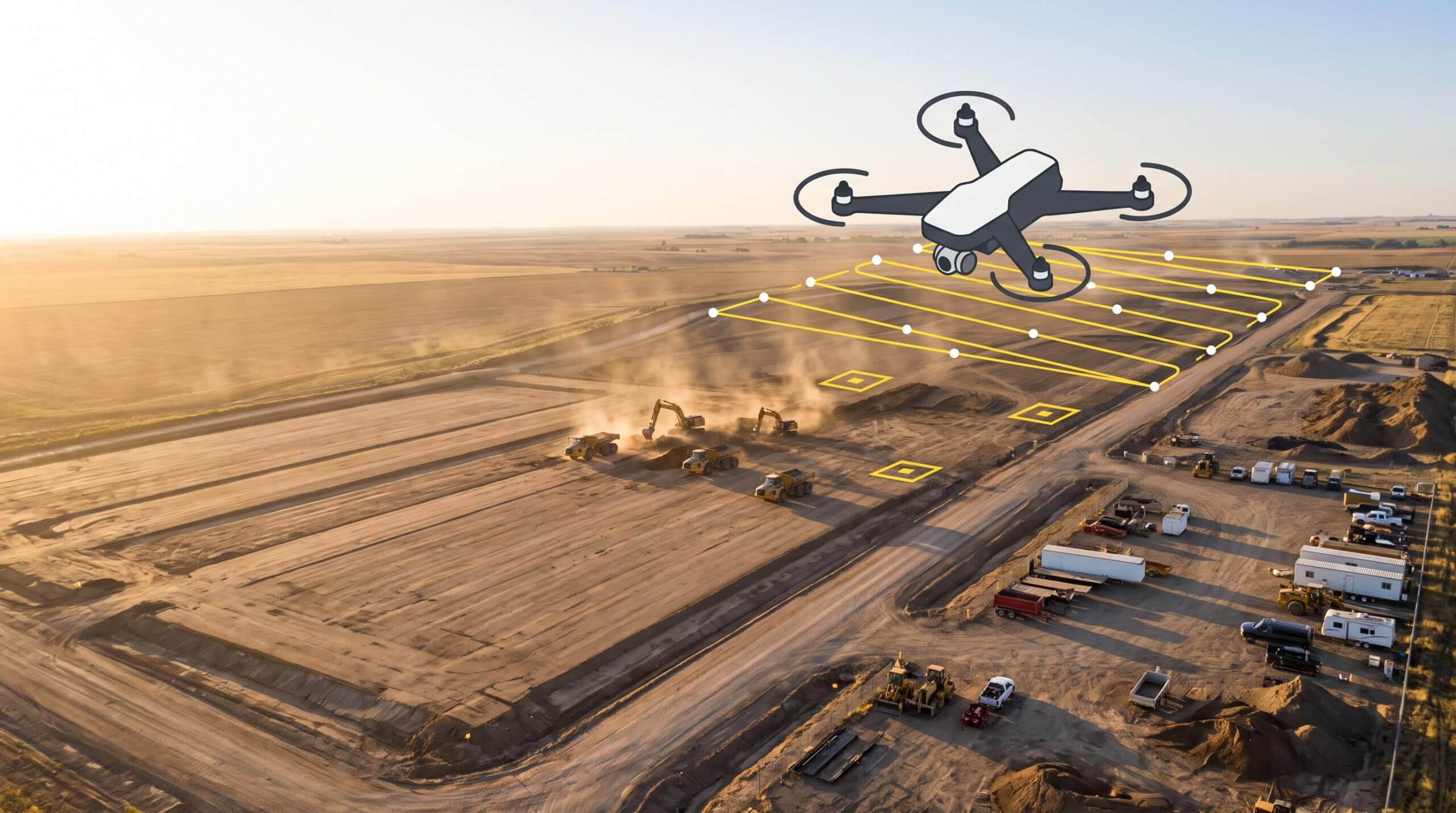
Get accurate surface data without walking a single acre
Surveyors have always had to strike a balance between speed and accuracy. Covering large, complex sites manually is time-consuming, and sending surveyors into active work zones just to fill data gaps adds cost and risk.
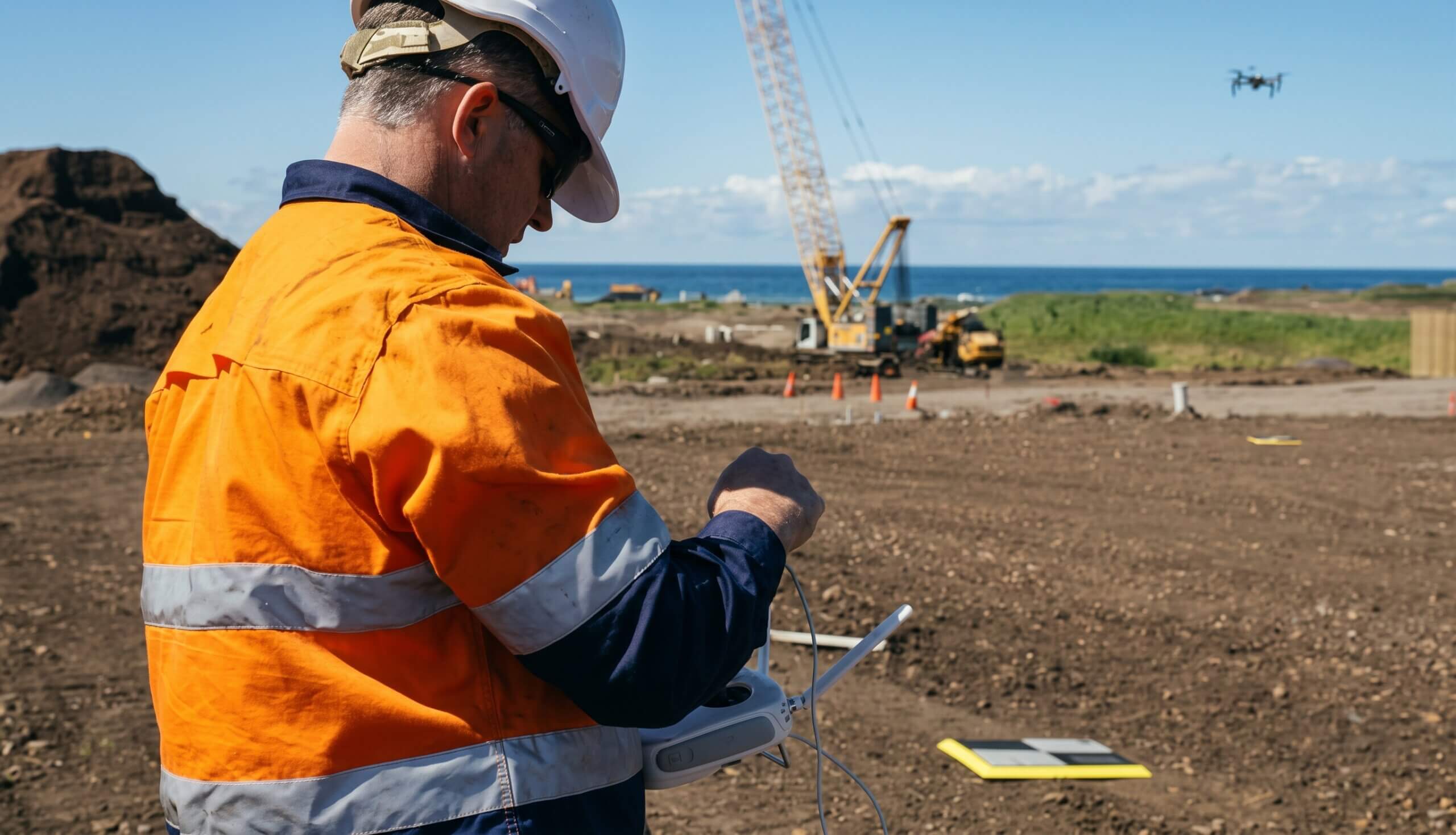
Seamless hardware integrations: Propeller is hardware agnostic, so you can always use the right tools for the job. That means everything—drones, GNSS rovers, total stations, handheld scanners, you name it. See our full hardware integrations.
Propeller PPK workflow: Propeller’s Post-Processed Kinematic (PPK) workflow corrects GNSS data after you fly relative to a known base station, giving you high-precision accuracy without manual ground control points. It’s fast, repeatable, and integrates checkpoints smoothly into your workflow for easy verification.
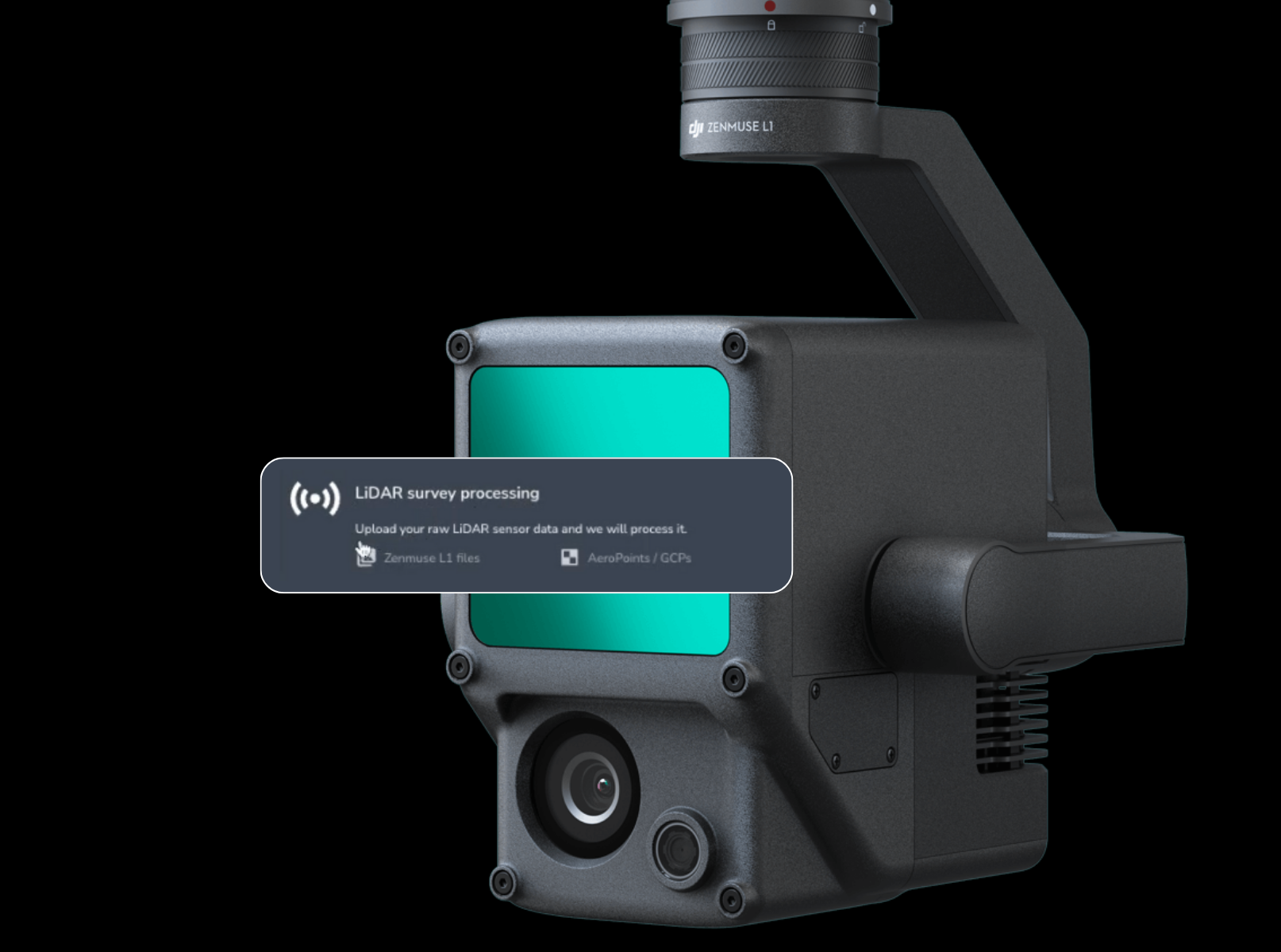
Multi-sensor input: Combine photogrammetry, LiDAR, and handheld ground scanners in a single Propeller model for complete coverage. Capture the full site from the air, then fill in hard-to-reach or under-canopy areas from the ground.
Trust your data every time
Data integrity isn’t optional, it’s the job
As the stewards of site data accuracy, surveyors are sticklers for getting it right. After all, if the numbers are wrong, you’re the first phone call. You need visibility, validation, and repeatable accuracy you can prove, time and time again.
Processing reports: Every PPK survey includes a transparent accuracy report with processing metrics and margin-of-error data, so you can verify quality before signing off.
Verify on your terms: Incorporate checkpoints naturally into your PPK workflow for continuous QA/QC without extra effort.
Elevation measurements: Monitor how elevations at key points shift over time, ideal for tracking material settlement or comparing benchmarks across surveys.
Survey Explorer: Compare surveys over time to detect drift or confirm stability, ensuring every dataset holds up as work progresses.
Compare designs to ground conditions
Spot issues before they cost you
Designs are rarely a perfect match for real-world site conditions. Surveyors are often the first to spot misalignments, and Propeller helps them communicate to the team with proof in hand.
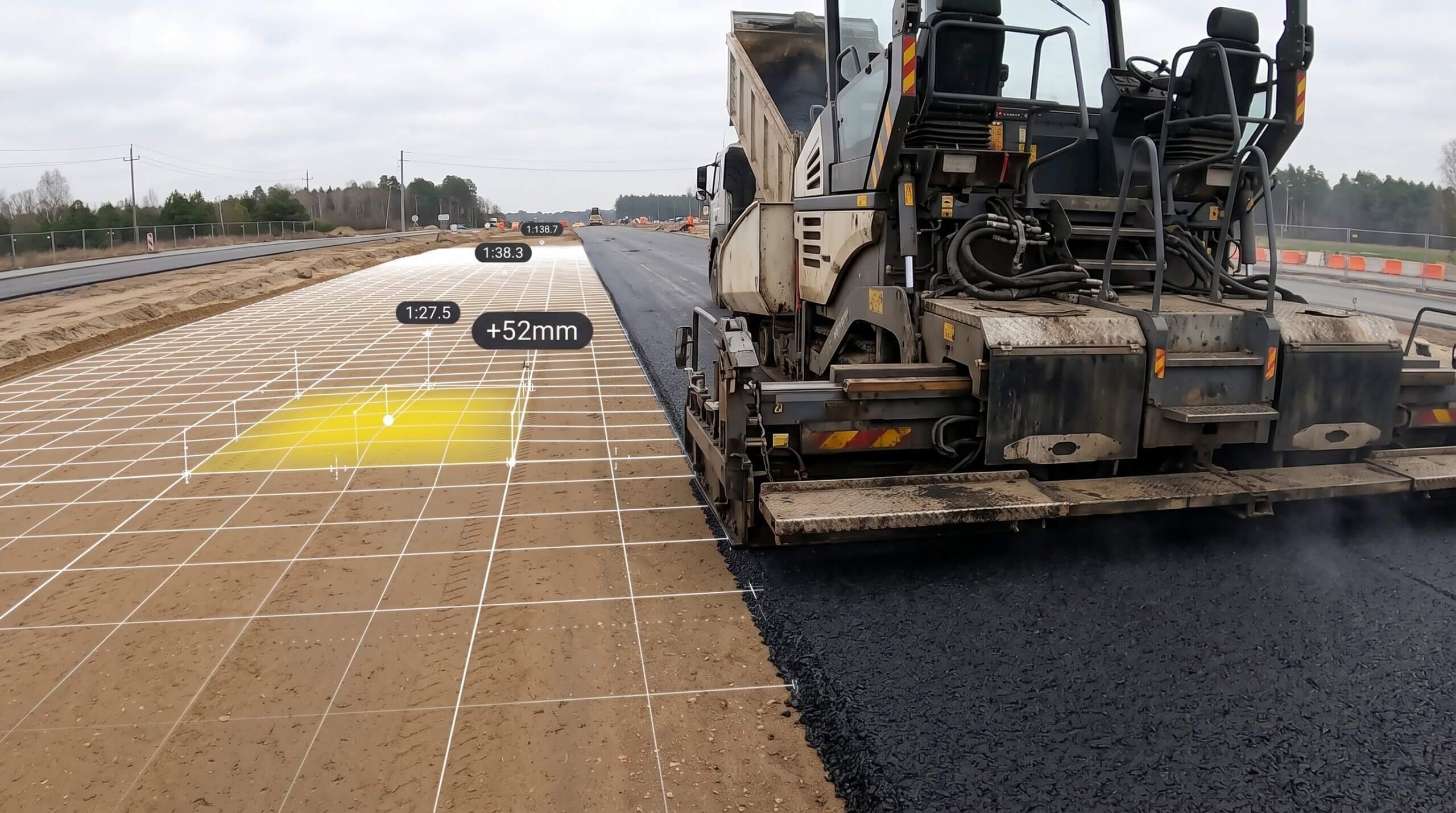
Cut-fill to design: Quantify exactly how much material should move to meet project specs (and where it needs to go).
Cut-fill to survey: Compare any two surveys to measure change over time, identify over- or under-excavation, and confirm progress.
Cross-sections and grade check: Visually verify slopes, benches, and grades against design to catch problems early.
3D + 2D viewing: Explore a digital twin of your worksite in two dimensions or three.
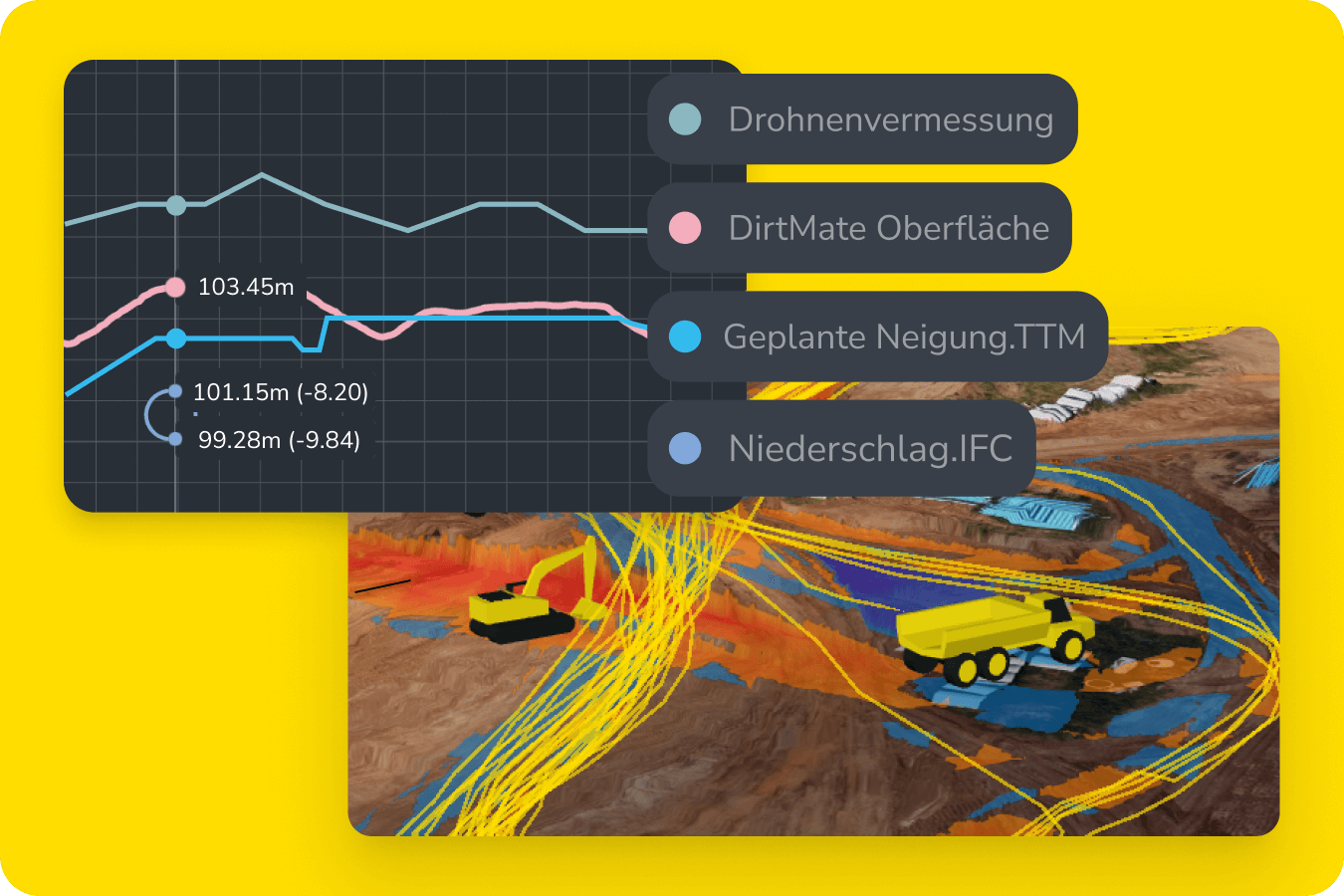
Build smarter surfaces
One source of truth for an ever-changing site
Earthwork surfaces are a constantly moving target. You need a clean base model for the entire project, and the flexibility to track work areas that change over time.
Composite builder: Combine full-site and area-specific surveys into a single cohesive surface, eliminating duplicated effort and inconsistencies.
Base map: Set your preferred surface as the base map for ongoing measurement and tracking site activity.
Timeline: Visualize how your site has changed over time, with each survey as an update.
Crop and cleanup: Easily crop site maps and remove obstructions like heavy equipment.
Connect your survey data to everything else
Integrate with your most critical workflows
Surveyors need their data in the tools they already use, without spending hours exporting, renaming, or reformatting files.
Native integrations: Move orthophotos, point clouds, and surfaces directly into Trimble Business Center, Civil 3D, or other CAD environments. Learn more about our integrations.
Read-only API: Automate delivery of up-to-date datasets into your internal systems or shared drives.
WMTS import/export: Stream orthophotos or surface layers directly between Propeller and your GIS or CAD tools, with no file juggling in between.
Communicate clearly from anywhere
Bridge the gap between the office and the field
Surveyors often know exactly what’s happening on-site, but they don’t always have an easy way to share it. Miscommunications between survey, engineering, and operations can delay critical fixes or create rework.
Mobile app: Review surveys, measurements, and cut-fill maps from your phone or tablet with Propeller mobile.
Media: Attach geotagged photos to the map so office staff can see exactly what you mean without making a trip on-site.
Mark up the map: Pin questions or findings to precise geocoordinates, providing clarity for anyone who needs to know.
Alignments: Reference your live geolocation and alignment files from anywhere to mark points in the field or lay out what you’re building.

TL;DR: Why survey leads love Propeller
- Capture entire sites fast with drone, LiDAR, and ground-based surveys
- Deliver consistent accuracy with Propeller PPK
- Verify every dataset with processing reports and checkpoints
- Catch design conflicts early with visual, data-backed tools
- Build composites for one master site surface
- Export seamlessly into existing CAD workflows
- Communicate insights in real time with mobile tools
When survey teams use Propeller, everyone—from the field to the boardroom—can trust what they’re seeing.
Ready to power your next project with site data the whole team can understand? Request a demo.