DirtMate RTK:
Check grade.
Capture points.
Stake out the plan.
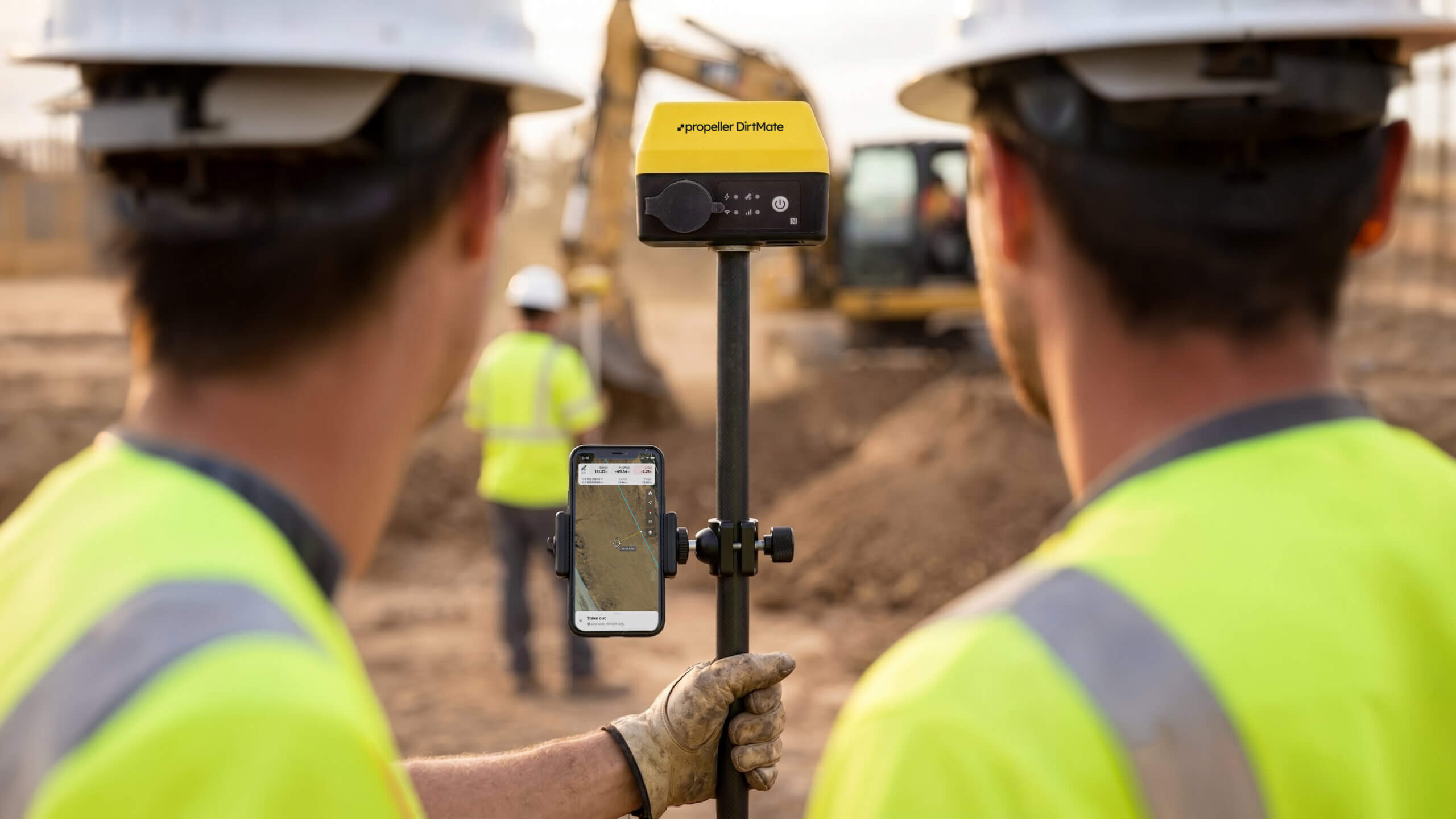
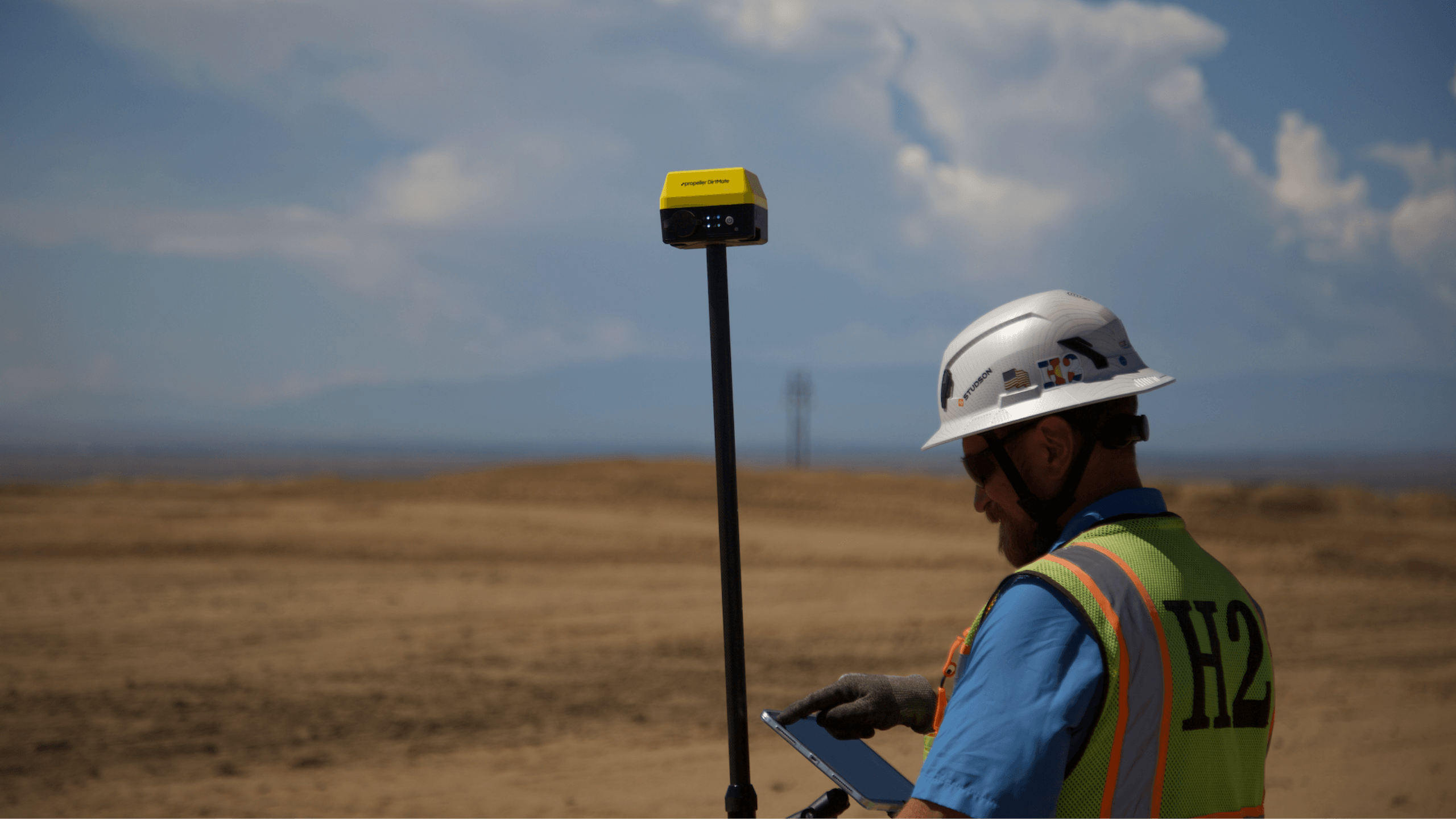
Keep routine field checks moving without waiting on the survey crew. DirtMate RTK combines a high-precision GNSS receiver with Propeller Mobile so foremen and field teams can check grade, capture points, and stake out design lines and points.
Work from your site’s designs, with captured points synced to Propeller when connected so the office can review field locations alongside the plan.
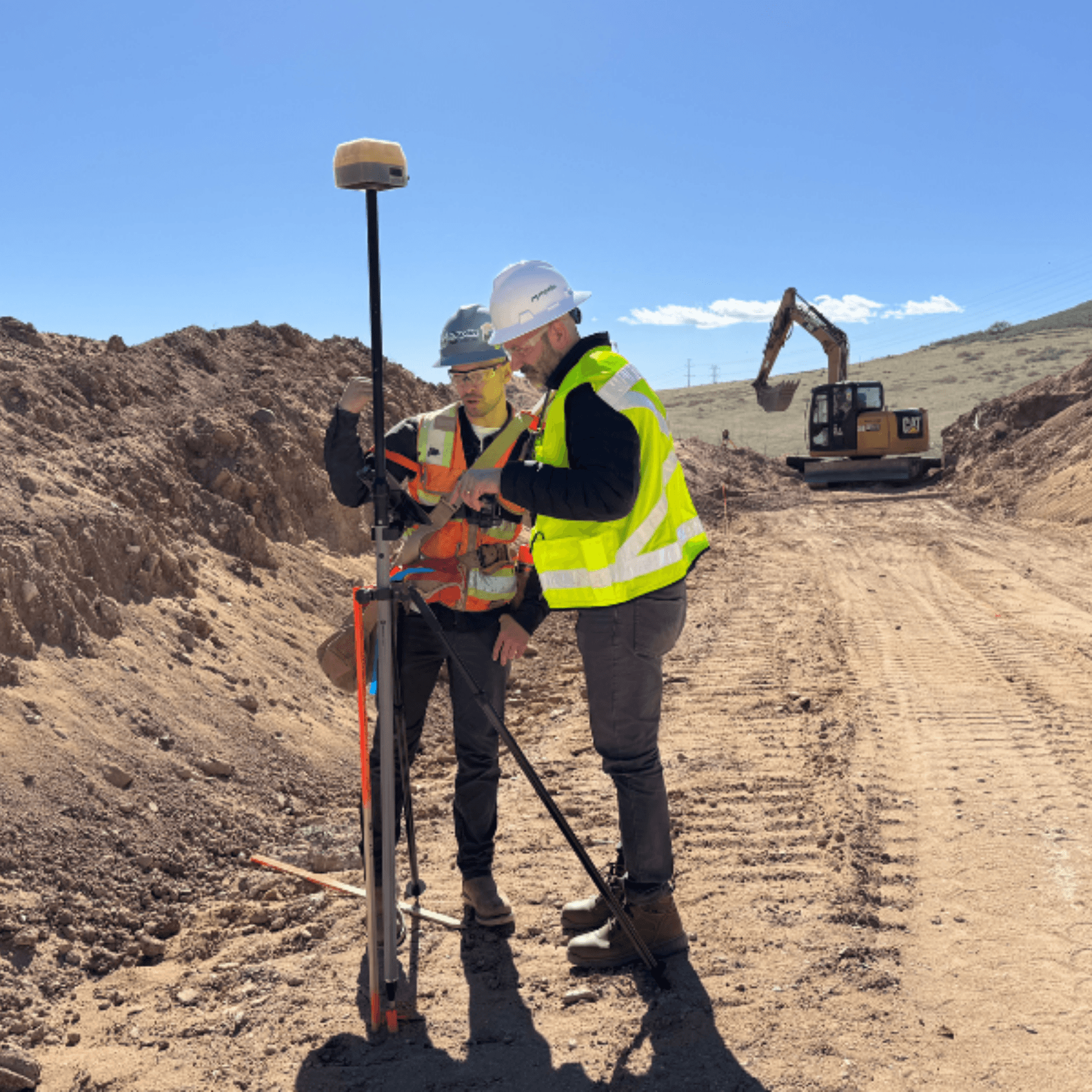
Field tools. One connected site.


Check grade without holding up the next task
Is this spot ready, or does it need another pass? Give foremen a way to check cut or fill against the site’s design surface while they’re where the work is happening.
DirtMate RTK and Propeller Mobile bring positioning and design context together, helping crews handle routine grade checks within the project’s established survey procedures.
- Elevation checks
- Design cut/fill
- Mobile design access
Record installed work before it’s covered
Once backfill is in place, confirming where a feature was installed becomes harder. Capture points at utilities, drainage features, and other completed work while they’re still visible.
Saved points sync to Propeller when connected, giving the office a location record to review alongside designs and survey data—and a shared reference when questions come up later.
- Precise point capture
- Location and elevation
- Point sync when connected
Take design lines from the map to the ground
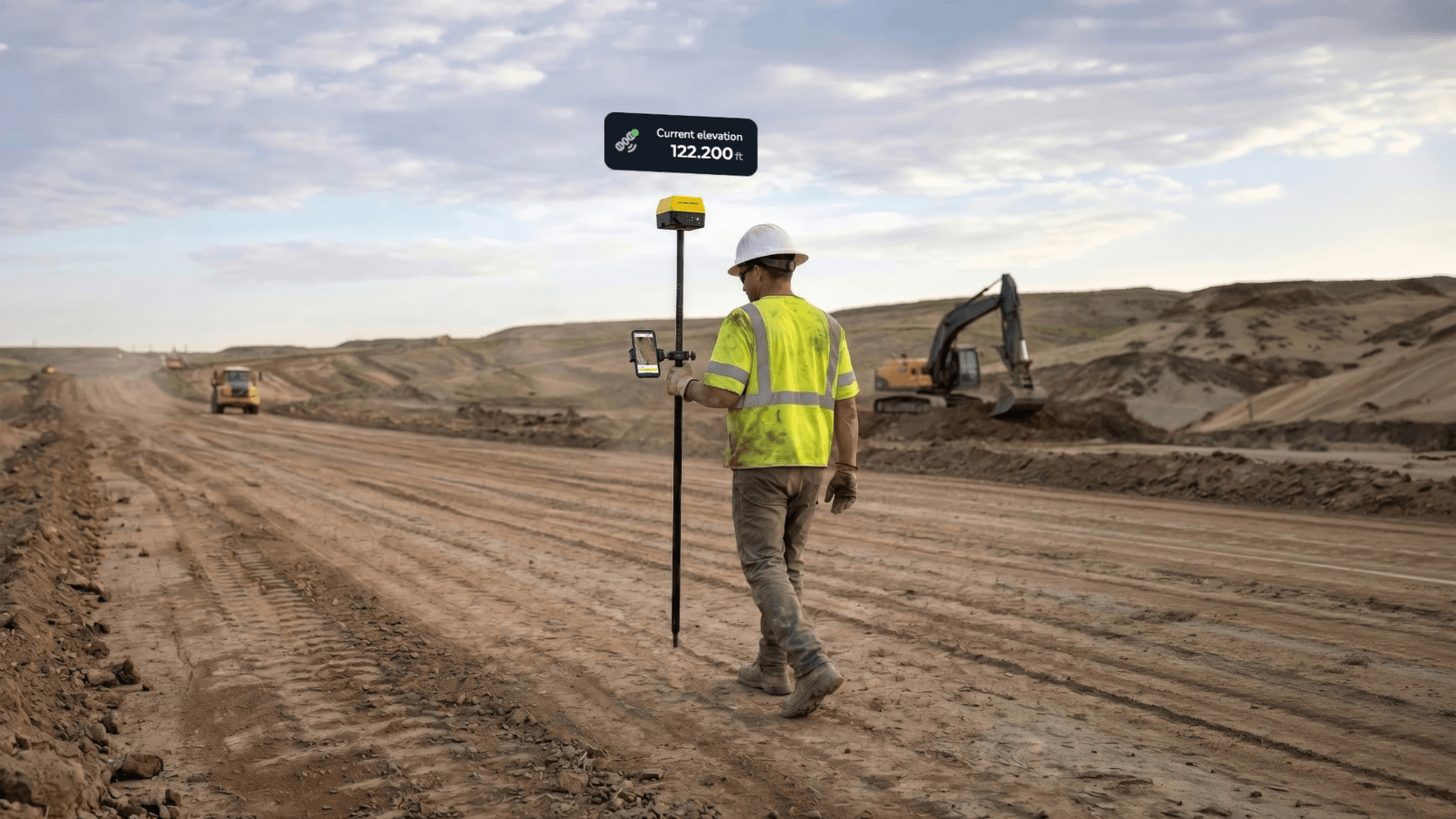
Where should the crew mark the next section of work? Use DirtMate RTK with Propeller Mobile to locate design lines and individual points on site.
Give foremen a way to handle routine layout tasks using designs available on their Propeller site, while the survey team manages specialist work and verification.
- Line and point stakeout
- Live positioning guidance
- Elevation source selection
Discuss the same spot on the same map
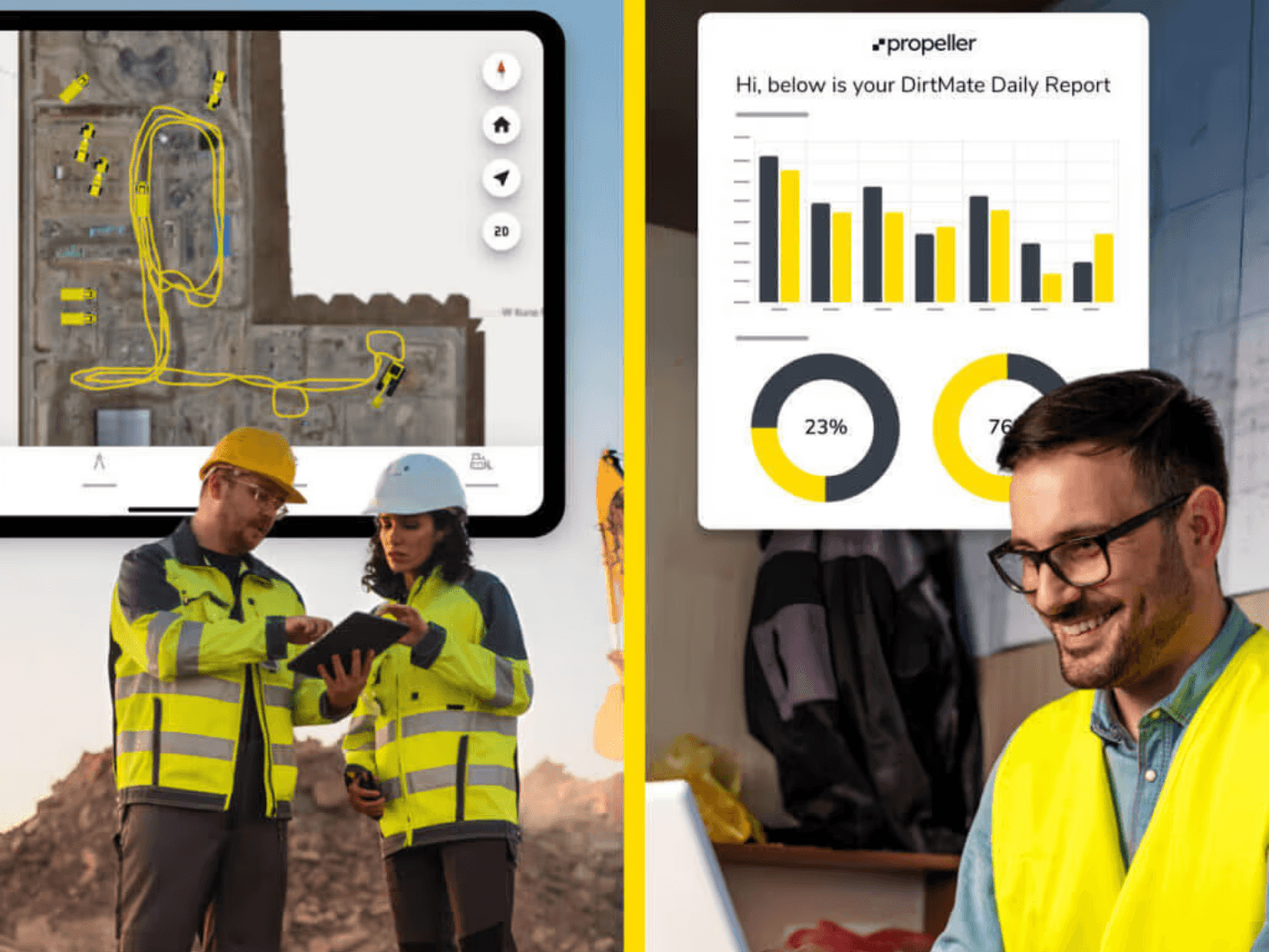
When a field condition needs a second look, give the office a location to review—not just a verbal description. A foreman captures a point; once it has synced, the office can review it alongside designs and survey data in Propeller.
Both teams can discuss the same spot without passing a separate point file between systems.
- Designs in the field
- Point sharing when connected
- Shared site context
Field positioning, connected to the plan
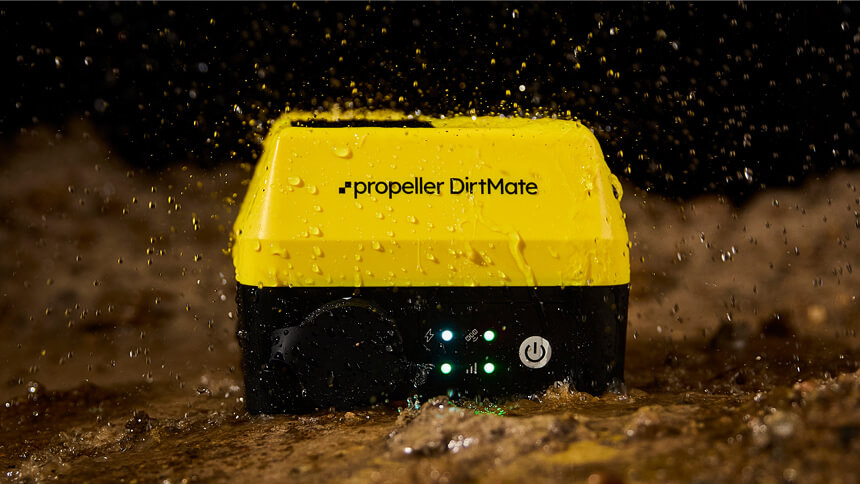
DirtMate provides the position, Propeller Mobile puts it to work, and Propeller brings field measurements and office designs into the same site context.
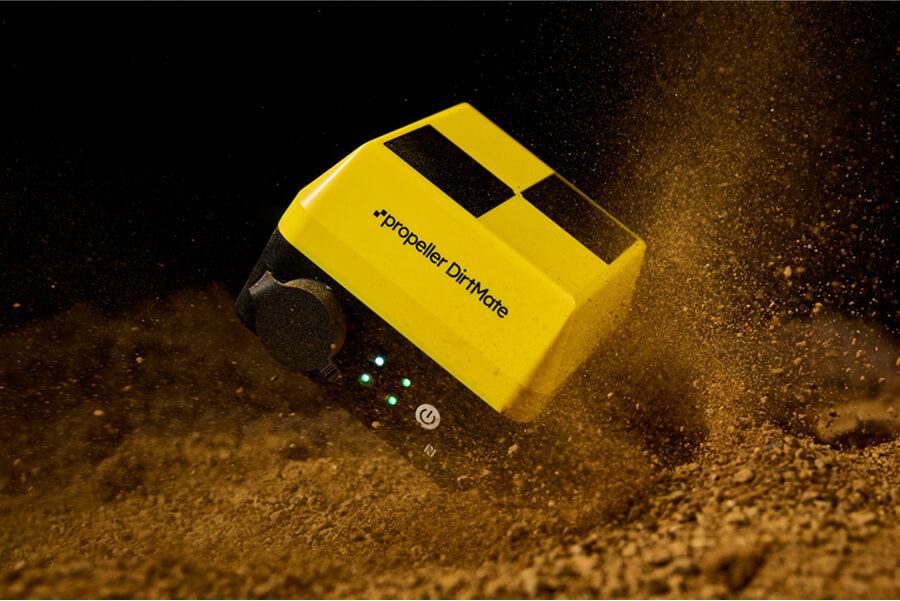
DirtMate
The GNSS receiver provides high-precision field positioning using a supported correction source and an active RTK subscription.
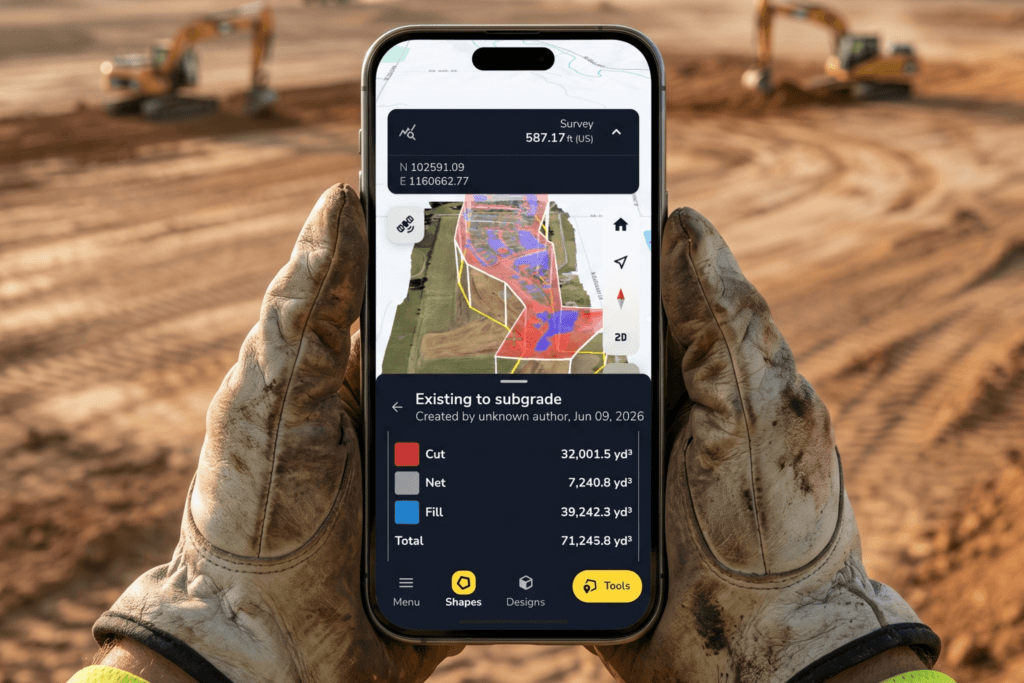
Propeller Mobile
The field interface brings DirtMate positioning together with site designs for grade checks, line and point stakeout, and point capture.
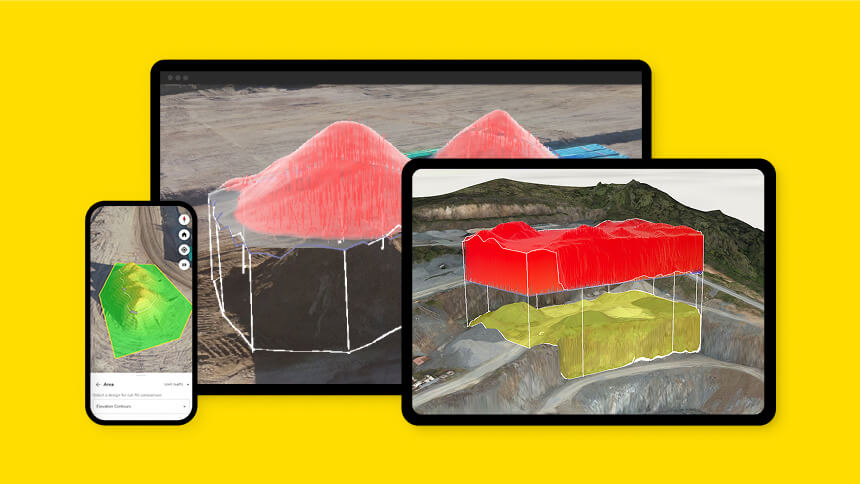
Propeller
The shared site brings saved field points, designs, and survey data together, giving office and field teams a common reference for the work.
What your team needs
Your survey team establishes the site reference, task tolerances, and verification requirements. Once that setup is in place, field teams can use DirtMate RTK for routine grade checks, point capture, and line and point stakeout.
- DirtMate with the appropriate RTK subscription, mounting equipment, and a compatible mobile device.
- Propeller Mobile and access to the relevant Propeller site.
- A supported correction source configured for the site.
- The relevant designs and stakeout targets prepared in Propeller before fieldwork, an aligned site reference, and agreed task tolerances and verification steps.
- A data connection to share captured records with the office.
Give your field team the tools to check the work
See how your field team can check grade, capture points, and stake out design lines and points.
DirtMate RTK FAQs
Compare the measured elevation at a location with the selected design surface in Propeller Mobile. Confirm supported design formats and setup requirements with the Propeller team.
Capture points at utilities, drainage features, and completed work that needs a location record. Follow the project’s documentation and verification requirements; point records alone are not a complete or certified as-built survey.
Yes. Use DirtMate RTK with Propeller Mobile to locate supported design lines and individual points in the field. Follow your project’s required tolerances and verification procedures before marking locations.
Captured points sync directly to your Propeller site when connected, where the office can review them alongside designs and survey data. A working RTK position does not necessarily mean a point has synced; check its sync status before relying on it being available to the office.
No. These workflows answer questions about specific locations in the field. A drone survey captures a broader site surface. Use each for the task and coverage you need.
No. It gives foremen and field teams access to routine grade checks, point capture, and line and point stakeout within the project’s established survey setup. Survey-control establishment, site reference, and formal verification remain part of the project’s survey procedures.
You’ll need DirtMate with the appropriate RTK subscription and mounting equipment, a compatible mobile device, Propeller Mobile, and access to your site. Confirm the correction source, designs, site reference, task tolerances, and data connection with your survey lead and Propeller team.