Plan for Arizona storms before runoff creates project delays
Use current site data to simulate rainfall, model runoff, identify drainage paths, and visualize flood exposure — so your team can plan around water risk before the next storm.
Propeller helps construction teams plan around drainage risk in 3D, using hydrology workflows built for real jobsite decisions.
Turn current site data into a clearer drainage plan
Visualize runoff paths, drainage patterns, and flood exposure using current site data. Teams in Arizona can identify risks around washes, retention areas, haul roads, pads, and access points before heavy rain affects the work.
See where water will go before it affects the jobsite
Use Propeller’s four hydrology workflows to plan around year-round drainage risk and Arizona monsoon conditions.
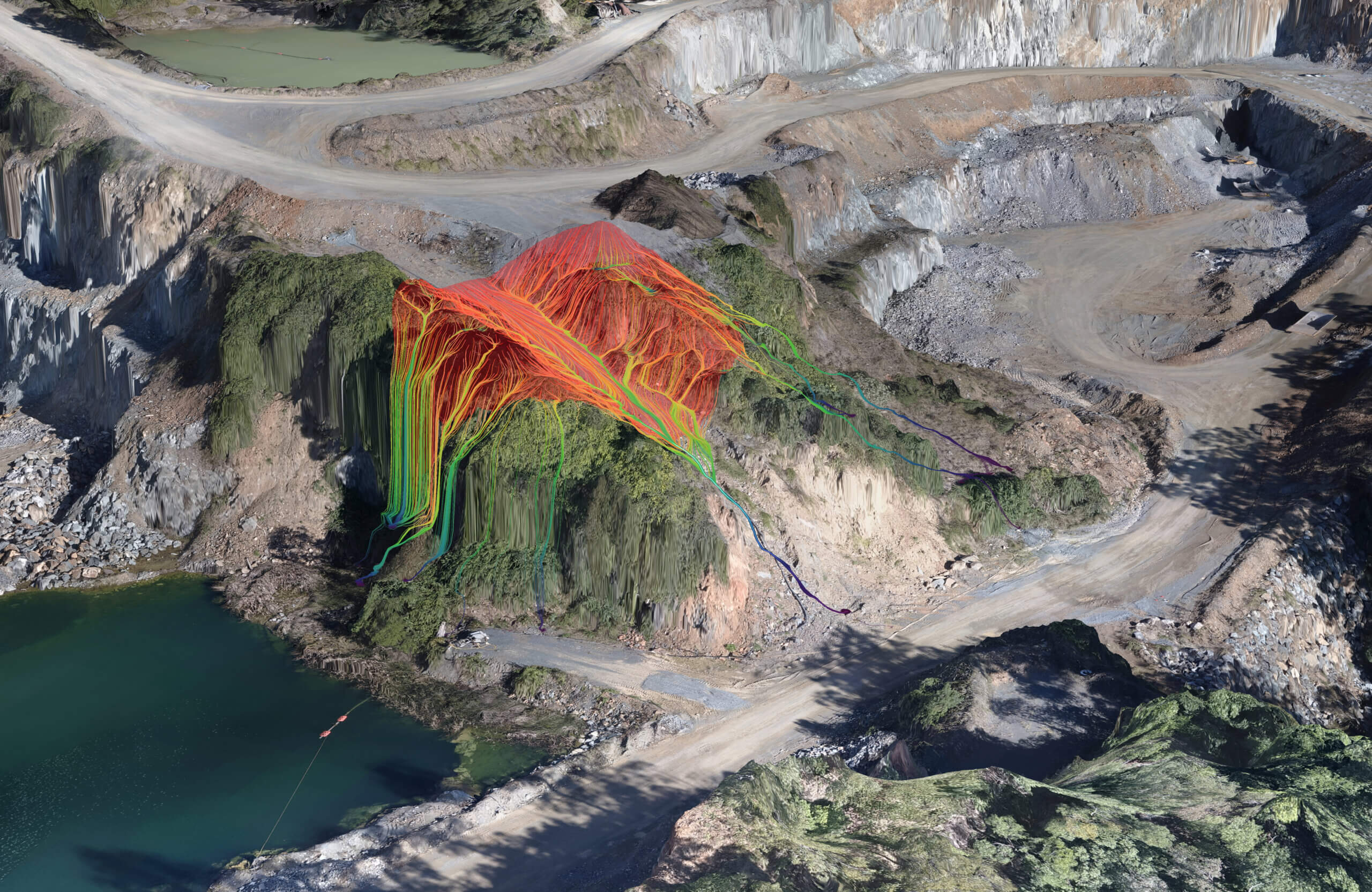
Simulate surface runoff to prevent erosion
Map runoff paths across roads, pads, laydown yards, stockpiles, and access points. Use current terrain data to spot flow paths before they become washouts or cleanup delays.
Use this to plan:
- Haul road and access protection
- Equipment staging
- Stockpile placement
- Drainage paths
- Areas to avoid based on natural water flow
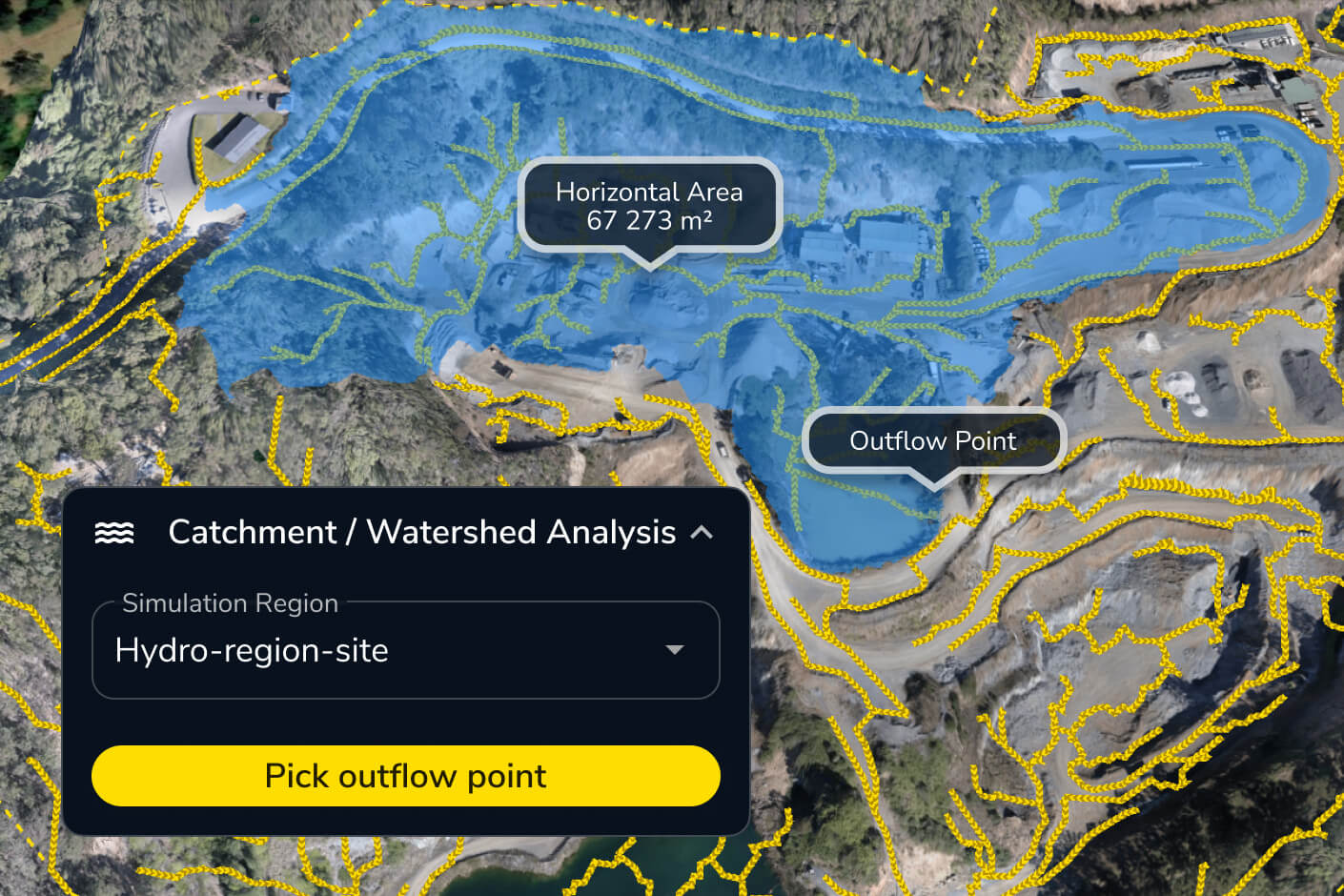
Analyze watershed capacity to manage drainage
Identify drainage areas and catchments that feed water into washes, outfalls, basins, and low-lying zones. Understand the source of runoff before planning mitigation.
Use this to plan:
- Wash and arroyo impacts
- Outfalls and culverts
- Retention and detention areas
- Drainage basin capacity
- Diversion paths
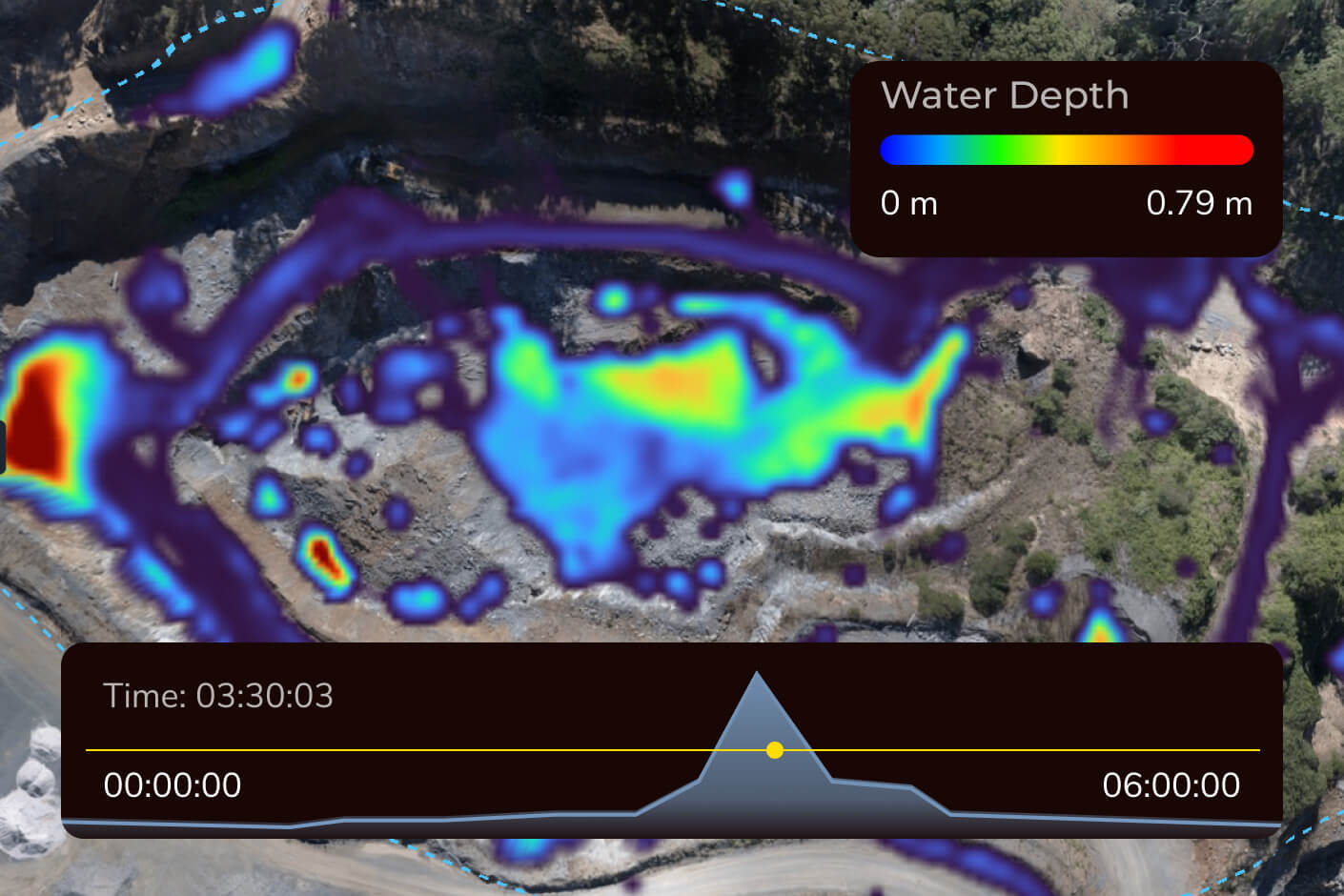
Predict runoff impact with rainfall simulation
Simulate rainfall on your current surface to see where water pools, flows, and overtops critical areas. Test storm scenarios before weather exposes drainage issues in the field.
Use this to plan:
- Heavy-rain and monsoon scenarios
- Ponding and accumulation zones
- Rainfall intensity impacts
- Storm response before work is disrupted

Analyze flood levels and create mitigation plans
Visualize flood exposure and ponding across low-lying areas so teams can plan pad elevations, retention areas, access protection, and emergency response.
Use this to plan:
- Low-lying site risk
- Flood exposure areas
- Ponding zones
- Pad elevation decisions
- Flood-level scenarios
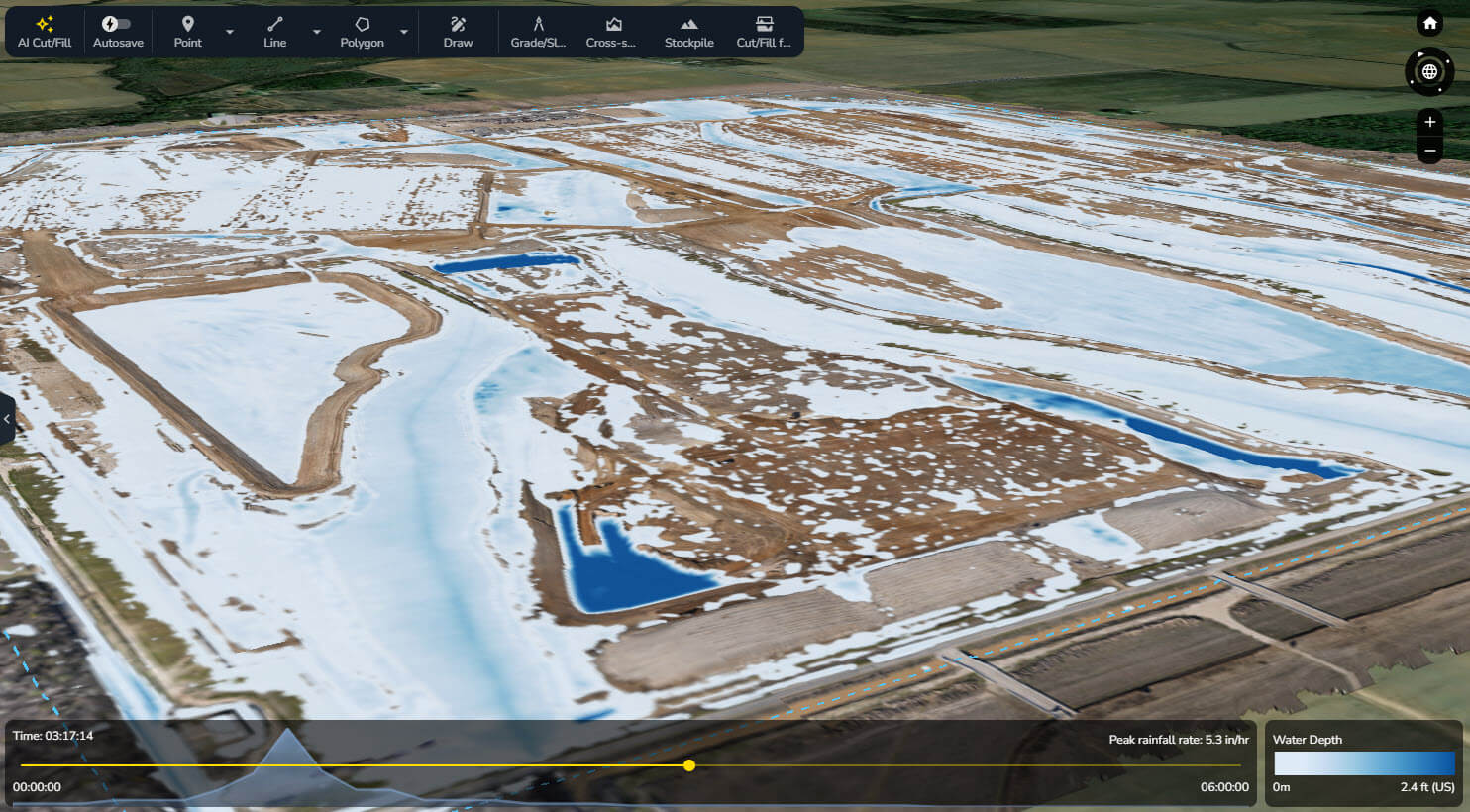

On one massive data center project, where it rains “feet at a time,” Mortenson used Propeller to simulate rainfall events against current conditions, validate basin and swale capacity, and visualize water-shedding paths — supporting both environmental planning and daily earthmoving decisions.
“You show that to an environmental specialist, and they can’t pick their jaw up off the ground.”
– Mickey Kocemba, Senior Lean Innovation Manager at Mortenson
Integrate hydrology data with your existing construction workflows
Seamlessly integrate Propeller data, including digital elevation models, with your favorite tools. Automate reporting, streamline operations, and maximize efficiency.
Frequently asked questions
Propeller’s Direct Rainfall Simulator uses your current site surface to show how water may flow and pool under different rainfall scenarios. Teams can use the results to identify risks around haul roads, pads, stockpiles, equipment staging areas, and site access before a monsoon storm affects the work.
Watershed Analysis identifies the upstream areas that feed runoff into washes, arroyos, culverts, outfalls, and low-lying areas. Surface Runoff then shows the paths water may take across the current terrain, helping teams plan drainage controls, access routes, and diversion strategies.
Yes. Propeller helps teams visualize current drainage paths, runoff sources, ponding areas, and erosion risks to support BMP placement, site reviews, and SWPPP documentation. Propeller does not create or certify a SWPPP, but it gives field and office teams clear site evidence to inform stormwater planning. Arizona projects that require permit coverage must complete a SWPPP before submitting a Notice of Intent to ADEQ.
Propeller lets teams simulate rainfall against the current site surface, identify the areas feeding runoff into a basin or swale, and visualize how water moves across the surrounding terrain. These insights can support capacity reviews and mitigation planning as site conditions change. Engineering calculations and final design validation should remain with the appropriate qualified professional.
Surface Runoff shows the path water may take as it moves across the site. Flood to Level shows which areas may be affected if water reaches a specified elevation. Arizona teams can use both to assess risks around washes, low-water crossings, haul roads, retention areas, and low-lying work zones.
No. Propeller’s hydrology tools help teams understand rainfall, runoff, drainage, and flood exposure using their current site data. They do not replace FEMA flood maps, official floodplain studies, permitting requirements, or engineered hydrology and drainage analysis.
Yes. Monsoon storms create urgency, but drainage conditions change throughout the project. Teams can use Propeller after grading changes, new stockpile placement, road construction, or basin work to check how the current surface may affect runoff, ponding, and site access year-round.