
Cross section survey in a matter of minutes using drone data
With the power of drone-captured data and the Propeller Platform, surveying cross sections becomes as…
DirtMate Centimeter-level machine guidance and fleet telematics for earthmoving
AeroPoints High-accuracy ground points for faster, reliable surveys
Propeller CAD AI-powered earthworks design built directly on your real survey terrain
Drone & hardware integrations Connect Propeller with your existing tools seamlessly
Share the information they need—without compromising your construction site data security.
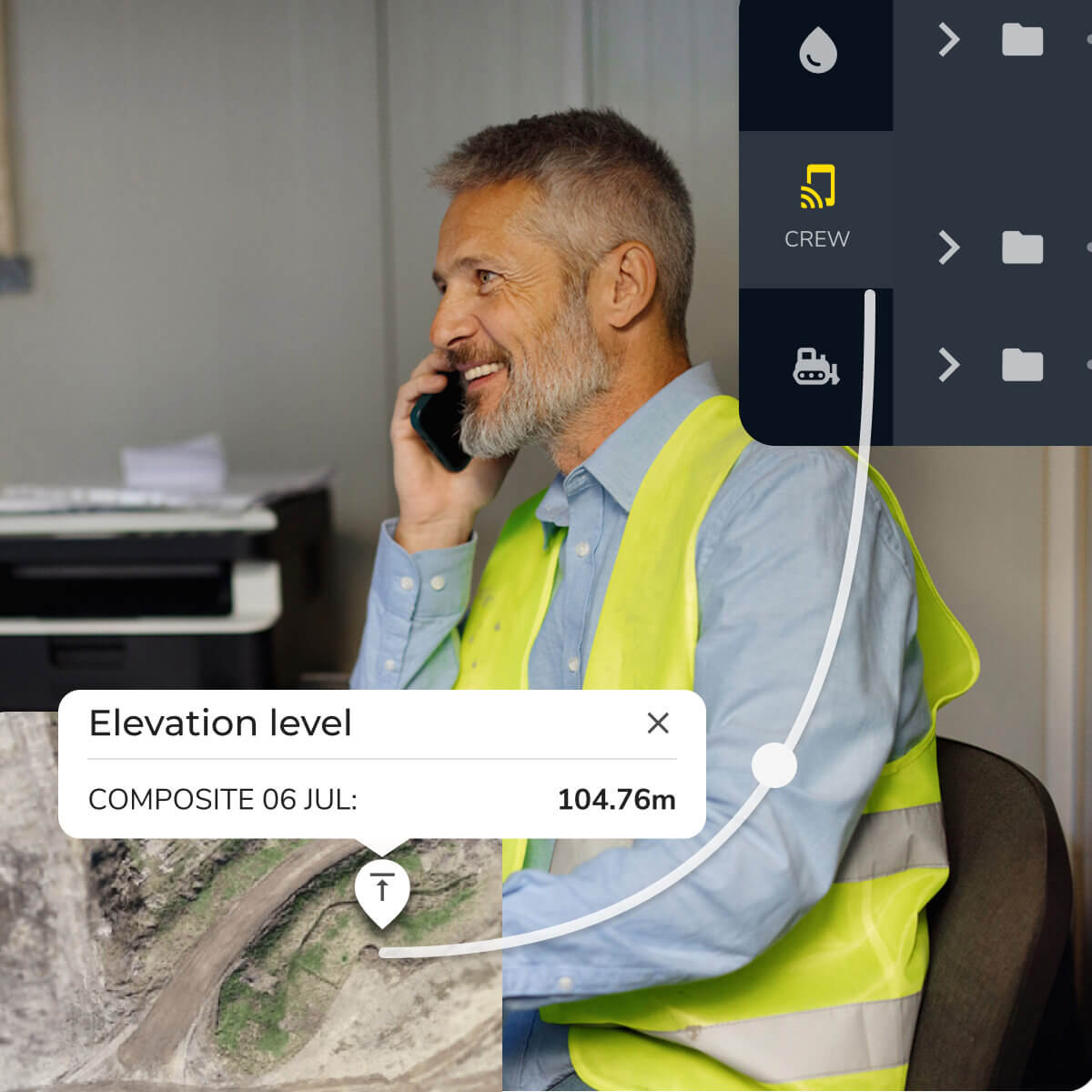
Not everyone on-site needs the same level of construction data access control. Propeller’s customizable data access settings ensure that every user—from field crews to client execs—gets the data they need to keep projects moving without disrupting your work.
Protect your data without slowing down your team

With role-based access control for construction, you decide who can upload surveys, make calculations, or simply view reports—ensuring only authorized users can make changes.

Accidental edits can lead to major setbacks. With locked calculations and version control, your site data stays accurate and your team works from a single source of truth—essential for construction compliance.

Grant view-only access to subcontractors, clients, or stakeholders so they get the insights they need without making unauthorized changes.
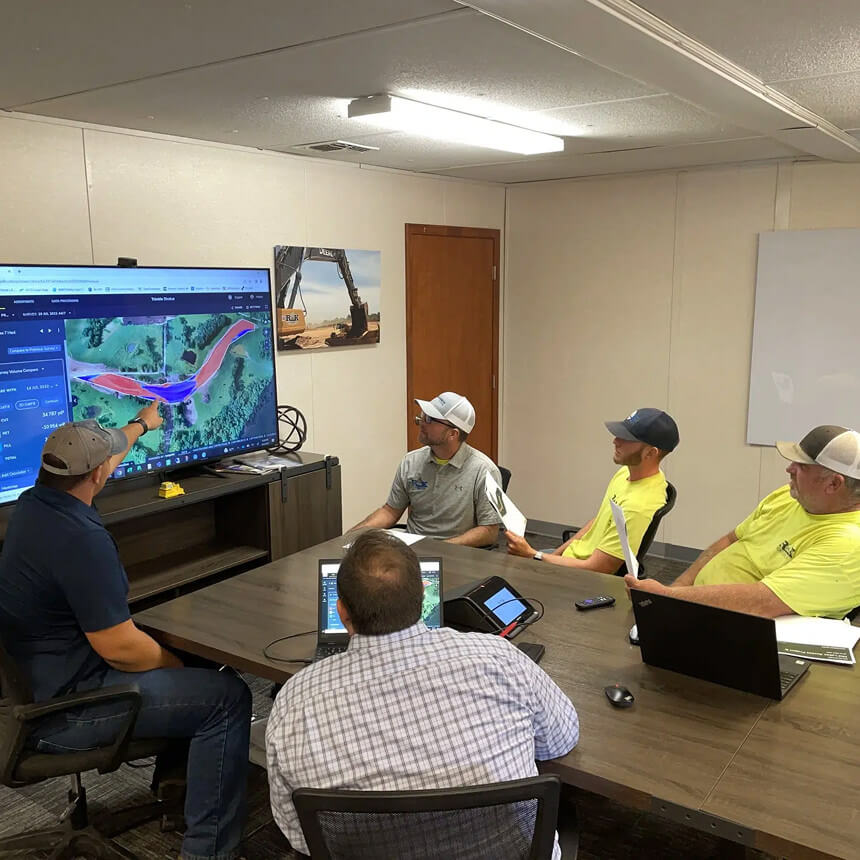

“Project managers love Propeller’s user permissions and admin controls. They can access volume metrics and collaborate without waiting or hitting data bottlenecks.”
– Patrick Schultz, Assistant Project Manager at R&K Excavation
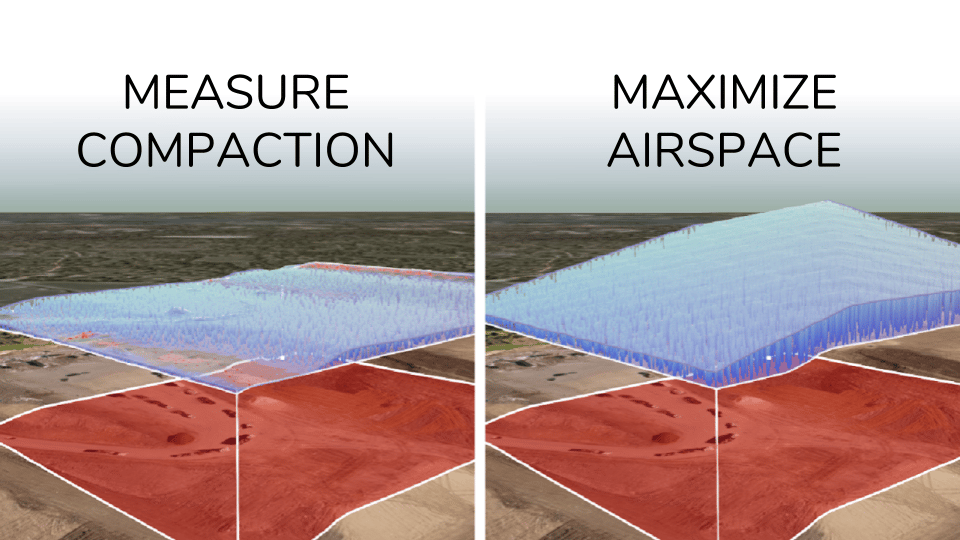

Control who sees, edits, and shares your site data while keeping your critical information protected with full control over access permissions.
Propeller lets you assign different access levels depending on what each user needs to do. Administrators can manage the full account, while other users can be set to view-only, allowing them to see reports and maps without making edits. You can also lock critical calculations to prevent accidental changes, giving your team one reliable source of truth.
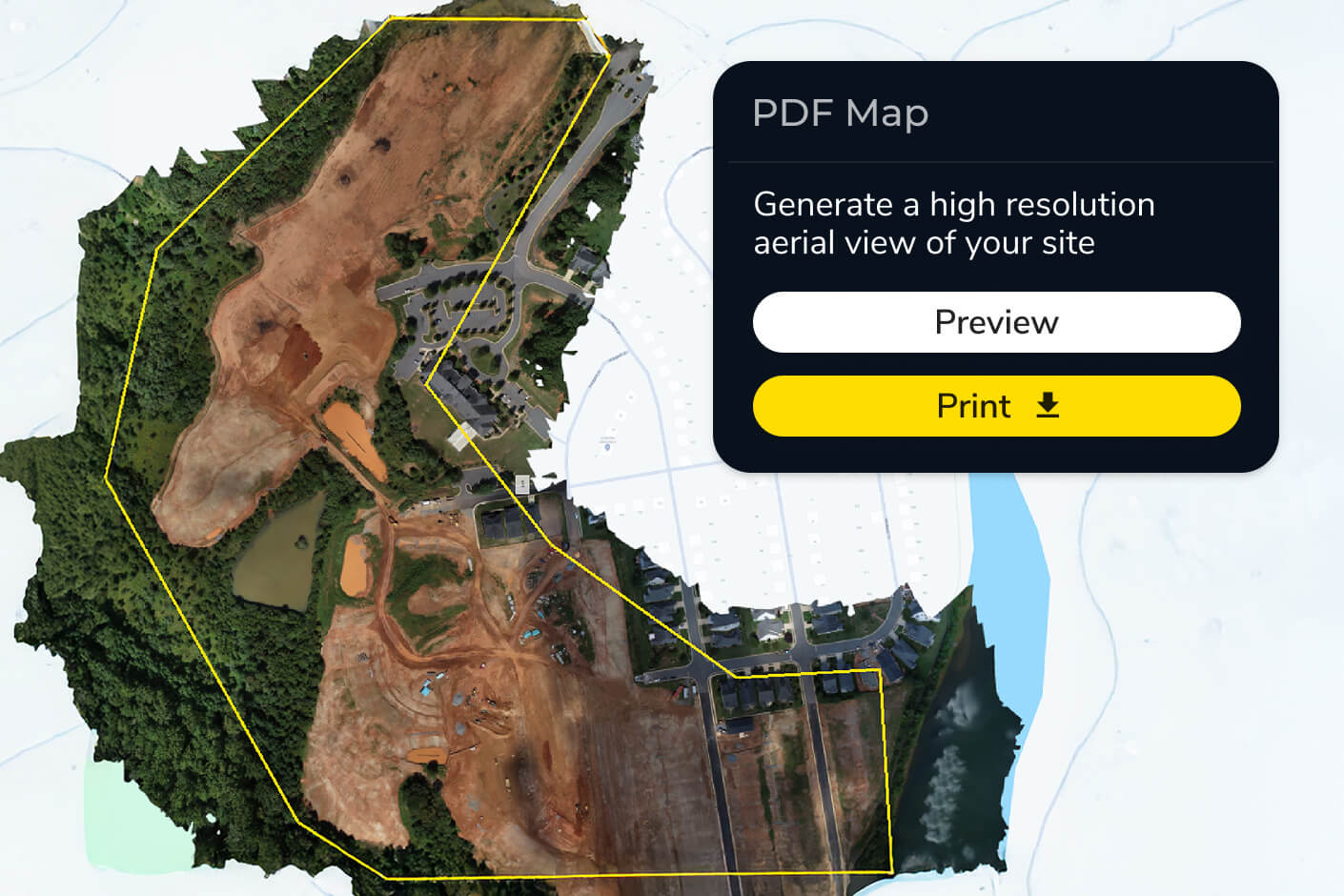
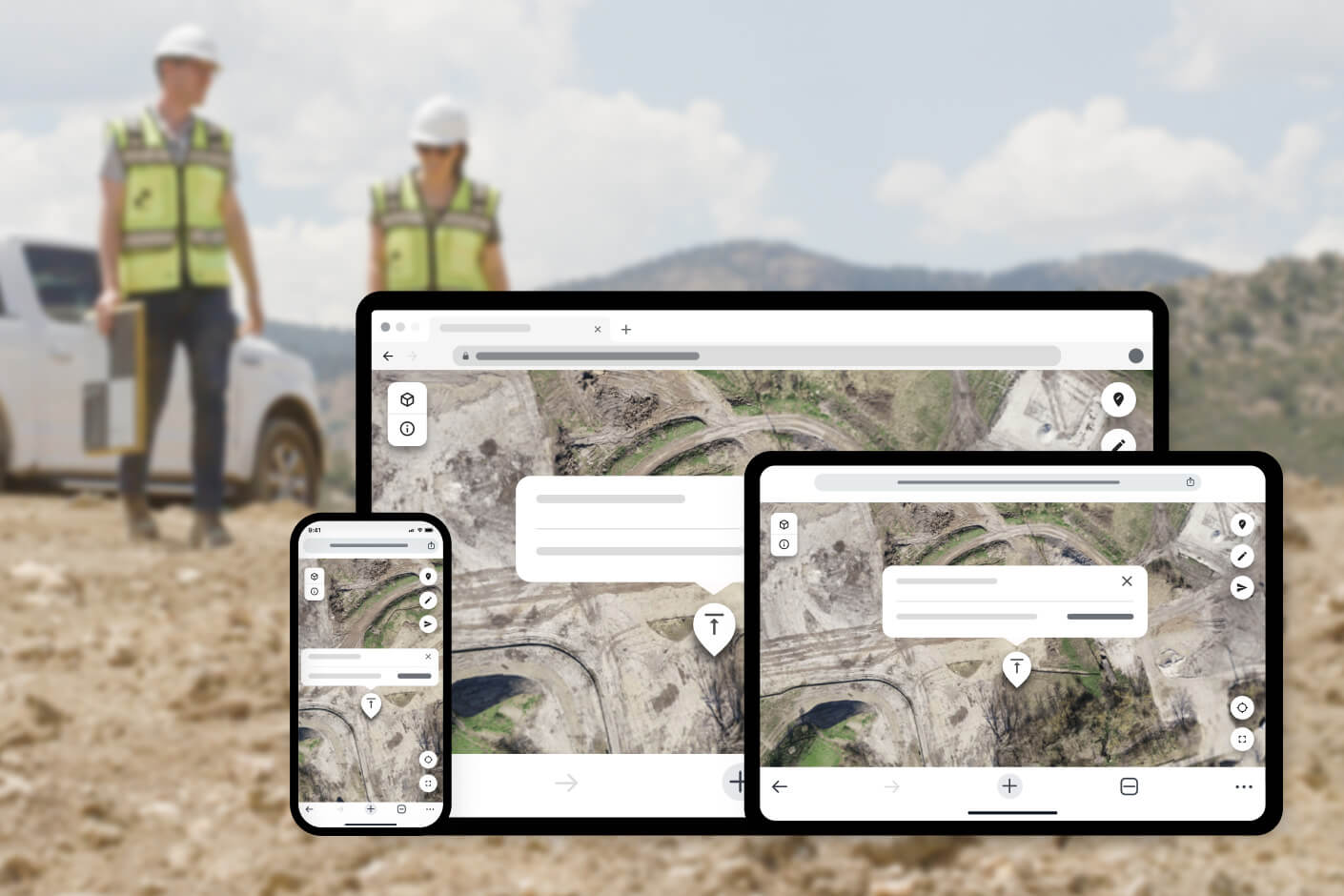
Yes. Propeller lets you share interactive site maps via a unique URL — no software installation required. Clients and subcontractors can review data on any device, from desktop to mobile, without accessing editable project data. You can also use the Web Map Tile Service (WMTS) or PDF map export for external sharing.
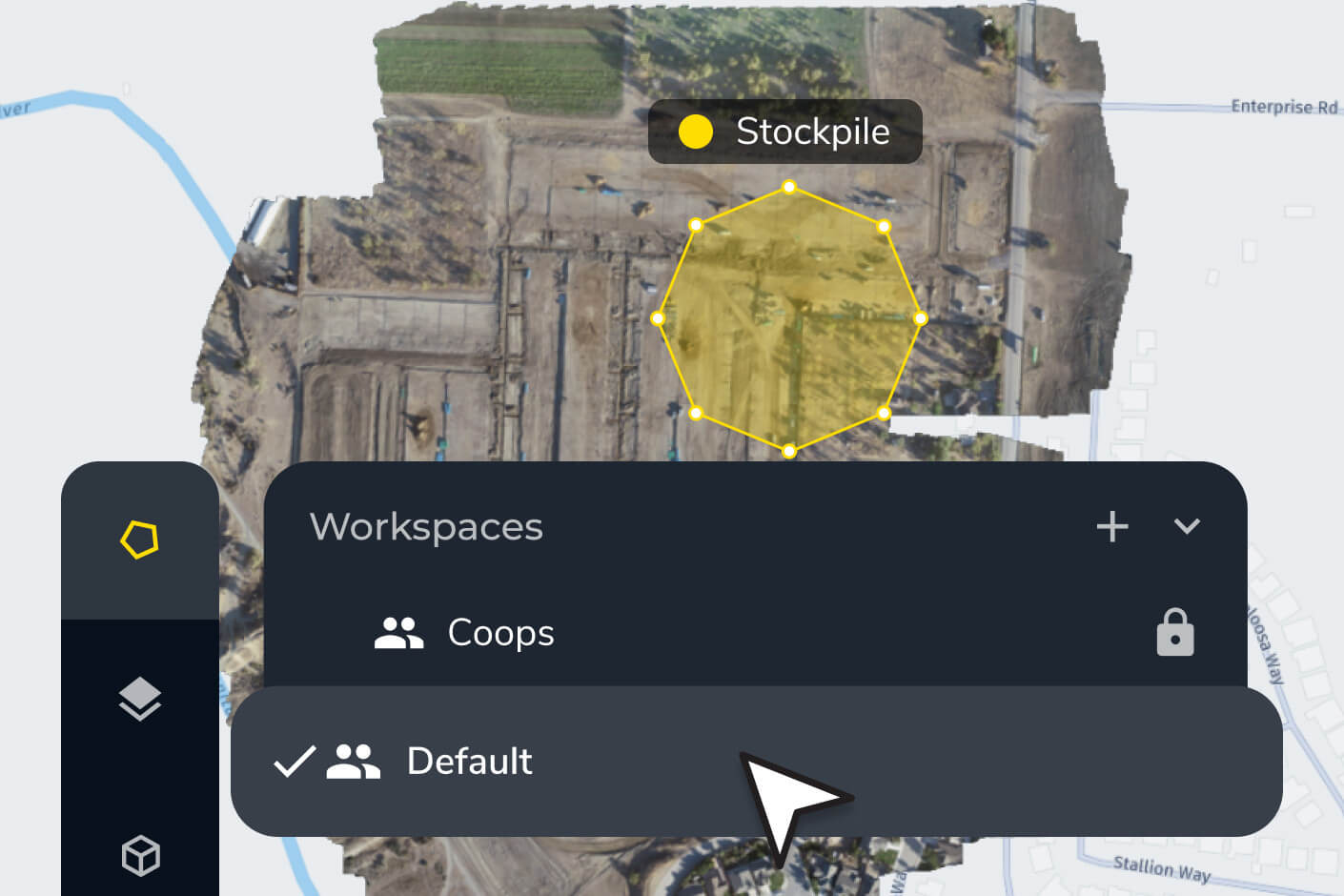
Propeller’s customizable permission settings let you assign access by role — so field crews, engineers, project managers, and client executives each see exactly what they need. Administrators can manage these settings directly in the platform without IT involvement. You can also organize data into folders and workspaces to keep projects structured by team or site.
Propeller is SOC 2 Type 2 certified, which means your worksite data is held to rigorous security and availability standards. The platform’s read-only public API and permission controls also support internal data governance policies by limiting who can export or modify project data.