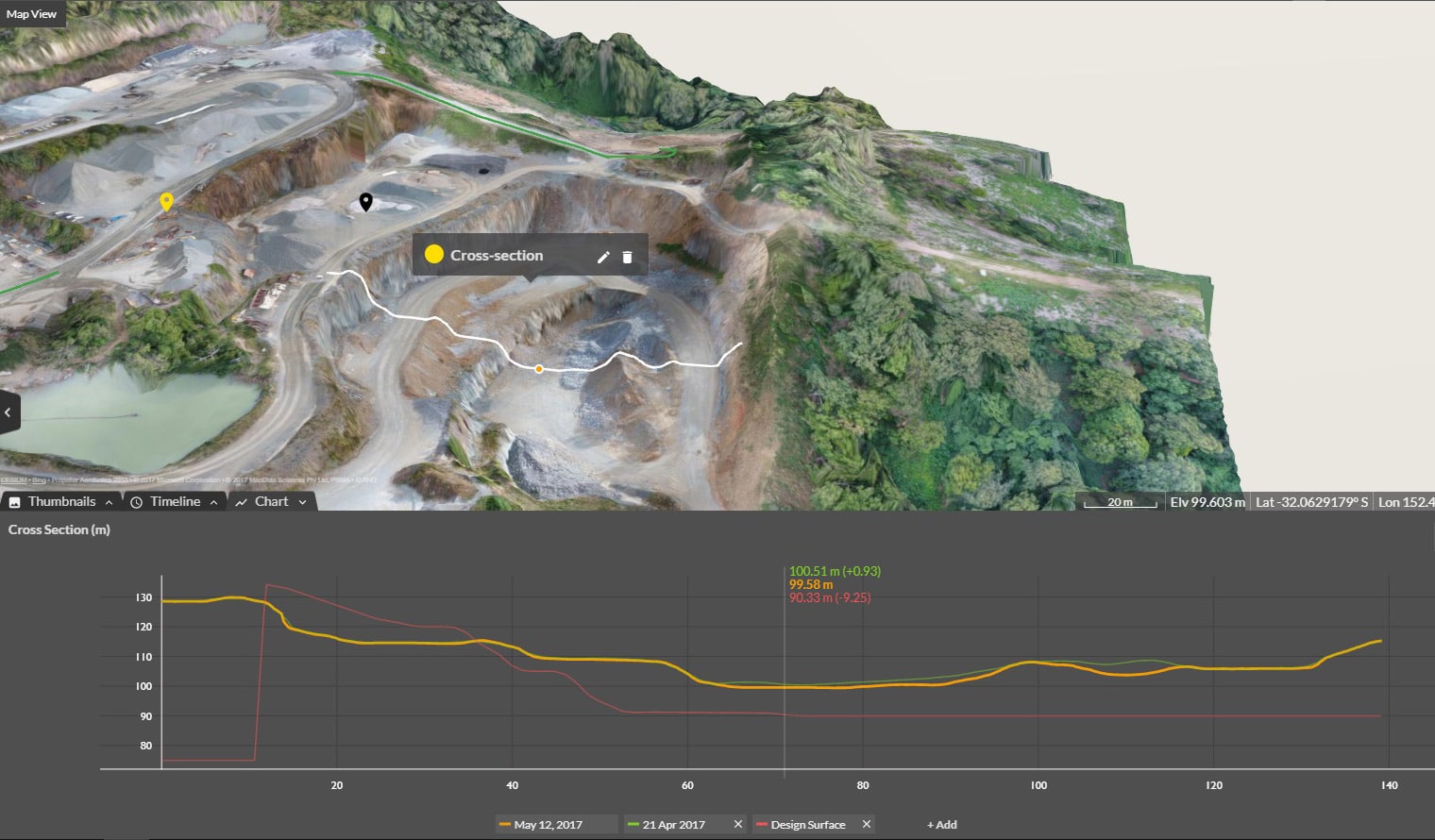
Cross section survey in a matter of minutes using drone data
With the power of drone-captured data and the Propeller Platform, surveying cross sections becomes as…
DirtMate Centimeter-level machine guidance and fleet telematics for earthmoving
AeroPoints High-accuracy ground points for faster, reliable surveys
Propeller CAD AI-powered earthworks design built directly on your real survey terrain
Drone & hardware integrations Connect Propeller with your existing tools seamlessly
Generate measurement reports and export site data in the formats each tool needs — without rebuilding everything outside the platform.
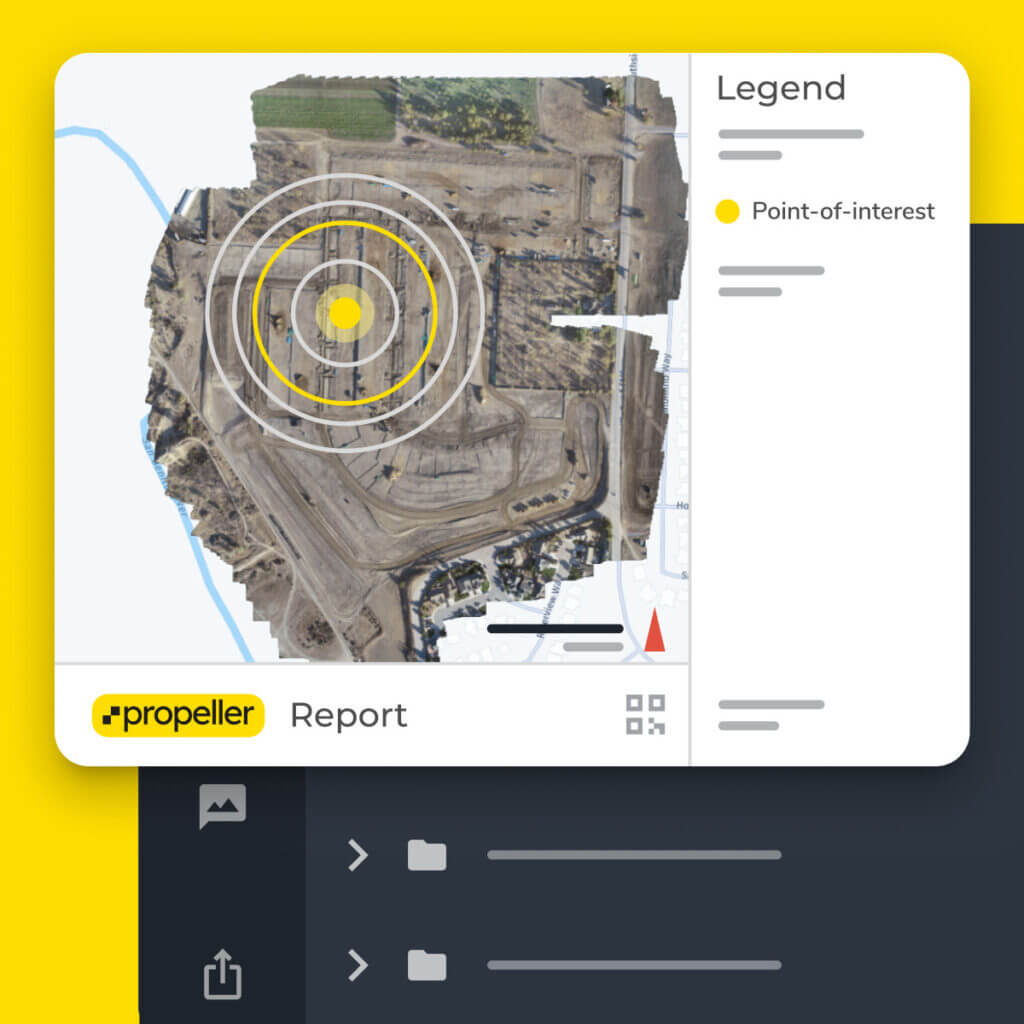
Propeller gives site teams, project managers, and owners a way to move from raw survey data to a usable deliverable — without leaving the platform or rebuilding work in another tool.

Select the measurements you need, choose what to include, and export a PDF or CSV with quantities, site imagery, and links back to the source data.

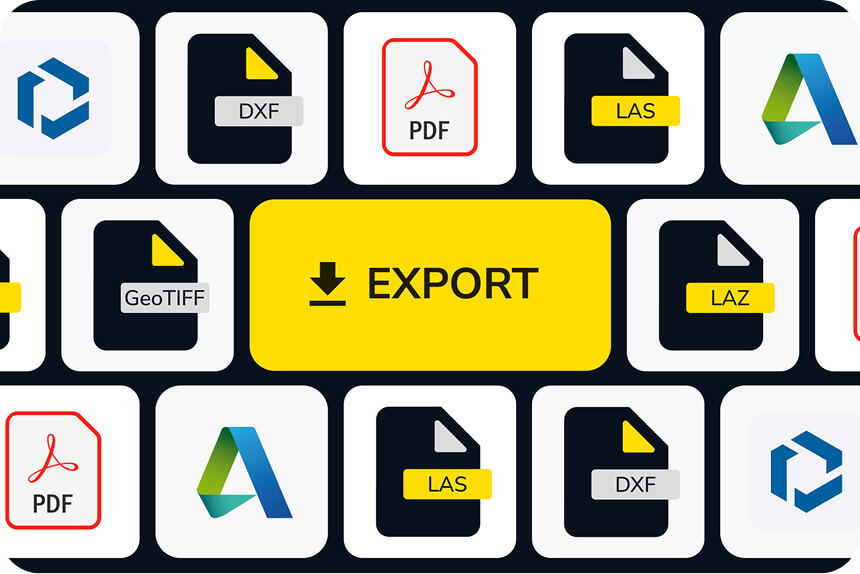
Export .DXF, LandXML, PDF, CSV, and KML/KMZ files to send data back into Civil 3D, Trimble, Leica, GIS platforms, and ERP workflows without extra conversion steps.
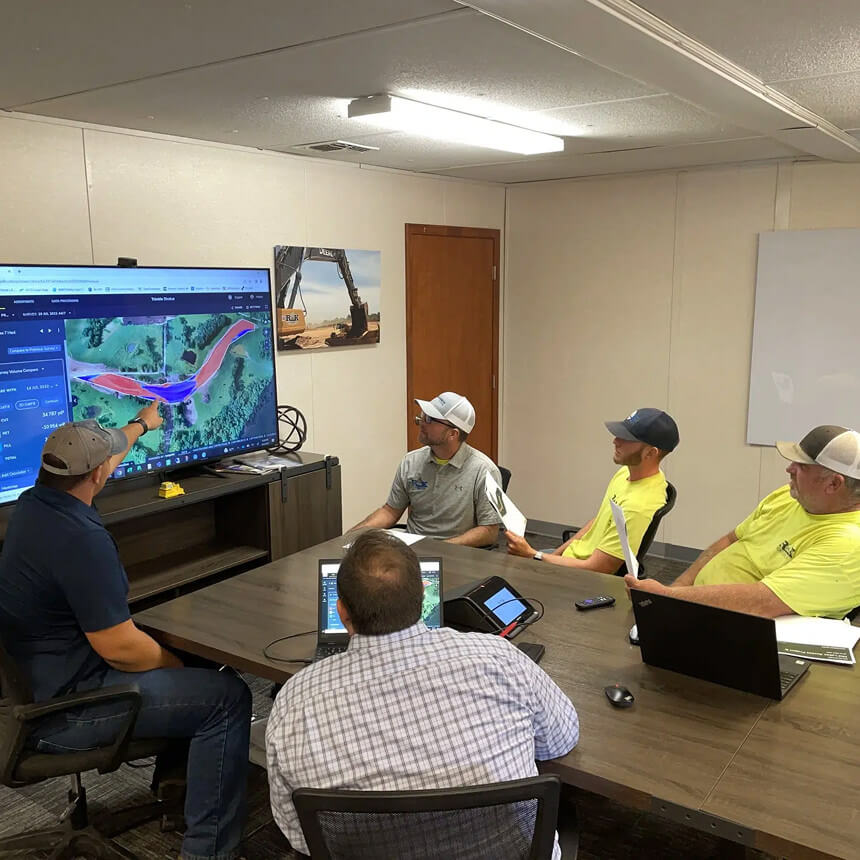
“Before Propeller, we didn’t have the ability to provide clean visuals for the updates/project close-outs for our general contractors. Now, we can easily generate a professional looking report that is intuitive and easy to read and that we’re proud to send to our general contractors.”
– Patrick Schultz, Assistant Project Manager for Grade and Quality Control, R&K Excavation.
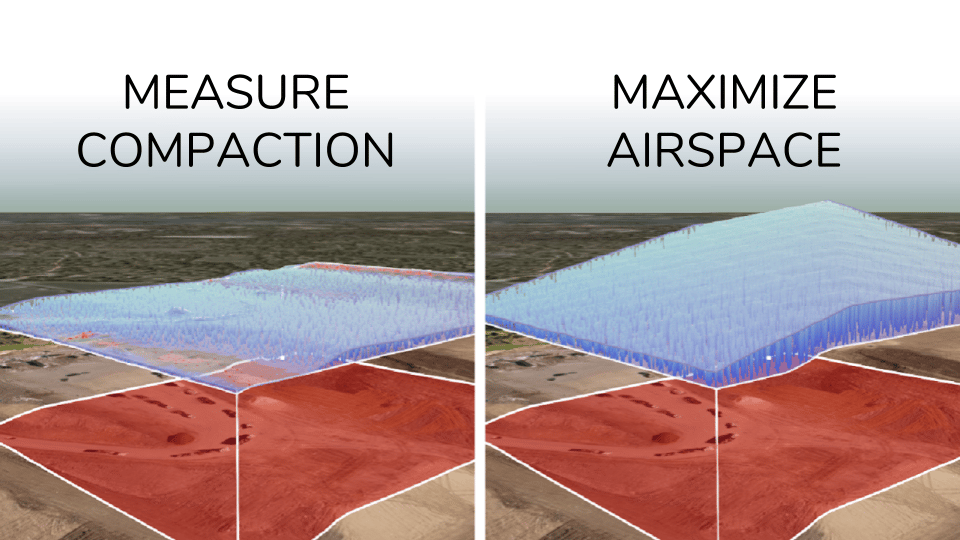

See how Propeller helps teams generate, export, and share the outputs each stakeholder needs to review progress, support payment, and close out work with confidence.
A report is a readable PDF or CSV deliverable you share with a client, owner, or project manager — with quantities, site imagery, and links back to the source measurements. An export is site data in a specific file format (.DXF, LandXML, KML/KMZ, CSV) that another software tool needs to continue the workflow. Both start from the same survey data in Propeller.
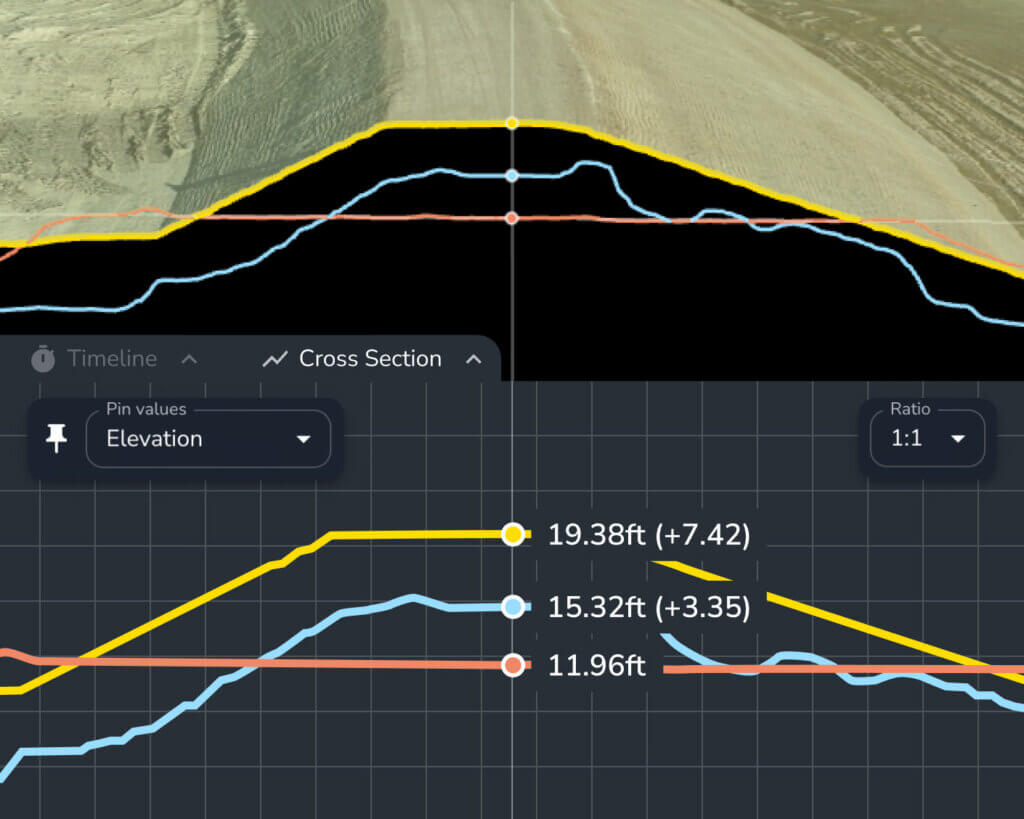
Propeller supports .DXF, LandXML, and TTM exports for Civil 3D, Trimble, and Leica workflows. You can also export PDF maps, cross-sections, CSV data, and KML/KMZ files for GIS platforms and government portals.
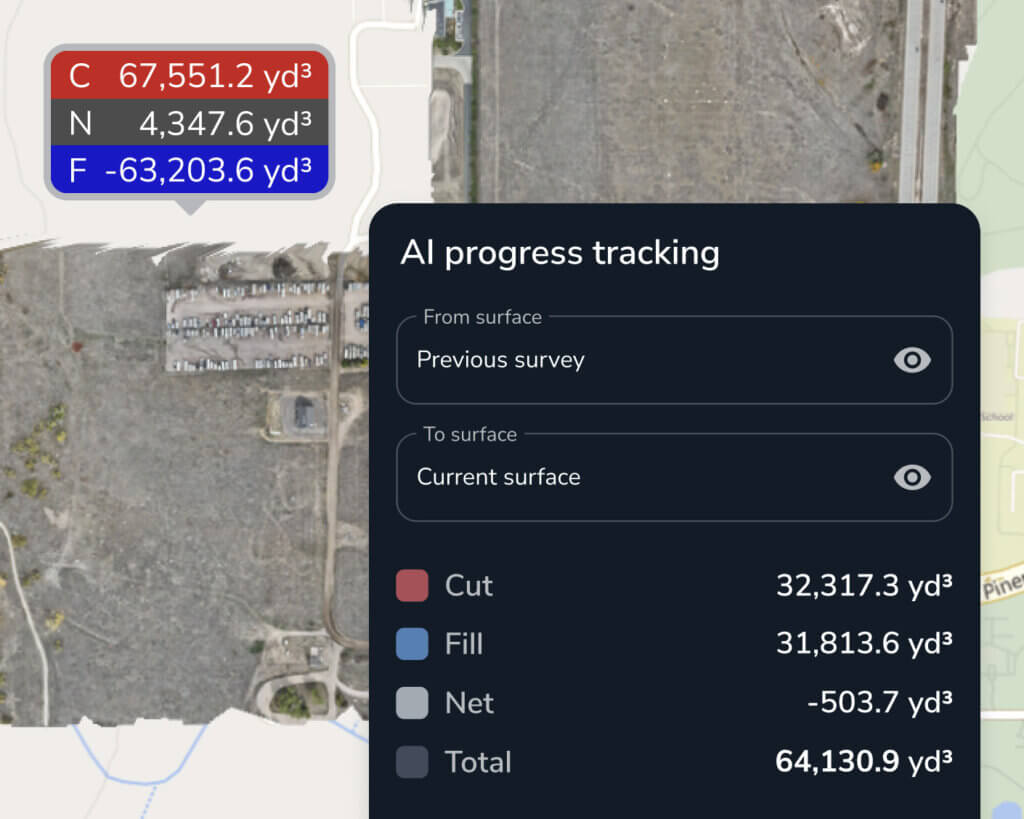
Compare your surveyed conditions against the design using cut-fill tools, then export cross-sections and quantity reports. Share supporting maps and survey records with the teams who need to review them. Use those outputs in payment claims, progress reviews, and handover packages. Propeller keeps a timestamped record of surveys so teams can trace what changed and when.
Propeller helps teams build handover documentation by combining survey comparisons, cross-sections, quantity reports, and maps into a package the next team can review. All outputs are tied back to timestamped survey data, giving the receiving team a clear record of what was completed and when.
Propeller helps teams build handover documentation by combining survey comparisons, cross-sections, quantity reports, and maps into a package the next team can review. All outputs are tied back to timestamped survey data, giving the receiving team a clear record of what was completed and when.
Yes. When creating a measurement report, you can select which measurements to include, adjust map framing and titles, set paper size, and customise reference labels and stockpile table attributes. Reports export as a PDF or CSV, so the output reflects exactly what you need for that review, pay app, or handover.
Yes. PDF and CSV reports can be shared with clients, general contractors, owners, and anyone else who needs to review the data — no Propeller account required. This makes it straightforward to include survey outputs in payment claims, progress updates, and handover packages without asking the receiving team to set up access.