Welcome to the Site Survey Series (1/4)
This series is all about making construction site data easier to understand and use. In this first installment, we’re showing how to keep all your drone surveys, ground surveys, design files, and machine data in one place so your team can collaborate better and make smarter decisions.
Construction site data is a bit like electrical wiring. It’s great when it’s organized—but if it’s tangled, poorly documented, or only understood by one person, it becomes a liability.
For example: Imagine you’re on a job walk when the GC asks a question about utilities.
You know the data exists… somewhere. Maybe it’s in a file on the only computer powerful enough to process site surveys. Maybe it’s in the survey from two months ago that was only shared with a small handful of people with the skills and hardware to read them. Or maybe someone marked the necessary points with spray paint and sent a text about where.
It’s a stressful scramble for information that should be right at your fingertips.
Disconnected data can mean the difference between profit and loss on the job. It keeps field and office teams out of sync and makes compliance reporting a Herculean task. Poor data management in construction is also one of the top contributors to project overruns, at an estimated industry cost of nearly $1 trillion annually.
Luckily, there’s a better way: consolidating and organizing your site data in one centralized hub.
What counts as “construction site data”?
If you’re just thinking of site data as GPS coordinates or design files, you’re missing a huge part of the picture. At Propeller, we think of site data in two categories: the map itself, and the data layers on the map.
The 3D site map
Your site map is your foundation—the base you build an entire project on. If it’s inaccurate or unreadable, everything that comes after is at risk.
We create 3D maps from a wide range of data sources, including:
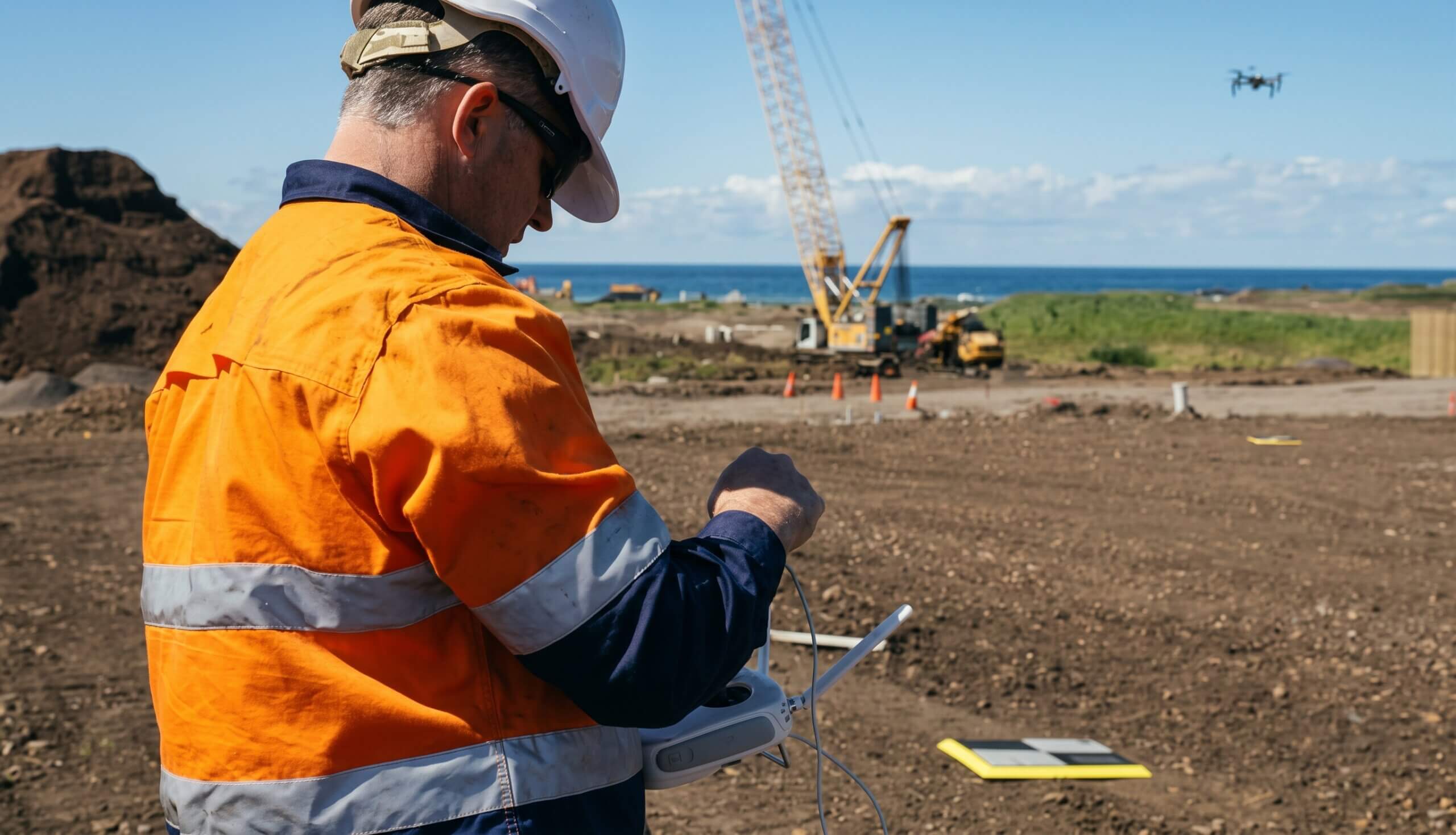
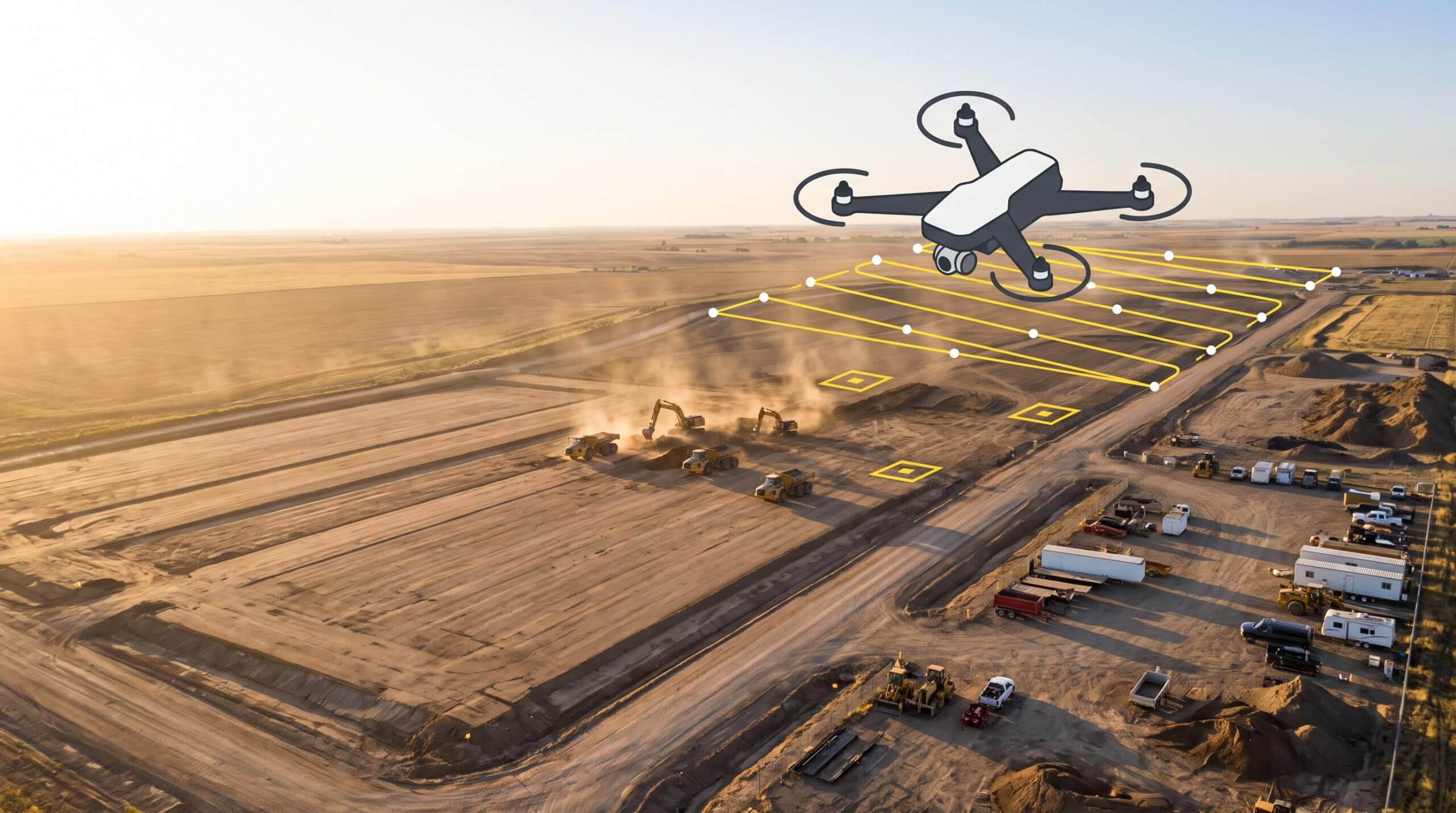
- Drone surveys: Regular flyovers give you an accurate topographic map with realistic images. Your team can use this data to make volume calculations, measure cross-sections, and track progress over time.
- Rover or ground surveys: Ground-level data collection is perfect for recording site control points or as-built surveys that require higher accuracy
- Lidar: Import lidar scans to build high-accuracy 3D models, even when you’re working with heavily vegetated terrain
- Design files: Overlay surface models, DXFs, and PDFs that show where everything on site is supposed to go
Data on the map
A 3D site map is good—but an interactive map with context that’s accessible to everyone is even better.
Propeller pulls in contextual data for everyone from your field crew to the project teams back at the office, including:
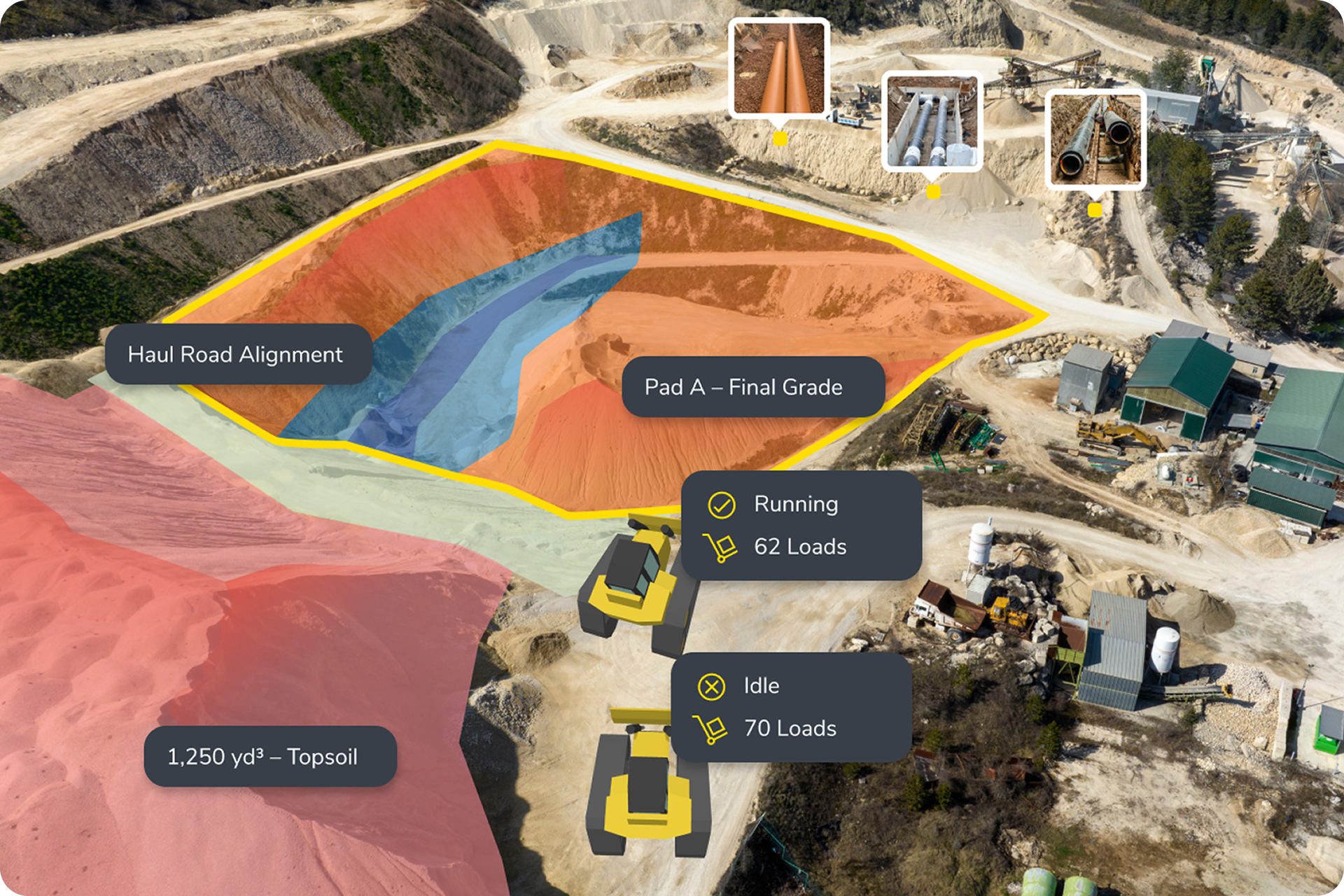
Machine telematics
DirtMate offers live insights into the latest surface elevations, operator efficiency, and machine movement (think load and cycle counts) across your site.
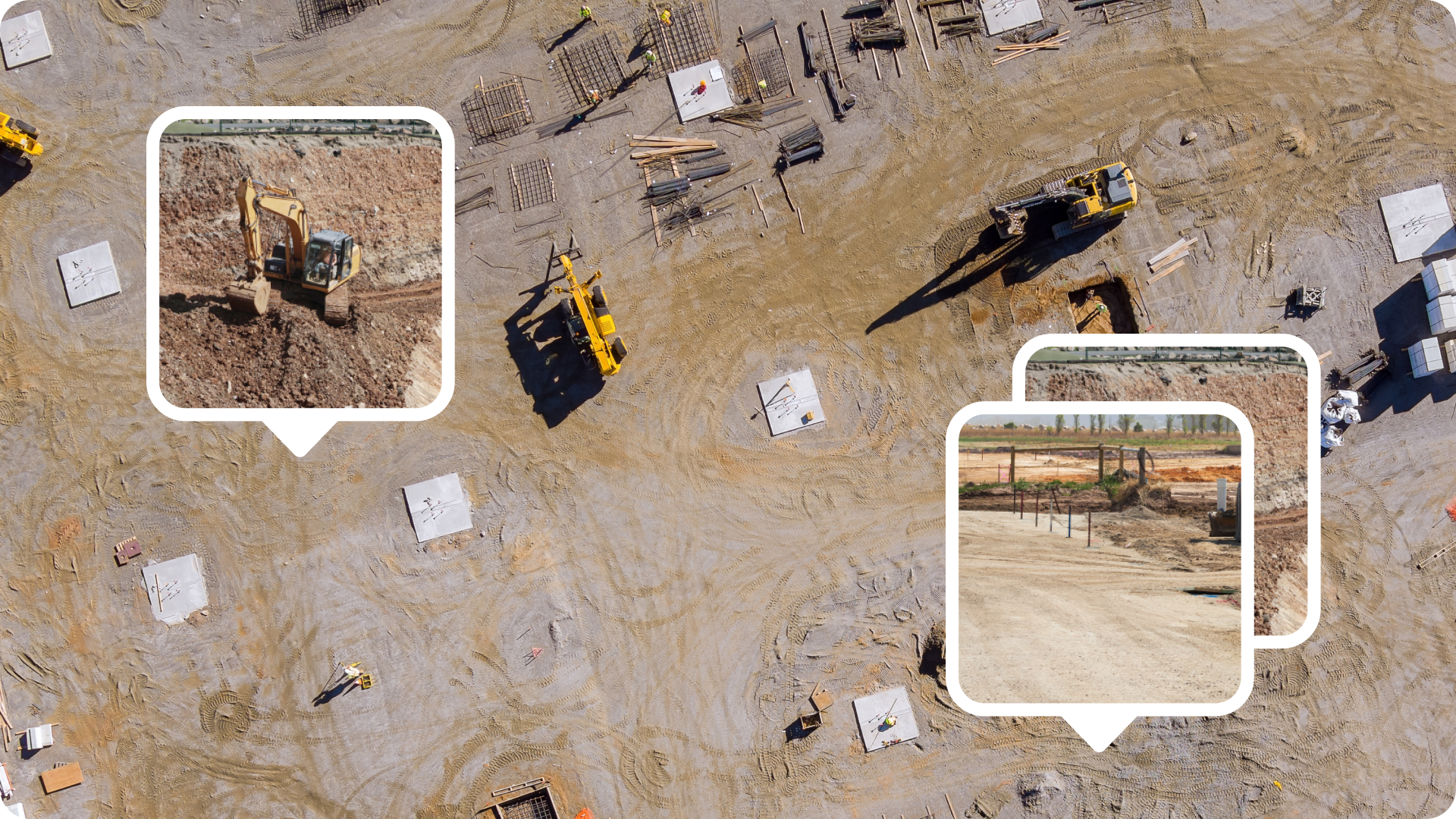
Photos and 360 images
Document proof of work, underground installations, or potential hazards with photos captured on your phone and automatically tagged to their geolocation on-site.
Curious how we integrate aerial drone surveys with ground-based surveys? Stay tuned for Part 2 of this series on why drone and ground surveys go hand-in-hand!
Notes and markup
Mark up your map like it’s on paper. Mark a point, flag a hazard, or give instructions to field crew, all without leaving your map.
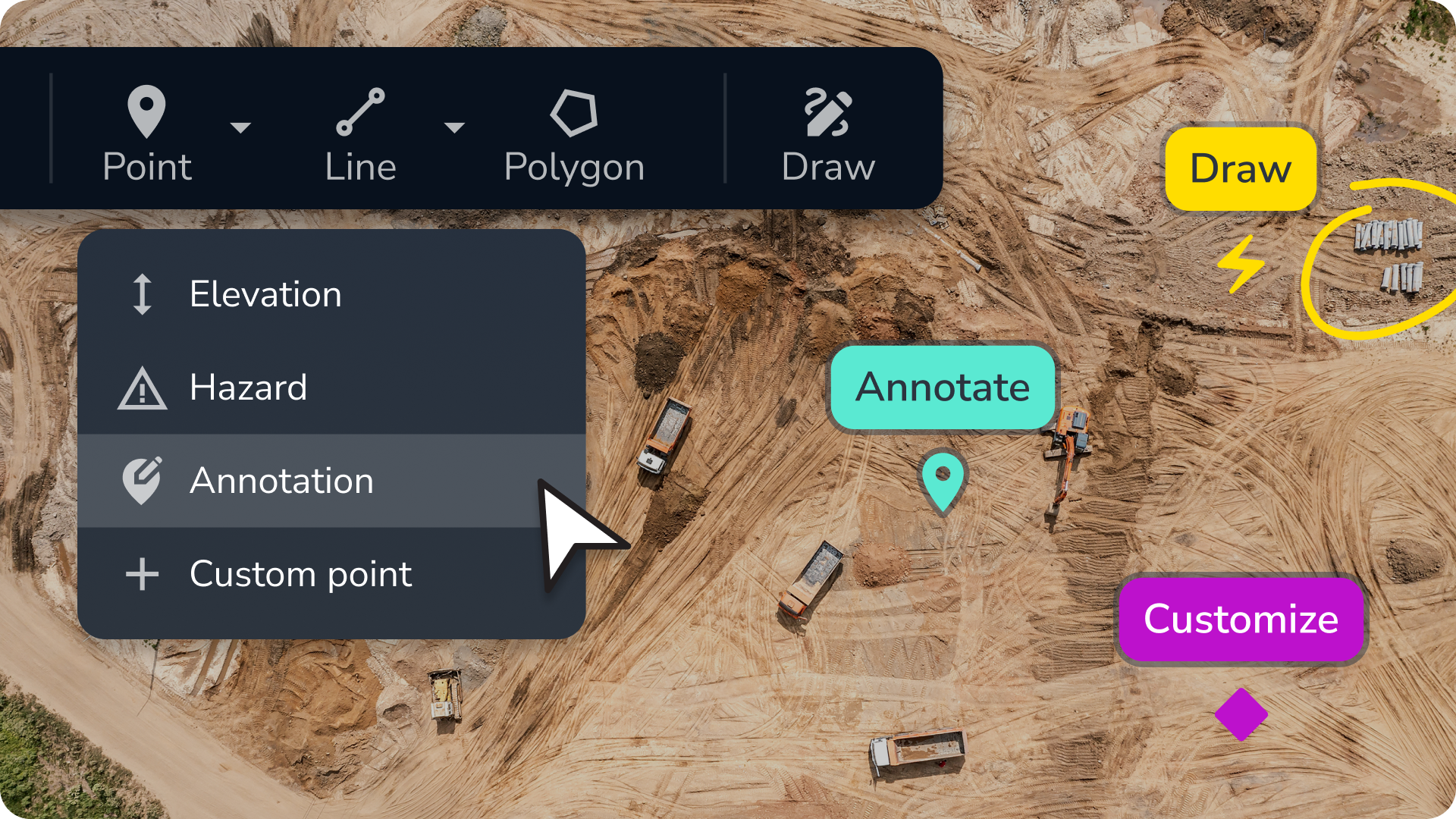
The power of all your data on a single platform
Why keep bouncing between construction management tools, waiting for someone to decipher surveys, or redoing work because of missing context when there’s a simpler alternative?
Build a holistic map with composite surveys
Most survey platforms force you to choose between drone or ground data—or at the very least, you have to manage them separately. Propeller lets you combine them. With composite site surveys, you can stitch together drone surveys, ground surveys, and other site data to build a complete picture of your worksite.
- Need to verify as-builts? Merge a ground topo with drone data and design files.
- Want to track trench progress? Combine historical drone flights into a seamless view, even if the trench was never open all at once.
- Sharing progress with stakeholders? Use a single interactive map that’s accessible from anywhere, not dozens of screenshots.
With composite surveys, you get a comprehensive overview of your site, helping you eliminate guesswork and giving everyone the data they need to make better decisions without all the back-and-forth.
Access site data anytime, anywhere
When your data isn’t tied to a single computer or software license, everyone can use it to make better decisions. With Propeller, you store and manage your data in the cloud for real-time communication between the office and the field, on mobile and desktop.
Track daily progress in real time
With all your site data flowing into a single map, live machine tracking goes even further. Track hourly material movement to keep projects on schedule, give operators live feedback to improve performance, and get automatic surface elevation updates as your crew works.