Welcome to the Site Survey Series (3/4)
Ready for Part Three in our four-part series on construction site data (and how to use it)? So far, we’ve covered the value of a centralized data hub and how drone and ground surveys work better together to give you an accurate picture of your worksite. This week, we’re putting it all together—literally—to cover composite surveys.
Sometimes, a single survey just doesn’t cut it. Maybe your drone flight only covered part of the site due to weather or time constraints. Maybe thick vegetation threw off your elevation data in some spots. Or maybe you’re working on a long, linear project like a road or pipeline, and capturing everything in one go just isn’t realistic.
Whatever the reason, an incomplete surface means incomplete measurements. And on most jobs, incomplete measurements can lead to inaccurate progress reports, delayed payouts, and costly rework.
Composite surveys are Propeller’s answer to the problem of fragmented site data.
Composites are integrated surveys that make it easy to combine multiple site surfaces into a single, reliable map. In this article, we’ll show you how to use them—and why they’re a game-changer for accuracy and collaboration.
What is a composite survey?
A composite site survey lets you combine two or more surveys—each captured at different times, using different methods and tools—into a single 3D surface in Propeller. It’s like fitting a puzzle together, where every piece combines to make the whole picture more accurate.
Using integrated site surveys called composites, you can combine the following data types:
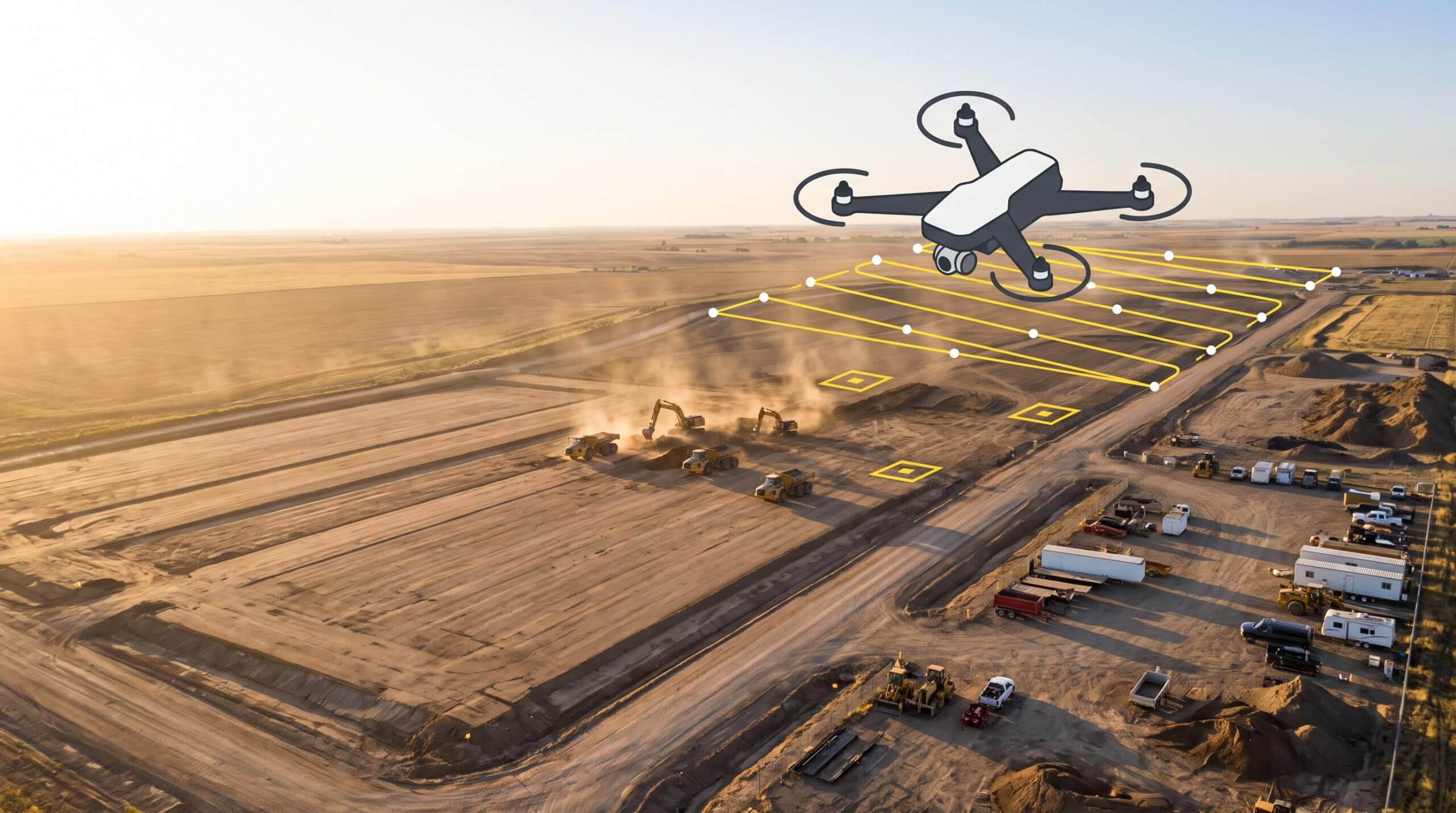
- Drone + drone: Combine two or more separate flights over the same project site
- Drone + ground: Combine aerial and ground surveys to patch a missed trench section or uncleared area with ground topo data
- Ground + ground: Combine multiple GPS rover or total station uploads
- Drone + lidar: Merge accurate lidar elevations with drone imagery.
TL;DR: Composites are a smarter way to see the full picture, especially on large, complex, or fast-changing sites.
When to build a composite survey
Composite surveys are especially useful when:
- You’re working on a long, linear project like a highway or utility trench and surveying in sections
- Your drone survey misses a section due to flight restrictions, vegetation, or water
- You have ground-based data from a GPS rover that’s more current or more accurate in a specific area
- You want to combine drone imagery and lidar data to analyze elevation and context in one place
- A ground-based topo or drone survey misses a portion of the site, and you need to fill in the gap
Instead of resurveying the entire site or juggling multiple maps, composites let you build a single, unified surface using the data you already have.
How Propeller makes it easy
Creating a composite in Propeller is straightforward, even if you’re not a survey expert. You’ll use the Survey Explorer tool (available under the Survey tab) to build and manage your composites.
Here’s how it works:
- Select the surveys you want to combine
- Click the Merge button and name your composite
- Crop your surveys to eliminate overlap or edge noise
- Preview your final surface, hit save, and start measuring
Click here for in-depth instructions on getting started with composite surveys
The result: A single surface that reflects the most complete and accurate view of your site, without ever opening CAD or manually incorporating files. Share your creation in just a few clicks, so your whole team can access your new and improved site map.
Why composites matter: Collaboration, efficiency, and confidence
Trust your data
When you’re measuring progress across multiple phases or pulling in data from a variety of sources, composites give you a measurable site surface you can actually trust. Whether you’re calculating material volumes for payment or proving progress to stakeholders, you’ll know the numbers are right because the whole site is accounted for.
Faster workflows + streamlined collaboration
Composites consolidate siloed datasets into a single, readable map. That means less back and forth between separate surfaces or softwares, and less confusion across teams. Instead of sending screenshots or explaining what’s missing, everyone just opens the same map and gets to work.
See the big picture
Want to track progress with site-wide measurements, but have survey data that’s only a piece of the puzzle? Conduct a quick ground survey to cover what’s changed and drop it into a composite with your last drone flight. Composites help you work smarter, so you can spend more time on the task at hand.